
This page is not an official page of the app or its developer, but an independent editorial publication created for informational and commentary purposes. Unless expressly stated otherwise, neither the app nor its developer is affiliated with, endorsed by, sponsored by, authorized by, or otherwise officially connected with MWM, Apple, Google Play, the app publisher, or the app's developer, and nothing on this page implies that the app was developed using MWM's services. Any trademarks, logos, screenshots, and other content remain the property of their respective owners.

Green Screener
Stop fighting with blotchy hair and green spill in post-production. Use the industry-standard banding visualization tool to identify lighting gaps and get Hollywood-quality results right on set.
Downloads
266K+User Rating
Total Ratings
100Publisher
Category
Photo & VideoLocales
1Latest Version
2.0.22Size
167.8 MBFirst Released
Feb 24, 2013Achieve Flawless Keys Every Time
Stop struggling with blotchy edges and green spill in post-production. Green Screener transforms your mobile device into a professional diagnostic tool to ensure your lighting is studio-perfect before you hit record.
Precision Lighting Visualization
Use our unique banding visualization to see uneven lighting that the naked eye misses, ensuring a perfectly smooth backdrop for crisp, professional edges.
Live Composite Preview
Import your backgrounds and preview your final composite live on set. Show directors and clients the finished look immediately to save hours of guesswork.
The following screenshots and description are sourced directly from the app's official store listing and are the property of the app developer.
App Store
Screenshots
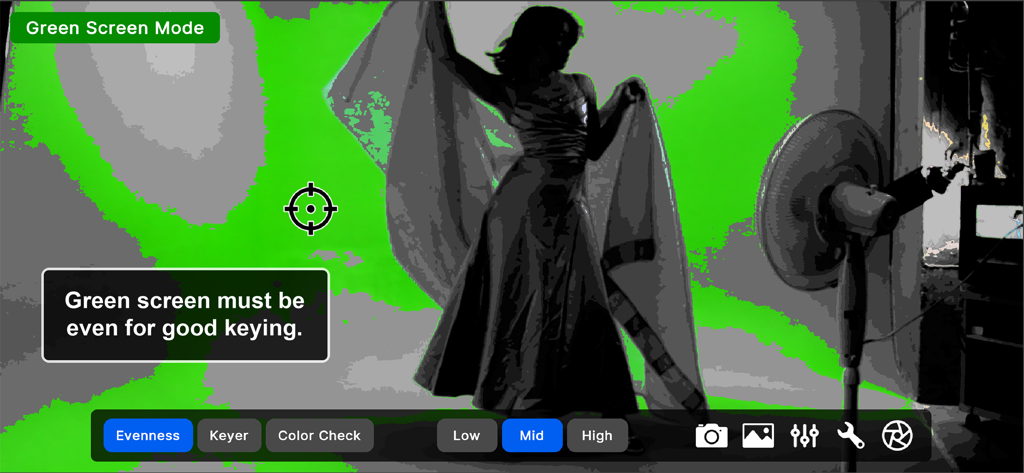
A screenshot of the Green Screener app showing banding visualization to help filmmakers achieve perfectly even lighting on a green screen backdrop
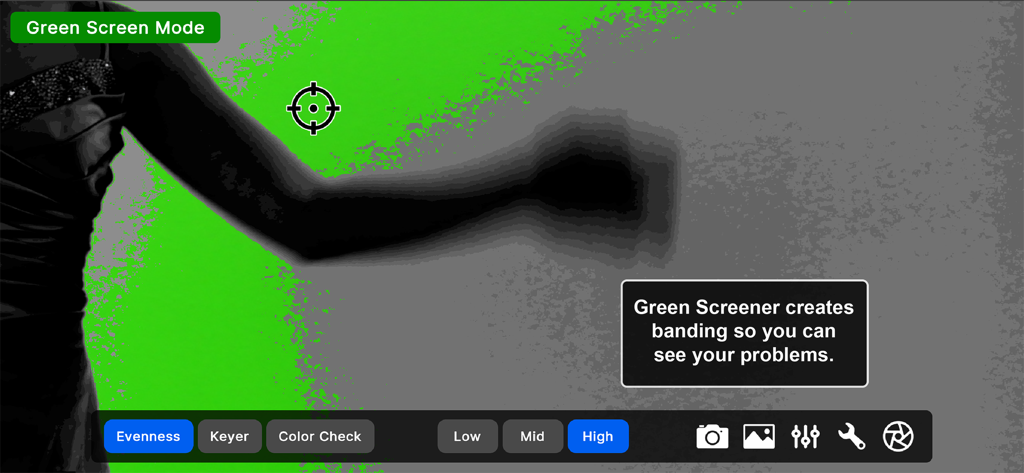
Green Screener app interface showing banding visualization to identify uneven green screen lighting.
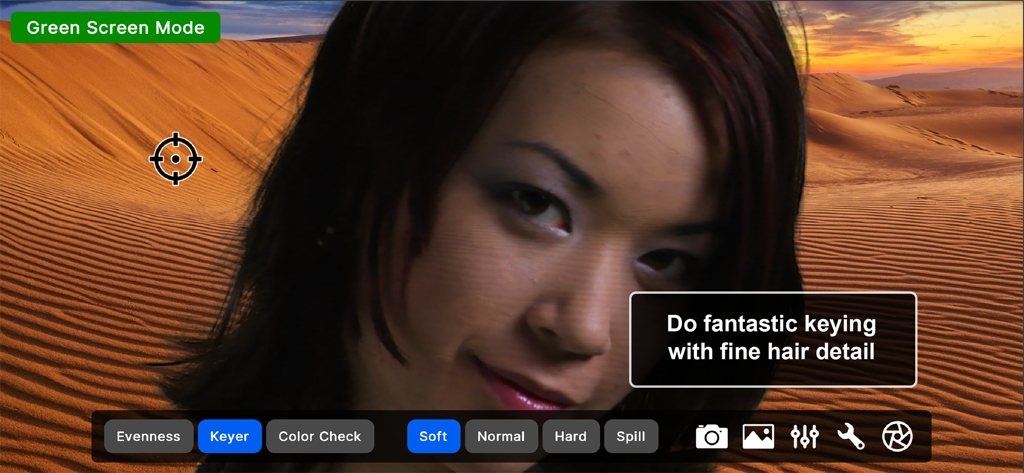
A woman's face keyed over a desert background showing professional hair detail in the Green Screener app.
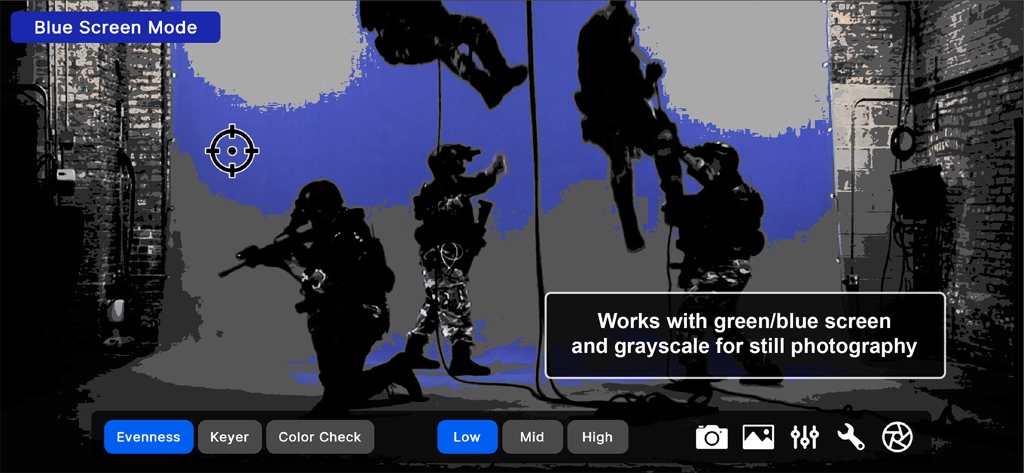
Green Screener app interface in Blue Screen Mode showing lighting evenness visualization on a professional film set
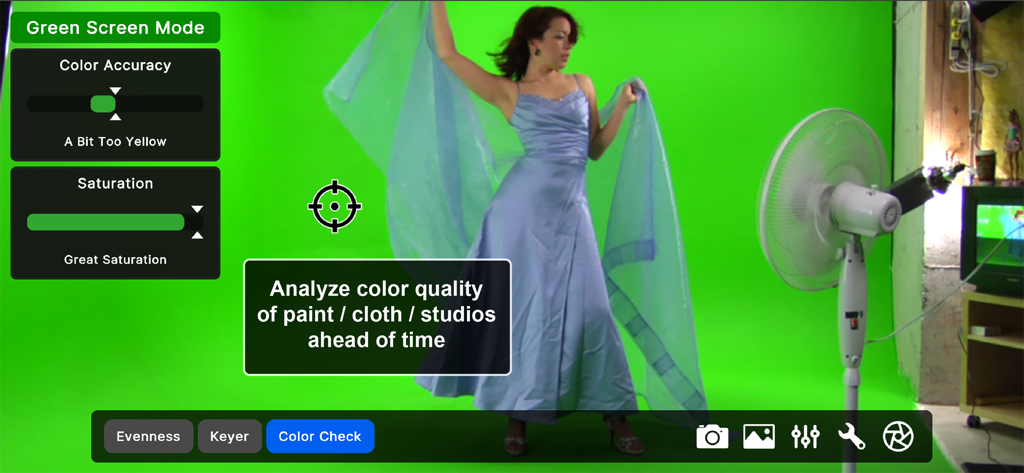
Green Screener app interface analyzing color accuracy and saturation for a green screen studio setup
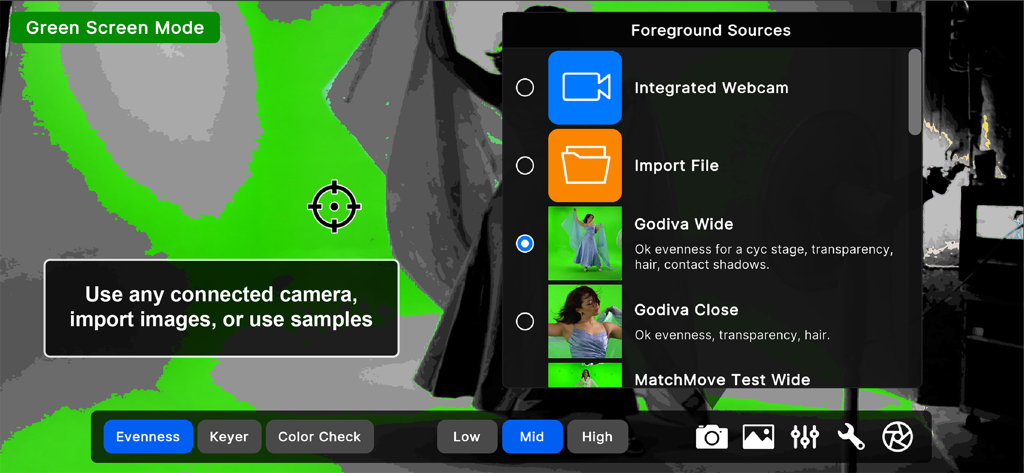
Green Screener app interface showing the foreground sources menu and green screen lighting visualization
Description
Download
More Like This
Top-ranked apps in the same category

CapCut: Photo & Video Editor
BYTEDANCE PTE. LTD.

Instagram, Inc.

YouTube
Google LLC

Canva: AI Photo & Video Editor
Canva Pty Ltd

Snapchat
Snap, Inc.

快手
Beijing Kwai Technology Co., Ltd.

Edits: Video Editor
Instagram, Inc.

Meitu- AI Photo & Video Editor
Xiamen Meitu Technology Co., Ltd.

Google Photos: Backup & Edit
Google LLC
This page is not an official page of the app or its developer, but an independent editorial publication created for informational and commentary purposes. Unless expressly stated otherwise, neither the app nor its developer is affiliated with, endorsed by, sponsored by, authorized by, or otherwise officially connected with MWM, Apple, Google Play, the app publisher, or the app's developer, and nothing on this page implies that the app was developed using MWM's services. Any trademarks, logos, screenshots, and other content remain the property of their respective owners.