
This page is not an official page of the app or its developer, but an independent editorial publication created for informational and commentary purposes. Unless expressly stated otherwise, neither the app nor its developer is affiliated with, endorsed by, sponsored by, authorized by, or otherwise officially connected with MWM, Apple, Google Play, the app publisher, or the app's developer, and nothing on this page implies that the app was developed using MWM's services. Any trademarks, logos, screenshots, and other content remain the property of their respective owners.

Habit Tracker Counter: CountIt
The minimalist, one-tap counter built for your daily rituals. Monitor your progress with home screen widgets, beautiful heat maps, and 100% privacy—no ads, no accounts, just your data.
Downloads
0User Rating
Total Ratings
0Publisher
Category
ProductivityLocales
8Latest Version
5.0Size
64.2 MBFirst Released
Nov 7, 2024Master Your Habits with Ease
Count and track anything in your day with a single tap. CountIt is the minimalist tool designed for speed, privacy, and meaningful progress.
Instant One-Tap Logging
Log habits in seconds using Home Screen widgets and Siri Shortcuts. Capture every action without even unlocking your phone.
Visualize Your Progress
Transform your daily data into beautiful heat maps and charts. Understand your patterns and stay motivated with visual streaks.
The following screenshots and description are sourced directly from the app's official store listing and are the property of the app developer.
App Store
Screenshots
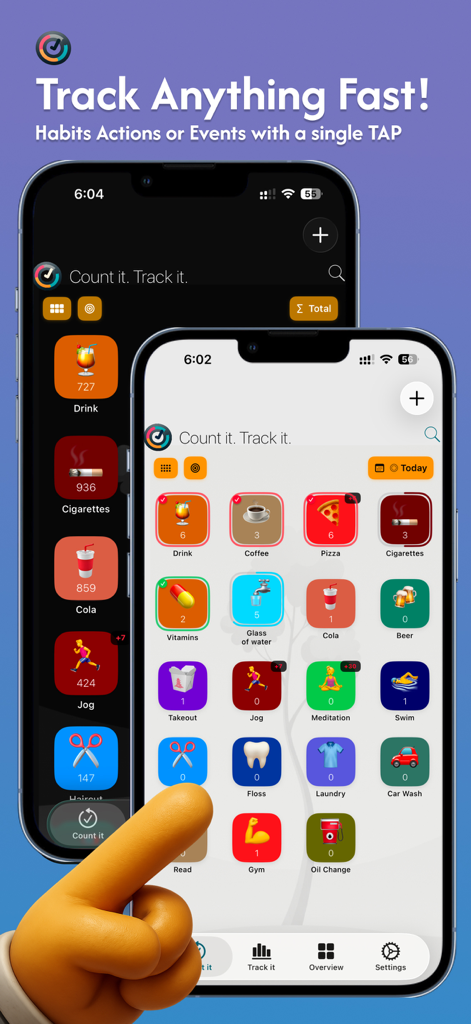
CountIt app interface on two iPhones showing a grid of colorful habit icons with a hand tapping to log an activity
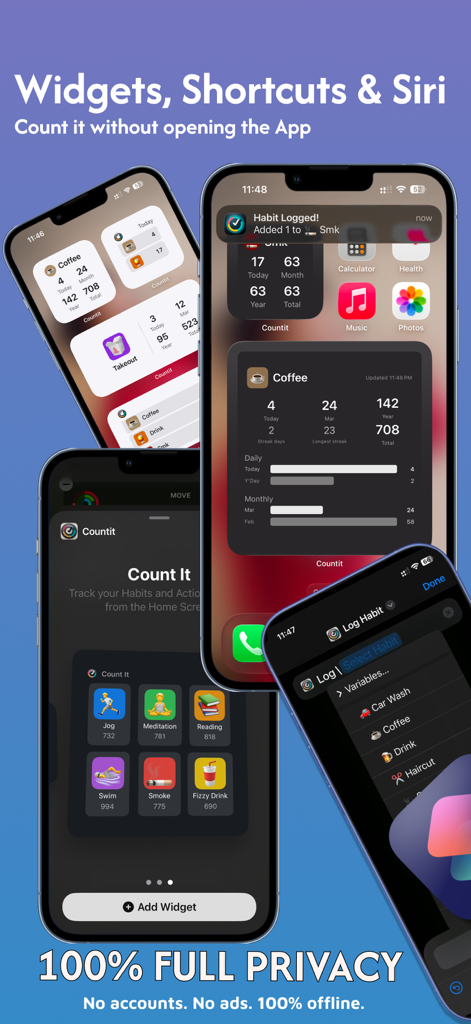
Habit Tracker CountIt showing iOS home screen widgets and Siri shortcuts for private habit logging
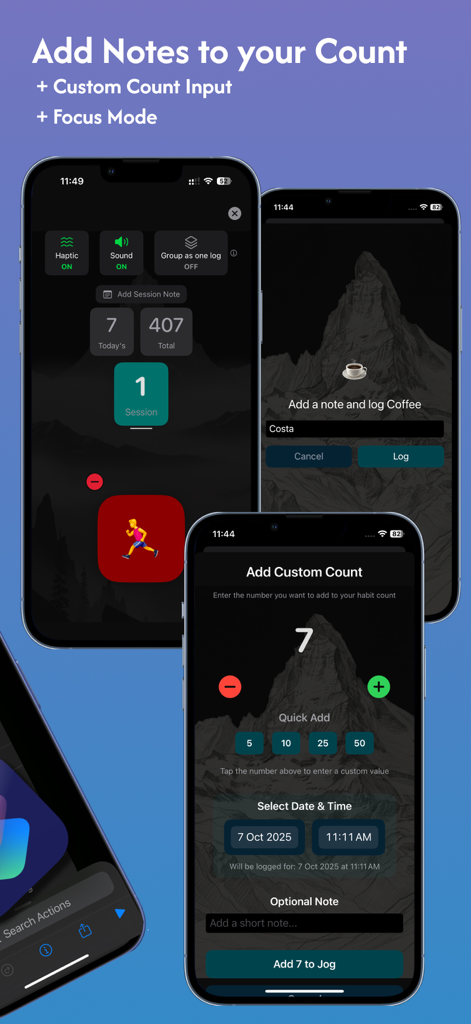
Interface of Habit Tracker Counter CountIt showing how to add notes and custom count inputs for tracking habits.
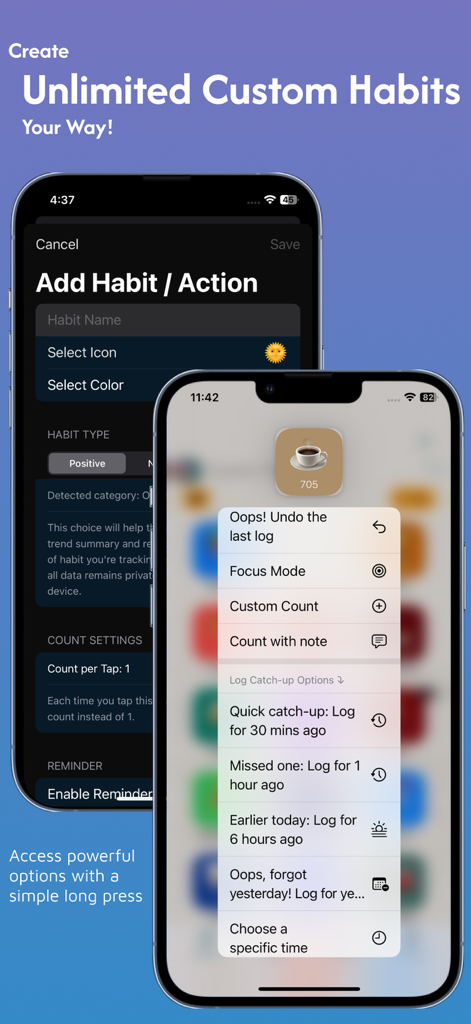
CountIt app interface for creating custom habits and using long press for quick logging options
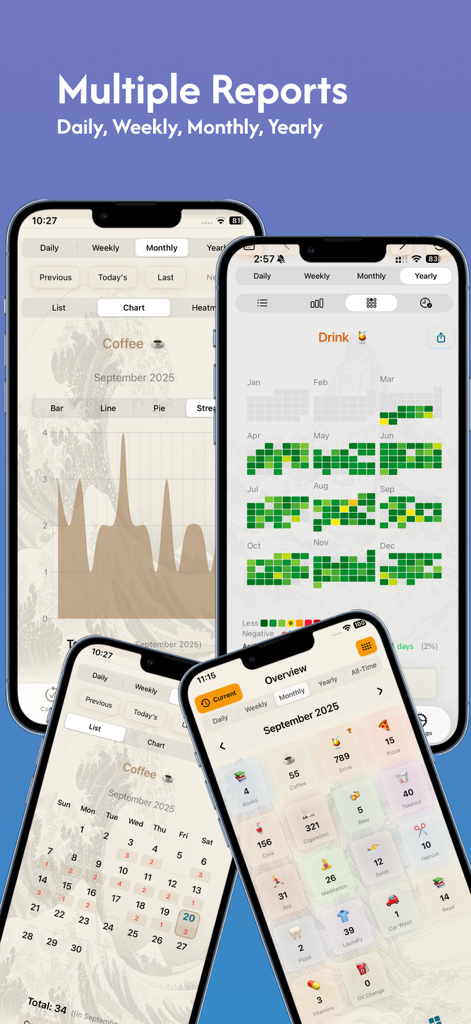
Mobile app screens showing habit tracking reports with charts heat maps and calendars
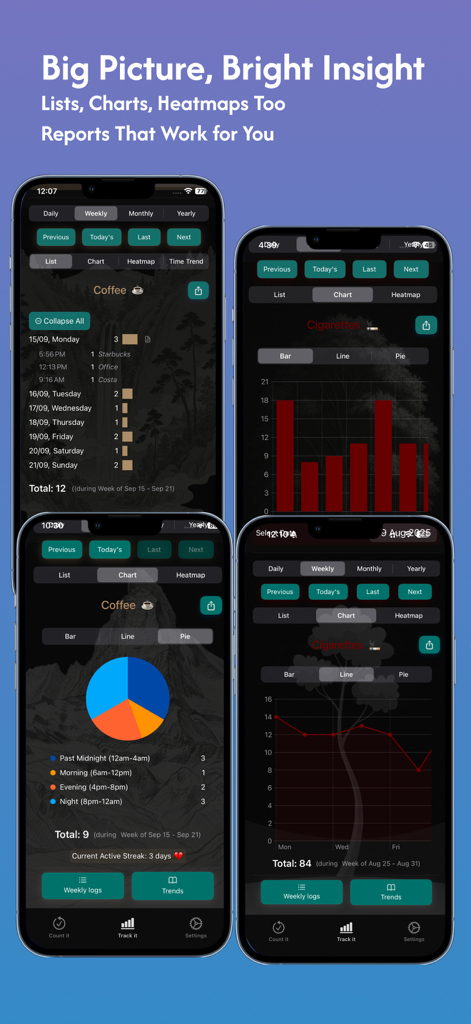
CountIt app screens showing habit tracking data through charts and lists
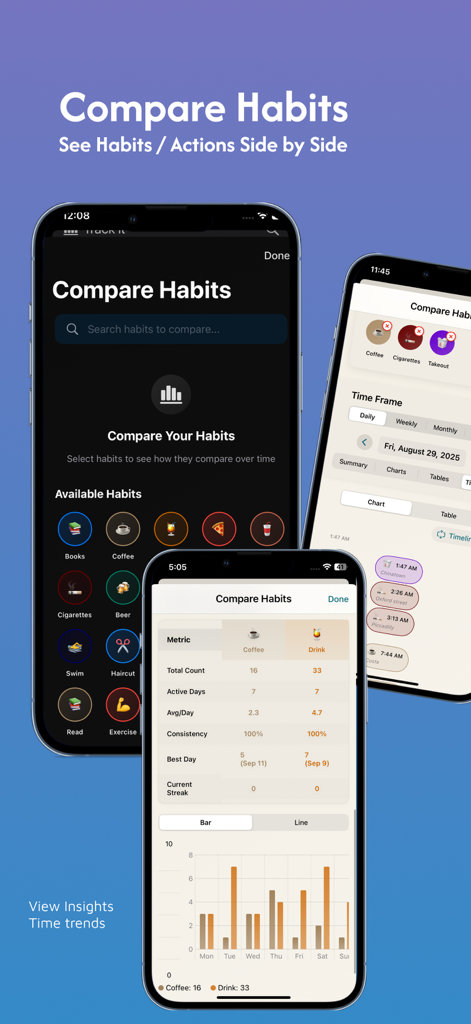
Habit Tracker CountIt app showing side by side habit comparison with charts and performance metrics
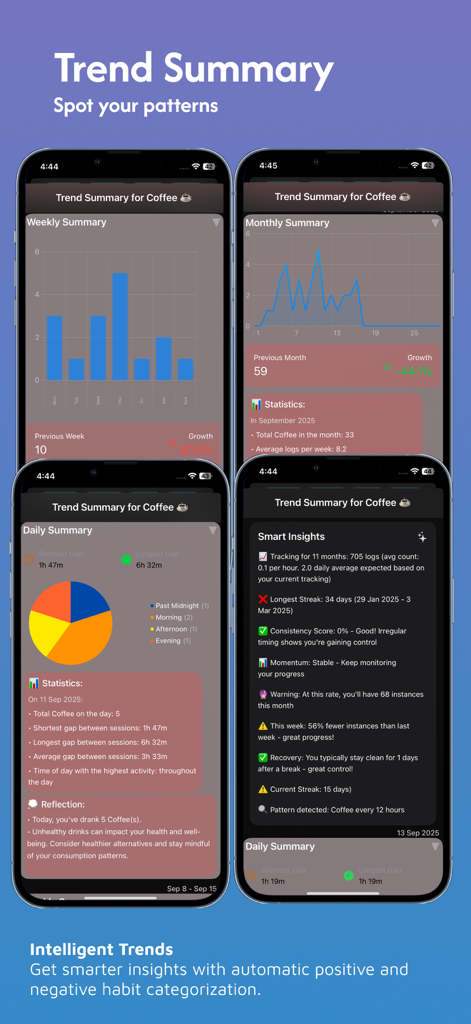
Four smartphone screens displaying habit tracking trends for coffee consumption with bar charts, line graphs, pie charts, and smart data insights.
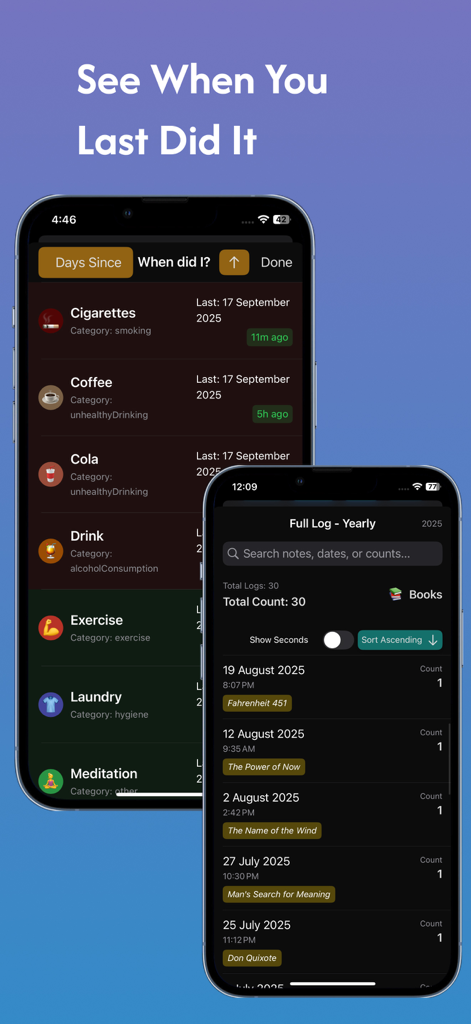
Interface of CountIt app showing the last time habits were completed and a yearly activity log.
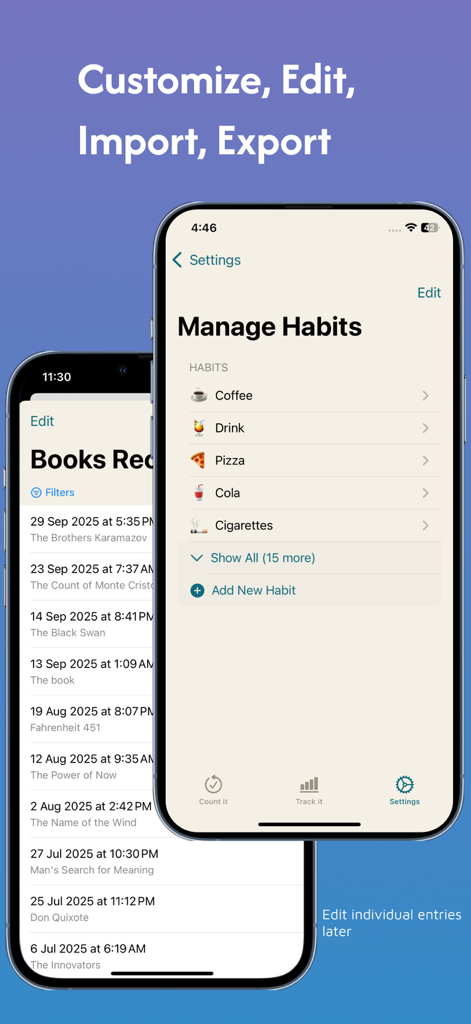
The manage habits settings screen in the CountIt app showing a list of items like coffee and cigarettes alongside a history log.
Description
Download
More Like This
Top-ranked apps in the same category

ChatGPT
OpenAI OpCo, LLC

Google Gemini
Google LLC

Claude by Anthropic
Anthropic PBC

Gmail - Email by Google
Google LLC

千问 - 阿里最强大模型官方AI助手
Shanghai Zhixin Puhui Technology Co., Ltd.

Grok - AI Chat & Video
X.AI Corporation

Google Drive
Google LLC

Microsoft Authenticator
Microsoft Corporation

Google Sheets
Google LLC
This page is not an official page of the app or its developer, but an independent editorial publication created for informational and commentary purposes. Unless expressly stated otherwise, neither the app nor its developer is affiliated with, endorsed by, sponsored by, authorized by, or otherwise officially connected with MWM, Apple, Google Play, the app publisher, or the app's developer, and nothing on this page implies that the app was developed using MWM's services. Any trademarks, logos, screenshots, and other content remain the property of their respective owners.