
This page is not an official page of the app or its developer, but an independent editorial publication created for informational and commentary purposes. Unless expressly stated otherwise, neither the app nor its developer is affiliated with, endorsed by, sponsored by, authorized by, or otherwise officially connected with MWM, Apple, Google Play, the app publisher, or the app's developer, and nothing on this page implies that the app was developed using MWM's services. Any trademarks, logos, screenshots, and other content remain the property of their respective owners.


HandBrake - Video Compressor
Stop letting "Storage Full" alerts slow you down. Shrink 4K videos without losing a single detail, convert formats instantly, and optimize your content for social media with the legendary power of HandBrake.
Downloads
1K+User Rating
Total Ratings
0Publisher
Category
UtilitiesLocales
2Latest Version
1.3.1Size
77.9 MBFirst Released
Aug 22, 2025Master Your Mobile Video Workflow
From saving storage to creating viral content, get professional-grade tools designed for the modern creator and the storage-conscious user.
Smart Lossless Compression
Shrink massive 4K files by up to 90% without losing a single pixel of quality. Finally, say goodbye to 'Storage Full' notifications.
Universal Format Conversion
Bridge the gap between iOS and other platforms. Instantly convert videos for seamless sharing on Discord, WhatsApp, and Slack.
The following screenshots and description are sourced directly from the app's official store listing and are the property of the app developer.
App Store
Screenshots
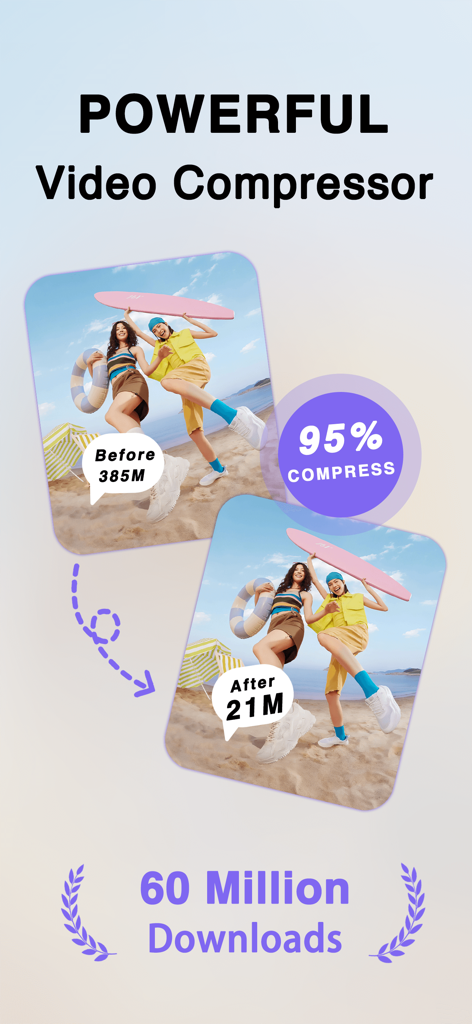
A comparison showing a video file size reduction from 385MB to 21MB using the HandBrake video compressor app
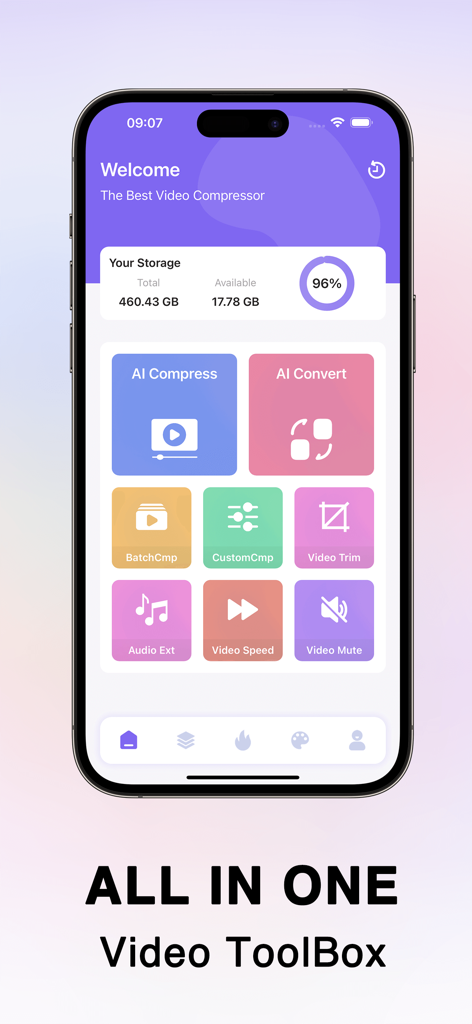
Interface of the HandBrake Video Compressor app showing tools for AI compression, conversion, and storage management on an iPhone screen
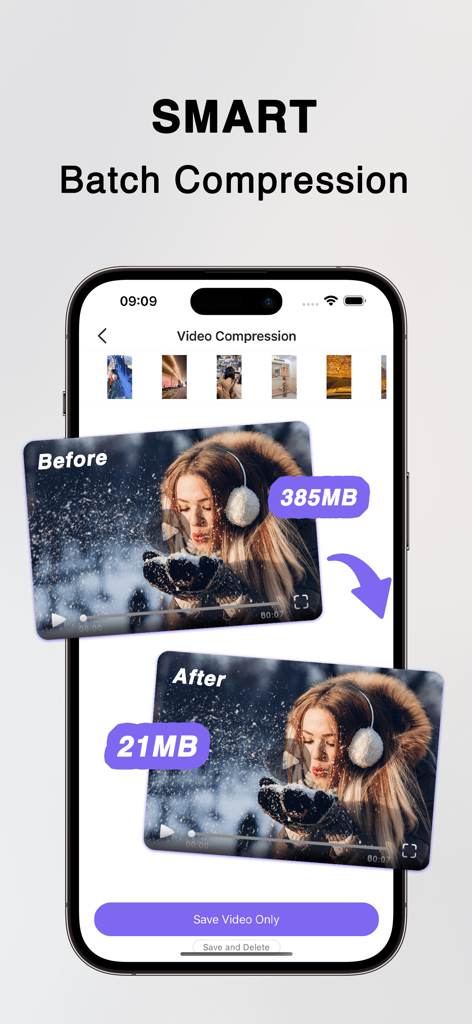
iPhone screen showing a video file being compressed from 385MB to 21MB using smart batch technology
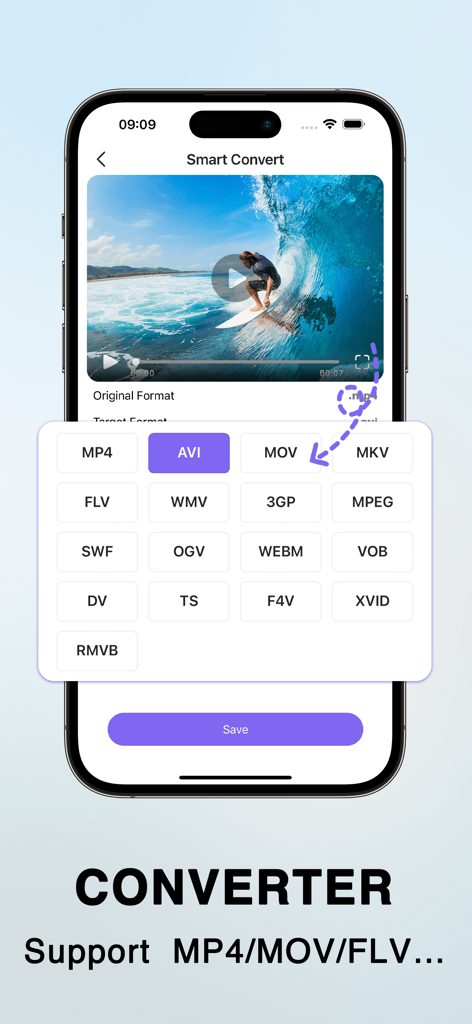
Mobile app interface showing video conversion options for formats like MP4 AVI and MOV
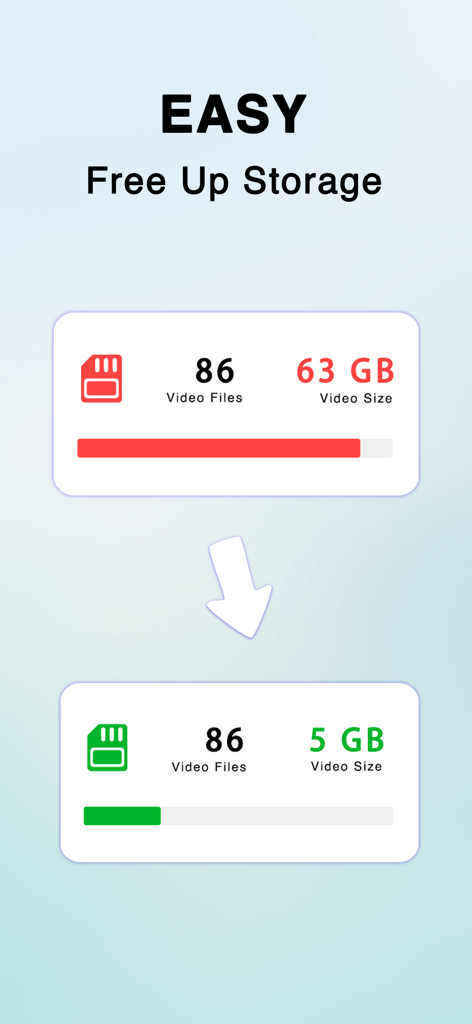
Before and after comparison graphic showing video storage usage reduced from 63 GB to 5 GB

An iPhone screen displaying the HandBrake app video trim interface with a girl on roller skates at a skate park.
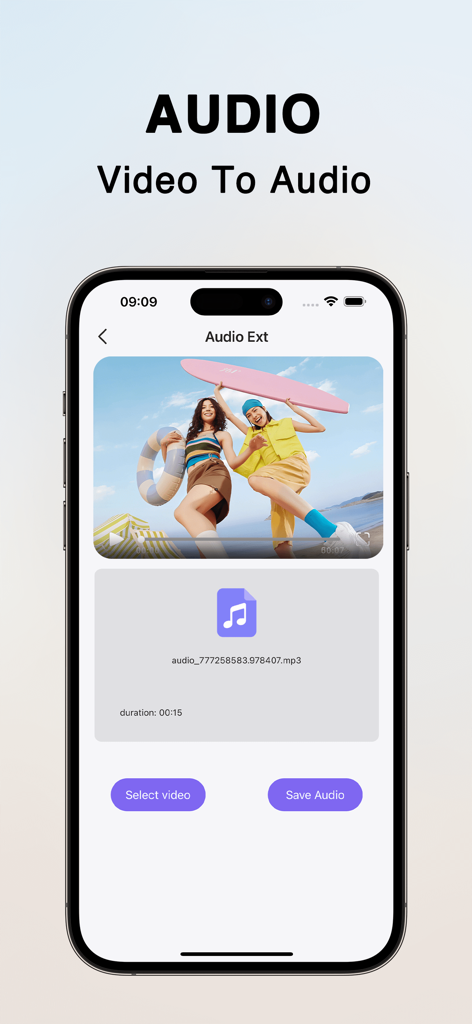
HandBrake app interface showing the video to audio extraction tool on an iPhone
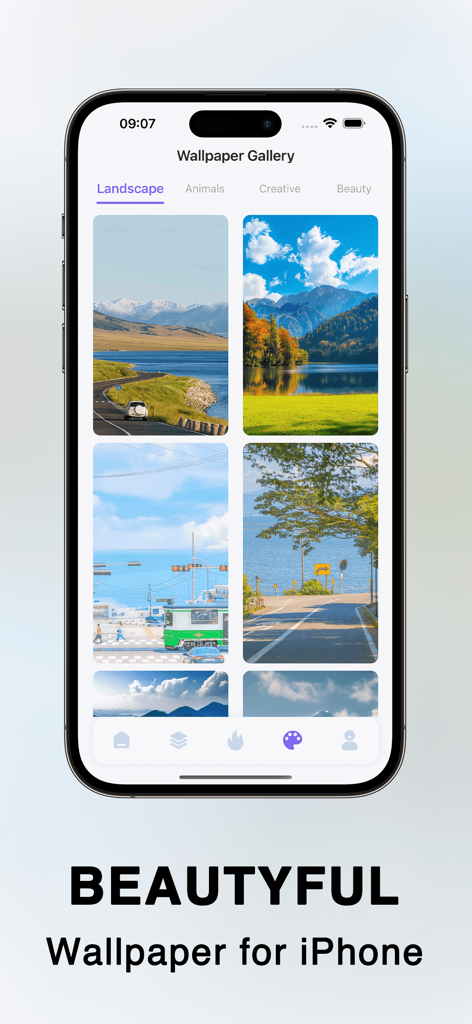
An iPhone screen displaying a gallery of beautiful landscape wallpapers with nature scenes
Description
Download
More Like This
Top-ranked apps in the same category

Google LLC

Google Chrome
Google LLC

中国移动(手机营业厅)
China Mobile Online Services Co., Ltd.

Google Authenticator
Google LLC

CNH do Brasil
Servicos e Informacoes do Brasil

Cleanup: Phone Storage Cleaner
DEEP FLOW SOFTWARE SERVICES - FZCO

gov.br
Servicos e Informacoes do Brasil

中国电信-全国统一官方服务平台
CHINA TELECOM Corporation Ltd.

Microsoft Edge: AI Browser
Microsoft Corporation
This page is not an official page of the app or its developer, but an independent editorial publication created for informational and commentary purposes. Unless expressly stated otherwise, neither the app nor its developer is affiliated with, endorsed by, sponsored by, authorized by, or otherwise officially connected with MWM, Apple, Google Play, the app publisher, or the app's developer, and nothing on this page implies that the app was developed using MWM's services. Any trademarks, logos, screenshots, and other content remain the property of their respective owners.