
This page is not an official page of the app or its developer, but an independent editorial publication created for informational and commentary purposes. Unless expressly stated otherwise, neither the app nor its developer is affiliated with, endorsed by, sponsored by, authorized by, or otherwise officially connected with MWM, Apple, Google Play, the app publisher, or the app's developer, and nothing on this page implies that the app was developed using MWM's services. Any trademarks, logos, screenshots, and other content remain the property of their respective owners.


HapticCode
Visually design, preview, and export rich Core Haptics patterns with a professional timeline editor. Elevate your app’s UX with precision tactile feedback and integrate instantly with Swift code export.
Downloads
100User Rating
Total Ratings
0Publisher
Category
Developer ToolsLocales
1Latest Version
1.0Size
3.8 MBFirst Released
Jul 1, 2025Build 5-Star Tactile Experiences
Empower your development workflow with professional-grade tools to design, test, and integrate custom Core Haptics in seconds.
Visual Timeline Editor
Craft complex haptic patterns with a precision interface. Adjust intensity and sharpness on a live waveform to achieve the perfect feel.
Developer-Ready Export
Skip the manual coding. Export your creations directly as production-ready Swift code or JSON for seamless integration into Xcode.
The following screenshots and description are sourced directly from the app's official store listing and are the property of the app developer.
App Store
Screenshots
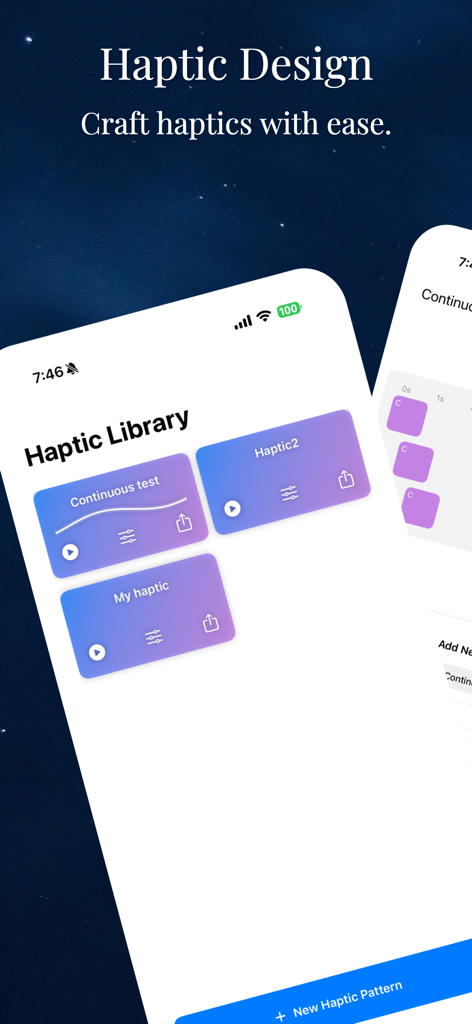
Haptic Library dashboard in the HapticCode app displaying saved haptic patterns for iOS developers.
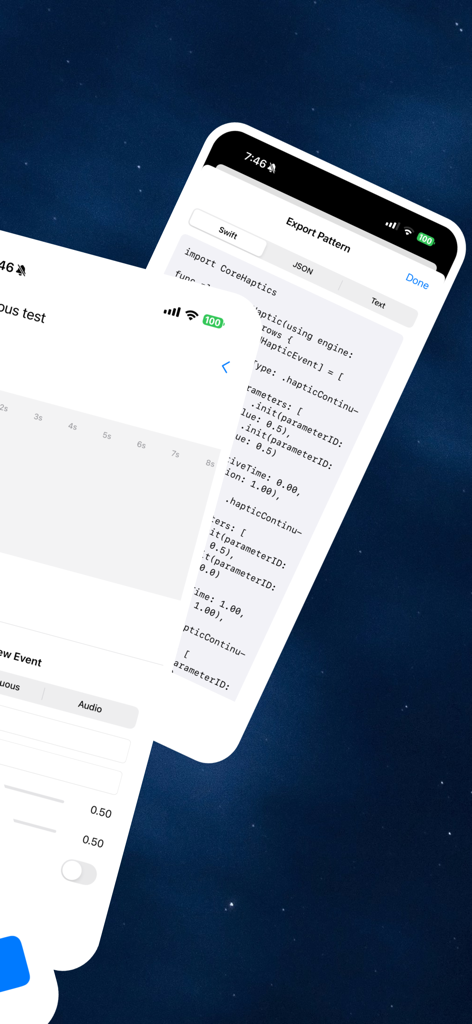
HapticCode app interface displaying haptic pattern export options and Swift code
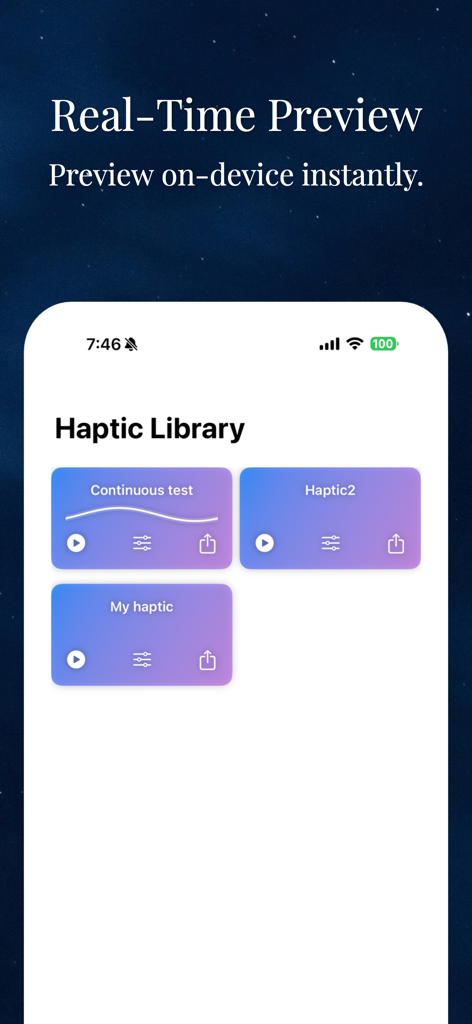
Haptic Library interface in HapticCode app for real-time pattern previewing
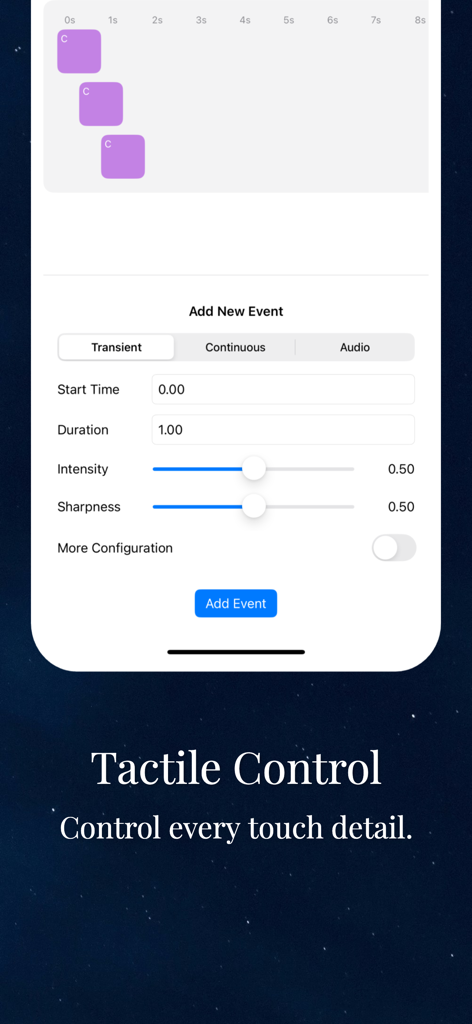
HapticCode mobile app interface for editing haptic event parameters like intensity and sharpness
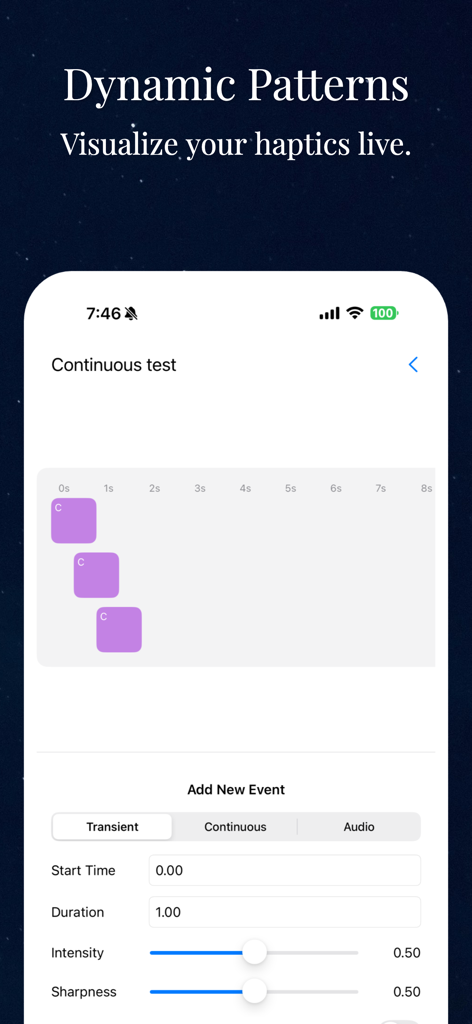
HapticCode app interface showing the dynamic haptic pattern timeline and event controls for intensity and sharpness.
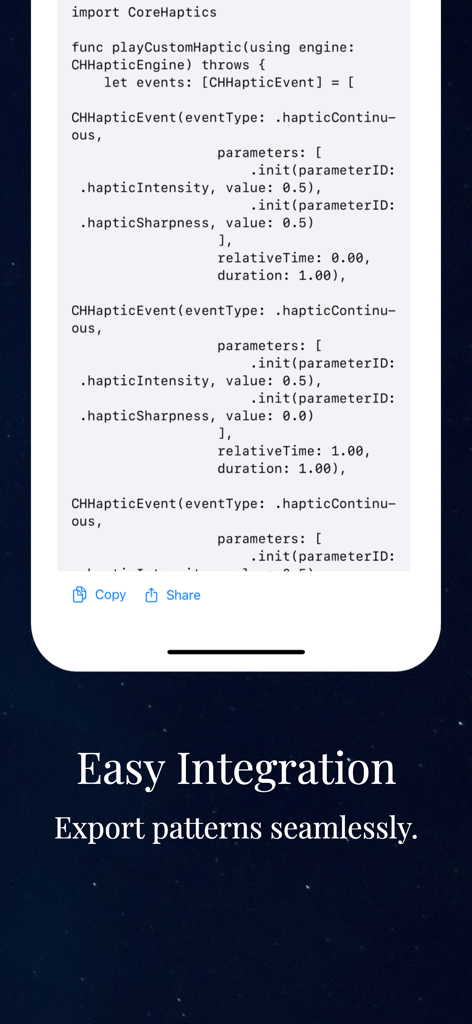
Swift code snippet in HapticCode showing a custom haptic function for easy integration into Xcode projects.
Description
Download
More Like This
Top-ranked apps in the same category

TestFlight
Apple Inc.

Replit: Vibe Code Apps
Replit, Inc

GitHub
GitHub

O-KAM Pro
Shenzhen VeePai IoT Intelligent Technology LLC

Apple Developer
Apple Inc.

Expo Go
650 Industries, Inc.

Scriptable
Simon Stovring

App Store Connect
Apple Inc.

Sekai: Create · Remix · Play
Versa AI, Inc.
This page is not an official page of the app or its developer, but an independent editorial publication created for informational and commentary purposes. Unless expressly stated otherwise, neither the app nor its developer is affiliated with, endorsed by, sponsored by, authorized by, or otherwise officially connected with MWM, Apple, Google Play, the app publisher, or the app's developer, and nothing on this page implies that the app was developed using MWM's services. Any trademarks, logos, screenshots, and other content remain the property of their respective owners.