
This page is not an official page of the app or its developer, but an independent editorial publication created for informational and commentary purposes. Unless expressly stated otherwise, neither the app nor its developer is affiliated with, endorsed by, sponsored by, authorized by, or otherwise officially connected with MWM, Apple, Google Play, the app publisher, or the app's developer, and nothing on this page implies that the app was developed using MWM's services. Any trademarks, logos, screenshots, and other content remain the property of their respective owners.


HDMI Input
Unlock the full potential of your Retina display. Whether you're gaming on your Switch, monitoring your camera feed, or expanding your workspace, get a crystal-clear HDMI connection anywhere with just a capture card.
Downloads
200User Rating
Total Ratings
0Publisher
Category
Photo & VideoLocales
1Latest Version
1.0Size
0.5 MBFirst Released
Feb 26, 2025Elevate Your Screen Experience
Stop letting your iPad's world-class display go to waste. Transform it into a versatile, high-definition monitor for your consoles, cameras, and computers with a single connection.
The Ultimate Gaming Travel Kit
Connect your Nintendo Switch, Steam Deck, or PlayStation to your iPad for a premium gaming experience on flights, in hotels, or at coffee shops.
Pro-Grade Camera Monitoring
Turn your iPad into a massive, color-accurate field monitor for your DSLR or mirrorless camera, saving you hundreds compared to dedicated hardware.
Frequently Asked Questions
Everything you need to know about HDMI Input
What does the HDMI Input app do?
The HDMI Input app transforms your iPad or iPhone into an HDMI monitor. It automatically detects the HDMI input and adjusts its resolution for display.
Does the HDMI Input app require an adapter?
Yes, the HDMI Input app requires an HDMI to USB adapter. This device is also known as an HDMI Capture Card or Video Capture Card.
What type of adapter is compatible with the HDMI Input app?
The HDMI Input app is compatible with an HDMI to USB adapter, specifically a device known as an HDMI Capture Card or Video Capture Card.
How does the HDMI Input app handle resolution adjustments?
The HDMI Input app automatically detects the HDMI input signal. It then adjusts the resolution to ensure proper display on your iPad or iPhone.
What message does the HDMI Input app show without a connection?
Without a connected HDMI source, the HDMI Input app displays the message "HDMI Not Connected." This indicates the absence of an input signal.
Why does the HDMI Input app need camera access?
The HDMI Input app needs camera access to interface with your external HDMI capturing device. This permission allows the app to receive the video stream from the capture card.
The following screenshots and description are sourced directly from the app's official store listing and are the property of the app developer.
App Store
Screenshots
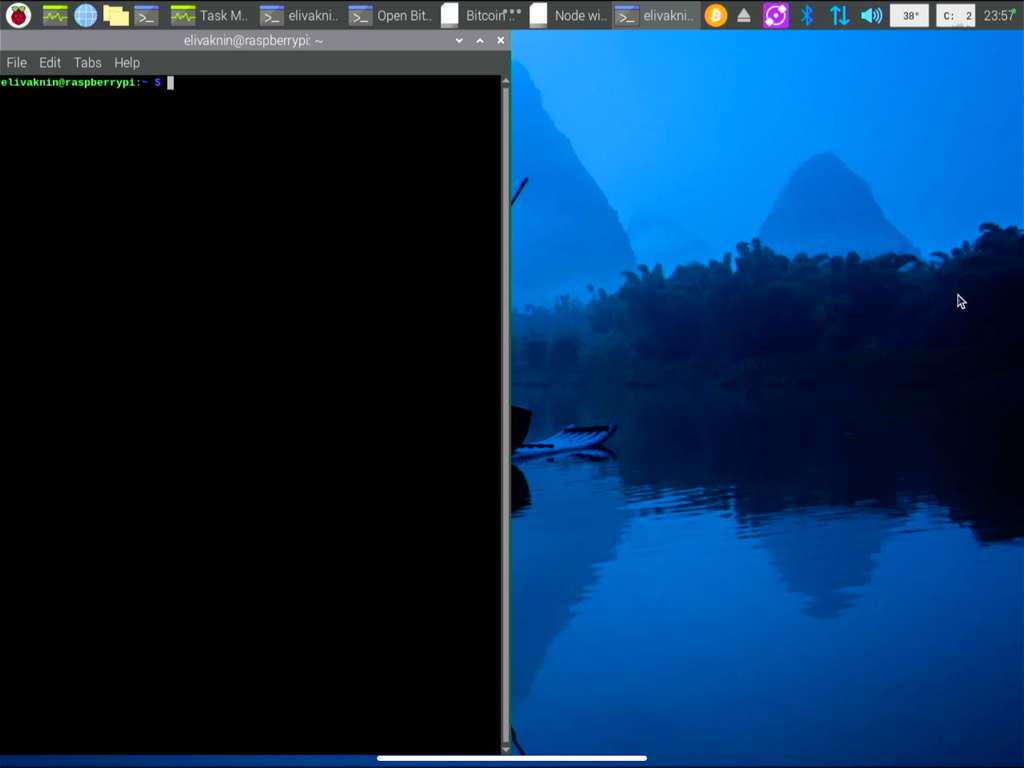
iPad used as an HDMI monitor for a Raspberry Pi terminal
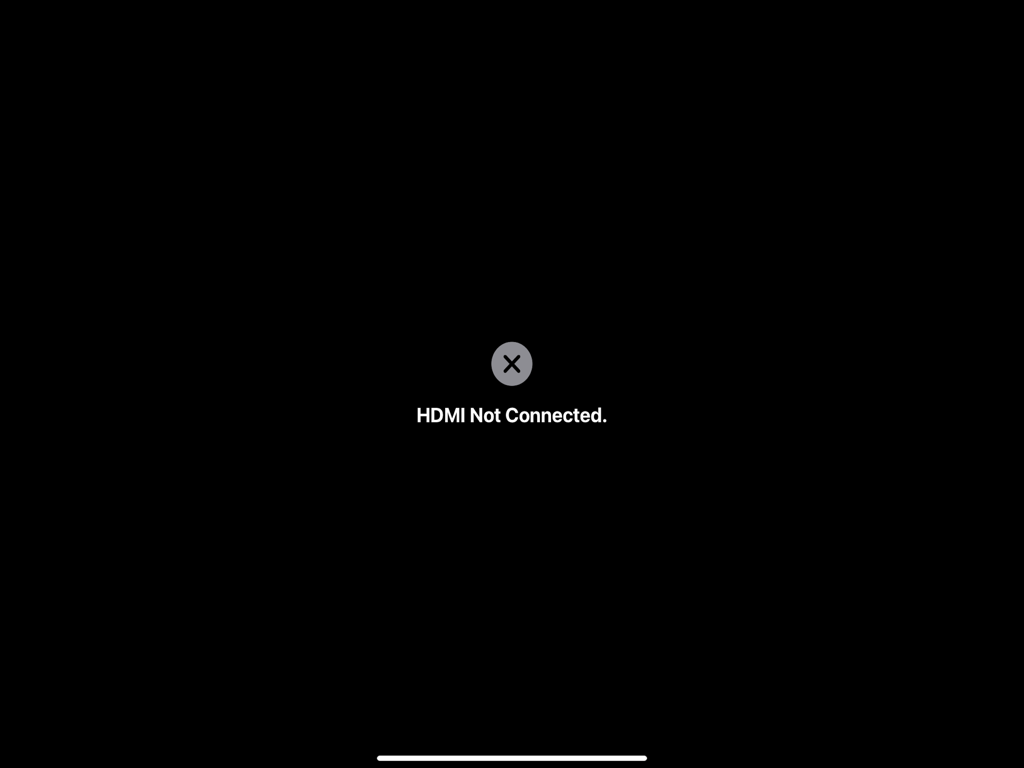
HDMI Input app showing HDMI Not Connected notification
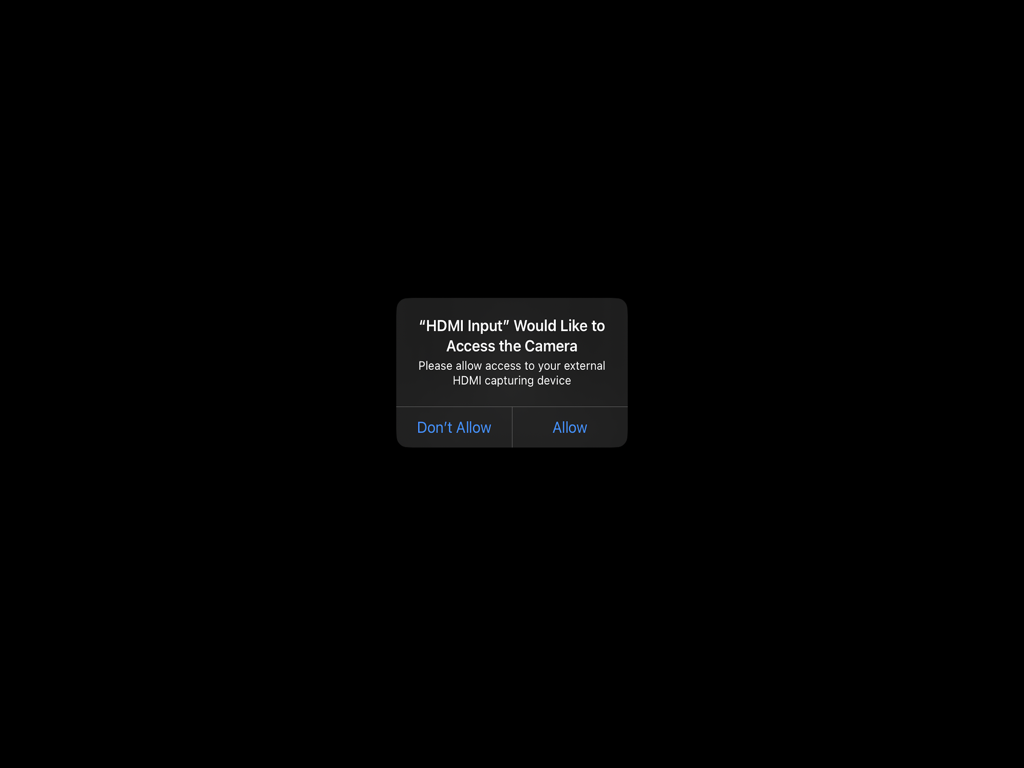
iOS system dialog asking for camera access for the HDMI Input app to connect an external capturing device
Description
Download
More Like This
Top-ranked apps in the same category

CapCut: Photo & Video Editor
BYTEDANCE PTE. LTD.

Instagram, Inc.

YouTube
Google LLC

Canva: AI Photo & Video Editor
Canva Pty Ltd

Snapchat
Snap, Inc.

快手
Beijing Kwai Technology Co., Ltd.

Edits: Video Editor
Instagram, Inc.

Meitu- AI Photo & Video Editor
Xiamen Meitu Technology Co., Ltd.

Google Photos: Backup & Edit
Google LLC
This page is not an official page of the app or its developer, but an independent editorial publication created for informational and commentary purposes. Unless expressly stated otherwise, neither the app nor its developer is affiliated with, endorsed by, sponsored by, authorized by, or otherwise officially connected with MWM, Apple, Google Play, the app publisher, or the app's developer, and nothing on this page implies that the app was developed using MWM's services. Any trademarks, logos, screenshots, and other content remain the property of their respective owners.