HDMI Monitor - Orion

HDMI Monitor - Orion

Download on App Store
Logo of HDMI Monitor - Orion

HDMI Monitor - Orion: The professional portable display you already own.

Transform your iPad into a high-performance field monitor for your camera, a mobile screen for your gaming console, or a second display for your Mac. No ads, no tracking—just pure utility on the world's best mobile screen.

Publisher

Lux Optics Incorporated

Category

Utilities

Downloads

312K+

User Rating

4.1/5

Total Ratings

2K+

Locales

1

Your iPad, Elevated

Discover the interface used by 312K+ users.
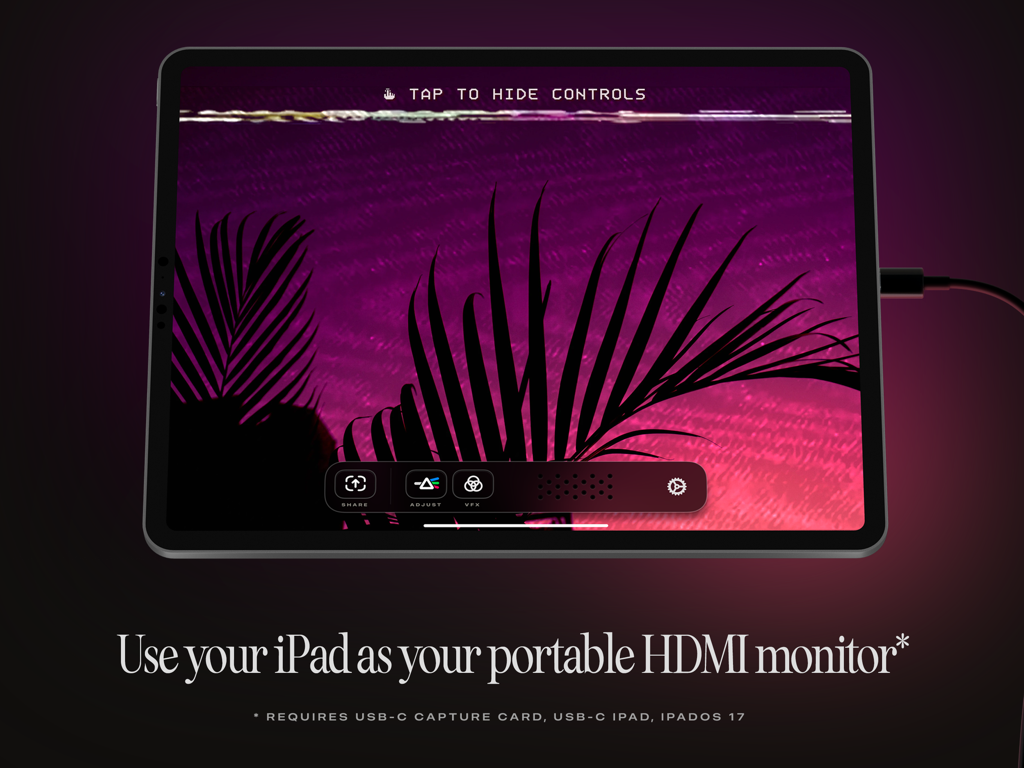
An iPad displaying a purple landscape while being used as a portable HDMI monitor with the Orion app.

An iPad displaying a purple landscape while being used as a portable HDMI monitor with the Orion app.

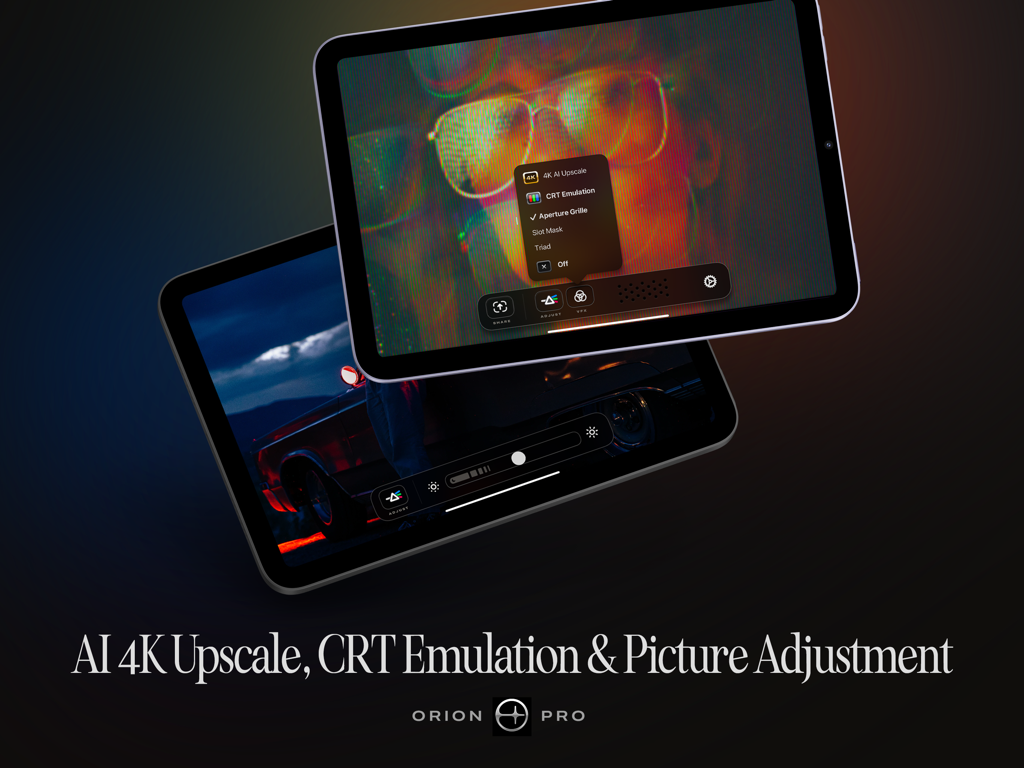
Orion Pro features on iPad including AI 4K upscale and CRT emulation

Orion Pro features on iPad including AI 4K upscale and CRT emulation

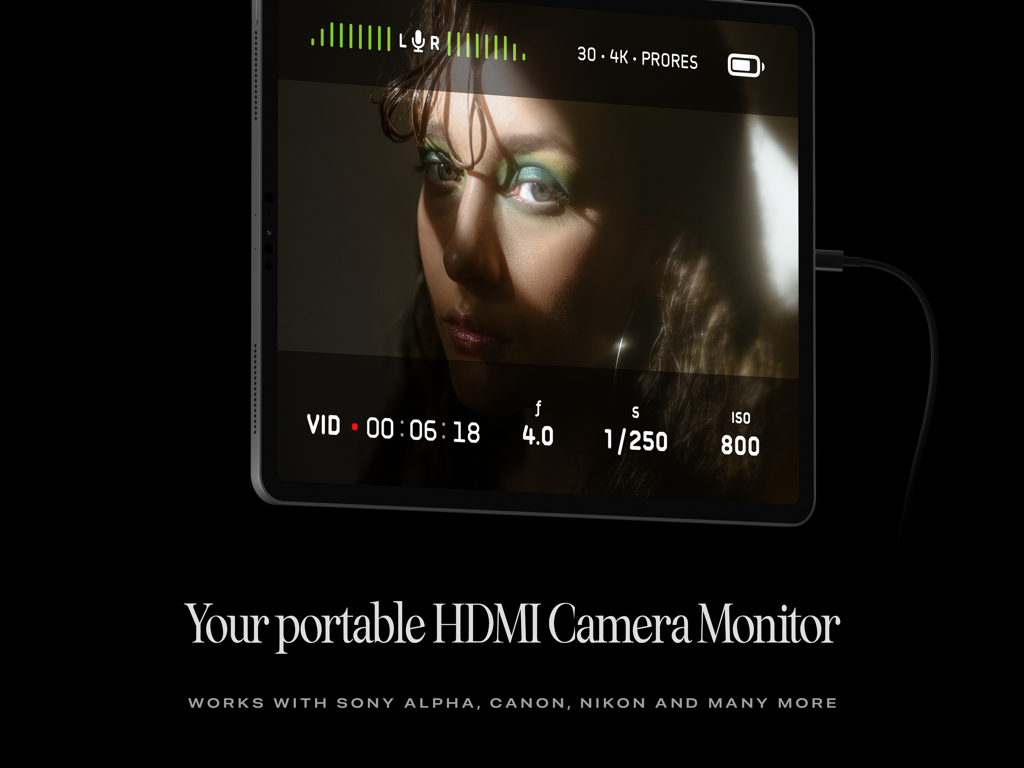
iPad used as a portable HDMI camera monitor with the Orion app showing a video feed and recording settings.

iPad used as a portable HDMI camera monitor with the Orion app showing a video feed and recording settings.

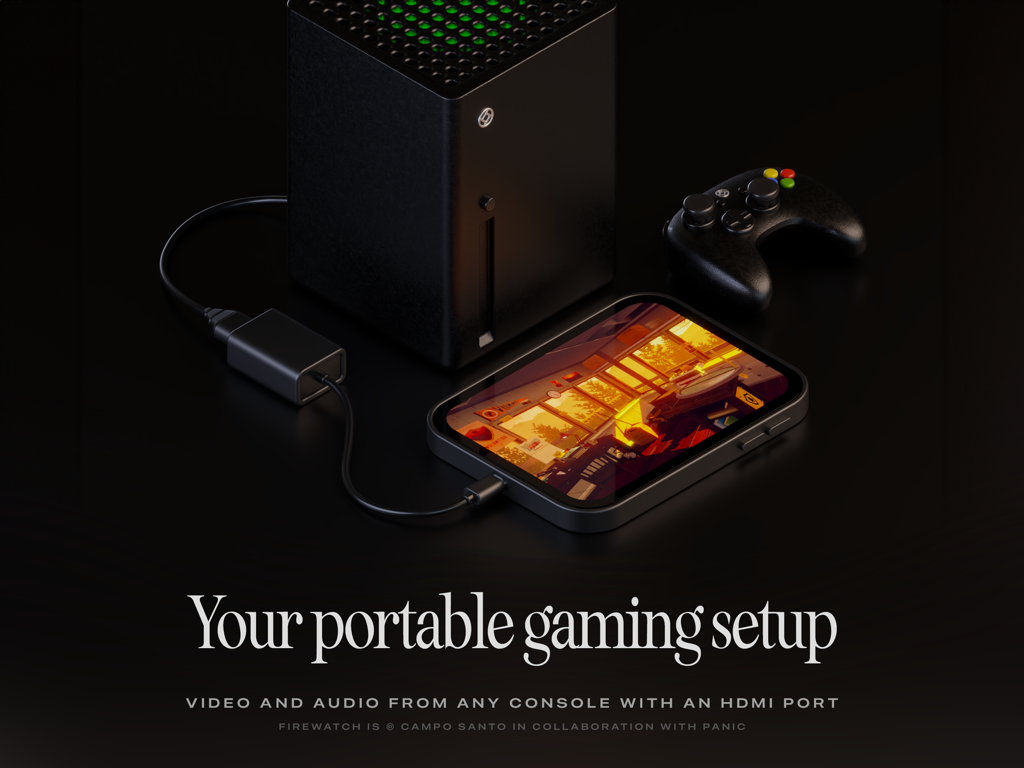
An iPad used as a portable gaming monitor for a game console with the Orion app

An iPad used as a portable gaming monitor for a game console with the Orion app

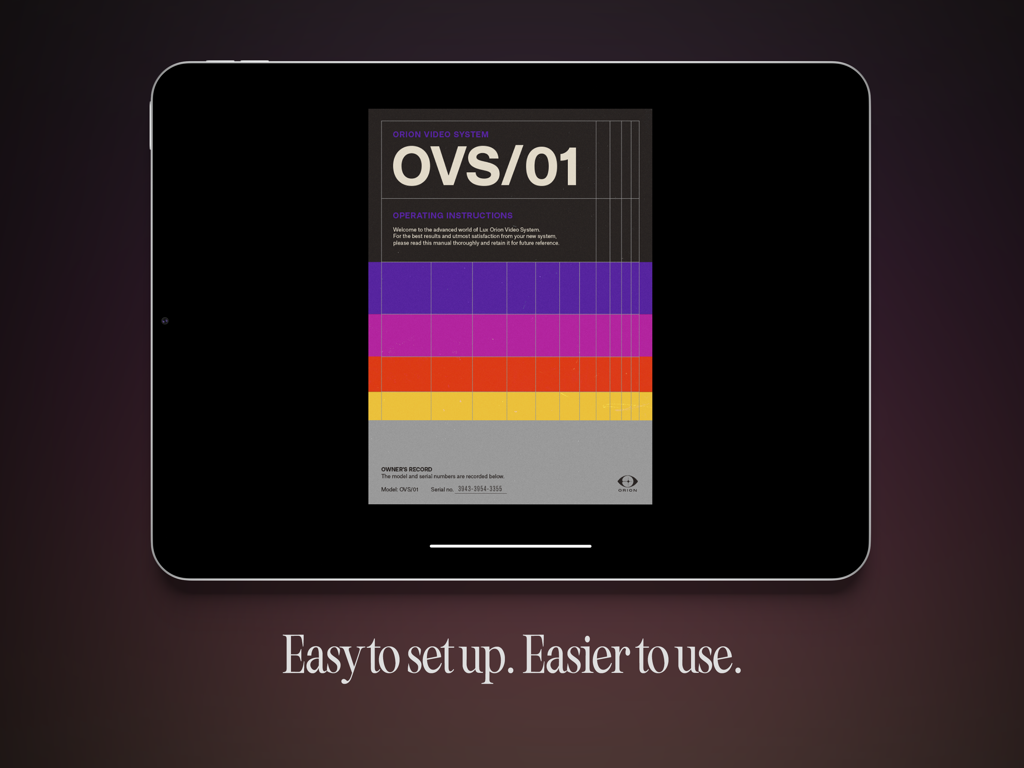
iPad showing Orion HDMI monitor app with retro operating instructions and easy setup text.

iPad showing Orion HDMI monitor app with retro operating instructions and easy setup text.

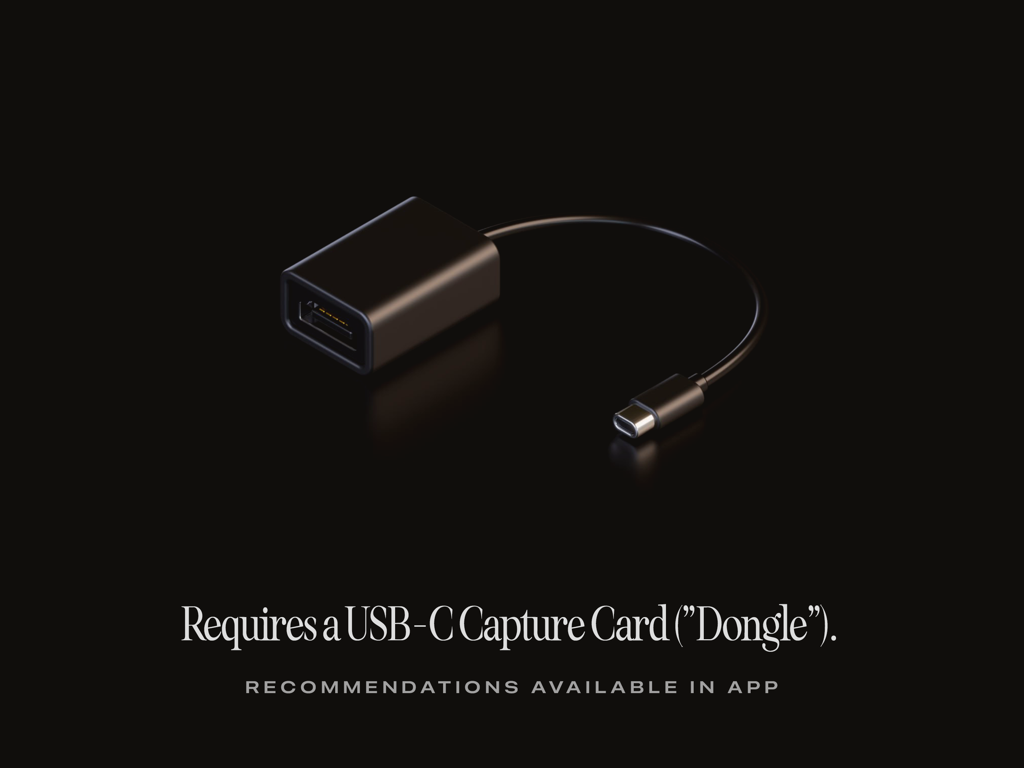
A black USB-C video capture card dongle on a black background with text explaining it is required for the Orion app

A black USB-C video capture card dongle on a black background with text explaining it is required for the Orion app

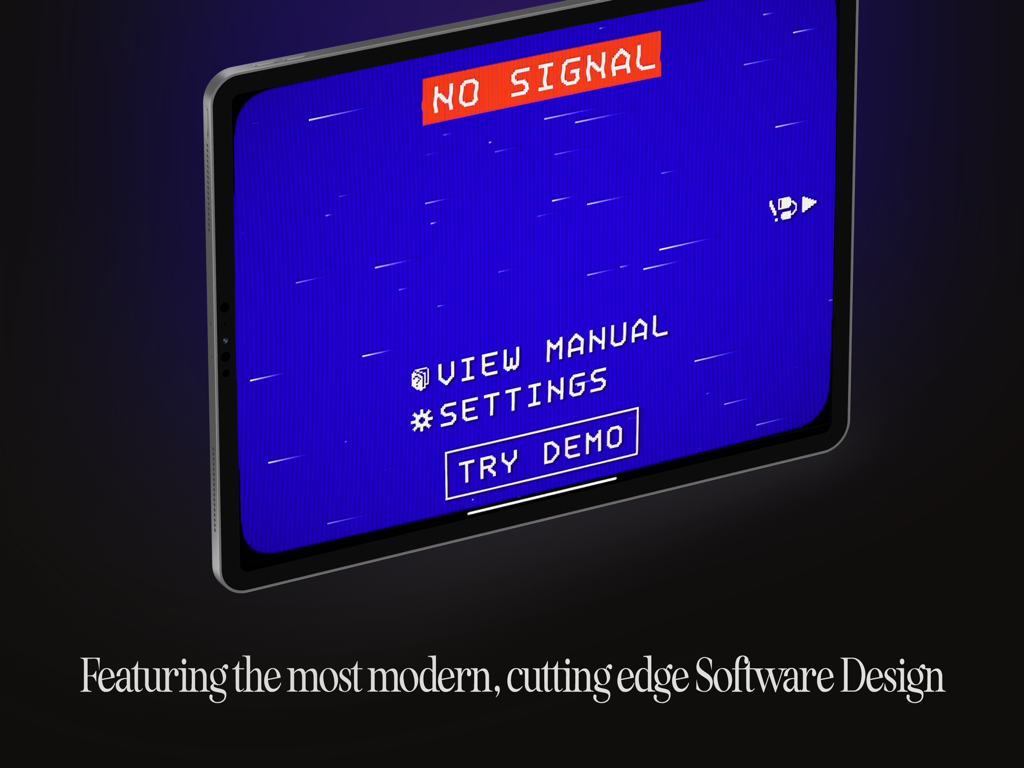
iPad showing a retro pixelated No Signal screen in the Orion HDMI Monitor app

iPad showing a retro pixelated No Signal screen in the Orion HDMI Monitor app

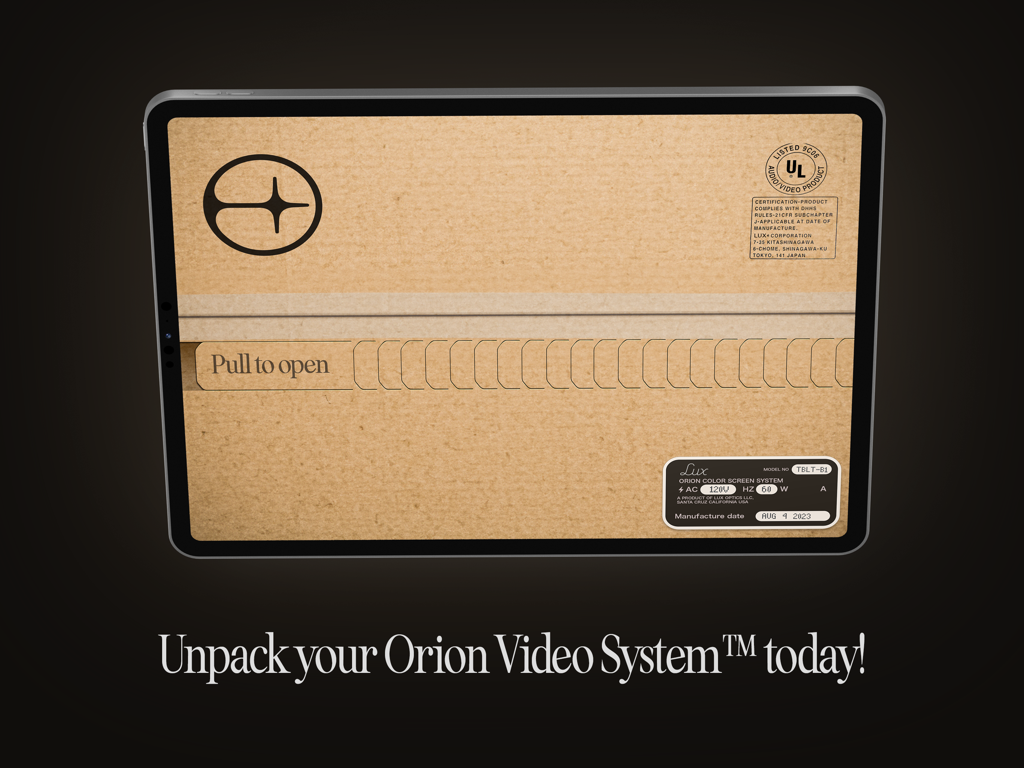
An iPad screen displaying a creative unboxing graphic with a pull to open tab for the Orion Video System.

An iPad screen displaying a creative unboxing graphic with a pull to open tab for the Orion Video System.

Unlock Your iPad’s Full Potential

The tools that make this app stand out, trusted by 312K+ users.

🎥

Pro-Grade Field Monitoring

Use your iPad's stunning Liquid Retina display to check focus and framing with professional tools and brightness controls.

🎮

The Ultimate Gaming Screen

Connect your Switch or Steam Deck and enjoy 4K AI upscaling and nostalgic CRT emulation for the best mobile gaming experience.

🛡️

Privacy You Can Trust

Built by the award-winning team behind Halide with zero data tracking, no ads, and no subscriptions. Truly free to use.

Review Analysis

Insights from user reviews.

Sentiment Score

34%
Negative

Summary

The Orion app receives mixed feedback, with a significant number of users reporting fundamental issues such as a complete lack of functionality, no signal, black screens, and frequent crashing, often even with recommended hardware. While many praise the app's ease of setup, low latency, and ability to display consoles like the Nintendo Switch and PS5, others criticize its inconsistent reliability, poor video quality, and ineffective 4K upscaling. Several version-specific bugs are highlighted, including lag on iPadOS 26, audio problems on iPadOS 18.6, and general incompatibility with iPad Pro 2023 and M3 iPad Air models, alongside a reported lack of responsive customer support.

Common Themes

Functionality(11)
App Design(5)
Compatibility(4)
Low Latency(3)
Ease of Setup(3)
Pricing Model(1)
Video Quality / Upscaling(1)

About the app

Everything you need to know about HDMI Monitor - Orion.

Description

TVs and Computer Monitors are large, cumbersome devices. Wouldn’t it be a treat if you could use the portable screen you already have with you as an HDMI monitor for cameras, game consoles, computers or other devices? Say “Hello” to the Orion Video System, a software application from Lux Entertainment and Optics Inc. With a simple USB-C Capture Card, or “dongle” and the free Orion Video System application, getting a big screen is never a big hassle*. *Requires iOS 17, an iPad with USB-C, and a USB-C Video Capture Card. WHAT TO USE ORION FOR Orion is perfect for turning your iPad into a portable display for your camera, so you can check your framing, focus, color and more when taking video or stills. Or connect Orion to a game console for gaming on the go or when needing a quick, fantastic monitor and set of speakers. You can also hook Orion up to a Mac, PC or other HDMI capable devices to get an extra screen to output video to. FEATURES Orion is jam packed with amazing features. From the simple things like sharing a quick screenshot of your video feed to a quick, convenient set of controls and intuitive user manual, Orion makes your iPad an excellent external HDMI monitor. With Orion Pro — a one time upgrade — you can also adjust the video brightness (from regular brightness to darker than the system brightness), upscale HD video or games with our AI powered 4K upscaler, or enjoy a retro movie or game with the 3-way retro CRT Emulation system. In addition to this, Orion collects and shares ZERO data. Free is truly free: no ads, no tracking, no nonsense. Other great features include full audio passthrough for playing HDMI device connected audio directly to AirPods or other connected devices; sharing full videos from your device with iPadOS Screen Recording, and more. ABOUT Orion is a Fun Project developed by the minds of Lux Entertainment and Optics Incorporated. Our collaboration team includes Anton Heestand, Jelmar Geertsma, Jonathan Hollander, Cabel Sasser, Louie Mantia and of course our families who so lovingly support our silly and loving work on apps. Also check out Halide, Spectre and Skylight — our other apps, and please leave us a review if you like our app.

Latest Version

1.1.0

Size

19.3 MB

First Released

Sep 20, 2023

Put Your Liquid Retina Display to Work

Join over 300,000 creators and gamers who turn their iPad into a professional HDMI monitor. No ads, no tracking, and no subscriptions—just the best screen you’ve ever owned.

Download on App Store
FAQ

Frequently Asked Questions

Everything you need to know about HDMI Monitor - Orion

What is the HDMI Monitor - Orion app?

HDMI Monitor - Orion is a software application developed by Lux Entertainment and Optics Inc. It transforms your USB-C enabled iPad into a portable HDMI monitor for various devices.

What devices can I connect to Orion as an HDMI monitor?

Orion supports various HDMI-capable devices, including cameras (Sony Alpha, Canon, Nikon), game consoles (Xbox), computers (Mac, PC), and other HDMI output sources.

What are the minimum requirements for using the Orion Video System?

Yes, to use Orion, you require iOS 17, an iPad with USB-C, and a USB-C Video Capture Card (often called a 'dongle').

Does Orion Video System collect user data or include ads?

Yes, Orion Video System prioritizes privacy. It collects and shares zero data, and the free version includes no ads, no tracking, and no nonsense.

What advanced features does Orion Pro offer?

Orion Pro, a one-time upgrade, includes video brightness adjustment, AI-powered 4K upscaling for HD video, and a 3-way retro CRT Emulation system for visual effects.

Can Orion output audio from HDMI devices to AirPods?

Yes, Orion features full audio passthrough. This allows HDMI device audio to play directly through AirPods or other connected audio devices.

How can I access the user manual for Orion Video System?

Yes, users can access the operating instructions manual directly within the Orion Video System app. The 'NO SIGNAL' screen provides a 'VIEW MANUAL' option.

Can I share screenshots from the Orion video feed?

Yes, the Orion app enables users to easily share a quick screenshot of their video feed using the in-app controls.

Can Orion be used as a camera monitor for framing and focus?

Yes, Orion is perfect for monitoring cameras. It allows you to check framing, focus, and color when shooting video or stills, making your iPad a portable camera monitor.

Is the Orion Video System application free to use?

Yes, the base Orion Video System application is free. It provides core functionality, with advanced features accessible through a one-time 'Orion Pro' upgrade.

App information, icons, screenshots, and descriptions displayed on this page are sourced from the Apple App Store and are the property of their respective developers. Download estimates and rankings are based on MWM's proprietary models and may not reflect actual figures. This page is provided for informational and analytical purposes only.

Believe this page infringes your intellectual property? File a dispute