HEIC Converter: Image & Photo
Download on App Store

This page is not an official page of the app or its developer, but an independent editorial publication created for informational and commentary purposes. Unless expressly stated otherwise, neither the app nor its developer is affiliated with, endorsed by, sponsored by, authorized by, or otherwise officially connected with MWM, Apple, Google Play, the app publisher, or the app's developer, and nothing on this page implies that the app was developed using MWM's services. Any trademarks, logos, screenshots, and other content remain the property of their respective owners.


Logo of HEIC Converter: Image & Photo
Download on App Store

HEIC Converter: Image & Photo

Tired of "File Not Supported" errors? Effortlessly batch-convert your iPhone photos to high-quality JPGs. Bridge the gap between iOS and Windows, web portals, or social media with one-tap sharing directly from your gallery.

Key Figures

Downloads

0

User Rating

4.4/5

Total Ratings

0

Publisher

App All Day Pty Ltd

Category

Utilities

Locales

1

Latest Version

1.2

Size

2.0 MB

First Released

Apr 3, 2023
Features

Bridge the Gap Between Your iPhone and PC

The fastest way to make your photos universal. Convert HEIC to JPEG instantly to ensure your memories are compatible with every website, app, and Windows computer.

Lightning-Fast Batch Conversion

Save time by converting your entire photo library at once. Move hundreds of images from your iPhone to your desktop in seconds without the wait.

Seamless System Integration

Convert photos directly from your iOS Share Menu. No need to switch apps—just tap to convert and upload to any work portal or social network.

The following screenshots and description are sourced directly from the app's official store listing and are the property of the app developer.

App Store

Screenshots
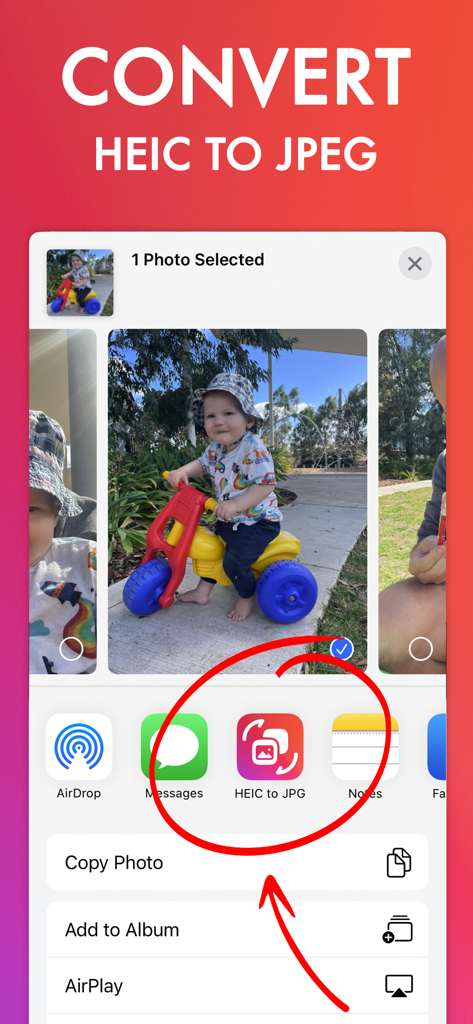
HEIC Converter: Image & Photo - Screenshot of the iOS share menu highlighting the HEIC to JPG conversion feature
Screenshot of the iOS share menu highlighting the HEIC to JPG conversion feature

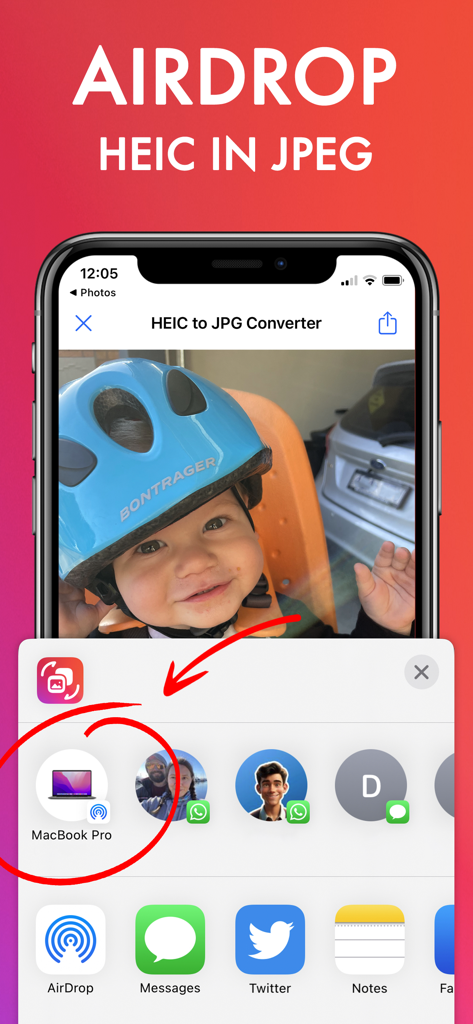
HEIC Converter: Image & Photo - iPhone interface showing AirDrop integration to share HEIC photos as JPEG files
iPhone interface showing AirDrop integration to share HEIC photos as JPEG files

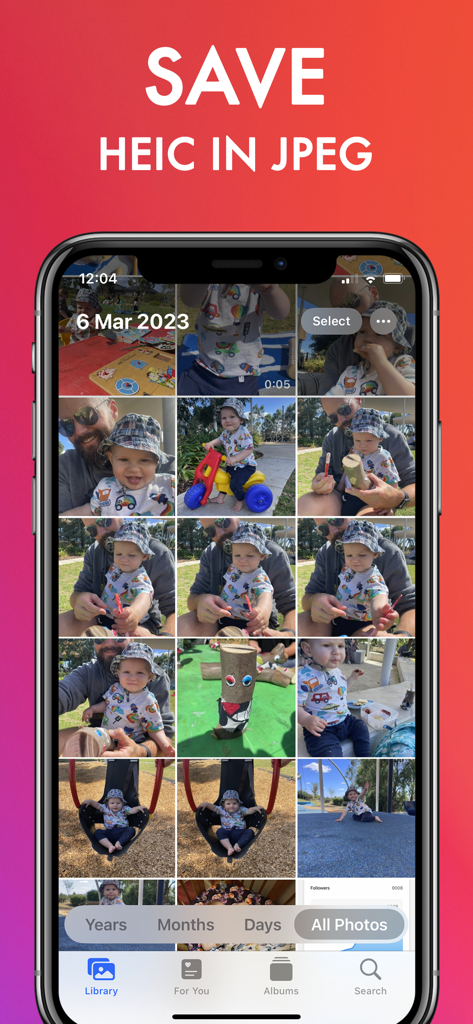
HEIC Converter: Image & Photo - iPhone screen showing a photo gallery with the heading Save HEIC in JPEG
iPhone screen showing a photo gallery with the heading Save HEIC in JPEG

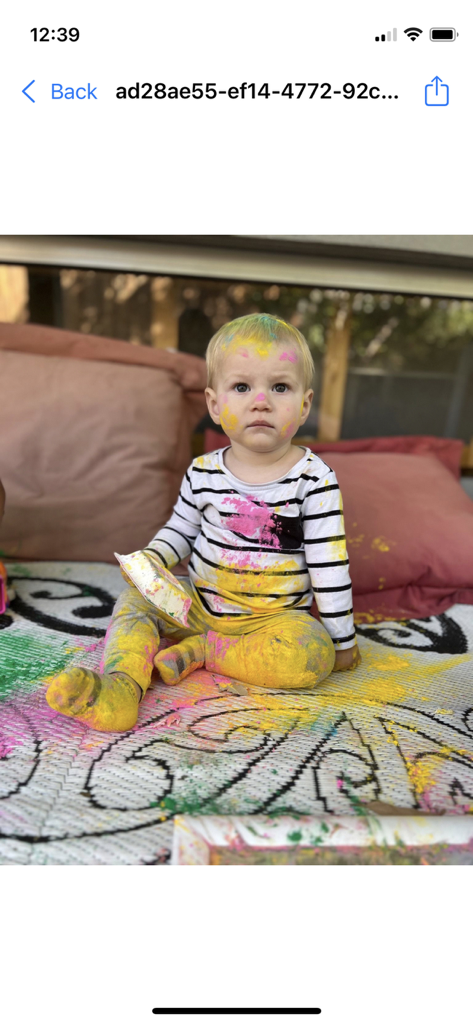
HEIC Converter: Image & Photo - A screenshot showing a photo of a child covered in paint within the HEIC Converter app interface on an iPhone.
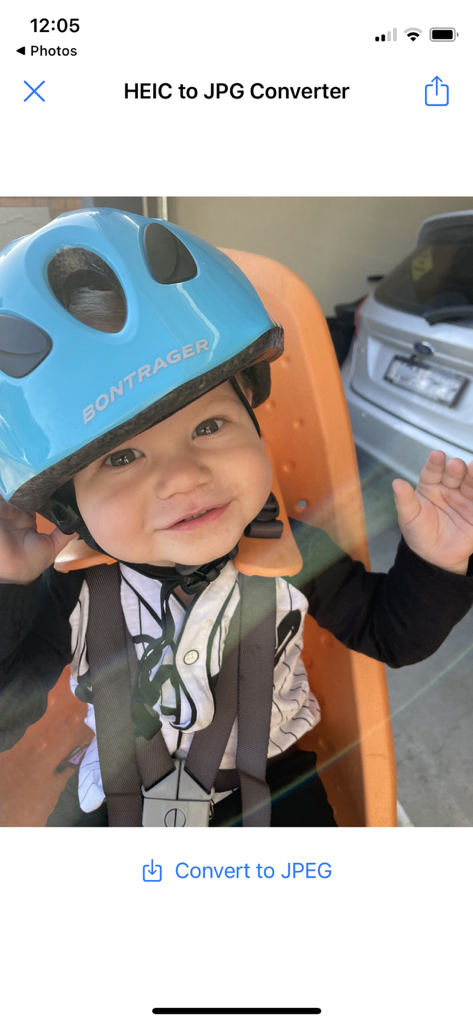
A screenshot showing a photo of a child covered in paint within the HEIC Converter app interface on an iPhone.

HEIC Converter: Image & Photo - Mobile app interface showing a baby photo with a button to convert from HEIC to JPEG
Mobile app interface showing a baby photo with a button to convert from HEIC to JPEG

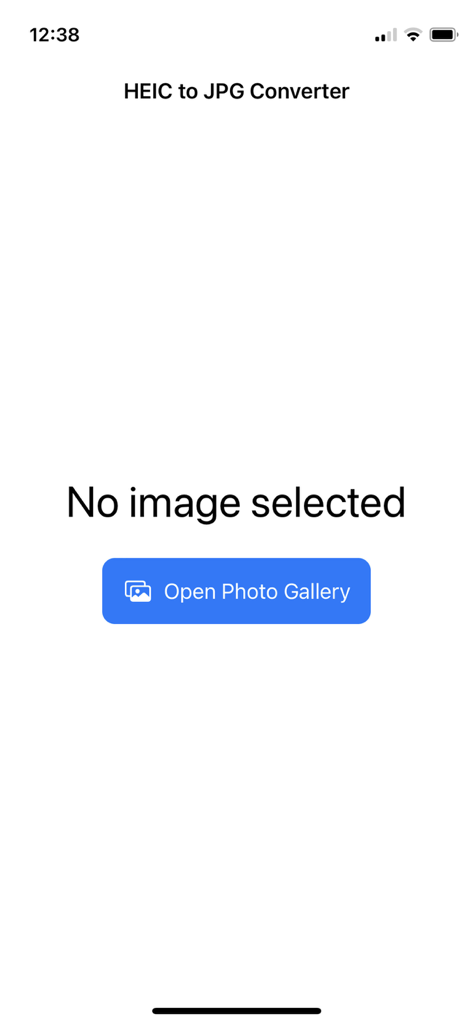
HEIC Converter: Image & Photo - HEIC to JPG Converter app home screen with a button to open the photo gallery

HEIC to JPG Converter app home screen with a button to open the photo gallery

Description

Introducing the HEIC to JPG Converter app - the perfect tool for converting your photos from HEIC format to JPG. With this app, you can easily convert your HEIC photos into a format that is compatible with a wide range of devices and platforms. With a simple and user-friendly interface, converting your photos has never been easier. You can select multiple photos from your photo gallery and convert them all at once, or choose them one by one. The app works quickly and efficiently, ensuring that your converted photos are ready to use in no time. One of the standout features of the HEIC to JPG Converter app is its ability to share your converted photos over Airdrop. This makes it incredibly easy to transfer your photos between your Apple devices, without any compatibility issues. In addition, the app adds to the share menu in iOS, allowing you to quickly and easily convert photos from other apps. This means that you can convert photos directly from your camera roll, email attachments, and other sources, without having to go through multiple steps. Overall, the HEIC to JPG Converter app is a must-have tool for anyone who regularly deals with HEIC photos. With its convenient features and user-friendly interface, it's the perfect solution for converting your photos to a format that's easy to use and share. HEIC to JPEG converter allows you to effortlessly convert your iOS photos to widely used JPEG or PNG formats, without compromising quality or disrupting your existing workflow. Say goodbye to compatibility issues with other devices or software when using the new HEIC (HEIF) format. In today's world, JPEG has become a ubiquitous file format that is utilized in various image workflows, including image editors, social networks, browsers, email clients, and almost every hardware or software that displays images. As an open file format standard, JPEG continues to be the most popular image format on the web The app is a HEIC to JPG converter, designed to convert photos stored in HEIC format to widely-used JPG format. Its main features include: High-Quality Conversion: The app offers lossless conversion of HEIC photos to JPG format without compromising image quality. User-Friendly Interface: The app features a simple and easy-to-use interface that allows users to select and convert photos quickly. Batch Conversion: Users can convert multiple HEIC photos to JPG format in a single batch. Airdrop Integration: The app is integrated with Airdrop, allowing users to share their converted photos seamlessly between Apple devices. Share Menu Integration: The app adds a "convert to JPG" option to the share menu in iOS, making it easy to convert photos from other apps. Fast Conversion: The app is designed to perform quick and efficient conversions, saving time for users. Benefits of using the app include: Compatibility: The app ensures that HEIC photos can be easily shared and used across a wide range of devices and platforms that support JPG format. Convenience: The app offers a seamless conversion process, making it easy for users to convert their HEIC photos to JPG format quickly. Quality Preservation: The app ensures that the image quality of the original HEIC photo is preserved during the conversion process. Time-Saving: The app's batch conversion feature and fast conversion speed save users time and effort when converting multiple photos. Overall, the app offers a reliable and efficient solution for converting HEIC photos to JPG format, making them easily shareable across various platforms and devices.

Download

Download on App Store

This page is not an official page of the app or its developer, but an independent editorial publication created for informational and commentary purposes. Unless expressly stated otherwise, neither the app nor its developer is affiliated with, endorsed by, sponsored by, authorized by, or otherwise officially connected with MWM, Apple, Google Play, the app publisher, or the app's developer, and nothing on this page implies that the app was developed using MWM's services. Any trademarks, logos, screenshots, and other content remain the property of their respective owners.








