
This page is not an official page of the app or its developer, but an independent editorial publication created for informational and commentary purposes. Unless expressly stated otherwise, neither the app nor its developer is affiliated with, endorsed by, sponsored by, authorized by, or otherwise officially connected with MWM, Apple, Google Play, the app publisher, or the app's developer, and nothing on this page implies that the app was developed using MWM's services. Any trademarks, logos, screenshots, and other content remain the property of their respective owners.


Home Design 3D : Designverse
Transform your living space with a simple scan. Create realistic 3D models, sketch effortless floor plans, and experiment with decor to eliminate the guesswork of your next renovation.
Downloads
114K+User Rating
Total Ratings
2K+Publisher
Category
ProductivityLocales
1Latest Version
26.1.1Size
198.2 MBFirst Released
Nov 6, 2019Bring Your Home Vision to Life
Transform your living space with powerful AR scanning, intuitive layout tools, and a massive library of furniture and decor.
Instant AR Room Scanning
Skip the tape measure. Use your iPhone camera to turn any physical space into a detailed 3D model in seconds.
Effortless Floor Planning
Sketch out new layouts and move furniture with ease to ensure every piece fits perfectly before you commit to a purchase.
Frequently Asked Questions
Everything you need to know about Home Design 3D : Designverse
What is the Home Design 3D : Designverse app?
Home Design 3D : Designverse is a home design application with user-friendly tools for renovating spaces. It converts scanned rooms into 3D models and offers extensive customization for layouts, decor, and furniture.
How does Designverse create a 3D model of my room?
Designverse utilizes your phone's camera to scan your space, transforming it into a 3D model. This feature allows you to visualize and edit your home's layout digitally within the Designverse app.
Can I create and edit floor plans using Home Design 3D : Designverse?
Yes, Home Design 3D : Designverse enables users to sketch new floor plans and view them instantly. The app also supports drawing and effortlessly editing existing floor plans.
What customization features does the Designverse app offer?
The Designverse app provides extensive customization. Users personalize wall colors, furniture placement, interiors, and decor. It also features a wide library of items for comprehensive home design.
Does Designverse provide realistic graphics for home design projects?
Yes, Designverse delivers realistic graphics and smooth animations for home design projects. It offers lifelike visuals, allowing users to navigate their virtual home and preview designs with high fidelity.
How many items are available in the Designverse app's library?
The Designverse app offers a wide range of items in its library, with over 3500 items available. This extensive collection includes various furniture pieces and decor elements for comprehensive design.
Is the Home Design 3D : Designverse app easy for beginners?
Yes, the Home Design 3D : Designverse app features user-friendly tools designed for ease of use. It makes designing and renovating homes straightforward, allowing anyone to create stunning 3D home designs.
Where can I find the privacy policy for Home Design 3D : Designverse?
The privacy policy for Home Design 3D : Designverse is available on its official website. You can access the full policy details at https://www.designverse3d.com/privacy-policy.
Can Designverse accommodate different measurement systems?
Yes, Designverse allows users to switch between various measurement systems. This feature ensures flexibility and convenience, catering to different regional standards within the app.
The following screenshots and description are sourced directly from the app's official store listing and are the property of the app developer.
App Store
Screenshots
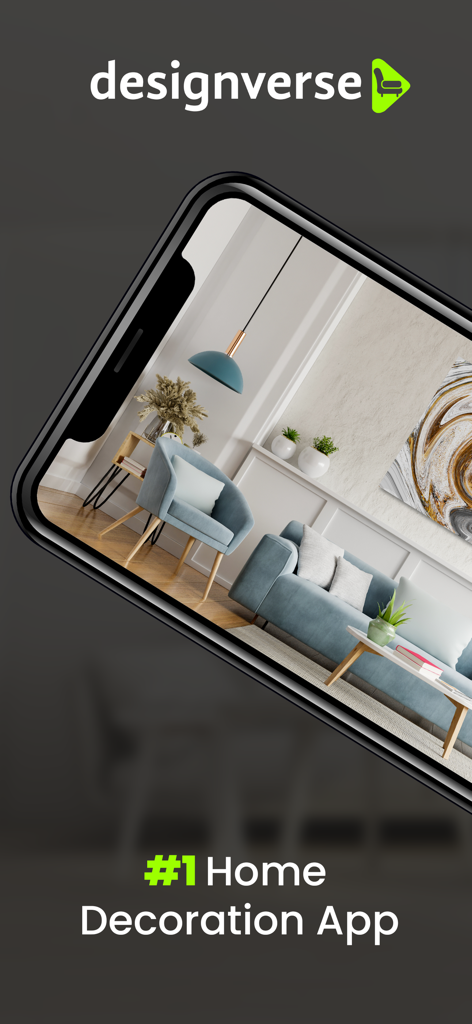
A smartphone displaying a realistic 3D interior design of a living room with modern blue furniture within the Designverse app
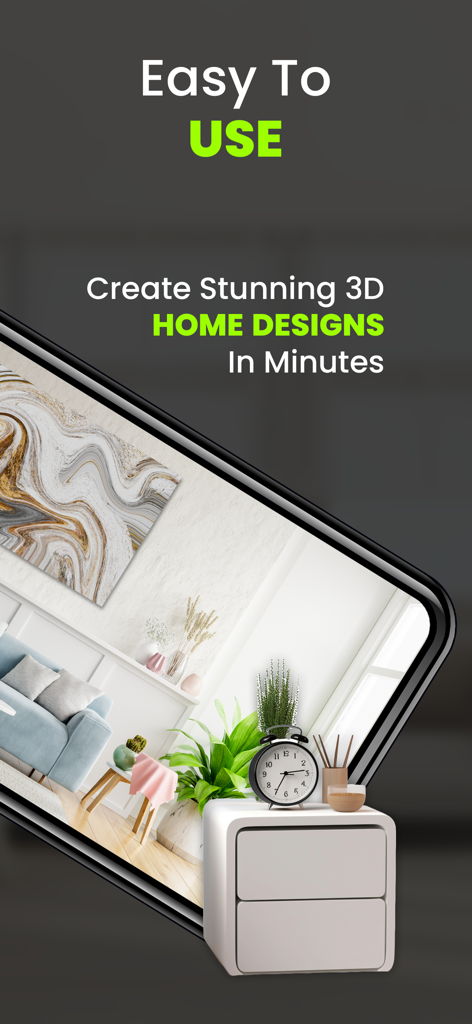
Screenshot of Home Design 3D app showing a realistic 3D interior design on a smartphone screen with text about easy home design creation
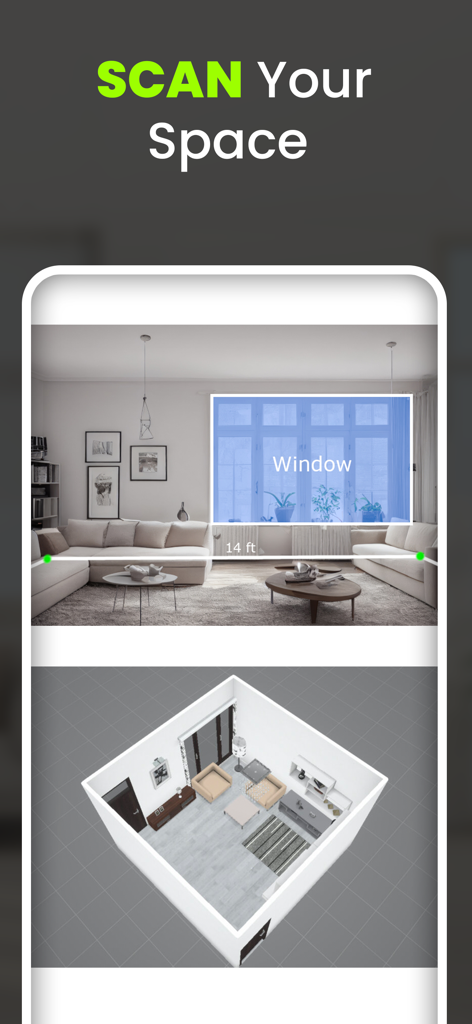
Scanning a room to create a 3D floor plan in the Designverse app
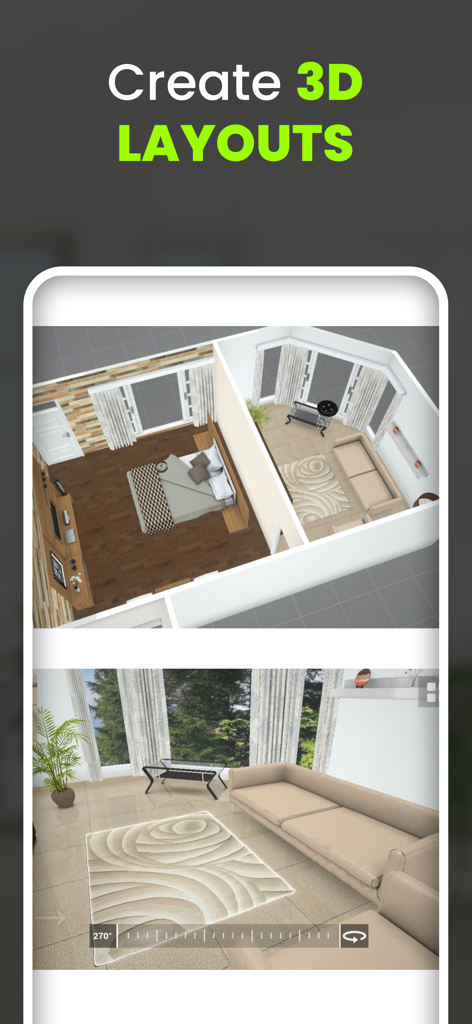
Home Design 3D Designverse app showing 3D room layouts and interior design visualization
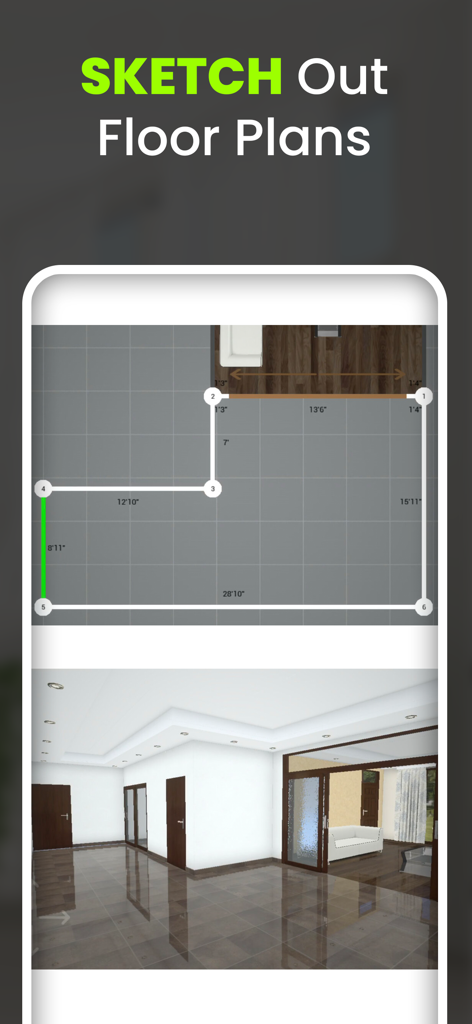
Interface of Home Design 3D Designverse app showing a 2D floor plan sketch with measurements and a corresponding 3D room view
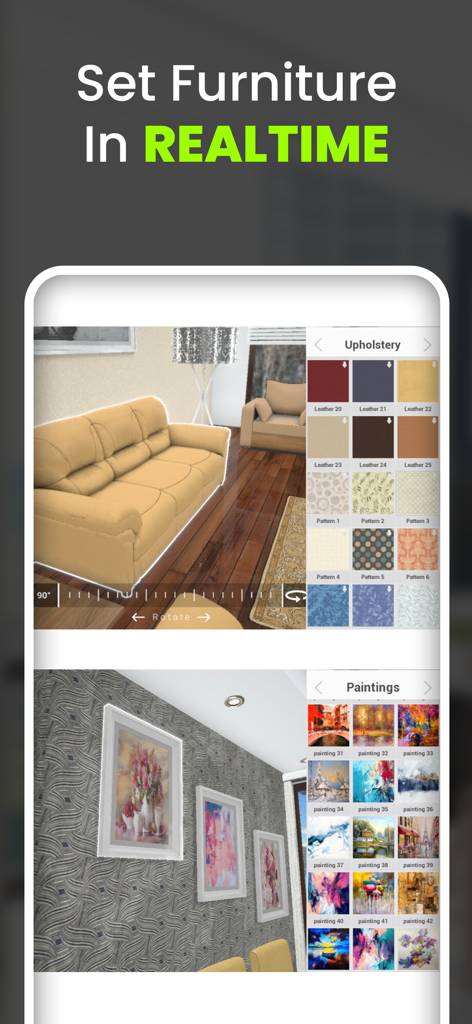
Interface of Home Design 3D Designverse showing real-time customization of furniture upholstery and wall paintings
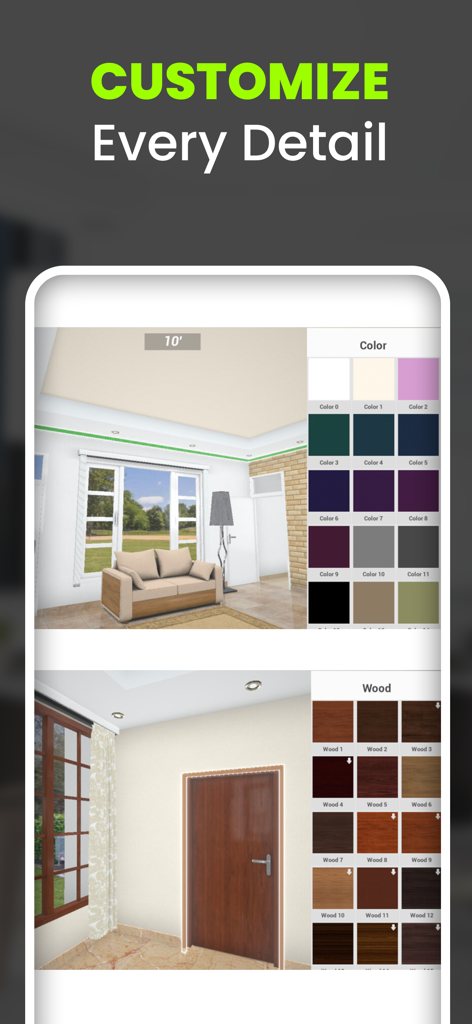
Interface of Home Design 3D Designverse app showing interior color and texture customization options.
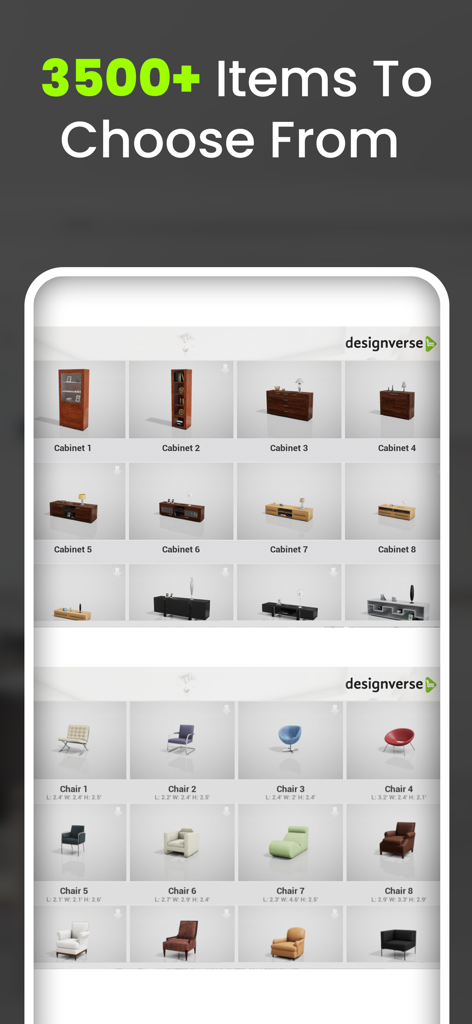
A library of over 3500 furniture items featuring cabinets and chairs in the Designverse app
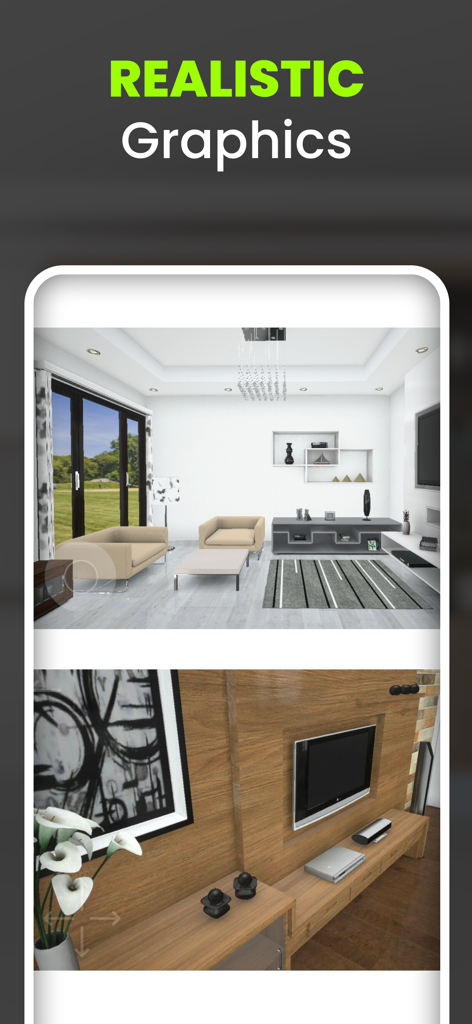
Screenshot of Home Design 3D Designverse app showing high-quality realistic graphics of a modern living room and wood-textured furniture
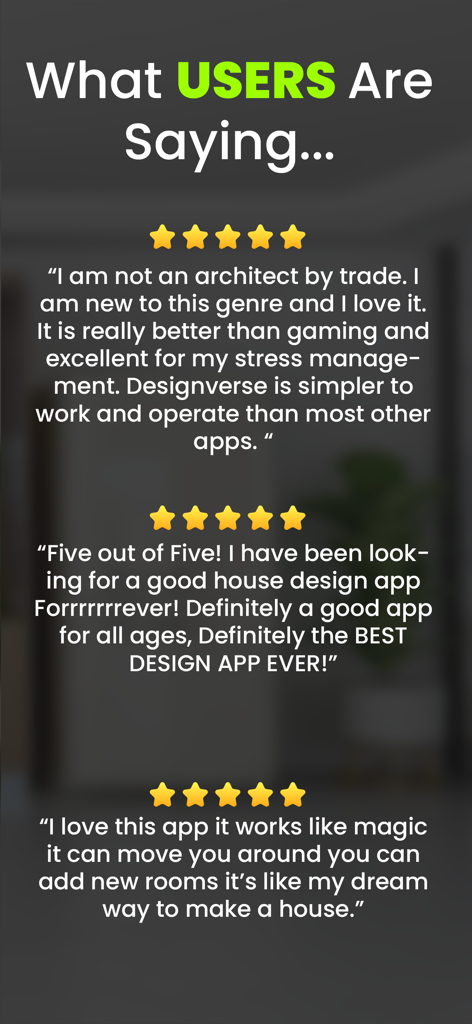
Five star user reviews and testimonials for the Home Design 3D Designverse app highlighting ease of use and realistic design tools.
Description
Download
More Like This
Top-ranked apps in the same category

ChatGPT
OpenAI OpCo, LLC

Google Gemini
Google LLC

Grok
X.AI Corporation

Gmail - Email by Google
Google LLC

千问 - 阿里最强大模型官方AI助手
Shanghai Zhixin Puhui Technology Co., Ltd.

Google Drive
Google LLC

Microsoft Authenticator
Microsoft Corporation

Google Sheets
Google LLC

Google Docs
Google LLC
This page is not an official page of the app or its developer, but an independent editorial publication created for informational and commentary purposes. Unless expressly stated otherwise, neither the app nor its developer is affiliated with, endorsed by, sponsored by, authorized by, or otherwise officially connected with MWM, Apple, Google Play, the app publisher, or the app's developer, and nothing on this page implies that the app was developed using MWM's services. Any trademarks, logos, screenshots, and other content remain the property of their respective owners.