
This page is not an official page of the app or its developer, but an independent editorial publication created for informational and commentary purposes. Unless expressly stated otherwise, neither the app nor its developer is affiliated with, endorsed by, sponsored by, authorized by, or otherwise officially connected with MWM, Apple, Google Play, the app publisher, or the app's developer, and nothing on this page implies that the app was developed using MWM's services. Any trademarks, logos, screenshots, and other content remain the property of their respective owners.
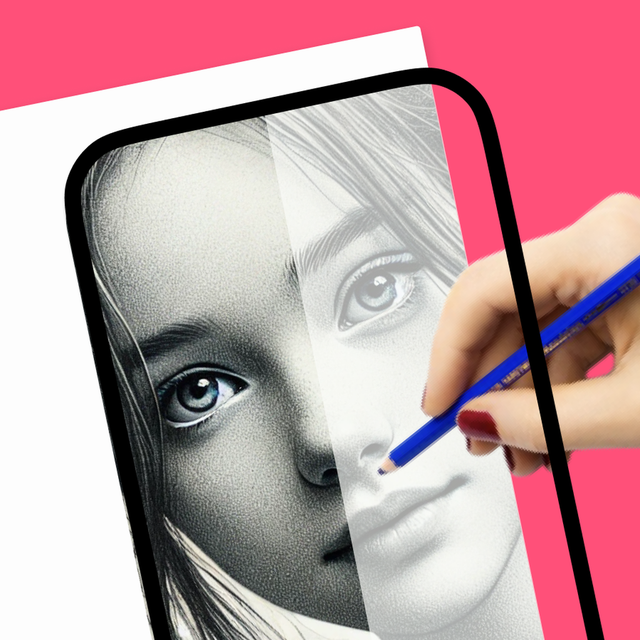

How to Draw, Step by step
Skip the blank-page anxiety with the ultimate creative cheat code. Use your phone as an AR projector to trace, turn photos into custom stickers with AI, and record satisfying videos of your masterpieces to share on social media.
Downloads
60K+User Rating
Total Ratings
2K+Publisher
Category
EducationLocales
12Latest Version
1.4.5Size
190.1 MBFirst Released
Mar 9, 2024Unleash Your Inner Artist with AI
Join over 60,000 creators using AR and AI to turn imagination into professional-grade art. No prior experience needed—just your phone and a spark of creativity.
AI-Powered Sketch Generator
Stop staring at a blank page. Simply describe your idea and let our AI generate a custom drawing template for you to trace and master.
AR Tracing Projector
Turn your phone into a digital projector. Overlay any image onto your paper using your camera to draw with perfect proportions every single time.
Frequently Asked Questions
Everything you need to know about How to Draw, Step by step
What is the main function of the How to Draw app?
The How to Draw app helps users learn to draw by using their phone's camera as a projector. It offers various tools and AI-powered features to enhance drawing skills for all levels.
Can I use my phone's camera to draw with the How to Draw app?
Yes, the How to Draw app allows users to utilize their phone's camera as a projector to draw. This feature facilitates tracing images onto paper.
Does the How to Draw app include AI features?
Yes, the How to Draw app includes AI-powered features such as Sticker Maker, Photo to Sketch, Background Remover, Enhance Old Photos, and AI-Powered Drawing Sketches.
How can I generate drawing sketches using AI in the Ar Drawing app?
The Ar Drawing app's AI-powered sketch generator creates drawings from text descriptions. Users describe what they want to see, and the AI provides a matching sketch.
Can I color drawings in the Ar Drawing app?
Yes, the Ar Drawing app offers a Coloring Book Category. Users can color ready-made drawings, create custom color palettes, and personalize their artwork.
Does How to Draw app offer step-by-step drawing guides?
Yes, the How to Draw app features lightbox and projector capabilities that enable users to follow step-by-step drawings on ready-made sketches.
How do subscriptions work in the How to Draw app?
The How to Draw app offers an automatically renewable subscription. It renews unless turned off 24 hours before the period ends. Users manage subscriptions in Account Settings.
Where can I find the privacy policy for the How to Draw app?
The privacy policy for the How to Draw app is available at the URL: https://draw.findbluapp.com/privacy-policy.
Does the How to Draw app allow recording drawing sessions?
Yes, the How to Draw app allows users to record videos of their work in real-time while drawing. This feature helps track progress.
Can users share their artwork from the Ar Drawing app?
Yes, the Ar Drawing app enables users to save their completed works and share them on various social media platforms directly from the app.
Are there free drawing templates available in the How to Draw app?
Yes, the How to Draw app offers over 1000 free templates across categories like Anime, Animal, Cars, and Flowers for users to draw from.
Can I create text art in the How to Draw app?
Yes, the How to Draw app features "TEXT ART" functionality where users can draw fancy texts using various font styles.
The following screenshots and description are sourced directly from the app's official store listing and are the property of the app developer.
App Store
Screenshots
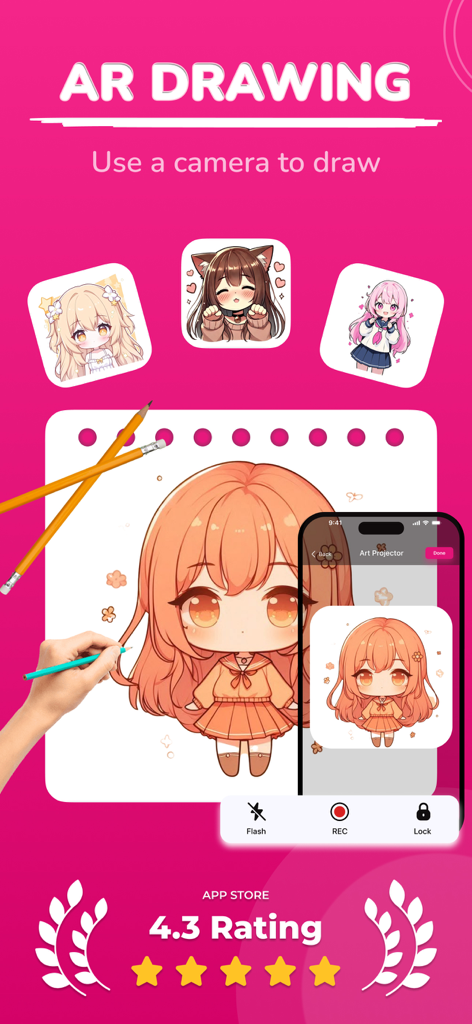
AR drawing app projecting an anime character for tracing onto paper
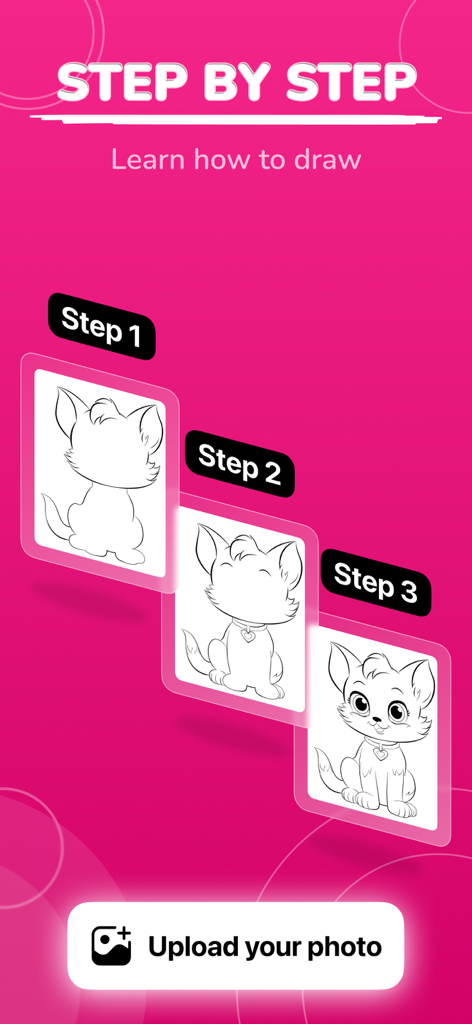
Step by step cat drawing tutorial showing three stages of the illustration process on a bright pink background
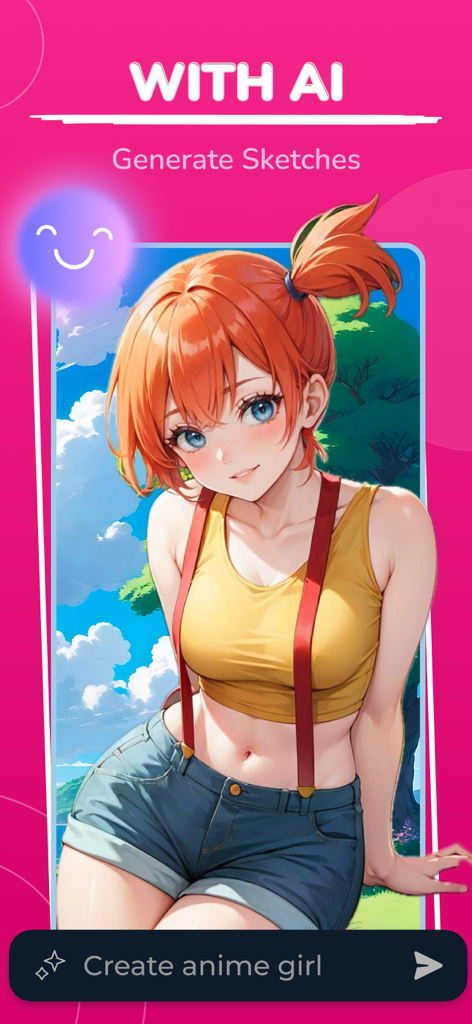
AI drawing app showing an anime girl created from a text prompt
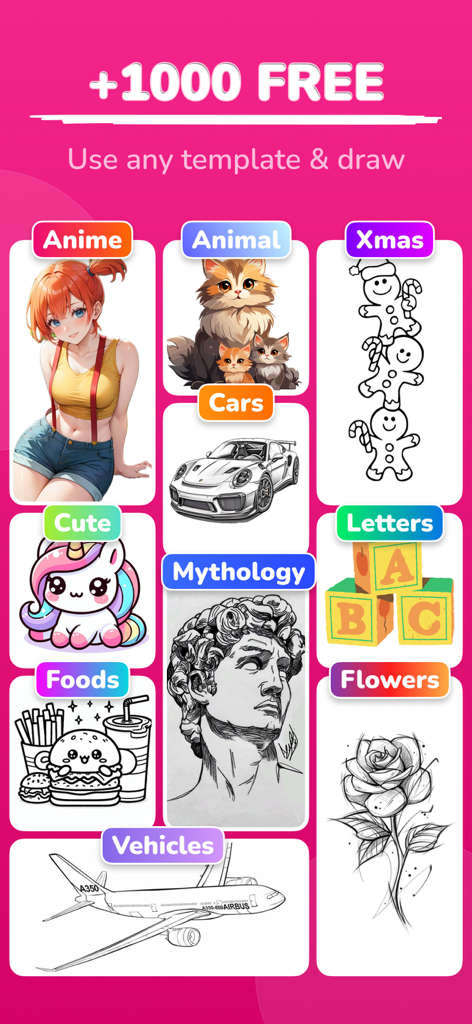
A collection of drawing templates from categories like anime, animals, and mythology.
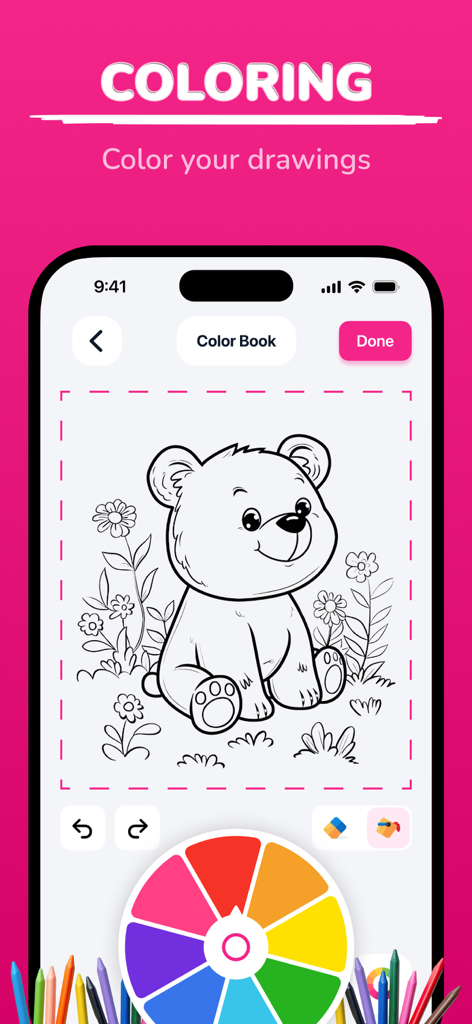
A digital coloring book interface featuring a line art bear sketch and a vibrant color wheel
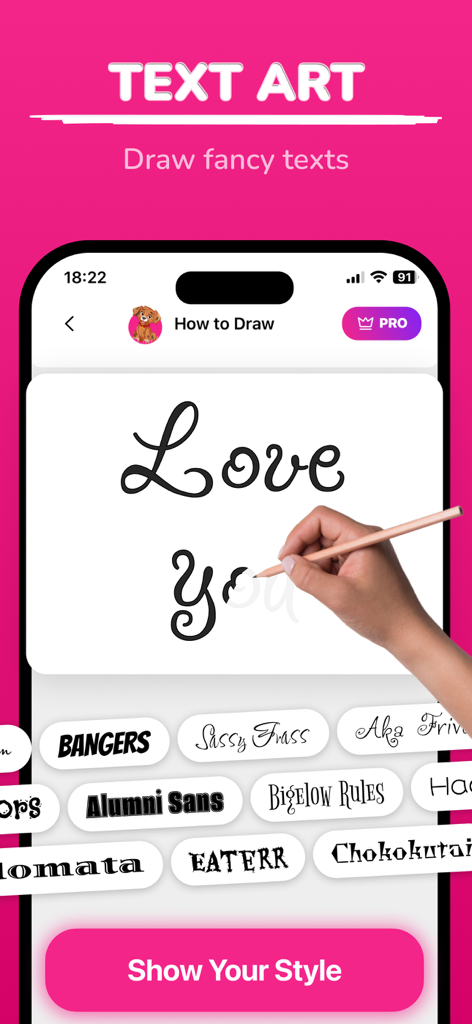
A mobile app interface showing a tracing guide for fancy calligraphy text with various font styles below.
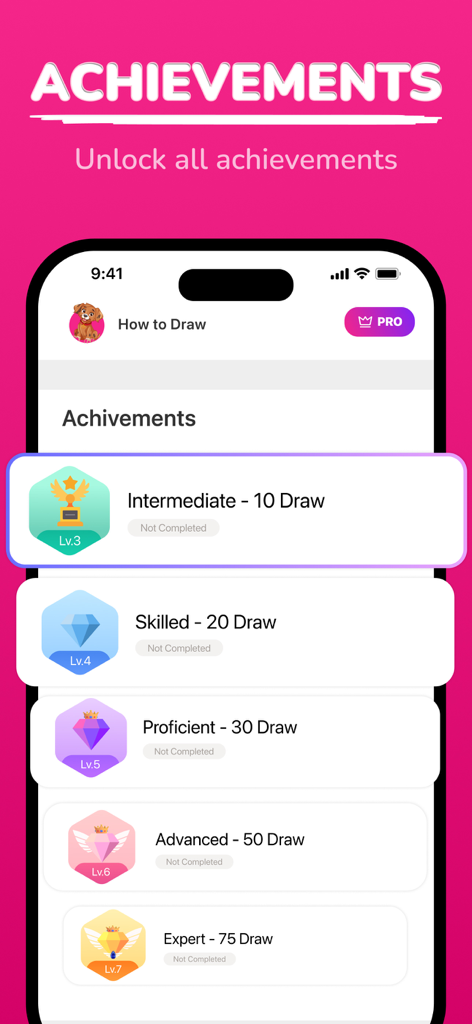
Screen showing drawing achievements from Intermediate to Expert levels
Description
Download
More Like This
Apps with similar features and user experience

AR Drawing Paint Sketch Trace
DROIDFUN LIMITED

Camera Lucida™: AR Drawing
Big Idea Design LLC

AR Drawing Sketch App: ArtEasy
SMDA GROUP SP Z O O SP KOMANDYTOWA

PicTrace: AR Drawing & Sketch
ANDROID VIETNAM TECHNOLOGY CORPORATION

AR Draw: Sketching & Painting
EIGEN SOFTWARE LIMITED

AR Drawing How to Draw Sketch
Magomed Dzhamalov

Da Vinci Eye: AR Trace & Draw
Da Vinci Eye LLC

AR Drawing - AR Sketch
Ketanbhai Khokhani

HEY CLAY®
HEY CLAY LTD
This page is not an official page of the app or its developer, but an independent editorial publication created for informational and commentary purposes. Unless expressly stated otherwise, neither the app nor its developer is affiliated with, endorsed by, sponsored by, authorized by, or otherwise officially connected with MWM, Apple, Google Play, the app publisher, or the app's developer, and nothing on this page implies that the app was developed using MWM's services. Any trademarks, logos, screenshots, and other content remain the property of their respective owners.