
This page is not an official page of the app or its developer, but an independent editorial publication created for informational and commentary purposes. Unless expressly stated otherwise, neither the app nor its developer is affiliated with, endorsed by, sponsored by, authorized by, or otherwise officially connected with MWM, Apple, Google Play, the app publisher, or the app's developer, and nothing on this page implies that the app was developed using MWM's services. Any trademarks, logos, screenshots, and other content remain the property of their respective owners.


iEditor Pro – Text Code Editor
Turn your iPhone or iPad into a powerhouse workstation. Edit source code with syntax highlighting, manage complex file structures, and handle documents with ease—anywhere your work takes you.
Downloads
122K+User Rating
Total Ratings
100Publisher
Category
ProductivityLocales
3Latest Version
7.0Size
38.0 MBFirst Released
Jan 8, 2013Professional Code Editing, Anywhere
iEditor Pro turns your iPhone and iPad into a powerful mobile workstation, providing the tools you need to manage scripts and source code without a laptop.
Smart Syntax Highlighting
Code with clarity. iEditor Pro supports syntax highlighting for C, Java, and HTML, making it easy to read and debug scripts on a smaller screen.
The Mobile Swiss Army Knife
Manage more than just code. Effortlessly handle Shell scripts, logs, PDFs, and Office documents with a professional-grade file explorer.
The following screenshots and description are sourced directly from the app's official store listing and are the property of the app developer.
App Store
Screenshots
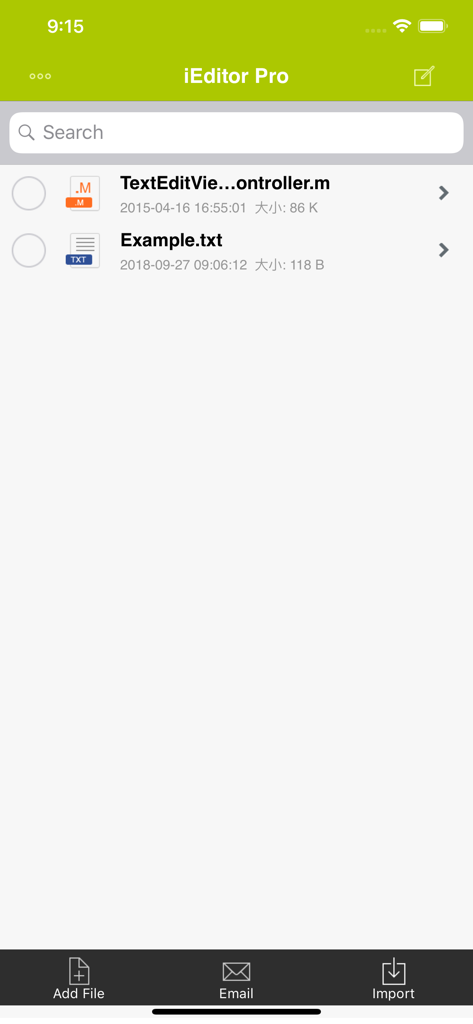
Interface of iEditor Pro app displaying a list of code and text files with options to search, add, email, and import documents.
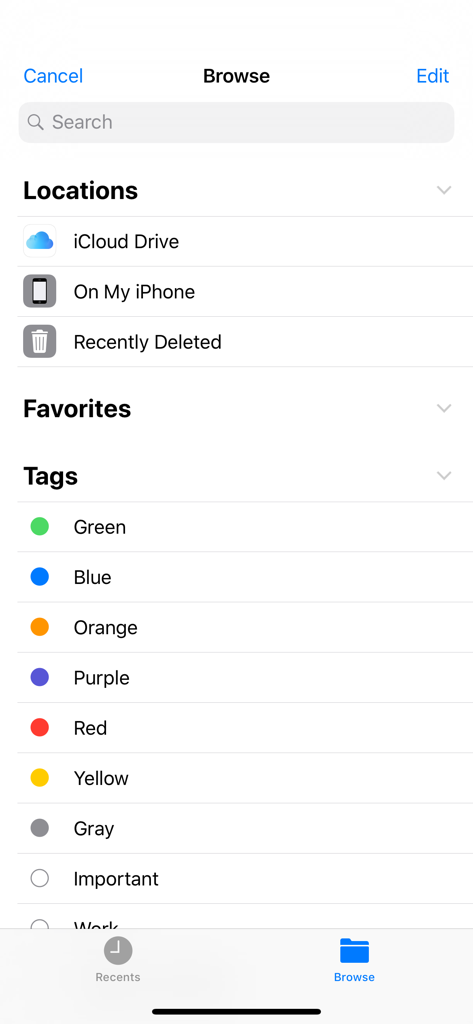
The file browser interface of iEditor Pro showing cloud storage locations and organizational tags
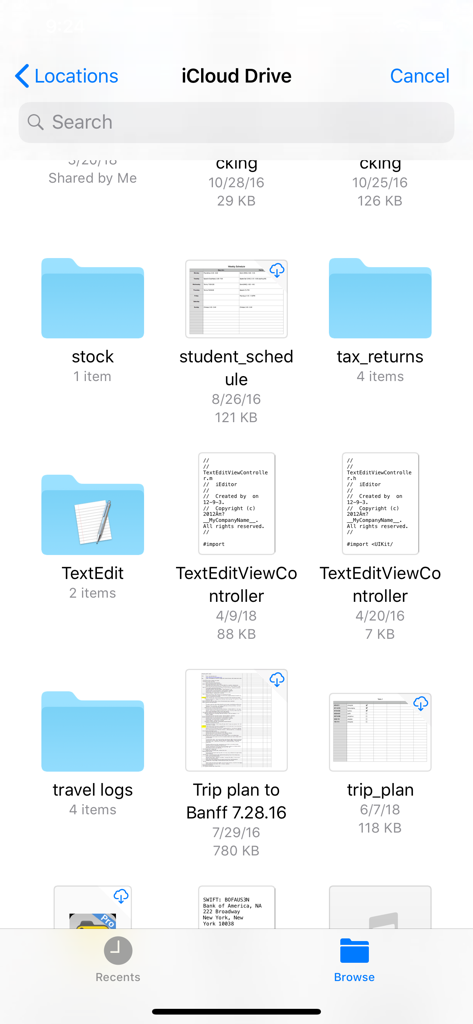
iEditor Pro app interface showing the iCloud Drive file browser with folders and code files
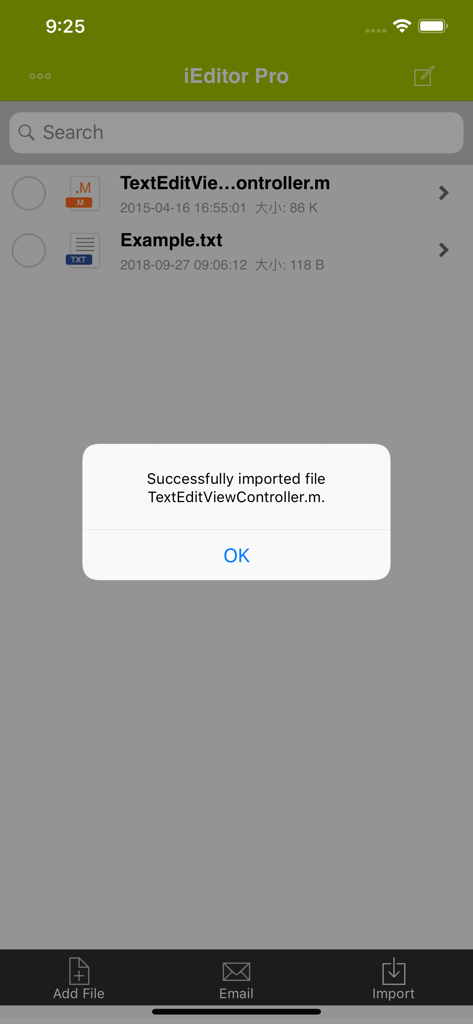
Successful file import notification within the iEditor Pro app interface
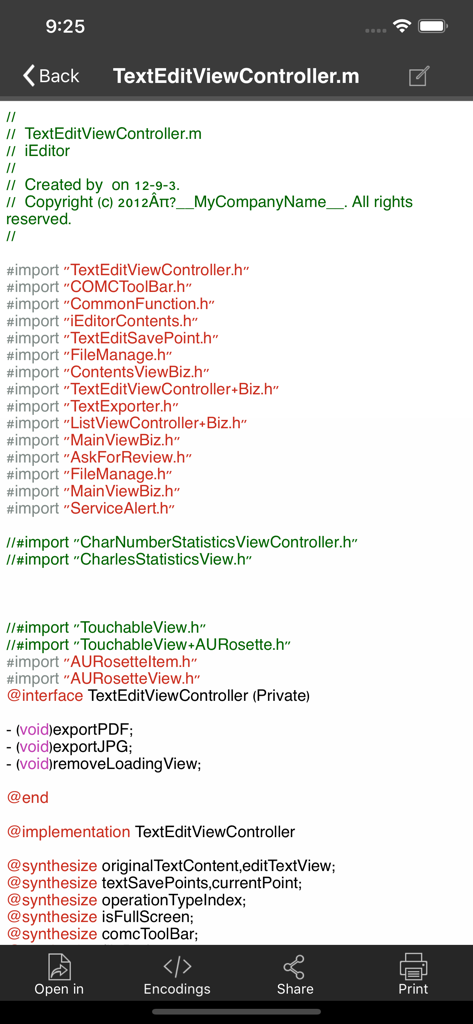
Mobile code editor interface with syntax highlighting for source code files
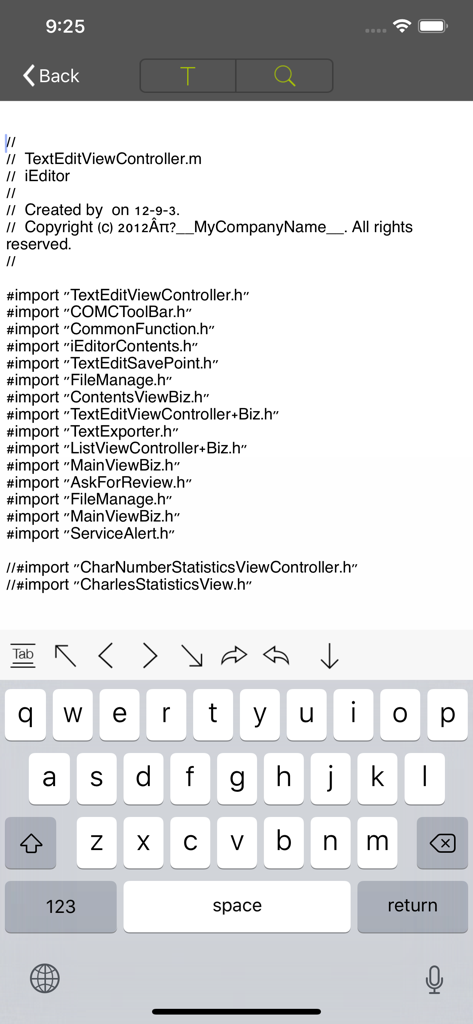
iEditor Pro interface showing Objective-C source code editing with a mobile keyboard
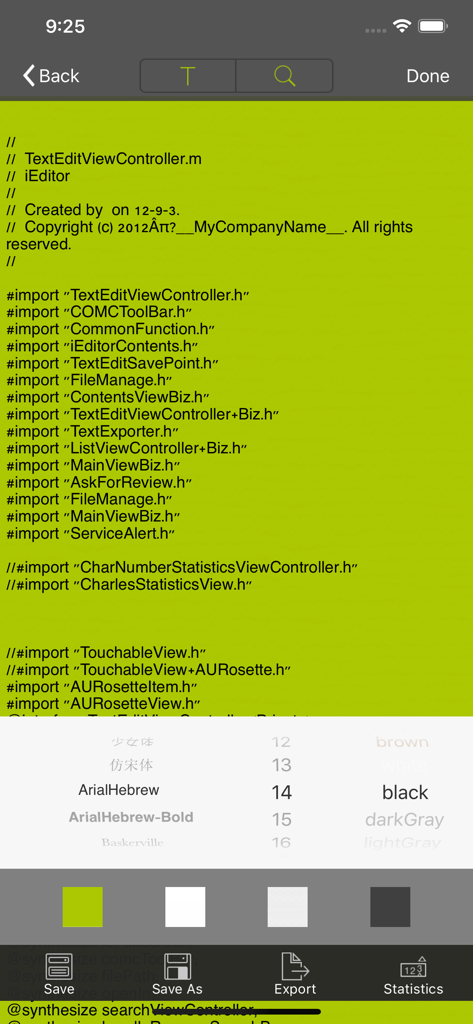
Mobile code editor interface showing font style and background color customization menus over source code
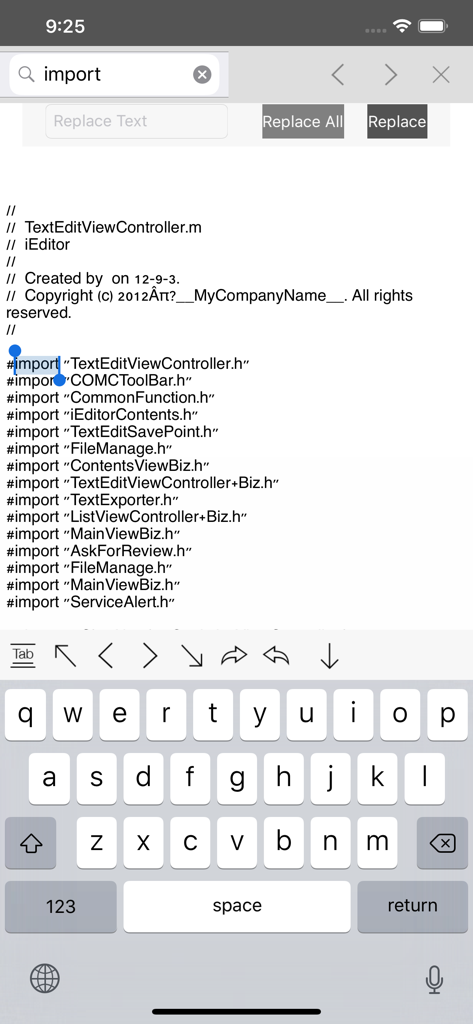
iEditor Pro code editor interface showing search and replace functionality on a mobile device
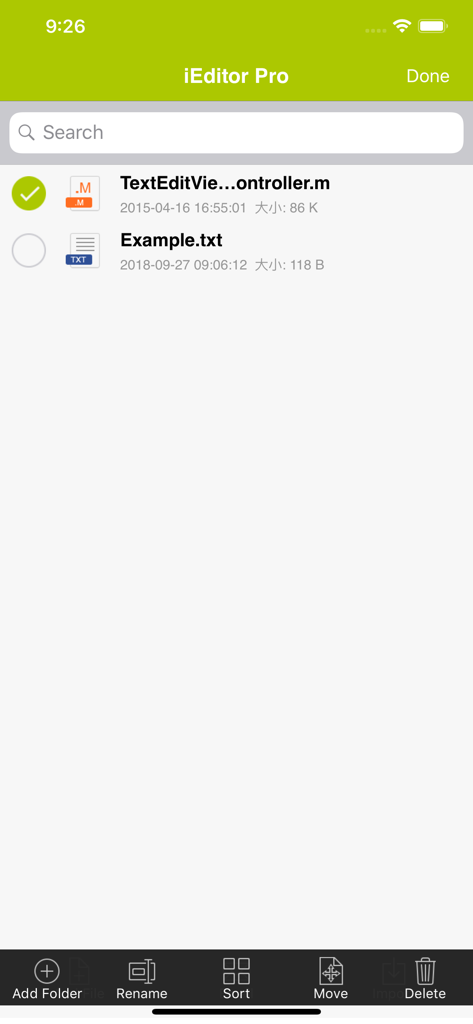
The iEditor Pro file management interface displaying a list of source code and text files with options to rename, sort, and move.
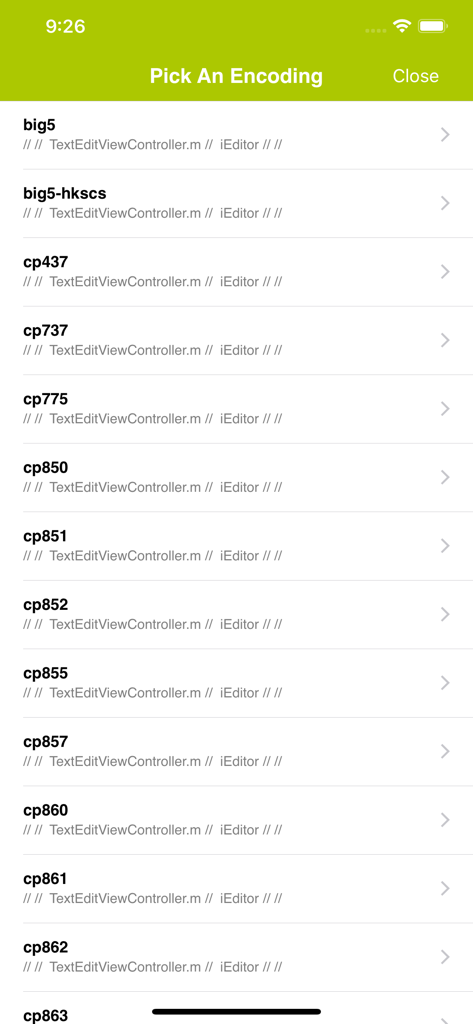
Character encoding selection screen in iEditor Pro showing a list of text encoding formats like big5 and cp437
Description
Download
More Like This
Top-ranked apps in the same category

ChatGPT
OpenAI OpCo, LLC

Google Gemini
Google LLC

Grok
X.AI Corporation

Gmail - Email by Google
Google LLC

千问 - 阿里最强大模型官方AI助手
Shanghai Zhixin Puhui Technology Co., Ltd.

Google Drive
Google LLC

Microsoft Authenticator
Microsoft Corporation

Google Sheets
Google LLC

Google Docs
Google LLC
This page is not an official page of the app or its developer, but an independent editorial publication created for informational and commentary purposes. Unless expressly stated otherwise, neither the app nor its developer is affiliated with, endorsed by, sponsored by, authorized by, or otherwise officially connected with MWM, Apple, Google Play, the app publisher, or the app's developer, and nothing on this page implies that the app was developed using MWM's services. Any trademarks, logos, screenshots, and other content remain the property of their respective owners.