
This page is not an official page of the app or its developer, but an independent editorial publication created for informational and commentary purposes. Unless expressly stated otherwise, neither the app nor its developer is affiliated with, endorsed by, sponsored by, authorized by, or otherwise officially connected with MWM, Apple, Google Play, the app publisher, or the app's developer, and nothing on this page implies that the app was developed using MWM's services. Any trademarks, logos, screenshots, and other content remain the property of their respective owners.

Image Converter - JPG PNG HEIC
Stop struggling with unsupported HEIC files. Batch convert your images to JPG or PNG in seconds and adjust compression quality for seamless uploading to web portals, email, and social media.
Downloads
109K+User Rating
Total Ratings
100Publisher
Category
Photo & VideoLocales
18Latest Version
2.4.1Size
8.6 MBFirst Released
May 26, 2020Effortless Conversion for Every Workflow
Stop struggling with incompatible formats. Convert, compress, and share your photos in three simple steps, designed for your mobile-first lifestyle.
Instant Format Switching
Turn Apple's HEIC files into universal JPG or PNG formats instantly. Ensure your photos work perfectly on every website, school portal, and social platform.
Powerful Batch Processing
Convert dozens of images at once instead of one by one. Save hours of manual work, whether you are managing e-commerce listings or organizing project folders.
The following screenshots and description are sourced directly from the app's official store listing and are the property of the app developer.
App Store
Screenshots
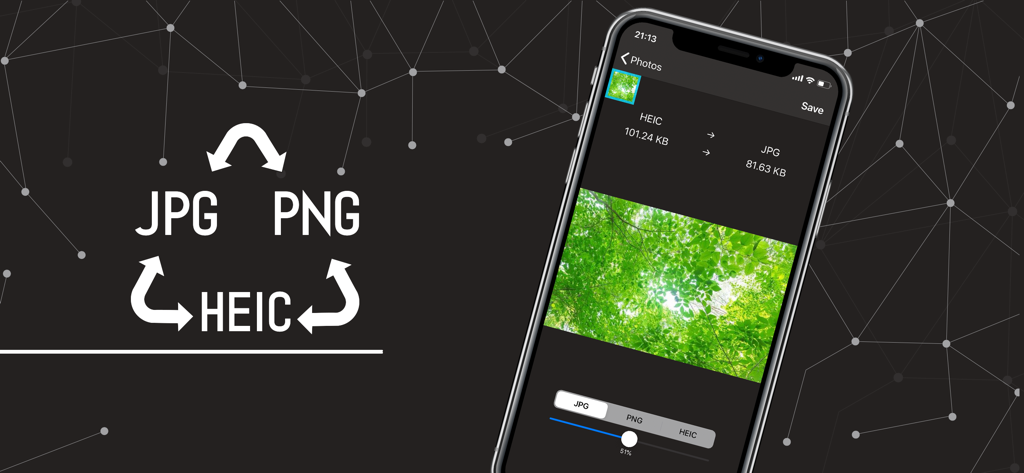
Interface of the Image Converter app showing a conversion from HEIC to JPG on an iPhone screen.
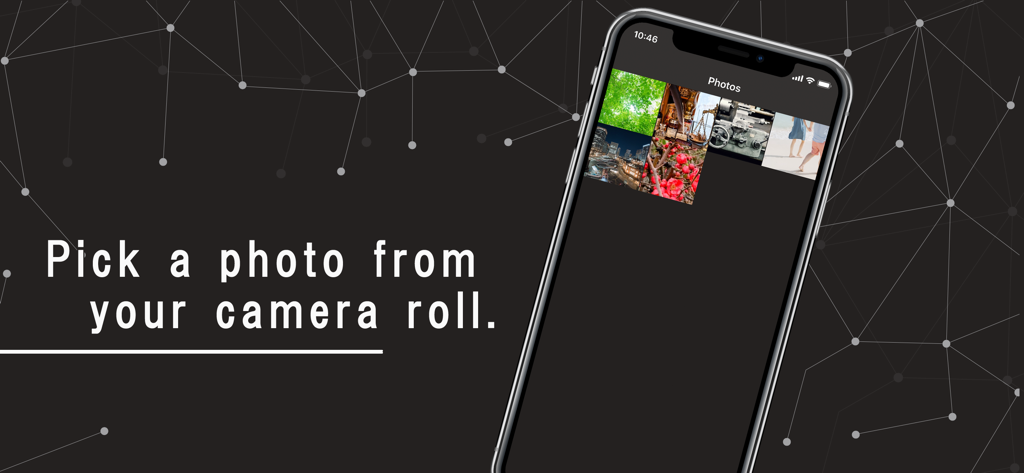
An iPhone showing the Image Converter app interface to pick a photo from the camera roll.
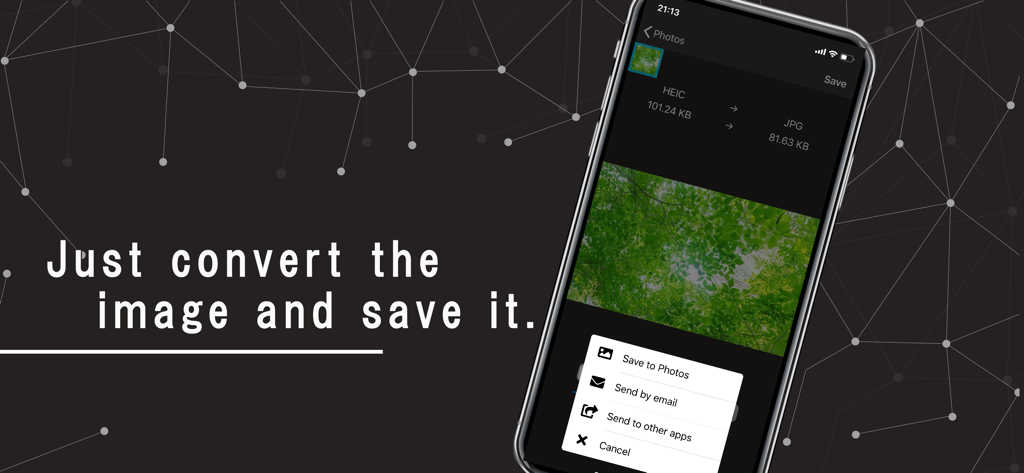
Image converter app interface showing HEIC to JPG conversion and sharing options on an iPhone screen.
Description
Download
More Like This
Top-ranked apps in the same category

CapCut: Photo & Video Editor
BYTEDANCE PTE. LTD.

Instagram, Inc.

YouTube
Google LLC

Canva: AI Photo & Video Editor
Canva Pty Ltd

Snapchat
Snap, Inc.

快手
Beijing Kwai Technology Co., Ltd.

Edits: Video Editor
Instagram, Inc.

Meitu- AI Photo & Video Editor
Xiamen Meitu Technology Co., Ltd.

Google Photos: Backup & Edit
Google LLC
This page is not an official page of the app or its developer, but an independent editorial publication created for informational and commentary purposes. Unless expressly stated otherwise, neither the app nor its developer is affiliated with, endorsed by, sponsored by, authorized by, or otherwise officially connected with MWM, Apple, Google Play, the app publisher, or the app's developer, and nothing on this page implies that the app was developed using MWM's services. Any trademarks, logos, screenshots, and other content remain the property of their respective owners.