
This page is not an official page of the app or its developer, but an independent editorial publication created for informational and commentary purposes. Unless expressly stated otherwise, neither the app nor its developer is affiliated with, endorsed by, sponsored by, authorized by, or otherwise officially connected with MWM, Apple, Google Play, the app publisher, or the app's developer, and nothing on this page implies that the app was developed using MWM's services. Any trademarks, logos, screenshots, and other content remain the property of their respective owners.


Image converter JPG, PNG, JPEG
Say goodbye to "File type not supported" errors. Batch convert HEIC photos to JPG or PDF and optimize file sizes for any upload requirement in seconds.
Downloads
800User Rating
Total Ratings
0Publisher
Category
UtilitiesLocales
6Latest Version
1.1.1Size
10.0 MBFirst Released
Apr 8, 2025Universal Compatibility in Seconds
Stop struggling with 'Unsupported File' errors. Convert, compress, and resize your images into professional-ready formats instantly on your iPhone or iPad.
Instant Batch Conversion
Effortlessly transform HEIC, PNG, or WEBP images into universally accepted JPG or PDF formats. Perfect for school assignments and government portals.
Smart Compression & Resizing
Beat strict upload limits by reducing file sizes without losing clarity. Optimize your documents to meet any website’s requirements in one tap.
Frequently Asked Questions
Everything you need to know about Image converter JPG, PNG, JPEG
How do I convert images using the Image converter app?
Users convert images with the Image converter app by selecting photos, optionally compressing or resizing, tapping "Convert Now," and then saving the converted files.
What image formats does the Image converter app support?
The Image converter app supports converting images to JPG, PNG, PDF, HEIC, WEBP, and BMP formats. It provides comprehensive output options for various needs.
Can I convert multiple images simultaneously with Image converter?
Yes, the Image converter app allows users to convert multiple images simultaneously. It features a bulk conversion capability, processing several files at once.
Does Image converter app compress images without losing quality?
Yes, the Image converter app compresses images with minimal quality loss. It offers adjustable compression levels, including low, medium, and high, to optimize file size.
Can I resize photos using the Image converter app?
Yes, the Image converter app enables users to easily resize their photos. It provides tools to adjust image dimensions and modify the aspect ratio directly within the app.
What is the subscription cost for the Image converter app?
The Image converter JPG HEIC PNG Converter app has an auto-renewing weekly subscription costing $2.99 USD. Prices may differ for users outside the U.S.
How do I cancel my Image converter app subscription?
Users cancel their Image converter app subscription by visiting their device's iTunes Account Settings after purchase. Auto-renewal must be disabled 24 hours prior to the current period's end.
Where is the privacy policy for Image converter app located?
The privacy policy for the Image JPG HEIC PNG Converter app is located at https://www.onevly.com/ios/privacypolicy.html. This document outlines data handling practices.
The following screenshots and description are sourced directly from the app's official store listing and are the property of the app developer.
App Store
Screenshots
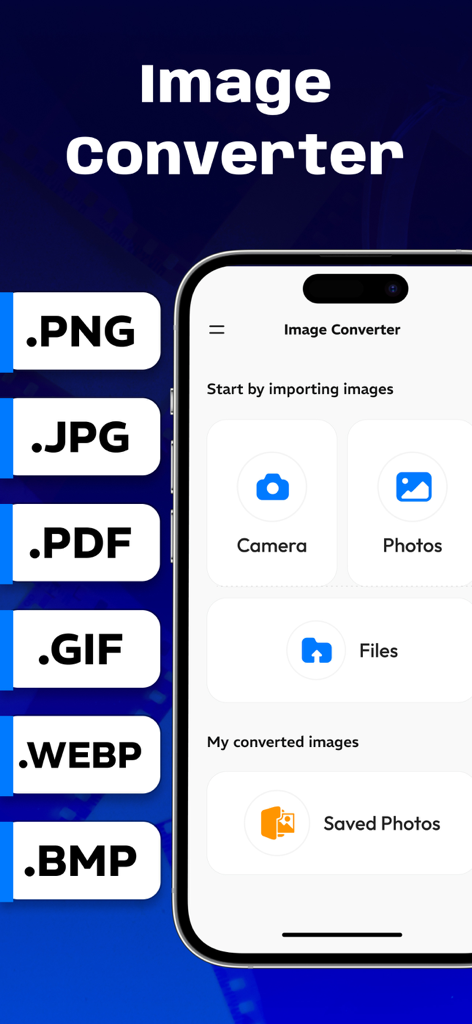
Image converter app interface showing options to import and convert photos to JPG PNG and PDF formats
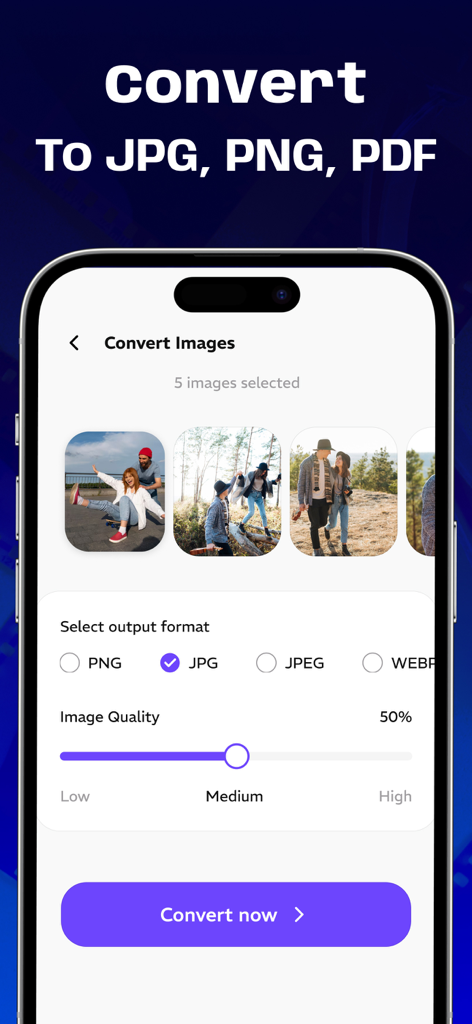
A mobile interface showing the conversion of multiple images to JPG and PNG with quality settings.
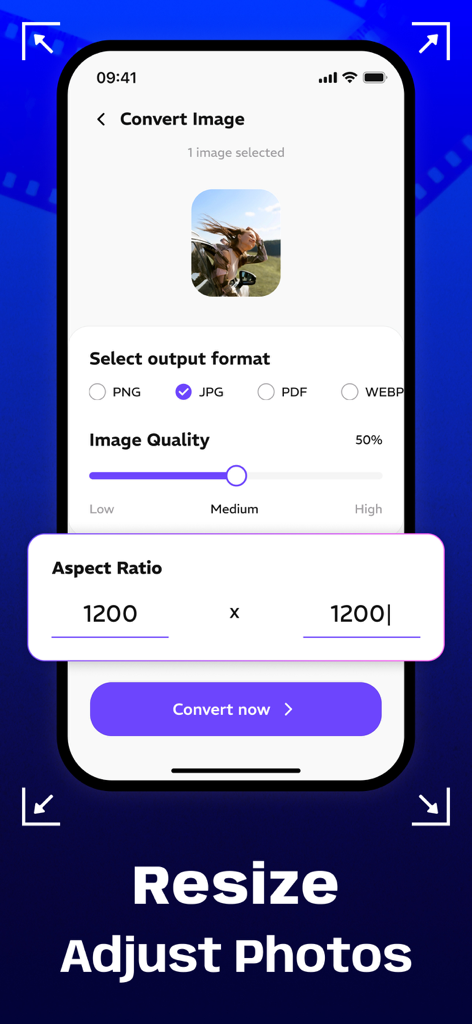
Interface of the Image Converter app showing options to resize photos and adjust aspect ratio
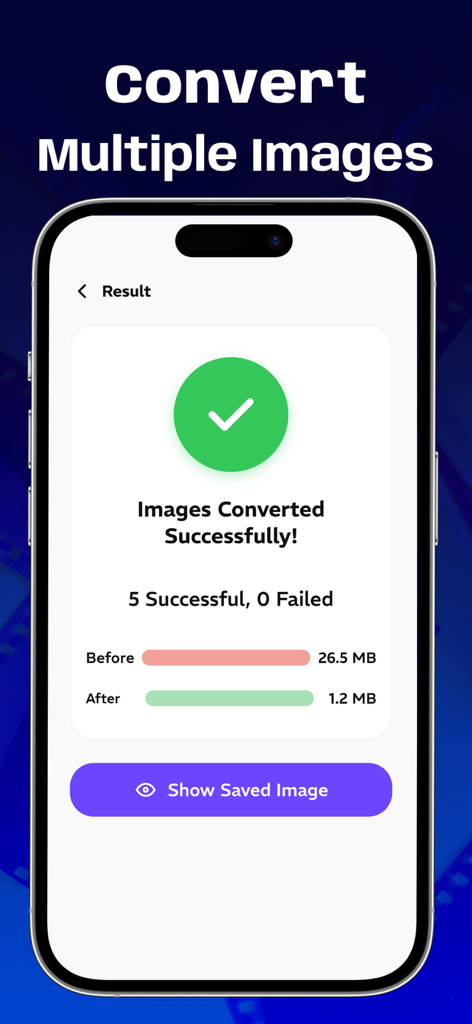
Mobile app screen showing successful conversion and compression of multiple images.
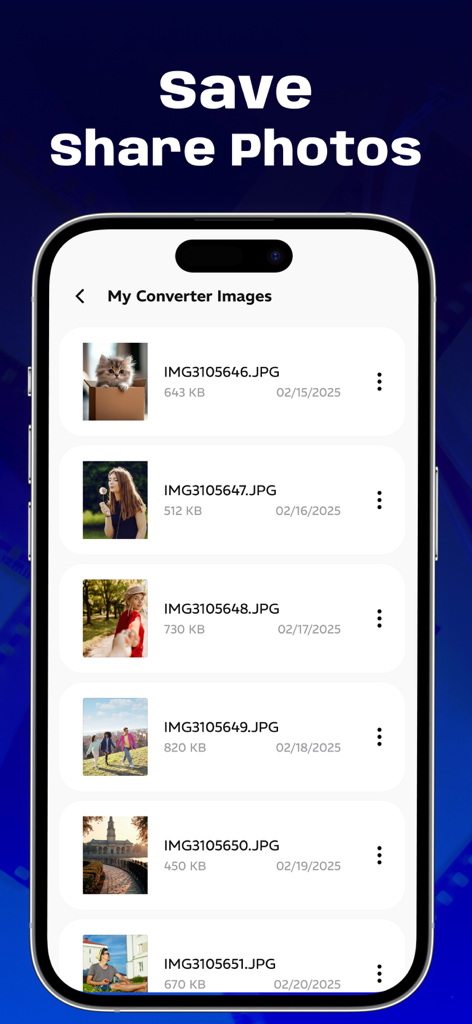
A list of converted JPG images displayed with their file names and sizes in the app gallery.
Description
Download
More Like This
Top-ranked apps in the same category

Google LLC

Google Chrome
Google LLC

中国移动(手机营业厅)
China Mobile Online Services Co., Ltd.

Google Authenticator
Google LLC

CNH do Brasil
Servicos e Informacoes do Brasil

Cleanup: Phone Storage Cleaner
DEEP FLOW SOFTWARE SERVICES - FZCO

gov.br
Servicos e Informacoes do Brasil

中国电信-全国统一官方服务平台
CHINA TELECOM Corporation Ltd.

Microsoft Edge: AI Browser
Microsoft Corporation
This page is not an official page of the app or its developer, but an independent editorial publication created for informational and commentary purposes. Unless expressly stated otherwise, neither the app nor its developer is affiliated with, endorsed by, sponsored by, authorized by, or otherwise officially connected with MWM, Apple, Google Play, the app publisher, or the app's developer, and nothing on this page implies that the app was developed using MWM's services. Any trademarks, logos, screenshots, and other content remain the property of their respective owners.