
This page is not an official page of the app or its developer, but an independent editorial publication created for informational and commentary purposes. Unless expressly stated otherwise, neither the app nor its developer is affiliated with, endorsed by, sponsored by, authorized by, or otherwise officially connected with MWM, Apple, Google Play, the app publisher, or the app's developer, and nothing on this page implies that the app was developed using MWM's services. Any trademarks, logos, screenshots, and other content remain the property of their respective owners.

Inkpad Notepad - Notes - To do
Experience the comfort of a paper notepad with the power of digital sync. Easily manage your shopping lists and daily tasks on your phone or web browser with automatic saving you can trust.
Downloads
1M+User Rating
Total Ratings
8K+Publisher
Category
ProductivityLocales
1Latest Version
6.3.59Size
67.3 MBFirst Released
Jul 27, 2015Simple Notes for Your Busy Life
Inkpad Notepad brings the familiarity of a paper pad to your phone and computer. It is the easiest way to keep your thoughts, lists, and ideas organized without any technical headache.
Just Like a Paper Notepad
No complicated menus or formatting. Just tap to write, and your notes save automatically as you go, just like a real legal pad.
Access from Your Computer
Type longer notes or lists comfortably on your computer's keyboard via our website and find them instantly on your phone when you're on the go.
The following screenshots and description are sourced directly from the app's official store listing and are the property of the app developer.
App Store
Screenshots
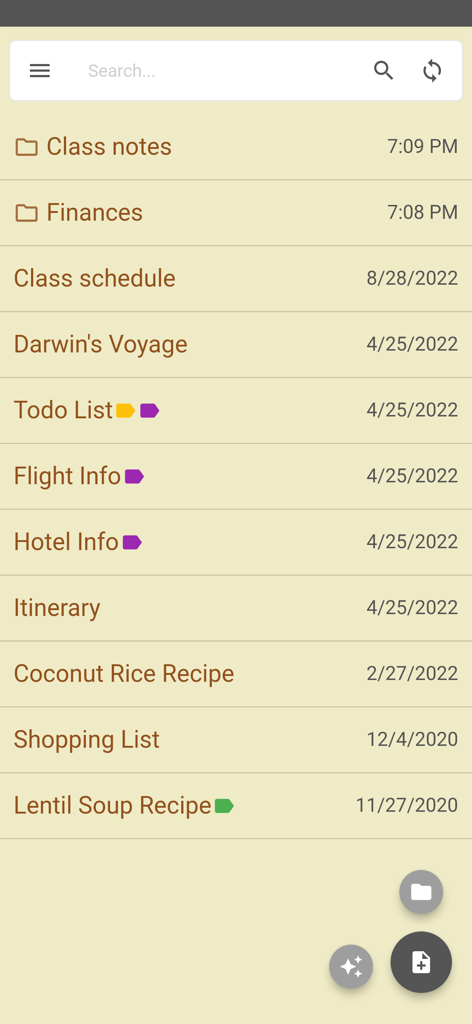
Inkpad Notepad app screen displaying a list of notes and folders with a paper-like aesthetic
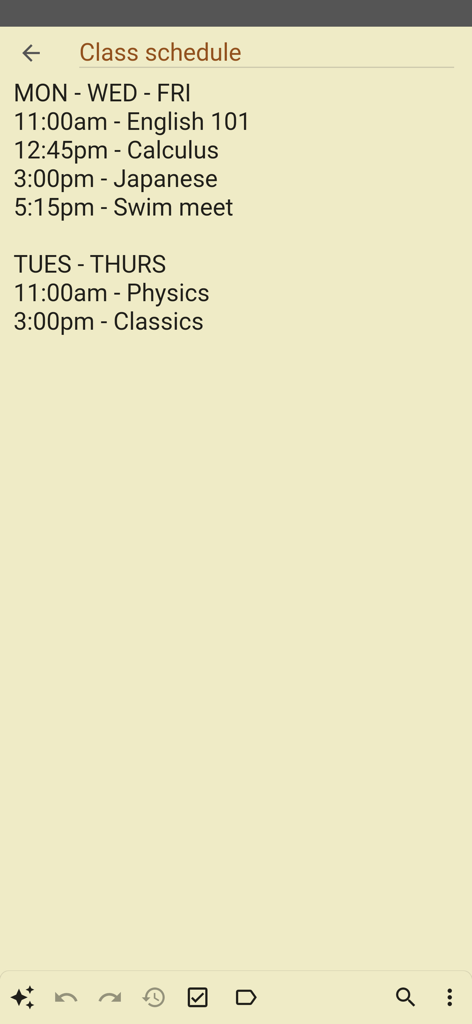
A simple digital note titled Class schedule showing a list of courses and times on a paper-like background
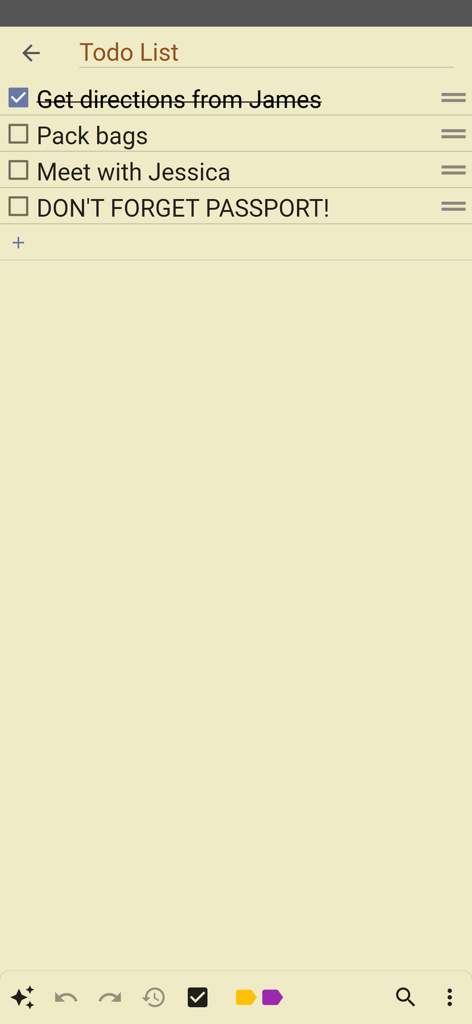
A simple to-do list on a yellow paper background in the Inkpad Notepad app
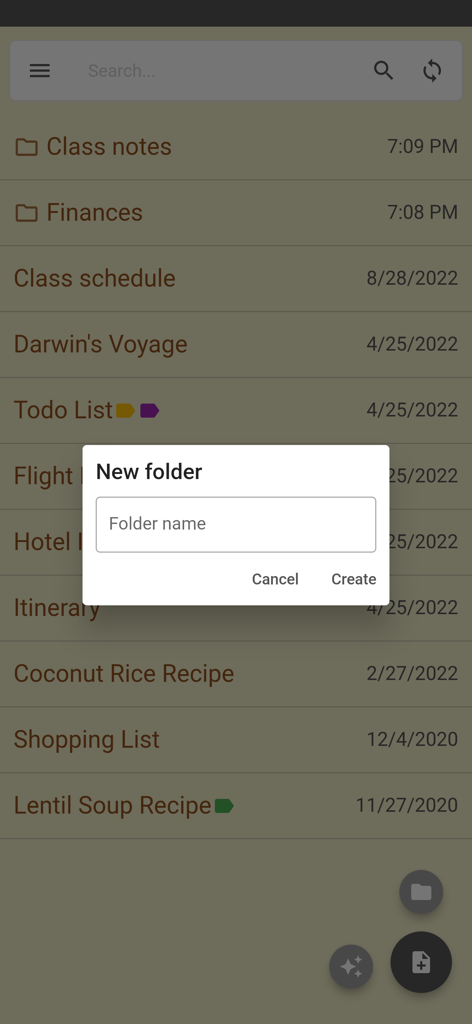
New folder creation screen in the Inkpad Notepad app
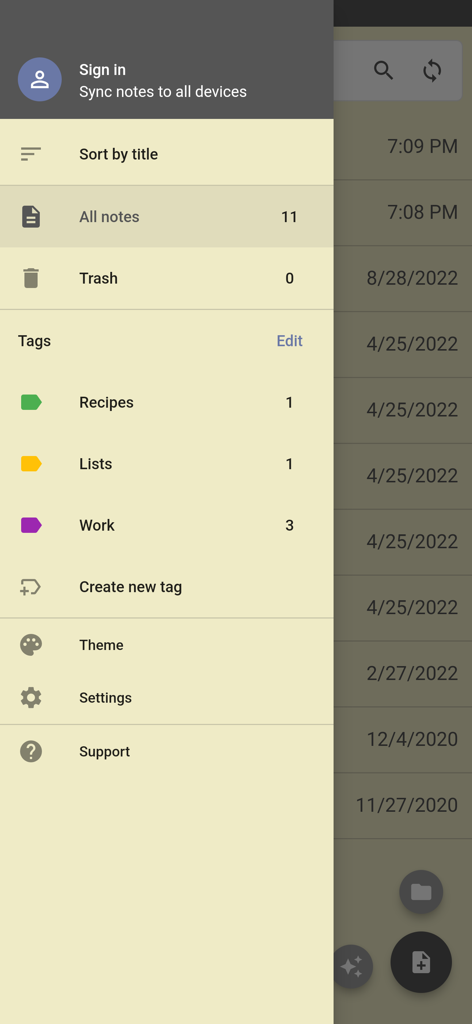
Inkpad Notepad side navigation menu showing options for note sorting tags and account settings
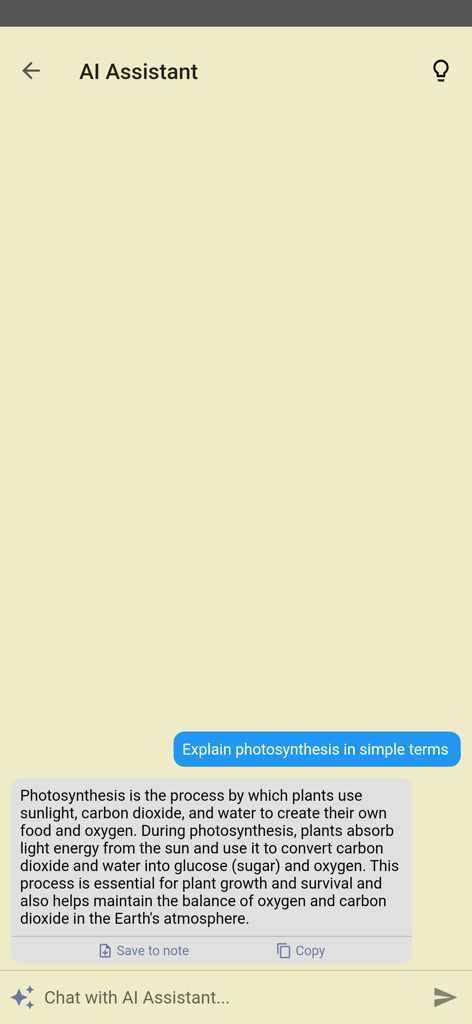
AI Assistant feature in Inkpad Notepad answering a question in a simple chat interface
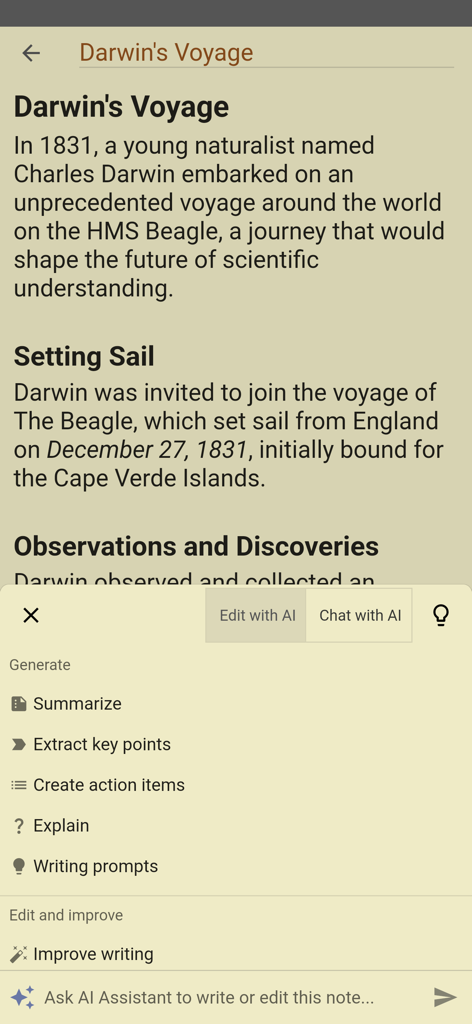
Inkpad Notepad app showing AI assistant menu with options like summarize and improve writing
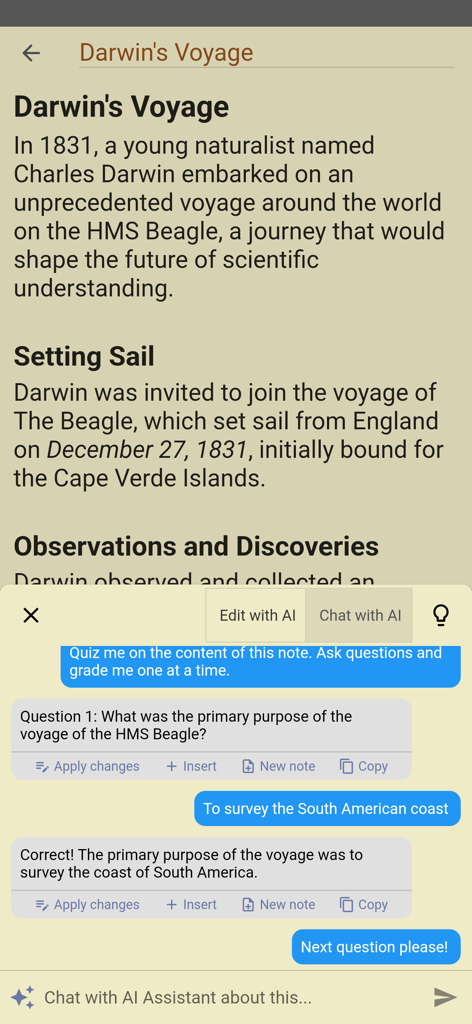
A mobile interface for Inkpad Notepad showing an AI assistant quizzing a user on their notes about Darwin's voyage
Description
Download
More Like This
Top-ranked apps in the same category

ChatGPT
OpenAI OpCo, LLC

Google Gemini
Google LLC

Grok
X.AI Corporation

Gmail - Email by Google
Google LLC

千问 - 阿里最强大模型官方AI助手
Shanghai Zhixin Puhui Technology Co., Ltd.

Google Drive
Google LLC

Microsoft Authenticator
Microsoft Corporation

Google Sheets
Google LLC

Google Docs
Google LLC
This page is not an official page of the app or its developer, but an independent editorial publication created for informational and commentary purposes. Unless expressly stated otherwise, neither the app nor its developer is affiliated with, endorsed by, sponsored by, authorized by, or otherwise officially connected with MWM, Apple, Google Play, the app publisher, or the app's developer, and nothing on this page implies that the app was developed using MWM's services. Any trademarks, logos, screenshots, and other content remain the property of their respective owners.