
This page is not an official page of the app or its developer, but an independent editorial publication created for informational and commentary purposes. Unless expressly stated otherwise, neither the app nor its developer is affiliated with, endorsed by, sponsored by, authorized by, or otherwise officially connected with MWM, Apple, Google Play, the app publisher, or the app's developer, and nothing on this page implies that the app was developed using MWM's services. Any trademarks, logos, screenshots, and other content remain the property of their respective owners.

iRFR - LR
Put the power of your ETC console in your pocket. Seamlessly manage programming, playback, and fixture focus from anywhere in the venue with the industry-standard remote for lighting professionals.
Downloads
27K+User Rating
Total Ratings
0Publisher
Category
UtilitiesLocales
1Latest Version
4.1.6Size
59.8 MBFirst Released
Jun 22, 2009Professional Lighting Control in Your Pocket
Empower your workflow with a powerful, secure remote for Eos family consoles. Experience total mobility during focus sessions and rehearsals.
Total Stage Mobility
Untether from the booth. Control channels, cues, and moving lights directly from the stage, eliminating the need for a second technician during focus.
Precision Focus Wand
Harness AR technology to select fixtures just by pointing your device. A revolutionary way to speed up your focus process and lighting adjustments.
The following screenshots and description are sourced directly from the app's official store listing and are the property of the app developer.
App Store
Screenshots
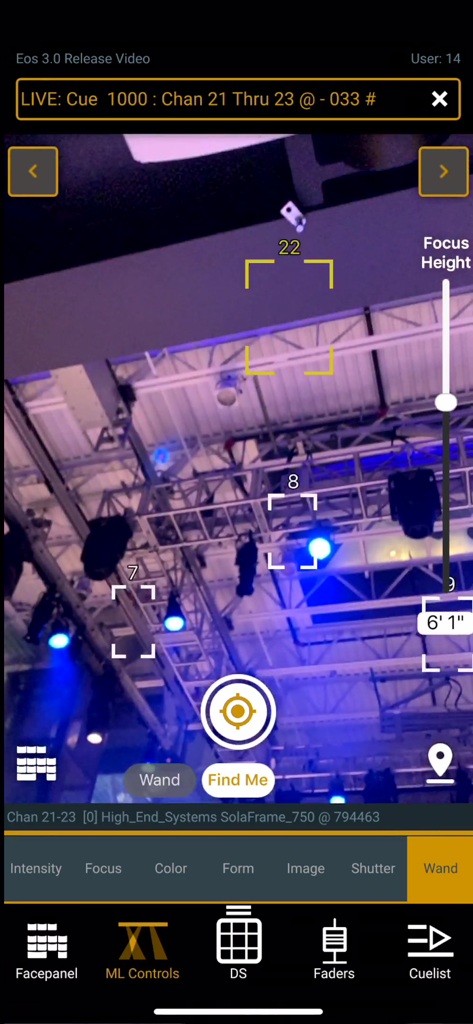
iRFR app Focus Wand interface showing augmented reality selection of theater lighting fixtures
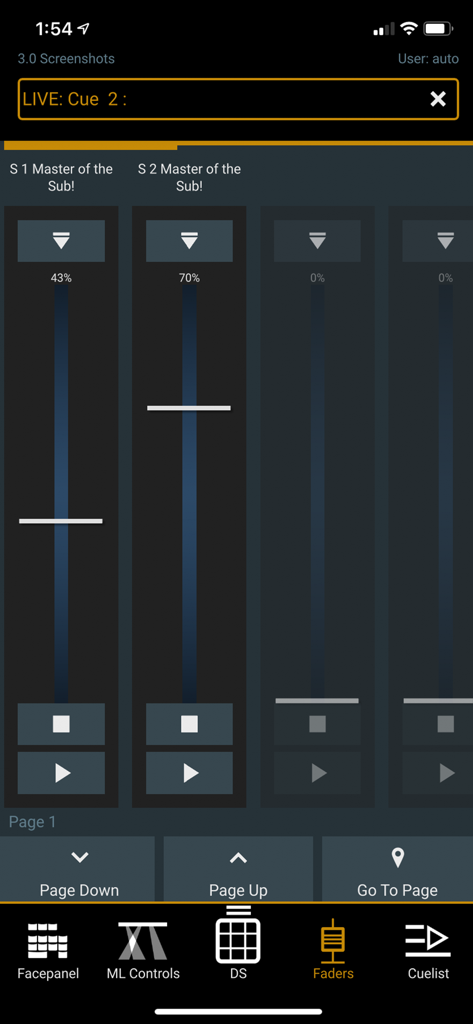
Interface of the iRFR - LR app showing vertical lighting submaster faders and controls
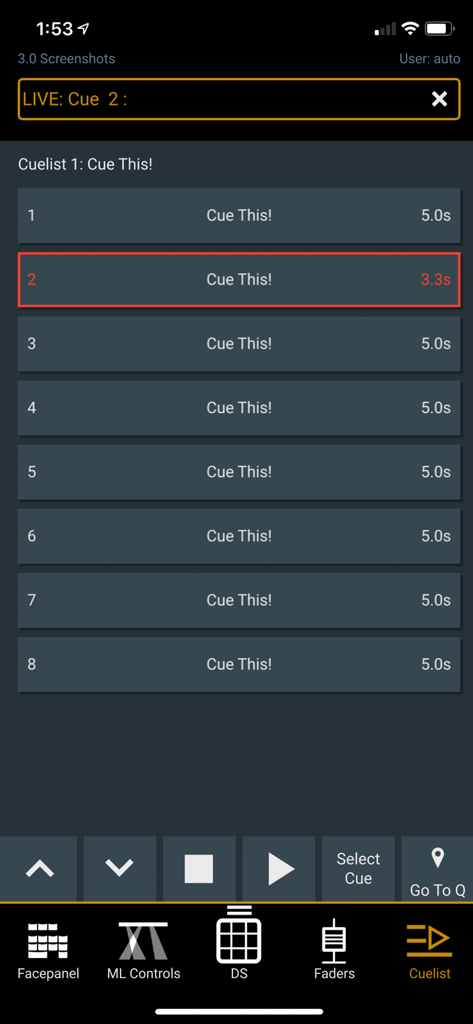
The iRFR lighting remote app interface displaying a theatrical cuelist with playback and navigation controls.
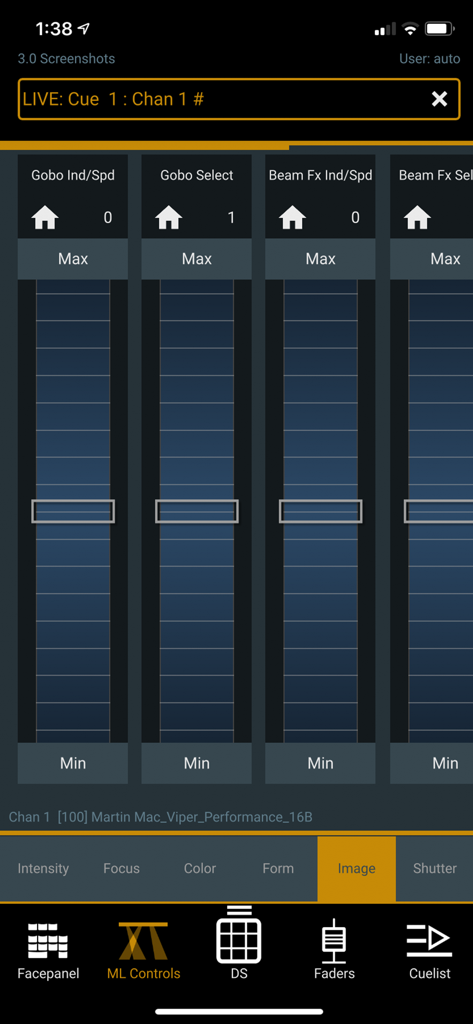
iRFR app interface showing moving light controls for gobo and beam effect parameters with vertical sliders.
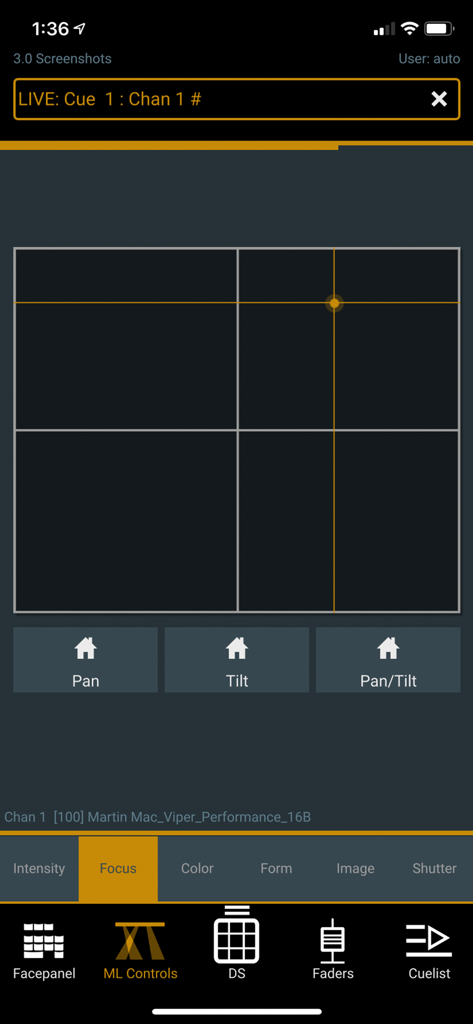
iRFR - LR mobile app screen displaying pan and tilt focus controls for moving lights.
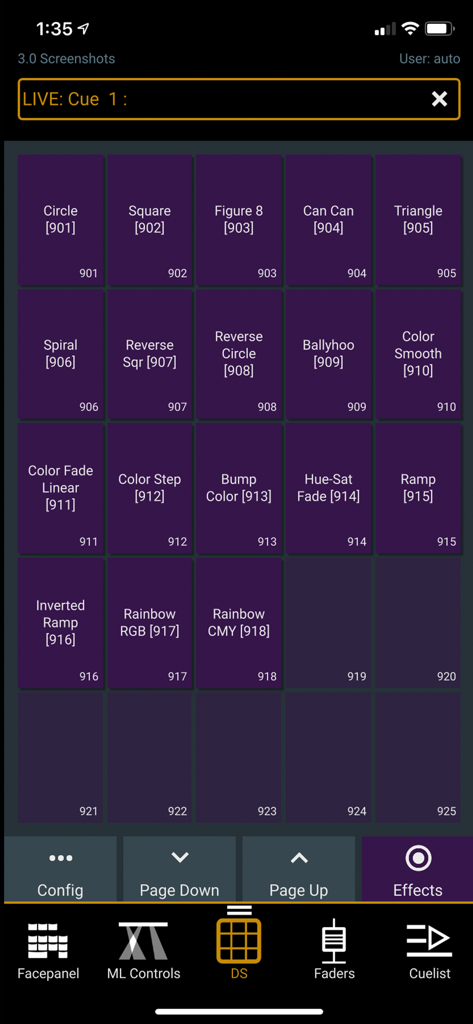
A grid of lighting effect buttons in the iRFR - LR mobile app
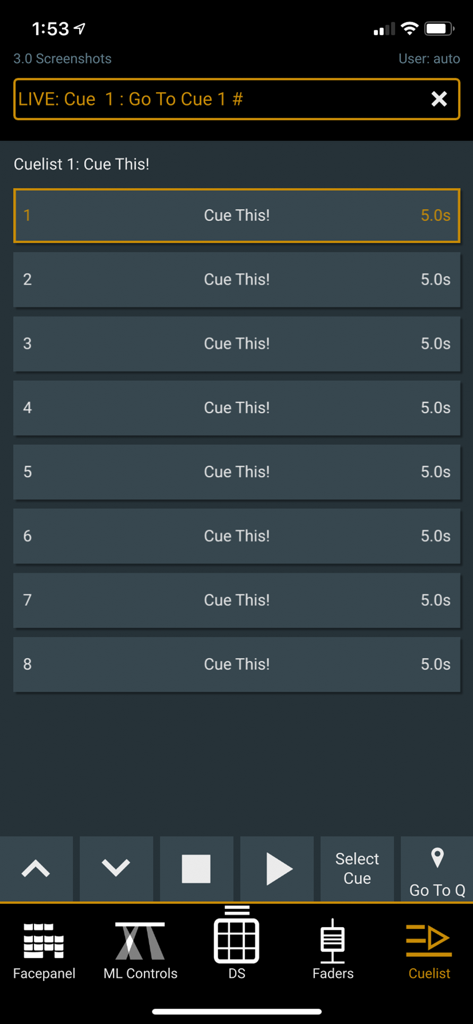
Lighting cue list screen on the iRFR-LR app
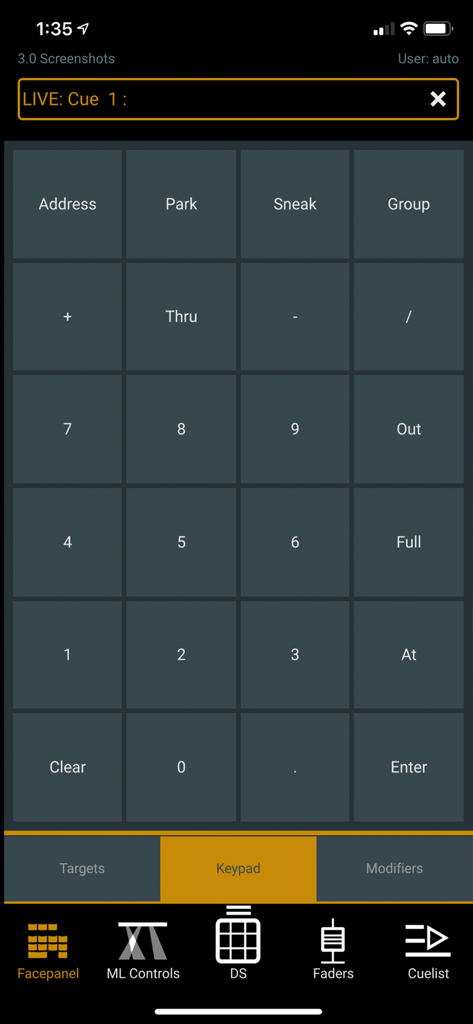
Mobile app interface of iRFR - LR showing a numeric keypad for lighting control commands like Sneak and Park.
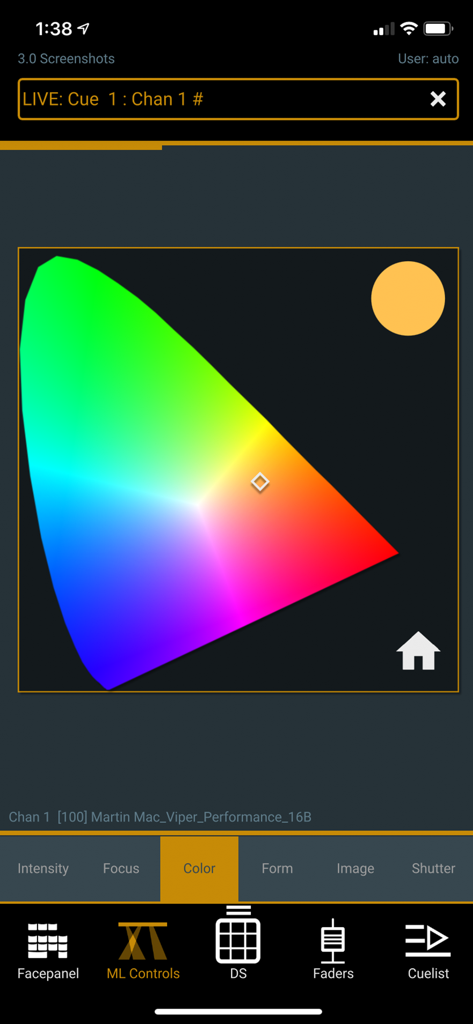
The color picker interface of the iRFR - LR app for professional lighting design.
Description
Download
More Like This
Top-ranked apps in the same category

Google LLC

Google Chrome
Google LLC

中国移动(手机营业厅)
China Mobile Online Services Co., Ltd.

Google Authenticator
Google LLC

CNH do Brasil
Servicos e Informacoes do Brasil

Cleanup: Phone Storage Cleaner
DEEP FLOW SOFTWARE SERVICES - FZCO

gov.br
Servicos e Informacoes do Brasil

中国电信-全国统一官方服务平台
CHINA TELECOM Corporation Ltd.

Microsoft Edge: AI Browser
Microsoft Corporation
This page is not an official page of the app or its developer, but an independent editorial publication created for informational and commentary purposes. Unless expressly stated otherwise, neither the app nor its developer is affiliated with, endorsed by, sponsored by, authorized by, or otherwise officially connected with MWM, Apple, Google Play, the app publisher, or the app's developer, and nothing on this page implies that the app was developed using MWM's services. Any trademarks, logos, screenshots, and other content remain the property of their respective owners.