
This page is not an official page of the app or its developer, but an independent editorial publication created for informational and commentary purposes. Unless expressly stated otherwise, neither the app nor its developer is affiliated with, endorsed by, sponsored by, authorized by, or otherwise officially connected with MWM, Apple, Google Play, the app publisher, or the app's developer, and nothing on this page implies that the app was developed using MWM's services. Any trademarks, logos, screenshots, and other content remain the property of their respective owners.


iSenhas - Password Manager
Securely store your passwords, passkeys, and 2FA codes with zero-knowledge encryption. iSenhas automates your organization with smart folders and icon detection for a seamless, productive Apple experience.
Downloads
239K+User Rating
Total Ratings
1K+Publisher
Category
ProductivityLocales
4Latest Version
6.30.1Size
37.8 MBFirst Released
Oct 23, 2012Effortless Security for Your Digital Life
Experience the perfect blend of high-end security and automated organization. iSenhas simplifies your digital routine by managing passwords, 2FA codes, and sensitive documents with Apple-vetted precision.
Intelligent Auto-Organization
Stop wasting time on manual sorting. Our smart algorithm automatically detects icons and categorizes your credentials into folders for instant visual recognition.
Your All-in-One Secure Vault
Declutter your digital life. Replace multiple apps by storing Passkeys, 2FA codes, secure notes, and identity documents in one ultra-secure, encrypted hub.
The following screenshots and description are sourced directly from the app's official store listing and are the property of the app developer.
App Store
Screenshots
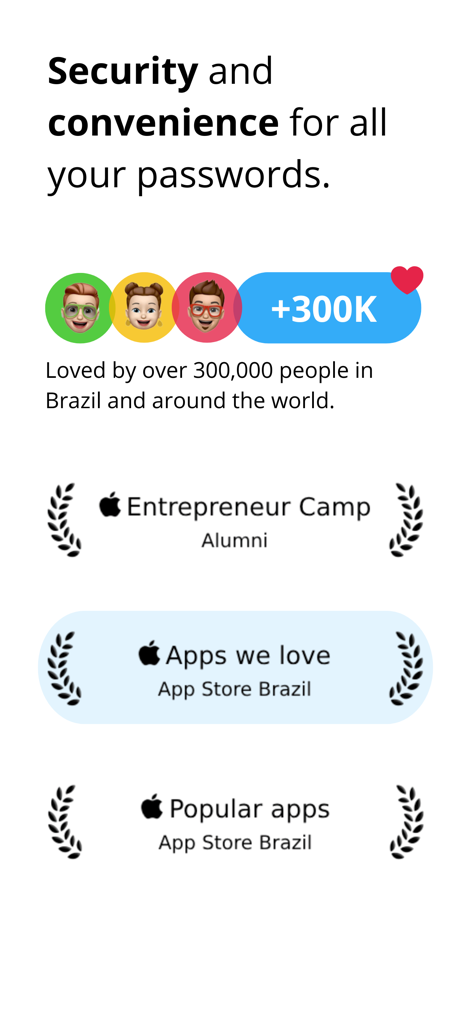
Trust badges for iSenhas showing Apple Entrepreneur Camp alumni status and over 300000 users globally
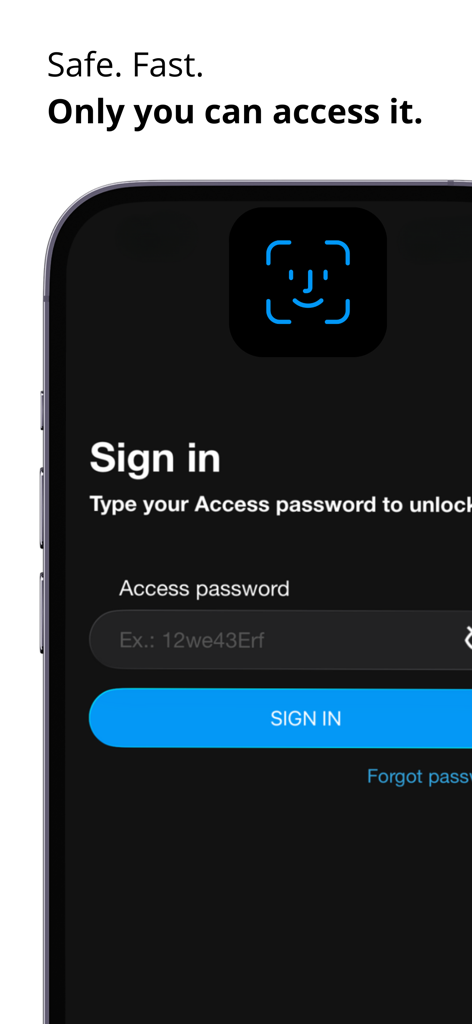
iSenhas app sign-in screen featuring FaceID biometric authentication and access password input
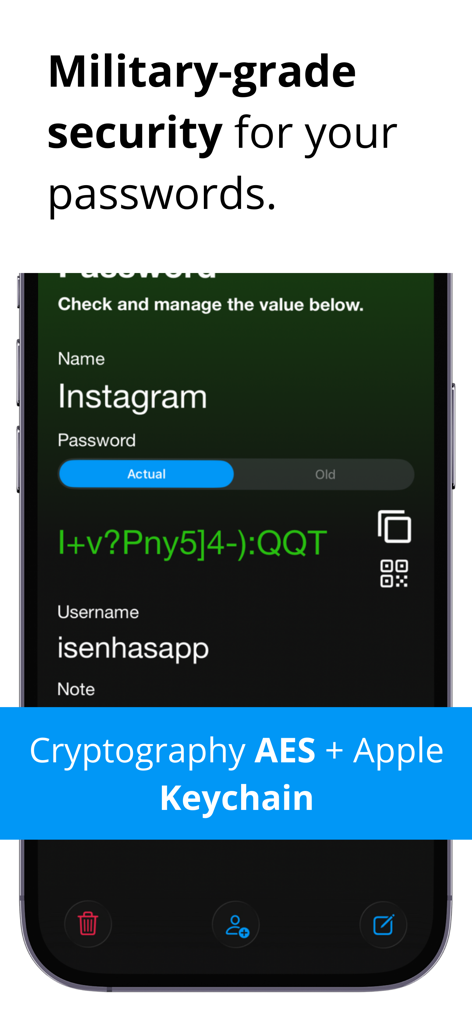
iPhone screen displaying a secure Instagram password entry in the iSenhas app highlighting AES encryption and Apple Keychain security
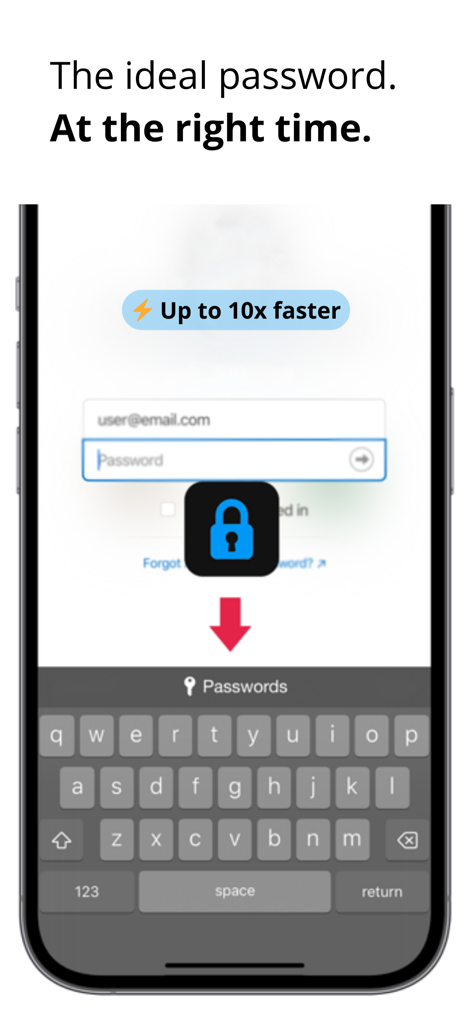
iSenhas password manager autofill feature on iOS keyboard
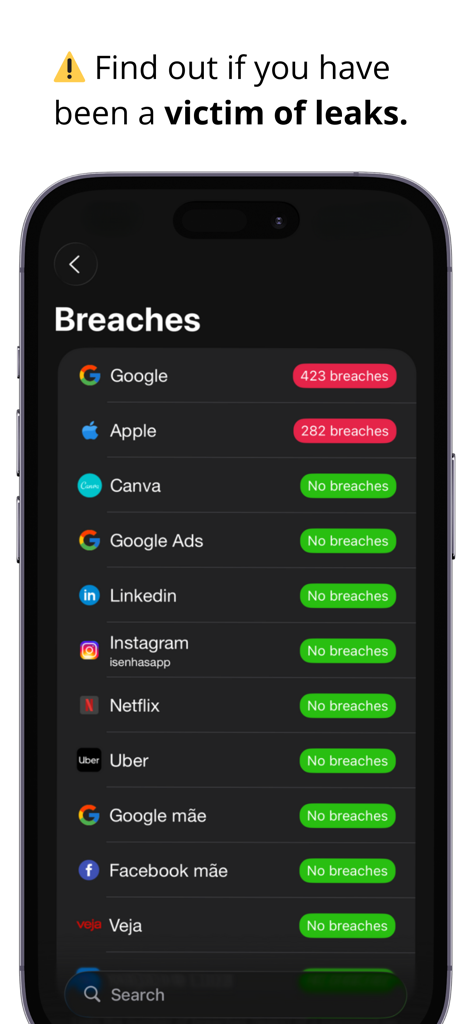
Interface of the iSenhas app showing security alerts and data breach status for multiple online accounts
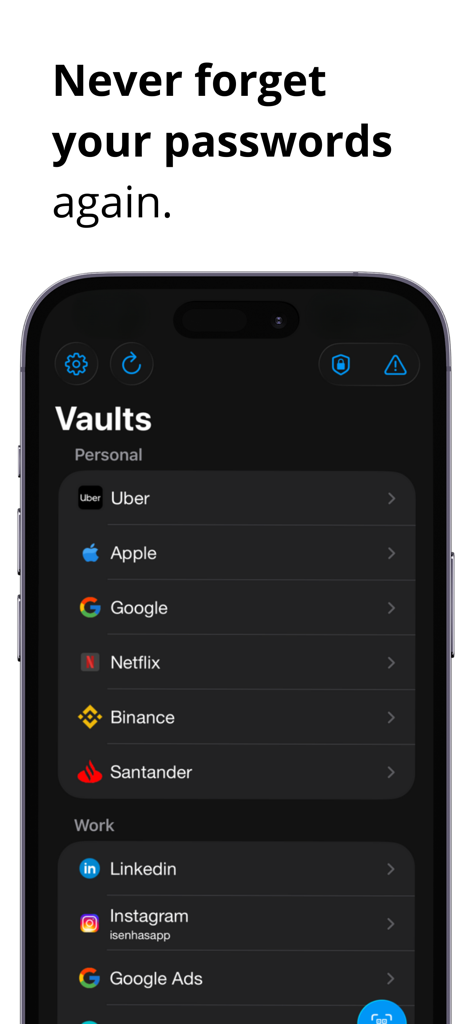
iSenhas password manager app interface showing a list of secured accounts organized into personal and work vaults
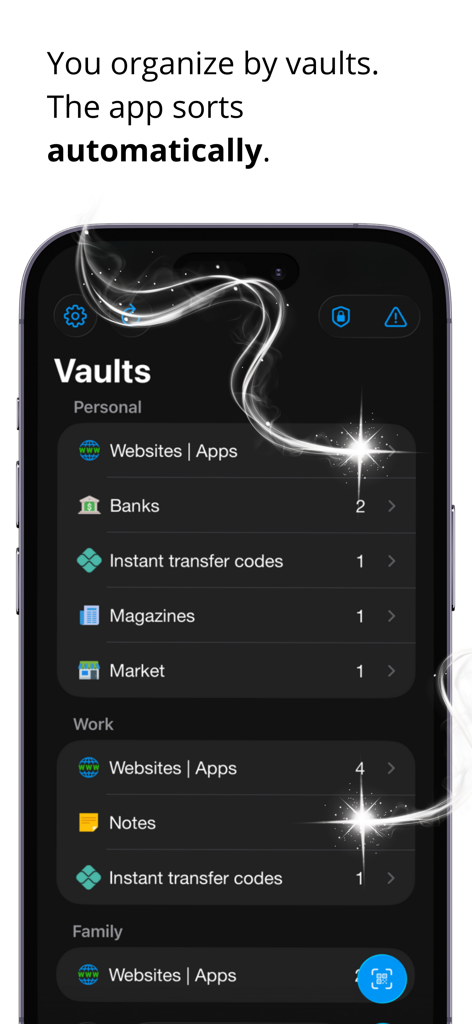
iSenhas app interface displaying automatic organization of passwords into personal and work vaults.
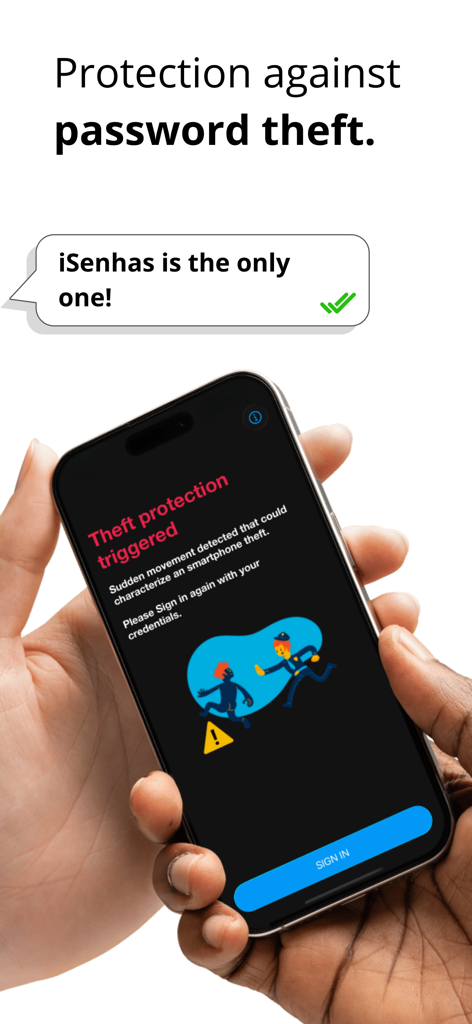
iSenhas password manager smartphone screen showing an anti-theft alert triggered by sudden movement
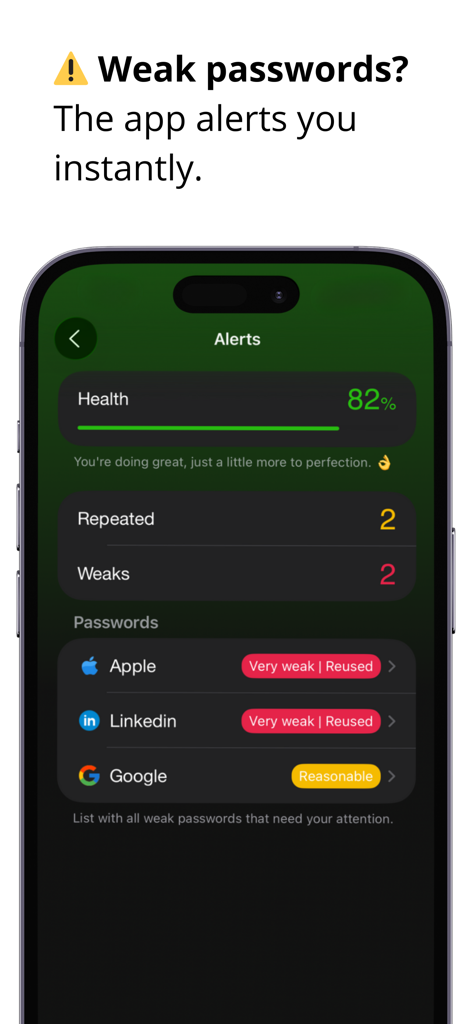
Smartphone screen showing the iSenhas app dashboard with password health score and security alerts for weak or reused accounts
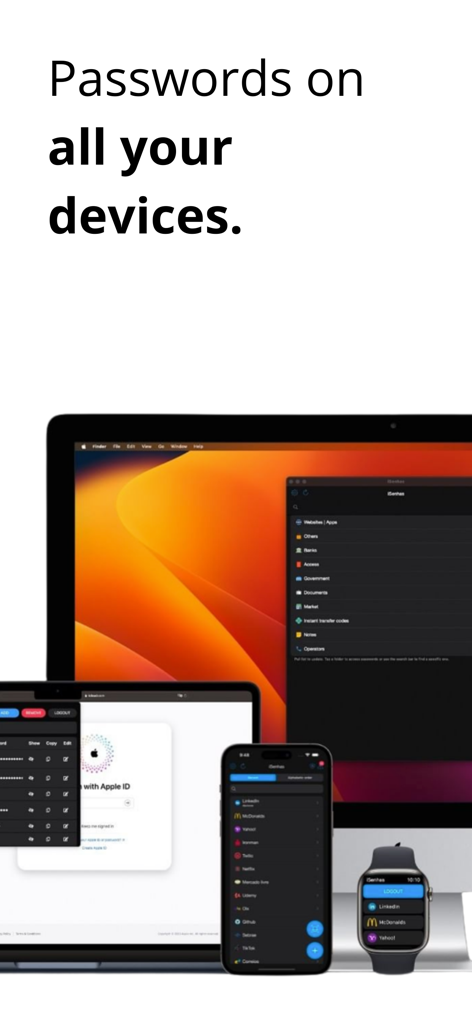
iSenhas app interface shown on iMac, MacBook, iPhone, and Apple Watch displaying password synchronization across the Apple ecosystem.
Description
Download
More Like This
Top-ranked apps in the same category

ChatGPT
OpenAI OpCo, LLC

Google Gemini
Google LLC

Grok
X.AI Corporation

Gmail - Email by Google
Google LLC

千问 - 阿里最强大模型官方AI助手
Shanghai Zhixin Puhui Technology Co., Ltd.

Google Drive
Google LLC

Microsoft Authenticator
Microsoft Corporation

Google Sheets
Google LLC

Google Docs
Google LLC
This page is not an official page of the app or its developer, but an independent editorial publication created for informational and commentary purposes. Unless expressly stated otherwise, neither the app nor its developer is affiliated with, endorsed by, sponsored by, authorized by, or otherwise officially connected with MWM, Apple, Google Play, the app publisher, or the app's developer, and nothing on this page implies that the app was developed using MWM's services. Any trademarks, logos, screenshots, and other content remain the property of their respective owners.