
This page is not an official page of the app or its developer, but an independent editorial publication created for informational and commentary purposes. Unless expressly stated otherwise, neither the app nor its developer is affiliated with, endorsed by, sponsored by, authorized by, or otherwise officially connected with MWM, Apple, Google Play, the app publisher, or the app's developer, and nothing on this page implies that the app was developed using MWM's services. Any trademarks, logos, screenshots, and other content remain the property of their respective owners.


iTAK
Harness the power of the TAK ecosystem for real-time team tracking, secure communication, and military-grade mapping on any mission, anywhere.
Downloads
310K+User Rating
Total Ratings
200Publisher
Category
NavigationLocales
1Latest Version
2.12.3Size
276.1 MBFirst Released
Apr 7, 2022Mission-Critical Situational Awareness
Empower your team with the gold standard in collaborative geospatial tools. iTAK brings military-grade precision to your iPhone for seamless coordination in any environment.
Real-Time Team Tracking
Instantly visualize your team’s movements on a shared map with Blue Force Tracking, ensuring maximum safety and operational coordination in the field.
Precision Offline Navigation
Deploy with confidence using high-resolution 3D maps and custom KML overlays that remain fully functional in remote areas without cellular service.
Frequently Asked Questions
Everything you need to know about iTAK
What is iTAK?
iTAK is a collaborative geospatial application for real-time team awareness. It displays team locations, sensor information, videos, and chat. The app supports both Department of Defense and commercial sector standards.
Is iTAK compatible with other TAK systems?
Yes, iTAK is fully compatible with the entire TAK ecosystem, including TAK server, WinTAK, ATAK, and WebTAK. All data within the iTAK app is secured and integrated across these platforms.
What are the main features of the iTAK app?
iTAK provides online/offline mapping, blue force tracking, collaborative mapping, KML/KMZ/GeoPDF import, and location sharing with photo tagging. It also includes chat, live video streaming, and navigation tools.
Can iTAK be used for offline mapping?
Yes, iTAK supports comprehensive offline mapping. Users can download maps directly within the app. It is compatible with most standard map formats for use without an internet connection.
What operating system does iTAK require?
iTAK requires iOS version 17 or later to operate. This specifies the minimum Apple mobile operating system needed for the application to function correctly.
Does iTAK use location services?
Yes, iTAK utilizes location services for crucial functions. It uses your location for routing, navigation, and to share real-time position with teammates for enhanced situational awareness.
How do I share my location with iTAK teammates?
iTAK automatically shares your location with teammates for blue force tracking and situational awareness. This feature activates upon granting location services permission to the app during setup.
Can I view live video streams in iTAK?
Yes, iTAK incorporates live video streaming capabilities. Users can share video links directly within the application to provide or view real-time visual feeds collaboratively.
Who is the iTAK app designed for?
The iTAK app is designed for diverse users including law enforcement, first responders, hunters, and fishermen. It also supports ornithology and wildlife site survey activities.
Can I customize the map view in iTAK?
Yes, iTAK offers map view customization through its Layers menu. Users can toggle visibility for contacts, markers, and routes, and manage other display settings like "Show Other Teams" or "Traffic."
The following screenshots and description are sourced directly from the app's official store listing and are the property of the app developer.
App Store
Screenshots
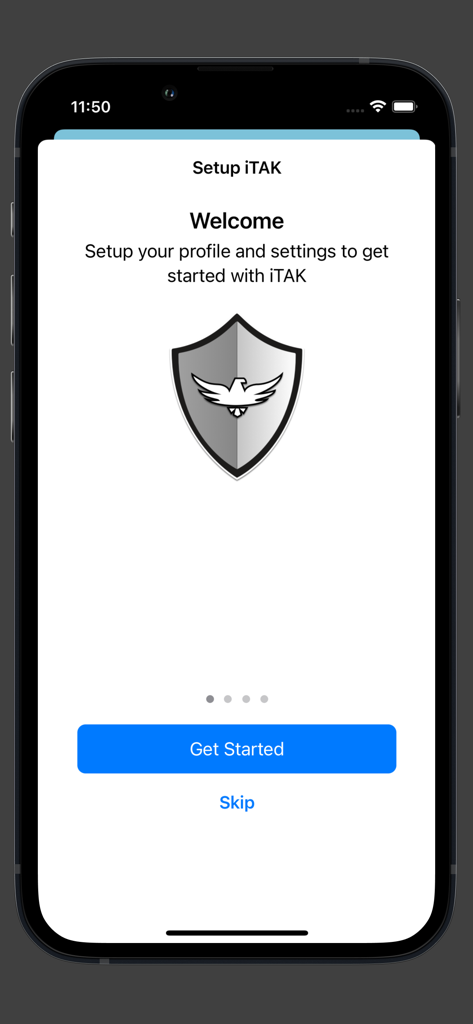
Welcome and setup screen for the iTAK tactical geospatial app featuring a shield logo and a get started button
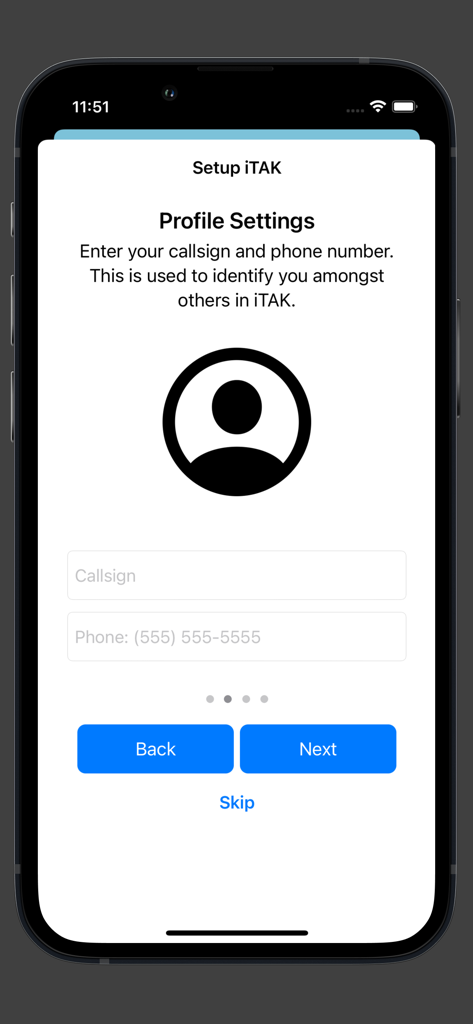
Setup screen for iTAK profile settings showing fields for callsign and phone number
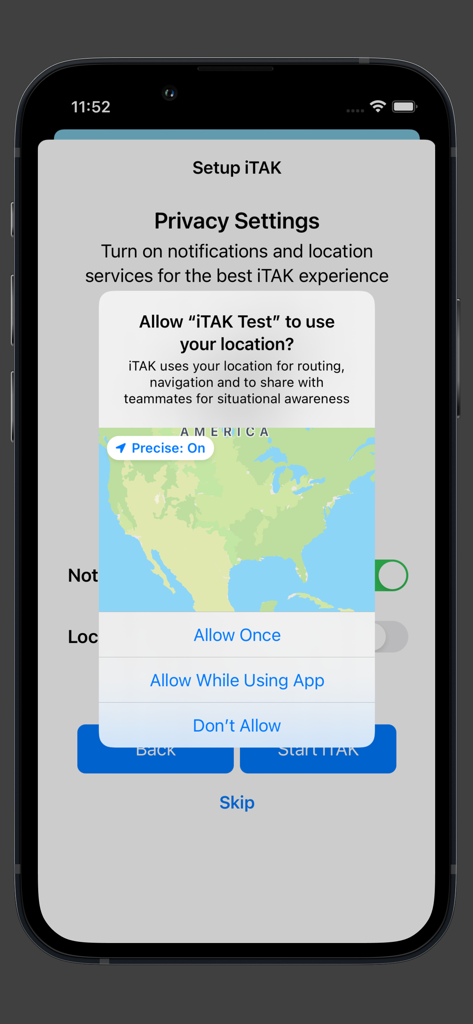
iTAK app setup screen requesting location access for situational awareness
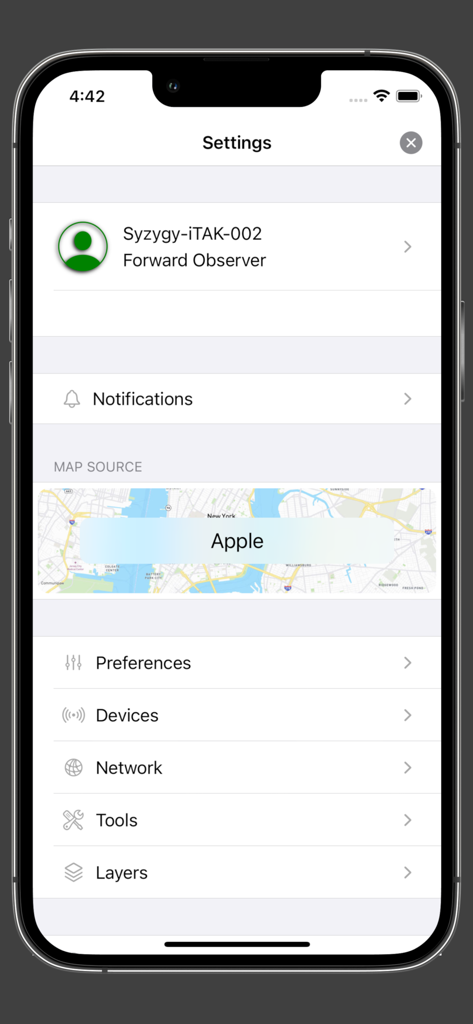
iTAK app settings screen displaying user profile and navigation options
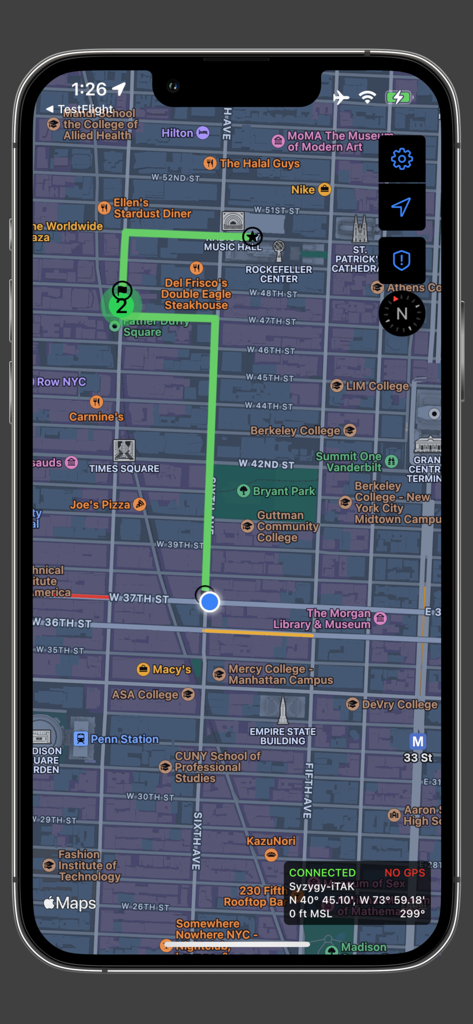
iTAK mobile app interface showing a 2D map of Manhattan with a highlighted green route and tactical geospatial data overlays
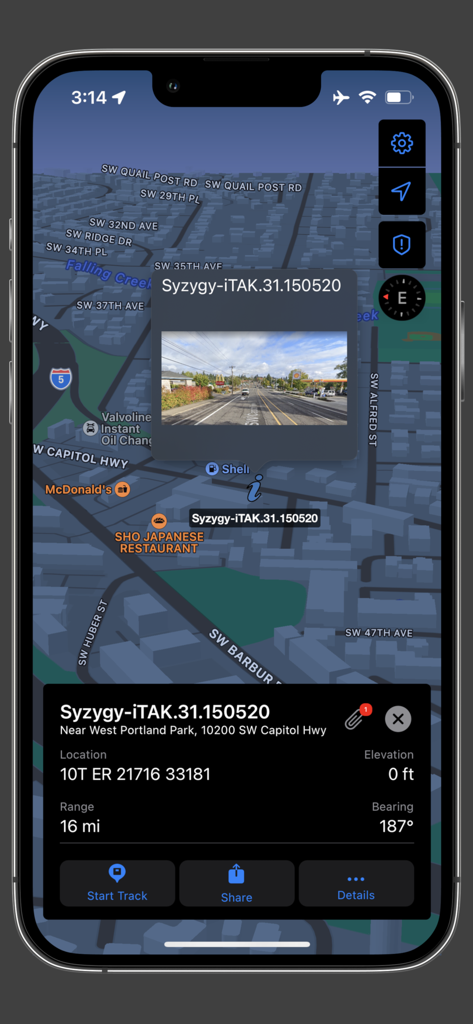
iTAK app interface showing a 3D tactical map with location coordinates and a photo overlay
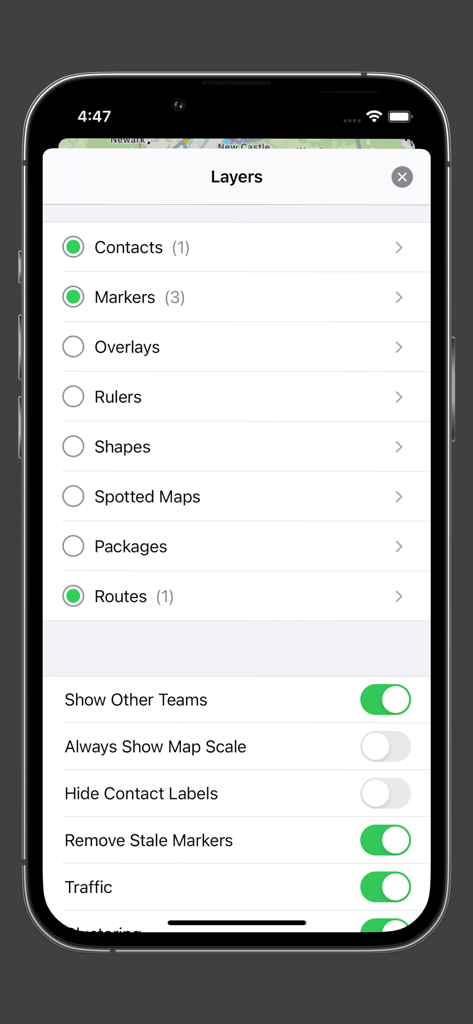
A screenshot of the iTAK app showing the map layers menu with options for contacts, markers, and tactical settings.
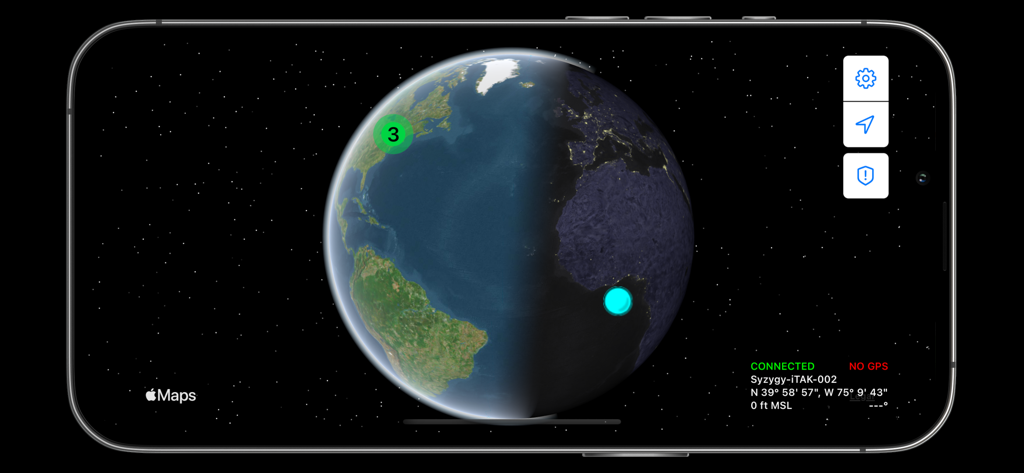
iTAK app 3D globe view showing team locations and coordinates
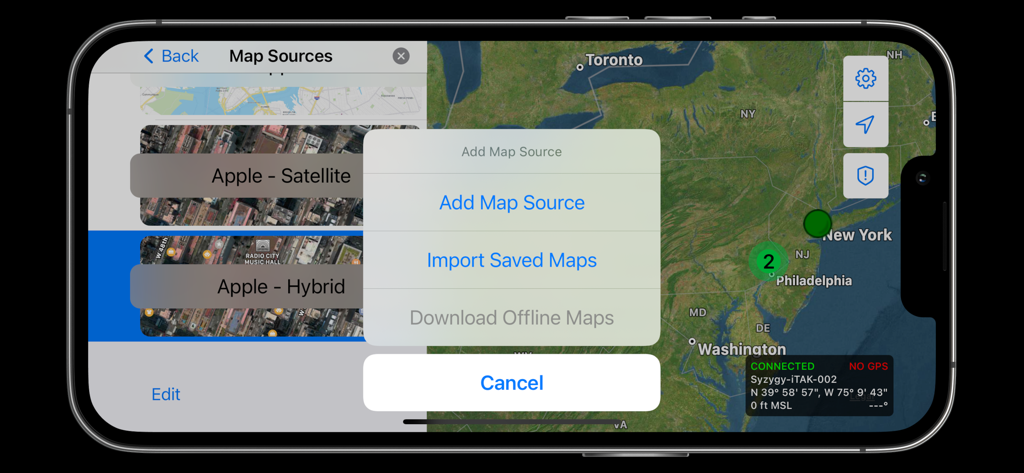
iTAK interface displaying map source selection and offline map download options over a satellite view of the East Coast
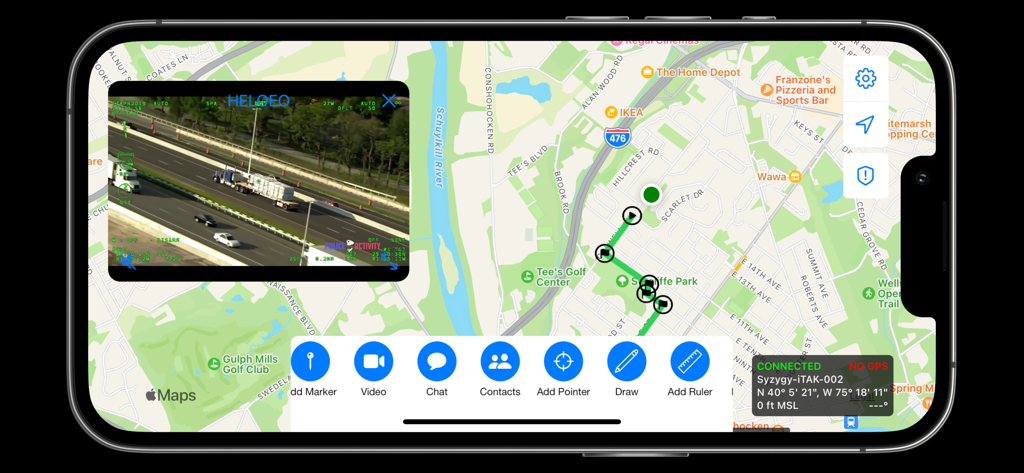
iTAK interface displaying a tactical map with mission markers and a live video stream overlay
Description
Download
More Like This
Apps with similar features and user experience

MilGPS
Cascode Labs Pty Ltd

SEAiq Pilot VPP
Sakhalin, LLC
Cartograph Maps 3
Harald Meyer

新知卫星地图-路线规划,高清地图导航
Chongqing Xinzhi Space Technology Co., Ltd.

Coordinates – GPS Converter
Mapnitude Company Limited

Mgrs & Utm Map
Vahid Cataltas

DeepStateMap
Heorhii Karpenko

Map Plus
Miocool Inc.
Compass 55. Map & GPS kit.
Kalimex-Consulting s.r.o.
This page is not an official page of the app or its developer, but an independent editorial publication created for informational and commentary purposes. Unless expressly stated otherwise, neither the app nor its developer is affiliated with, endorsed by, sponsored by, authorized by, or otherwise officially connected with MWM, Apple, Google Play, the app publisher, or the app's developer, and nothing on this page implies that the app was developed using MWM's services. Any trademarks, logos, screenshots, and other content remain the property of their respective owners.