
This page is not an official page of the app or its developer, but an independent editorial publication created for informational and commentary purposes. Unless expressly stated otherwise, neither the app nor its developer is affiliated with, endorsed by, sponsored by, authorized by, or otherwise officially connected with MWM, Apple, Google Play, the app publisher, or the app's developer, and nothing on this page implies that the app was developed using MWM's services. Any trademarks, logos, screenshots, and other content remain the property of their respective owners.


iWifi - AR speed & signal test
Stop guessing where your signal is. Use augmented reality to map dead zones, optimize your home office, and ensure peak performance for gaming and remote work.
Downloads
615K+User Rating
Total Ratings
34K+Publisher
Category
ProductivityLocales
11Latest Version
1.6.12Size
66.9 MBFirst Released
Aug 15, 2019Optimize Your Digital Environment
Transform your iPhone into a professional-grade diagnostic tool to eliminate dead zones, boost gaming performance, and secure your home office network.
AR Signal Mapping
Visualize your WiFi strength in 3D. Walk through your home and see exactly where the signal drops to find the perfect spot for your desk or router.
Pro-Grade Performance Analytics
Go beyond basic speed tests with detailed graphs for ping, jitter, and connection consistency to ensure lag-free gaming and crystal-clear Zoom calls.
The following screenshots and description are sourced directly from the app's official store listing and are the property of the app developer.
App Store
Screenshots
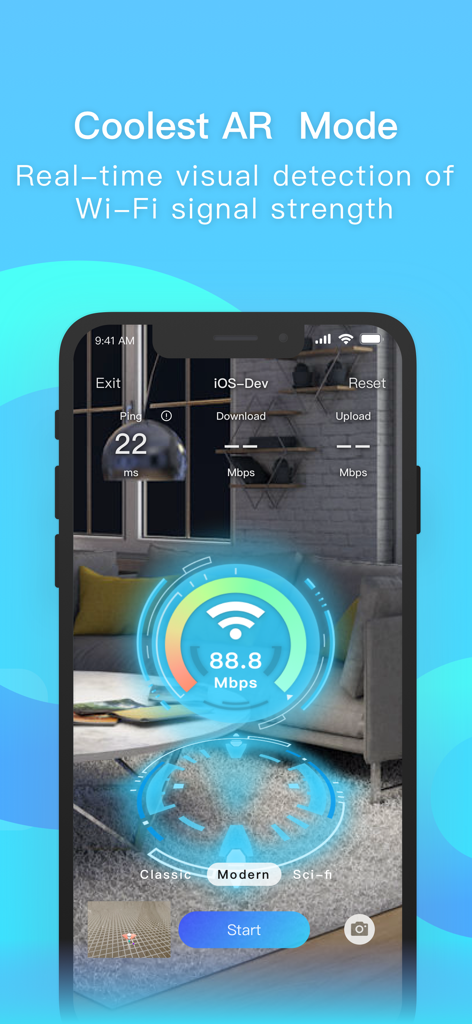
Smartphone showing the iWifi AR mode visualizing real-time Wi-Fi signal strength and speed in a room environment
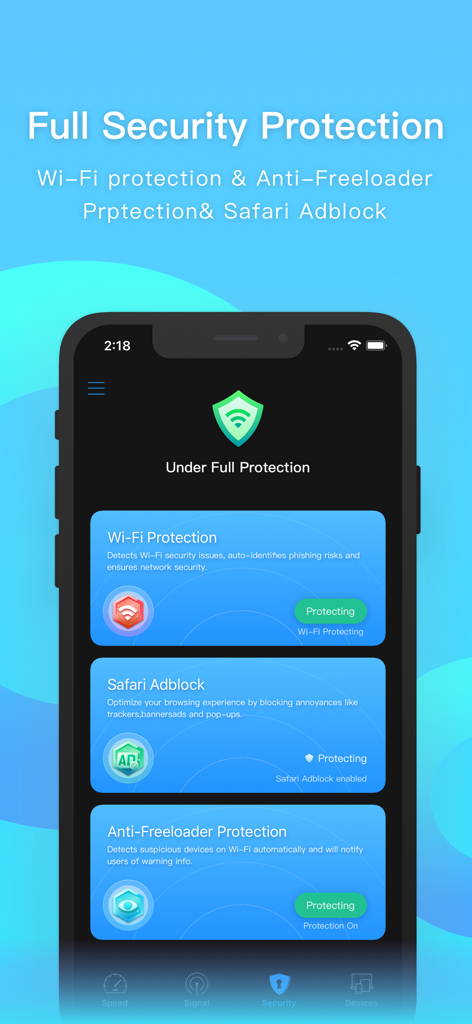
iWifi app interface showing Wi-Fi protection, Safari adblock, and anti-freeloader features active
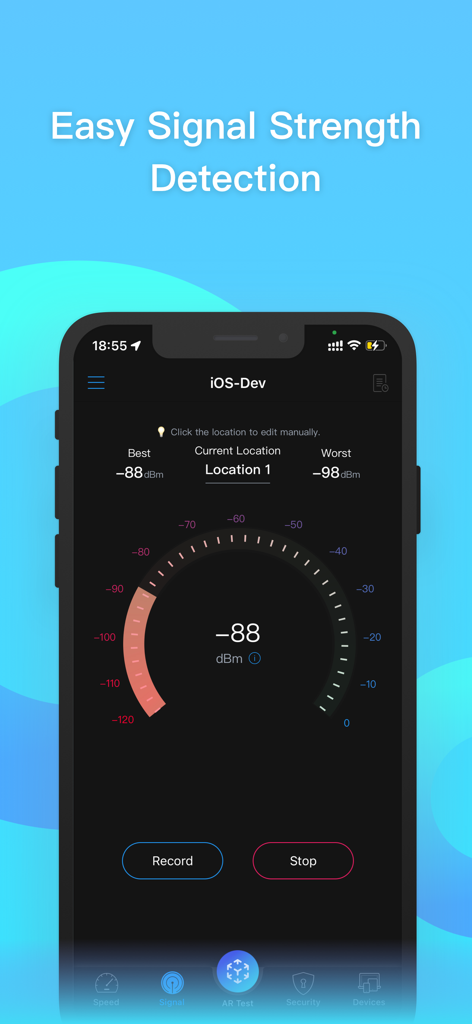
Interface of the iWifi app showing real time wifi signal strength detection in dBm
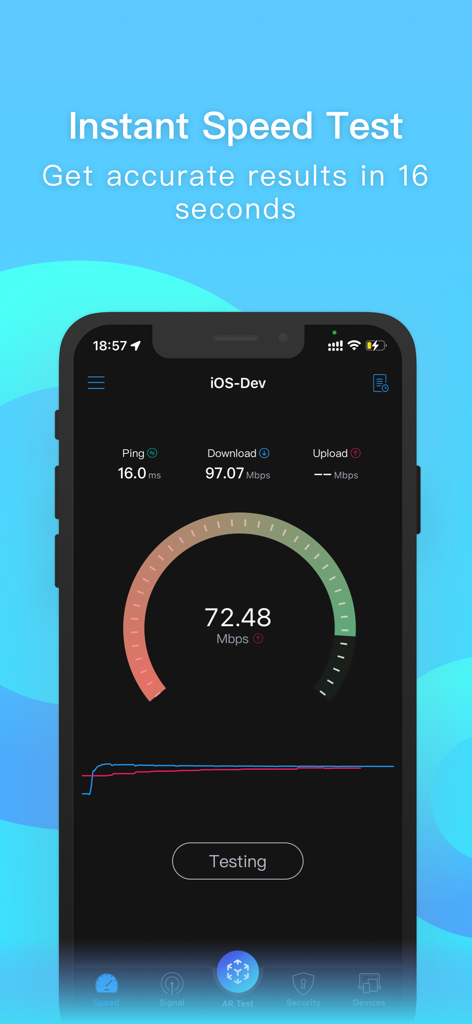
Smartphone screen showing an instant internet speed test with a gauge and network metrics
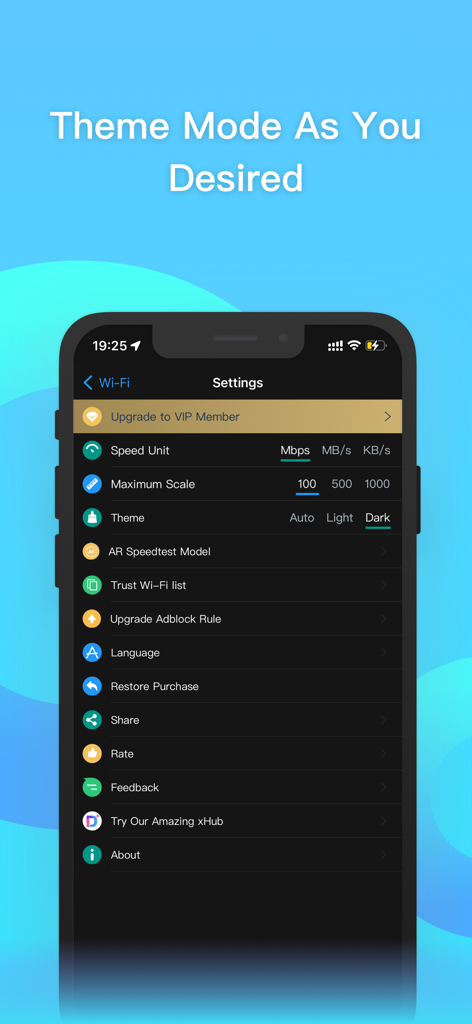
A smartphone screen displaying the settings menu of the iWifi app with the dark theme mode enabled.
Description
Download
More Like This
Top-ranked apps in the same category

ChatGPT
OpenAI OpCo, LLC

Google Gemini
Google LLC

Grok
X.AI Corporation

Gmail - Email by Google
Google LLC

千问 - 阿里最强大模型官方AI助手
Shanghai Zhixin Puhui Technology Co., Ltd.

Google Drive
Google LLC

Microsoft Authenticator
Microsoft Corporation

Google Sheets
Google LLC

Google Docs
Google LLC
This page is not an official page of the app or its developer, but an independent editorial publication created for informational and commentary purposes. Unless expressly stated otherwise, neither the app nor its developer is affiliated with, endorsed by, sponsored by, authorized by, or otherwise officially connected with MWM, Apple, Google Play, the app publisher, or the app's developer, and nothing on this page implies that the app was developed using MWM's services. Any trademarks, logos, screenshots, and other content remain the property of their respective owners.