
This page is not an official page of the app or its developer, but an independent editorial publication created for informational and commentary purposes. Unless expressly stated otherwise, neither the app nor its developer is affiliated with, endorsed by, sponsored by, authorized by, or otherwise officially connected with MWM, Apple, Google Play, the app publisher, or the app's developer, and nothing on this page implies that the app was developed using MWM's services. Any trademarks, logos, screenshots, and other content remain the property of their respective owners.


Juxtaposer: cut, combine, edit
Harness professional-grade precision to cut, combine, and remix your photos. From AI-powered crops to 40MP exports, turn your wildest ideas into high-resolution reality.
Downloads
436K+User Rating
Total Ratings
20K+Publisher
Category
Photo & VideoLocales
1Latest Version
4.5.1Size
107.8 MBFirst Released
Oct 7, 2008Create the Impossible in Seconds
From viral memes to professional digital art, get desktop-grade compositing tools without the subscription or the learning curve.
AI-Powered Magic Crop
Skip the tedious tracing. Our machine learning model identifies and cuts out subjects instantly so you can focus on the remix.
Pro-Grade Pixel Precision
Work at 40MP+ resolutions with red-mask transparency and zoom-level accuracy. Your creations stay sharp even on the biggest screens.
The following screenshots and description are sourced directly from the app's official store listing and are the property of the app developer.
App Store
Screenshots
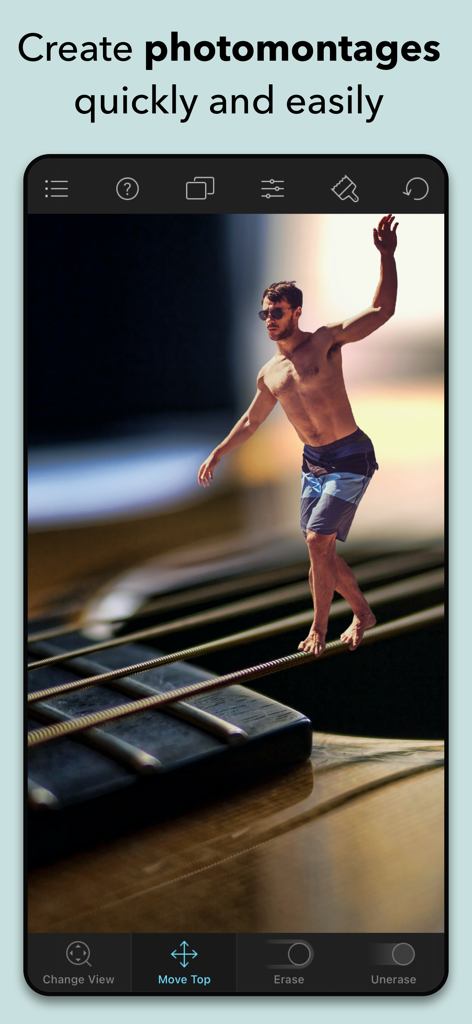
A surreal photo montage of a man walking on guitar strings created with the Juxtaposer app
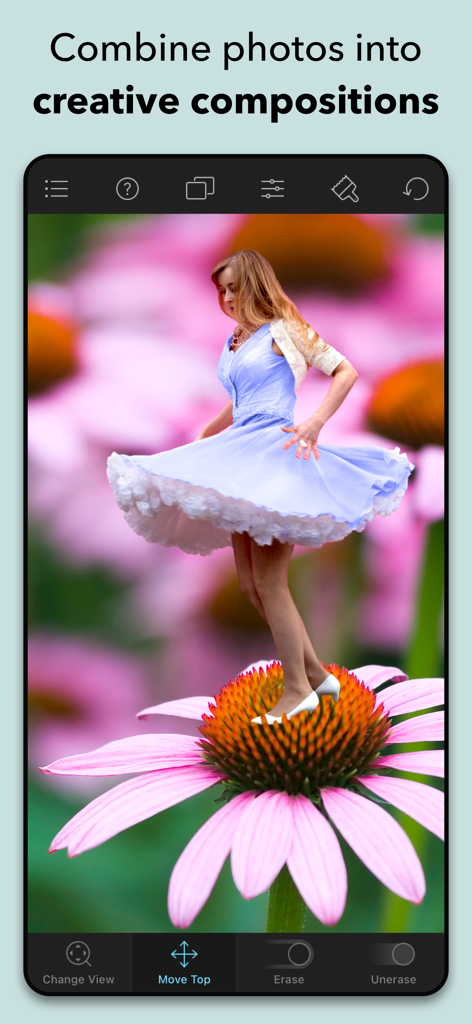
A woman in a blue dress dancing on a pink flower created using the Juxtaposer app
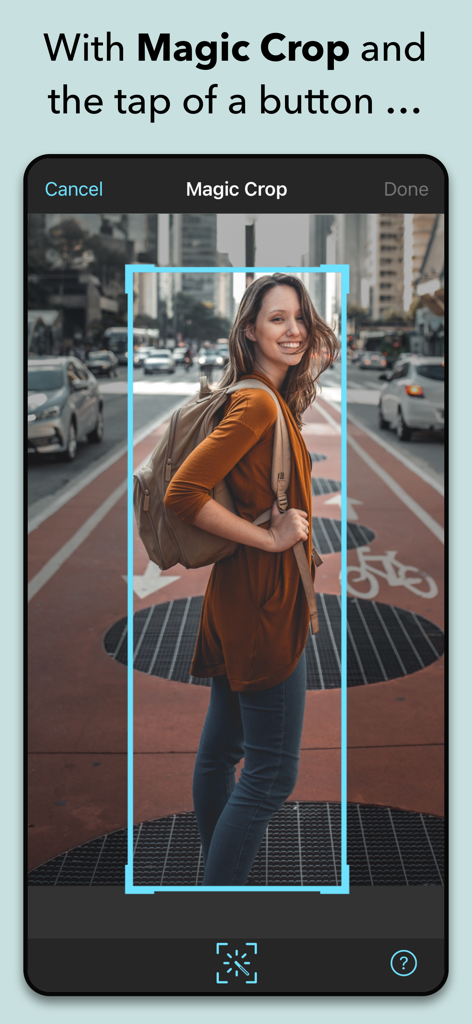
Juxtaposer app interface showing the Magic Crop tool automatically selecting a woman in a street photo for a cutout.
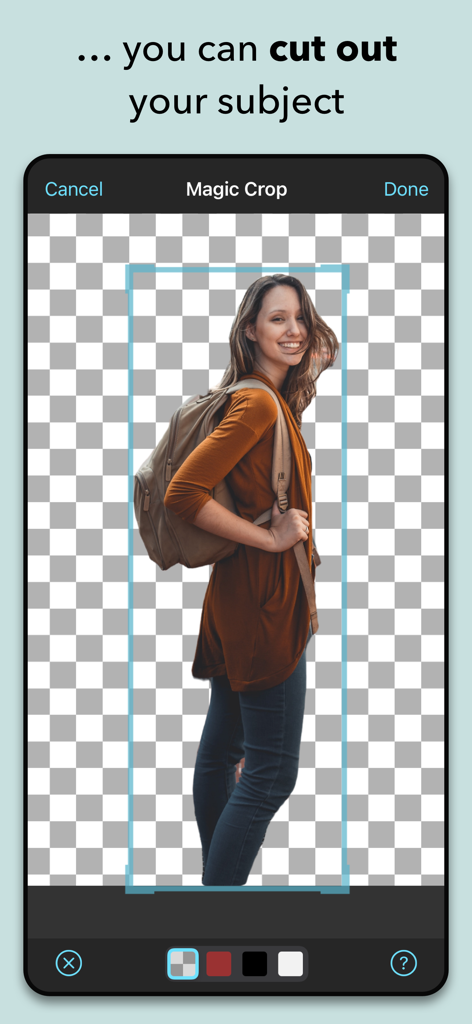
Juxtaposer app Magic Crop feature cutting out a person from a photo
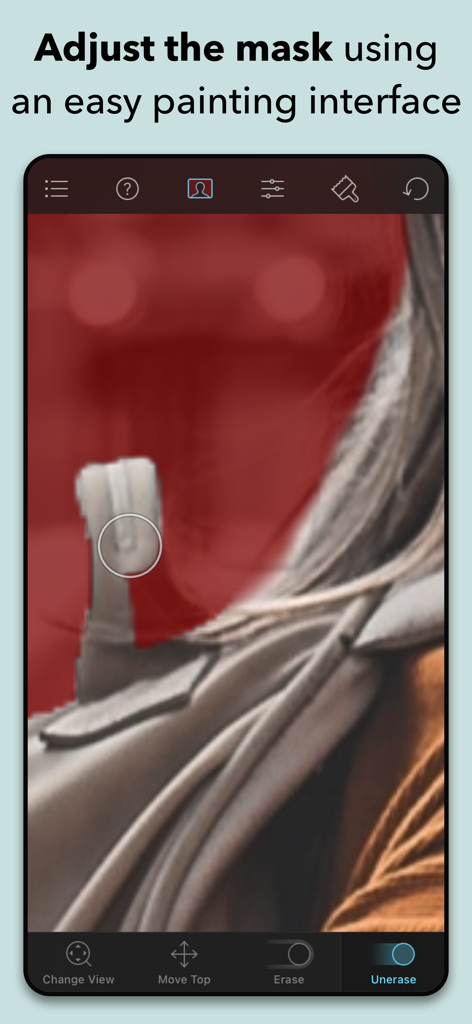
Adjusting a photo selection mask with the Juxtaposer painting interface
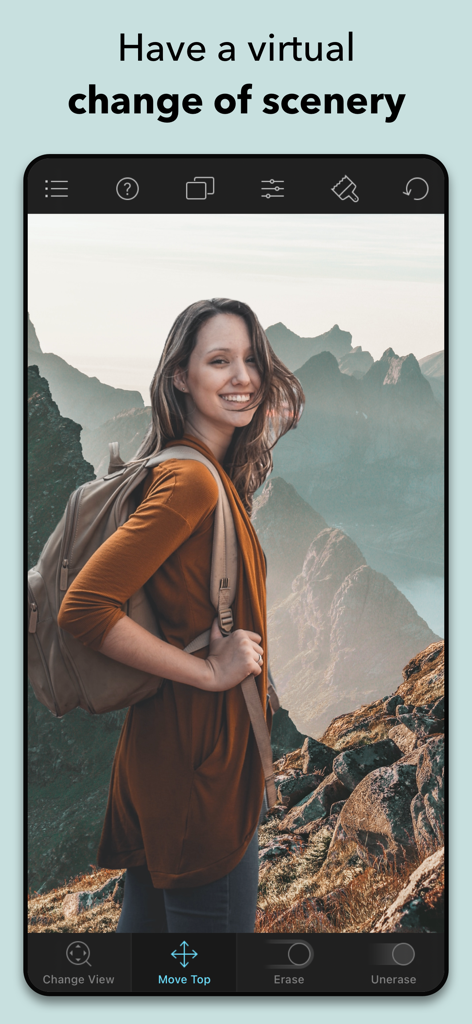
Juxtaposer mobile app screen showing a woman hiker edited onto a mountain landscape background
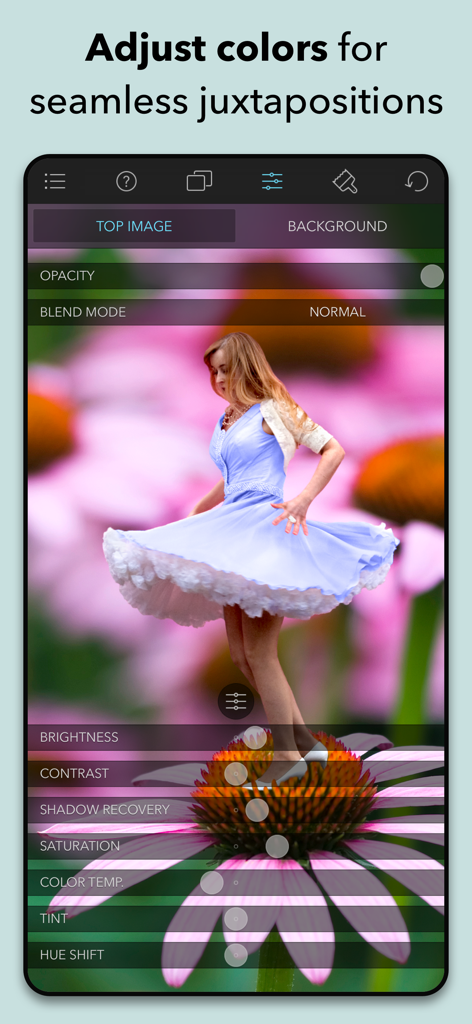
Screenshot of Juxtaposer app showing color and lighting adjustment tools for a photo montage
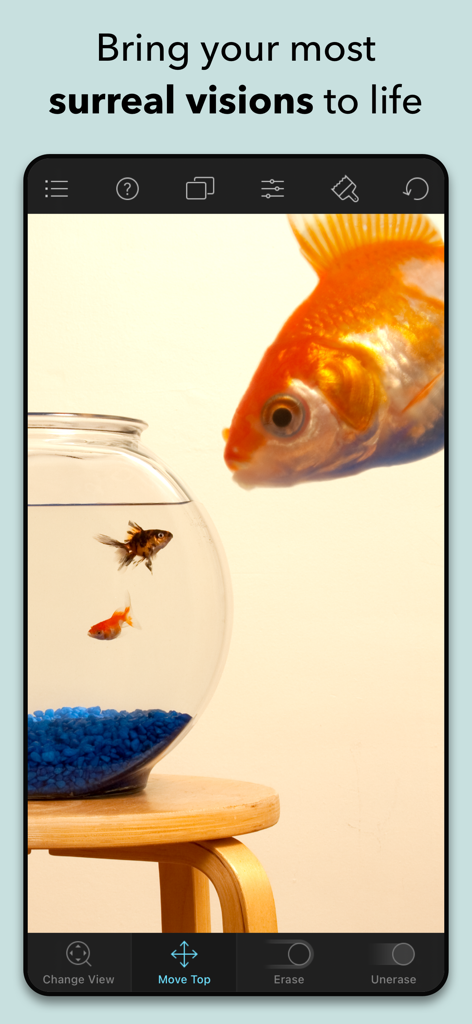
A surreal photo montage of a giant goldfish looking into a fishbowl created using the Juxtaposer app interface
Description
Download
More Like This
Apps with similar features and user experience
PhotoLayers
handyCloset Inc.

Blend Photos
TAPUNIVERSE LLC

Wand - AI canvas
Wand Technologies Inc.

Superimpose X
Pankaj Goswami

Image Blender
JHND i Sverige AB

Adobe Photoshop: Photo Editor
Adobe Inc.

Affinity Photo 2 for iPad
Serif (Europe) Ltd.

Matter - 3D Effects
Pixite Inc.

Union - Combine & Edit Photos
Pixite Inc.
This page is not an official page of the app or its developer, but an independent editorial publication created for informational and commentary purposes. Unless expressly stated otherwise, neither the app nor its developer is affiliated with, endorsed by, sponsored by, authorized by, or otherwise officially connected with MWM, Apple, Google Play, the app publisher, or the app's developer, and nothing on this page implies that the app was developed using MWM's services. Any trademarks, logos, screenshots, and other content remain the property of their respective owners.