
This page is not an official page of the app or its developer, but an independent editorial publication created for informational and commentary purposes. Unless expressly stated otherwise, neither the app nor its developer is affiliated with, endorsed by, sponsored by, authorized by, or otherwise officially connected with MWM, Apple, Google Play, the app publisher, or the app's developer, and nothing on this page implies that the app was developed using MWM's services. Any trademarks, logos, screenshots, and other content remain the property of their respective owners.


Superimpose X
Unleash your creativity with the ultimate layer-based editor for mobile. From AI-driven masking to 24 layers and PSD export, get the power of desktop software to create stunning digital art and surreal compositions anywhere, anytime.
Downloads
549K+User Rating
Total Ratings
4K+Publisher
Category
Photo & VideoLocales
9Latest Version
5.3.1Size
351.8 MBFirst Released
Dec 16, 2017Everything You Need to Create Without Limits
Stop settling for basic filters. Superimpose X bridges the gap between mobile ease and desktop power, designed specifically for the modern digital creator.
AI-Powered Precision Masking
Skip the tedious work. Automatically isolate people with AI or use advanced tools like Magic Lasso for pixel-perfect cutouts in seconds.
Desktop-Class Multi-Layering
Stack up to 24 layers with 18 blending modes and non-destructive adjustments to build complex, professional compositions on the go.
The following screenshots and description are sourced directly from the app's official store listing and are the property of the app developer.
App Store
Screenshots
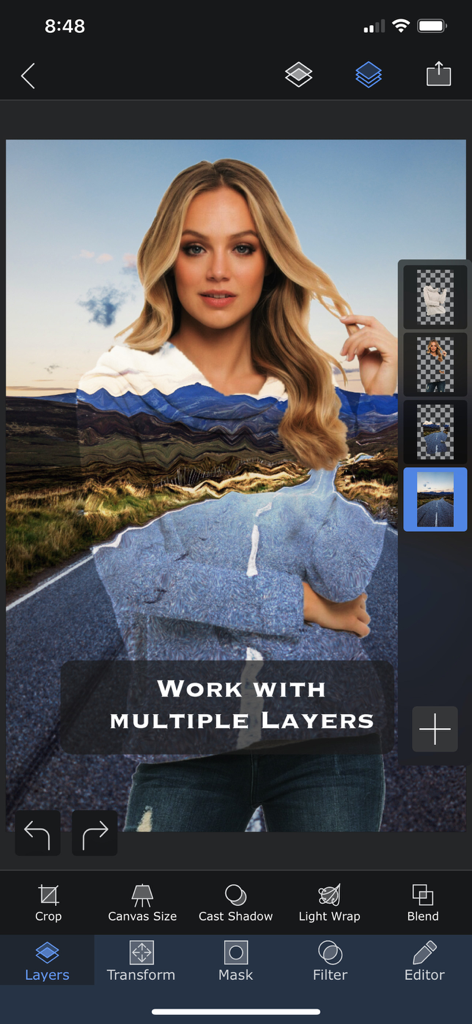
Superimpose X app interface showing a photo being edited with multiple layers and blending tools
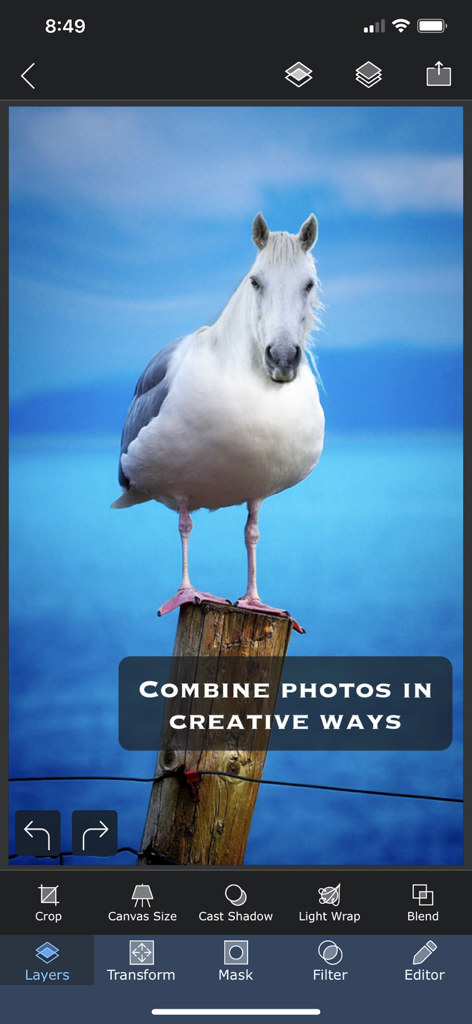
A surreal photo composite of a horse head on a bird body in the Superimpose X mobile app interface.
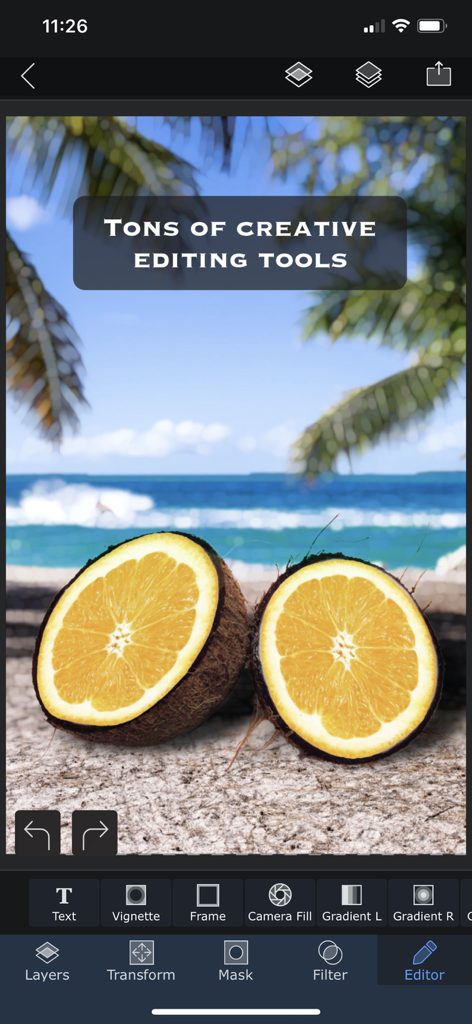
Superimpose X app interface showing creative photo editing tools and a surreal beach composition with coconut orange hybrids.
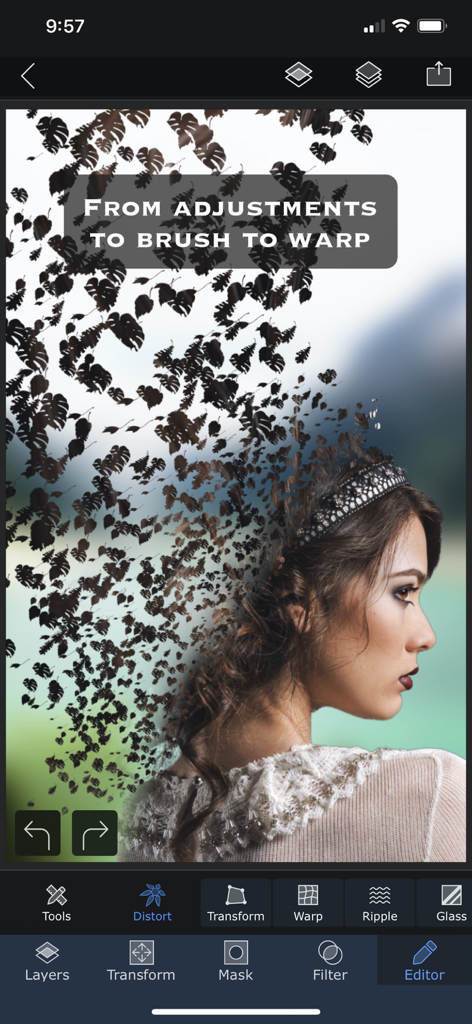
A surrealist photo edit of a woman profile dissolving into leaf shapes using the Superimpose X warp and distortion tools
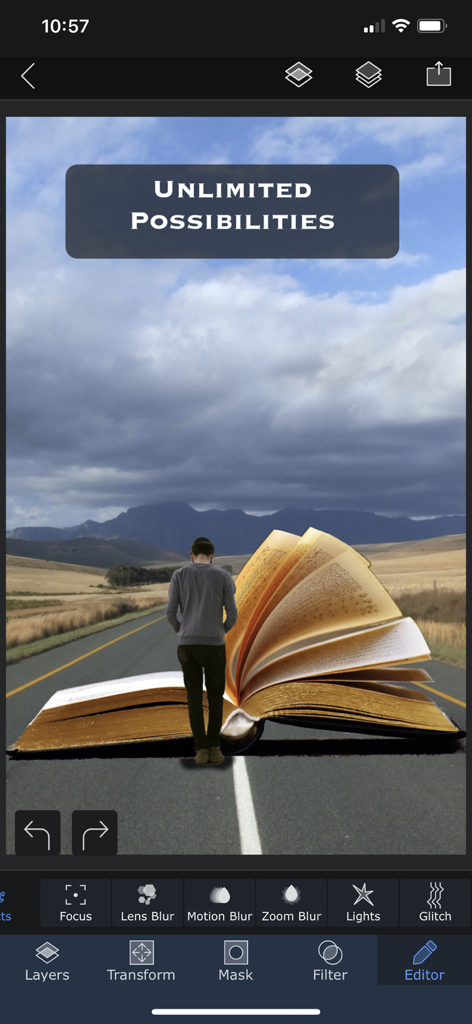
A surreal digital artwork of a person walking towards a giant open book on a mountain road, showcasing the creative editing features of Superimpose X.
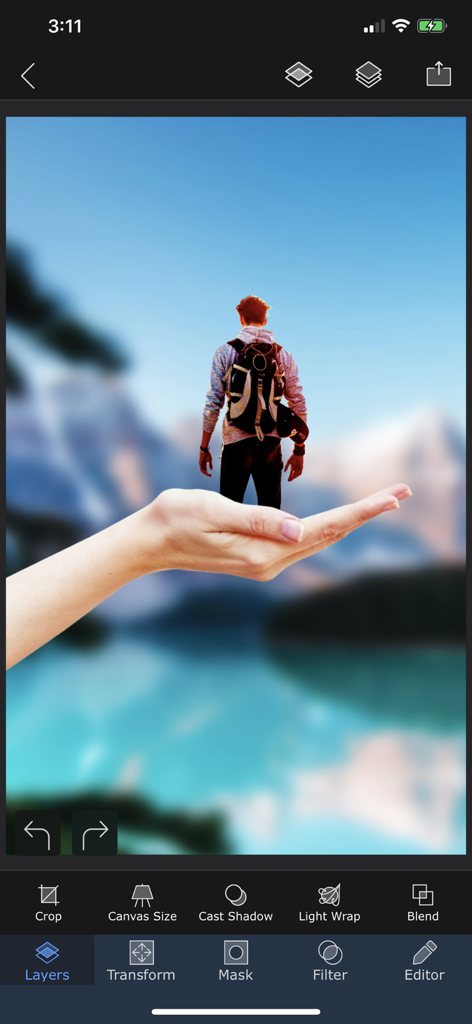
Superimpose X app interface showing a surreal photo composite with a miniature person standing on a hand using layers.
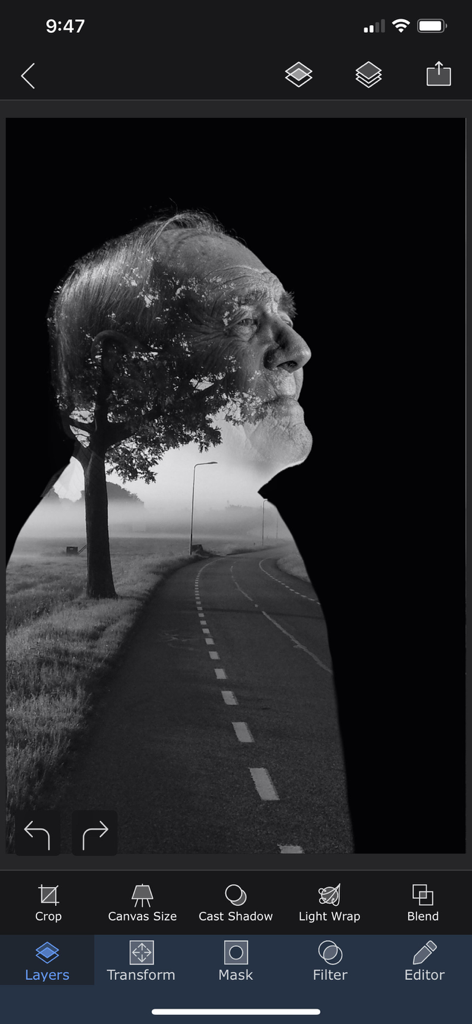
A black and white double exposure effect of an elderly man's profile combined with a misty road landscape being edited in the Superimpose X app.
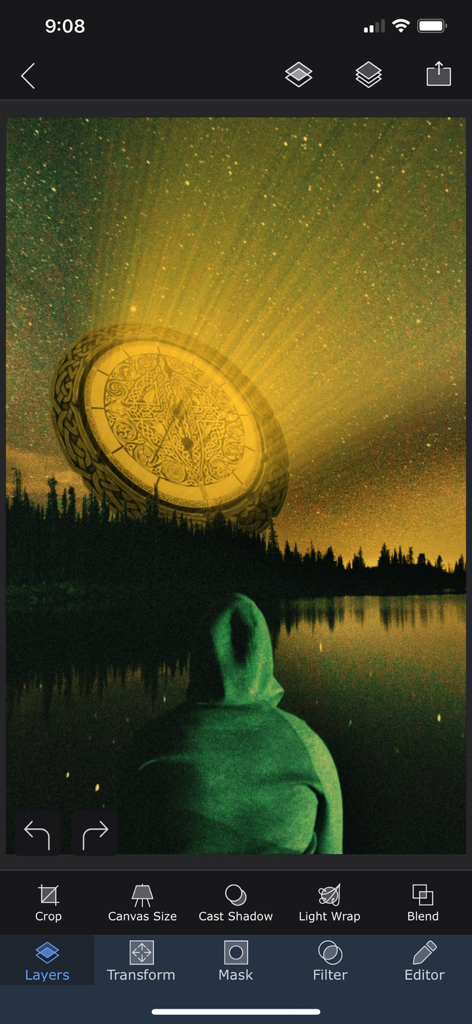
A surreal photo composite being edited in the Superimpose X app showing a glowing golden disk in a starry night sky over a lake.
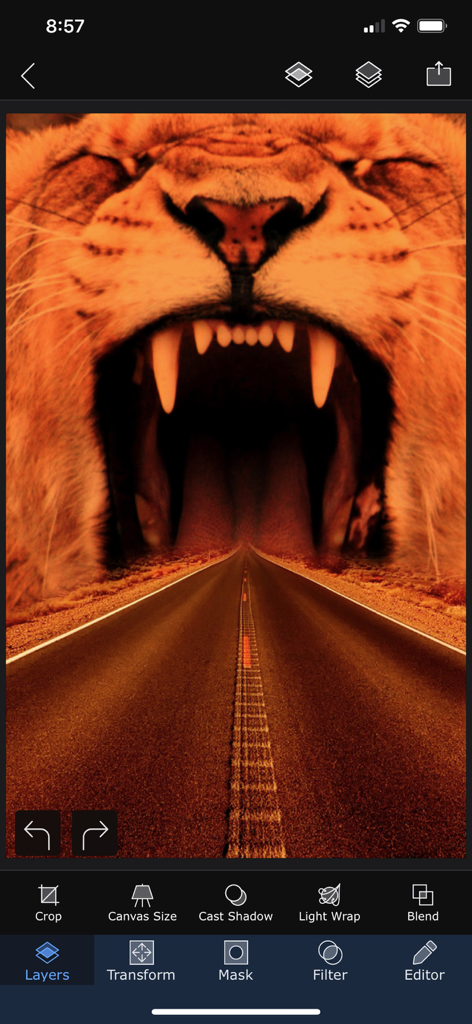
A surreal photo edit in the Superimpose X app showing a highway leading into a roaring lion's mouth
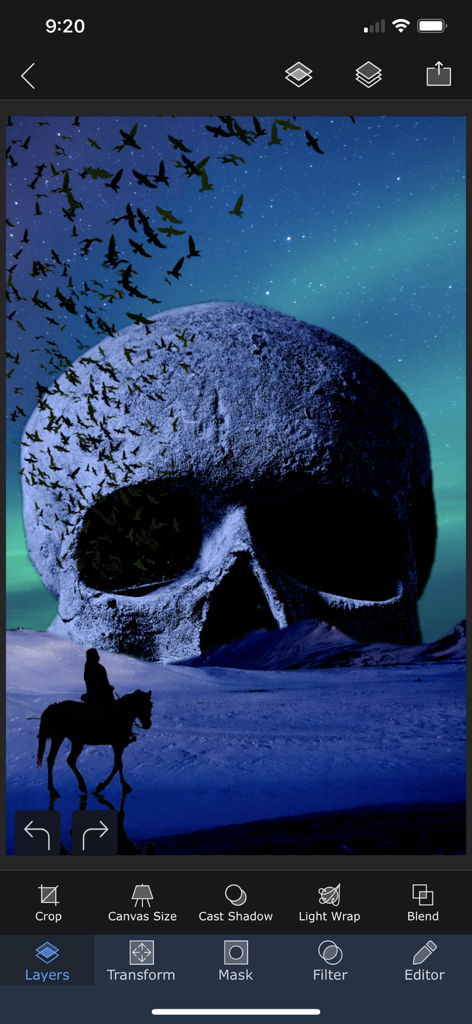
Superimpose X mobile app interface showing a surrealist photo composition with a giant skull and professional editing tools
Description
Download
More Like This
Apps with similar features and user experience
PhotoLayers
handyCloset Inc.

Blend Photos
TAPUNIVERSE LLC

Wand - AI canvas
Wand Technologies Inc.

Image Blender
JHND i Sverige AB

Juxtaposer: cut, combine, edit
Pocket Pixels Inc.

Adobe Photoshop: Photo Editor
Adobe Inc.

Affinity Photo 2 for iPad
Serif (Europe) Ltd.

Matter - 3D Effects
Pixite Inc.

Union - Combine & Edit Photos
Pixite Inc.
This page is not an official page of the app or its developer, but an independent editorial publication created for informational and commentary purposes. Unless expressly stated otherwise, neither the app nor its developer is affiliated with, endorsed by, sponsored by, authorized by, or otherwise officially connected with MWM, Apple, Google Play, the app publisher, or the app's developer, and nothing on this page implies that the app was developed using MWM's services. Any trademarks, logos, screenshots, and other content remain the property of their respective owners.