
This page is not an official page of the app or its developer, but an independent editorial publication created for informational and commentary purposes. Unless expressly stated otherwise, neither the app nor its developer is affiliated with, endorsed by, sponsored by, authorized by, or otherwise officially connected with MWM, Apple, Google Play, the app publisher, or the app's developer, and nothing on this page implies that the app was developed using MWM's services. Any trademarks, logos, screenshots, and other content remain the property of their respective owners.


KeePass - Password Manager
Beyond just passwords—protect your IDs, financial records, and sensitive professional data with military-grade encryption and offline access across all your Apple devices.
Downloads
1K+User Rating
Total Ratings
100Publisher
Category
ProductivityLocales
9Latest Version
2.1.2Size
55.5 MBFirst Released
Oct 23, 2023Your Entire Digital Life, Secured
From complex server credentials to your personal digital wallet, keep every piece of sensitive data encrypted, organized, and accessible across all your devices.
The Ultimate Everything Vault
Go beyond simple passwords. Securely store SSH keys, tax IDs, insurance policies, and financial accounts in one professional-grade, structured database.
Biometric Frictionless Security
Protect your assets with high-level encryption while enjoying instant access via FaceID or TouchID, eliminating the need to memorize complex master keys.
The following screenshots and description are sourced directly from the app's official store listing and are the property of the app developer.
App Store
Screenshots
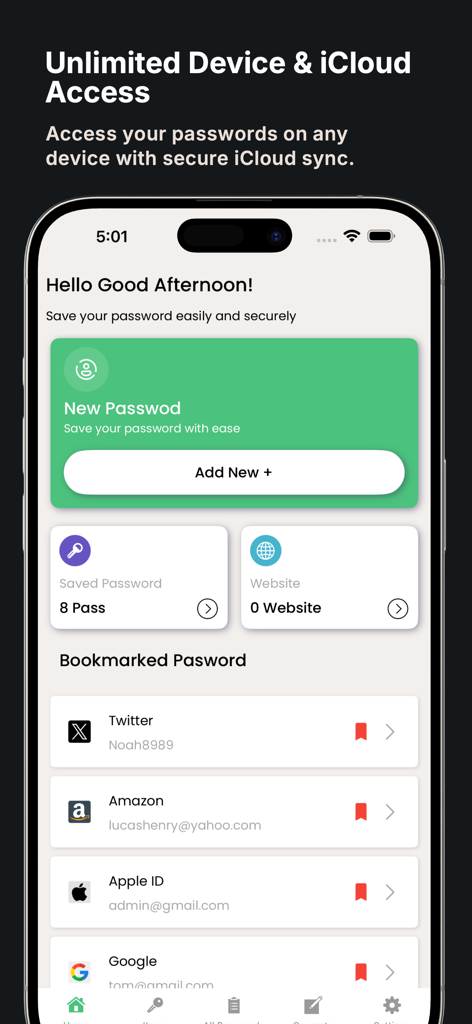
KeePass Password Manager dashboard on iPhone showing bookmarked passwords and iCloud sync feature
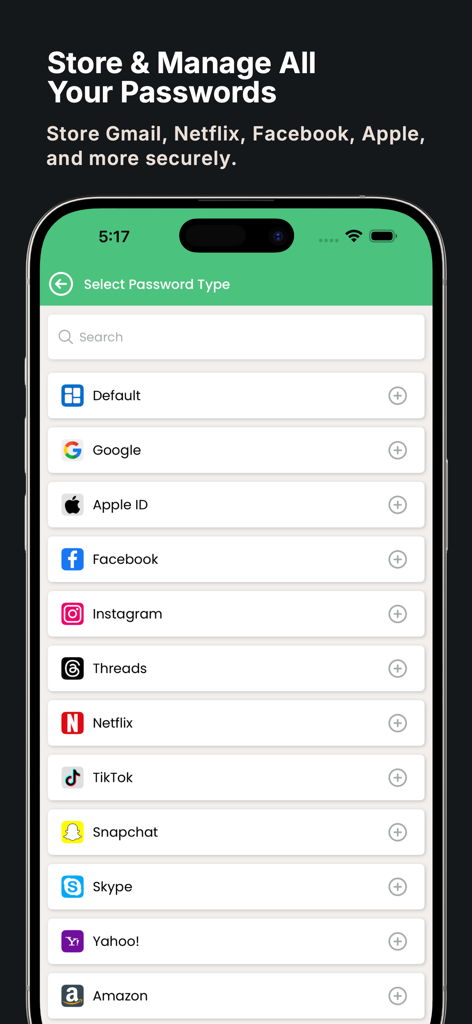
Interface of KeePass Password Manager displaying a list of account types including Google Apple ID Facebook and Netflix for secure storage
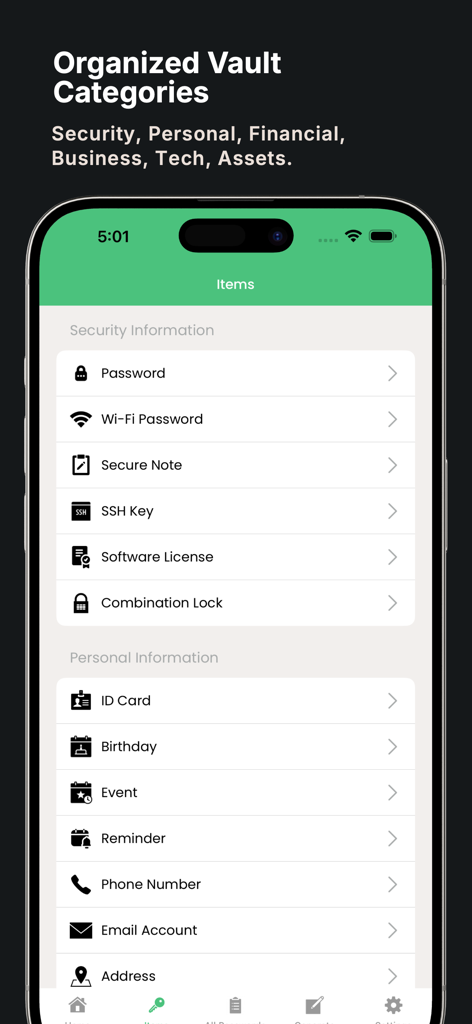
A smartphone screen displaying the organized vault categories of the KeePass Password Manager app showing sections for security and personal information
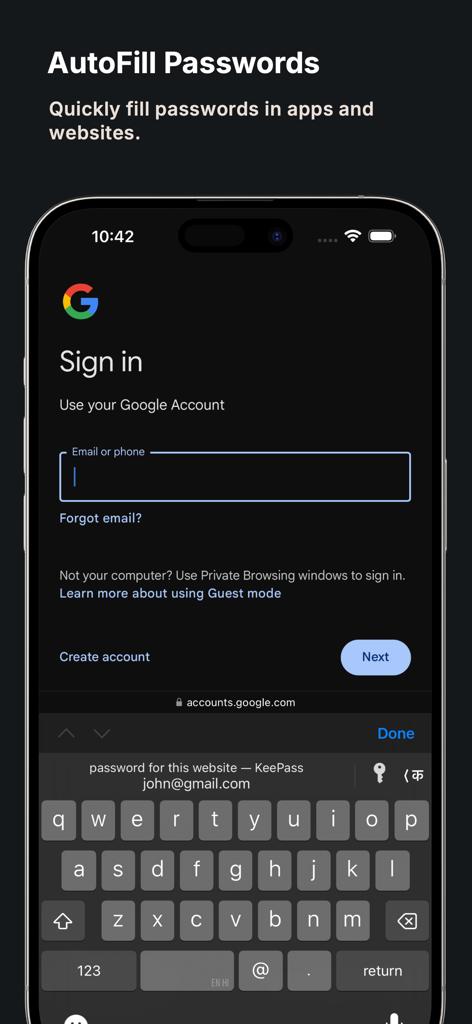
KeePass app autofilling login credentials on a mobile device
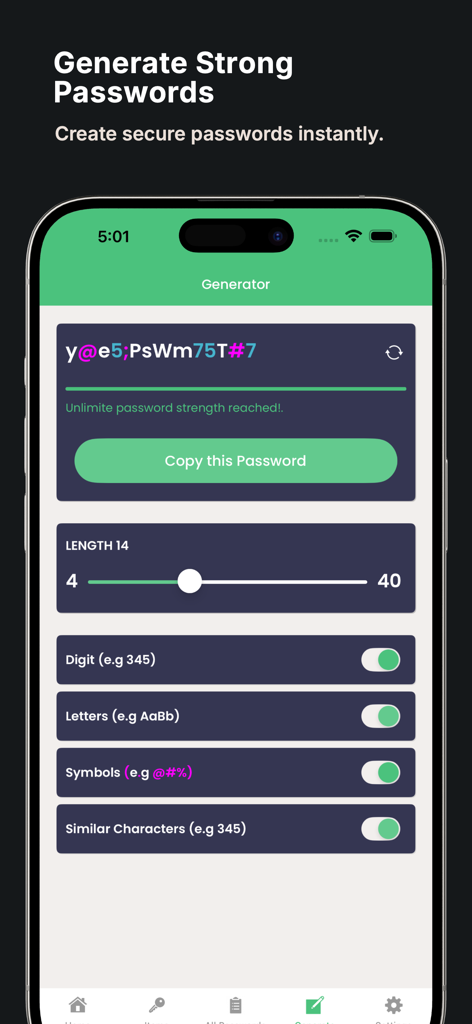
Interface of the KeePass password generator feature on iPhone
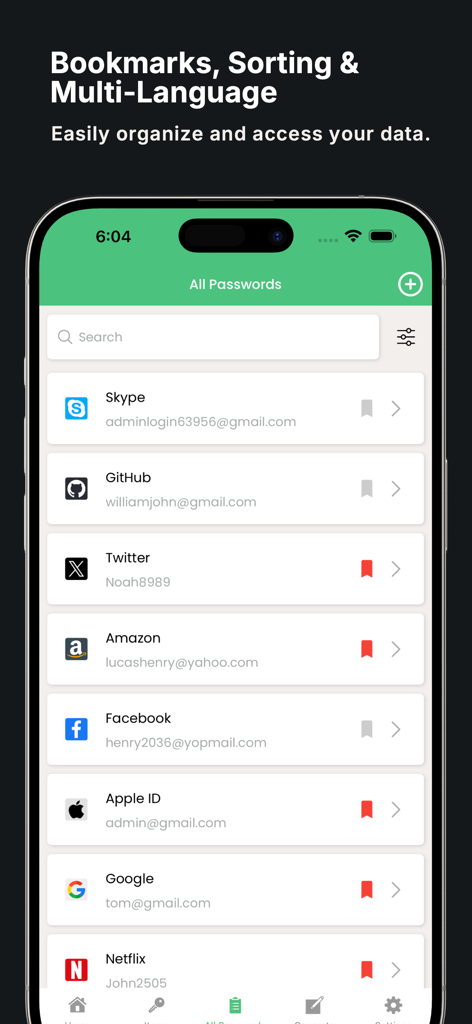
Interface of KeePass password manager showing a list of saved accounts with bookmarks on an iPhone
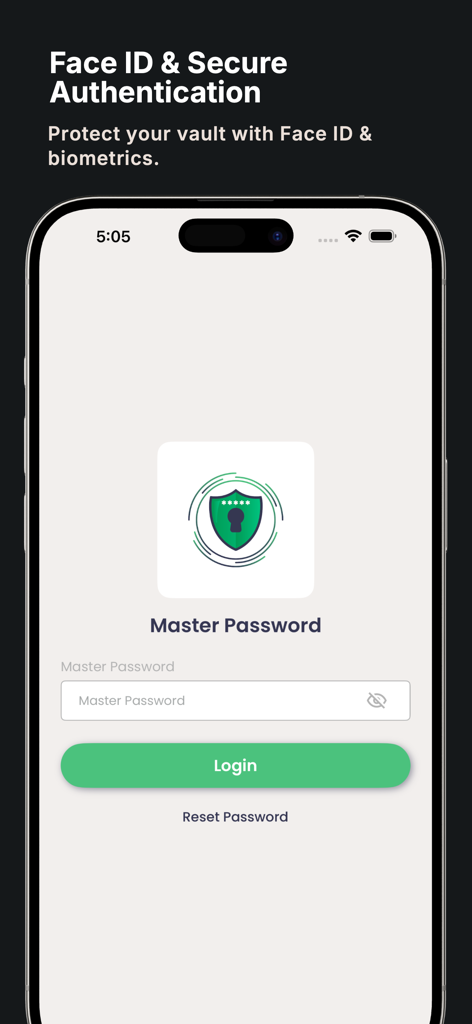
Login screen for KeePass Password Manager showing Face ID and Master Password secure authentication options on iPhone
Description
Download
More Like This
Top-ranked apps in the same category

ChatGPT
OpenAI OpCo, LLC

Google Gemini
Google LLC

Grok
X.AI Corporation

Gmail - Email by Google
Google LLC

千问 - 阿里最强大模型官方AI助手
Shanghai Zhixin Puhui Technology Co., Ltd.

Google Drive
Google LLC

Microsoft Authenticator
Microsoft Corporation

Google Sheets
Google LLC

Google Docs
Google LLC
This page is not an official page of the app or its developer, but an independent editorial publication created for informational and commentary purposes. Unless expressly stated otherwise, neither the app nor its developer is affiliated with, endorsed by, sponsored by, authorized by, or otherwise officially connected with MWM, Apple, Google Play, the app publisher, or the app's developer, and nothing on this page implies that the app was developed using MWM's services. Any trademarks, logos, screenshots, and other content remain the property of their respective owners.