
This page is not an official page of the app or its developer, but an independent editorial publication created for informational and commentary purposes. Unless expressly stated otherwise, neither the app nor its developer is affiliated with, endorsed by, sponsored by, authorized by, or otherwise officially connected with MWM, Apple, Google Play, the app publisher, or the app's developer, and nothing on this page implies that the app was developed using MWM's services. Any trademarks, logos, screenshots, and other content remain the property of their respective owners.

Keepsmile
Instantly transform your bedroom, car, or gaming setup with the all-in-one app designed to bring your favorite aesthetics to life.
Downloads
3M+User Rating
Total Ratings
4K+Publisher
Category
LifestyleLocales
9Latest Version
2.3.5Size
121.7 MBFirst Released
Dec 10, 2020Transform Your Space with a Tap
Whether you're creating the perfect gaming setup or setting a cozy mood for a movie night, Keepsmile gives you total control over your environment.
Infinite Aesthetic Options
Pick from over 16 million colors to match your specific vibe and make your space instantly TikTok-ready.
Dynamic Music Sync
Watch your lights dance to the beat of your favorite tracks or game audio for a fully immersive visual experience.
Frequently Asked Questions
Everything you need to know about Keepsmile
What Keepsmile products does the Keepsmile app support?
The Keepsmile app supports various products including Strip lights, Led bulbs, Floor lamps, Wake lights, Stars Light, Car light, and multiple types of Ceiling lights, Flood lights, Magic Ball lights, and Pool lamps.
Does the Keepsmile app allow users to manage lighting scenes?
Yes, the Keepsmile app allows users to manage and configure various lighting scenes for different areas such as Home, Living room, Bedroom, Bathroom, Playroom, and Garden, as shown in the 'Scene' tab.
Can users customize RGB colors for Keepsmile lights within the app?
Yes, the Keepsmile app provides a color wheel and RGB custom controls. Users can precisely select and adjust Red, Green, and Blue values to customize light colors for their Keepsmile devices.
Does the Keepsmile app offer a music synchronization feature for its lights?
Yes, the Keepsmile app features a dedicated music mode. This allows the lights to synchronize and react to the music being played, creating dynamic lighting atmospheres.
What specific types of ceiling lights does the Keepsmile app control?
The Keepsmile app specifically controls Ceiling light (RGBCW), Ceiling light (CCT), and Ceiling light (RGB+CW). These options offer varied control over color temperature and full RGB colors.
The following screenshots and description are sourced directly from the app's official store listing and are the property of the app developer.
App Store
Screenshots
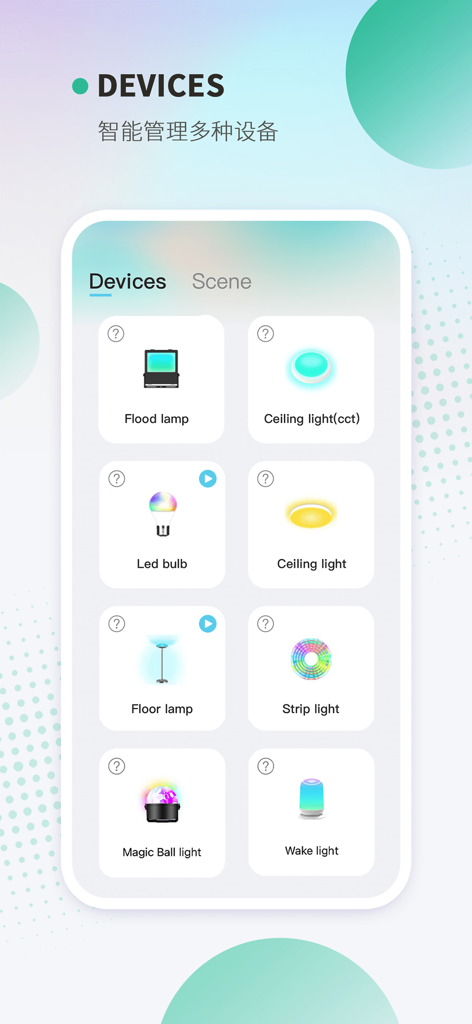
Keepsmile mobile app interface showing various smart lighting devices like strip lights and bulbs for easy control
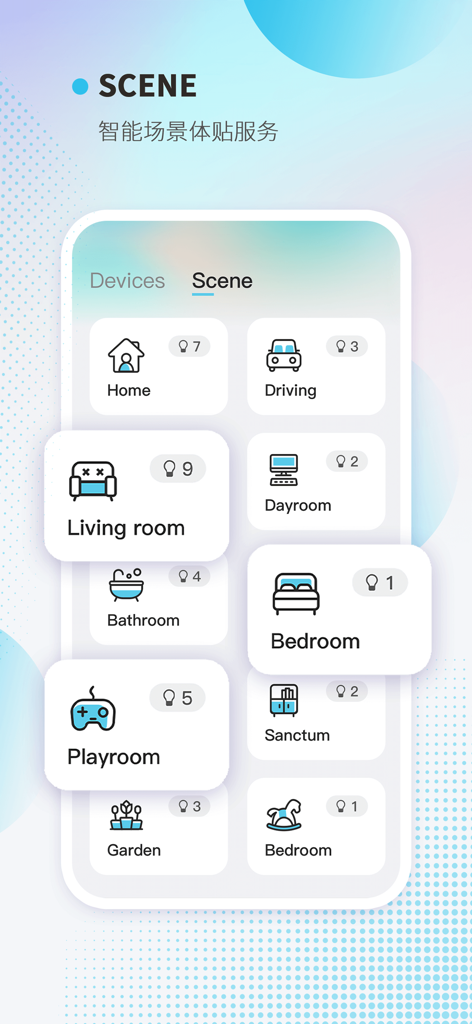
The scene selection screen of the Keepsmile app featuring icons for living room playroom and bedroom lighting control
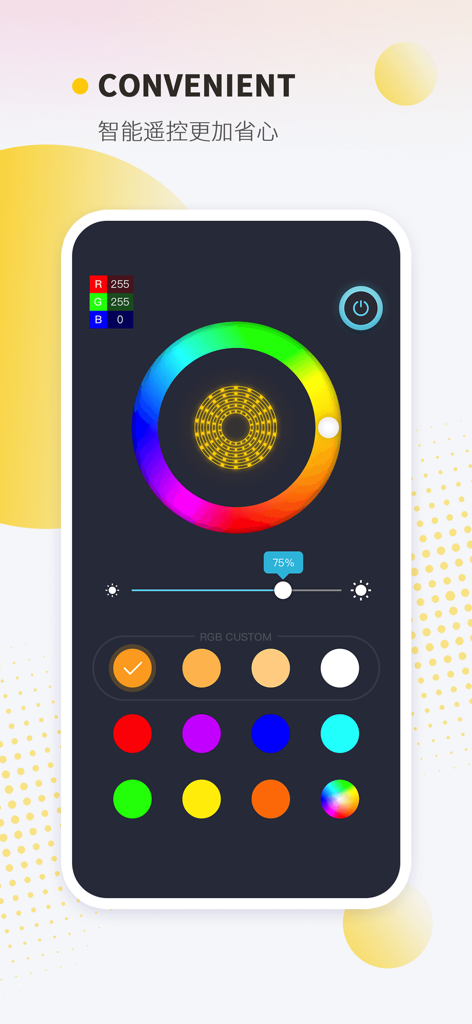
Keepsmile app dashboard featuring a color wheel for custom LED light settings and brightness adjustment
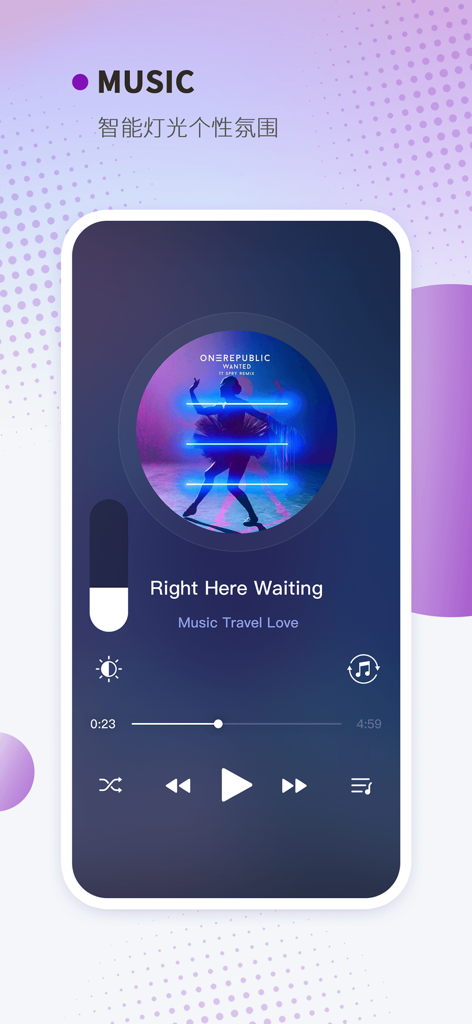
Keepsmile smart lighting app interface showing the music synchronization feature for controlling LED lights to music
Description
Download
More Like This
Apps with similar features and user experience

小米音箱
Beijing Xiaomi Co., Ltd

Starlink
Space Exploration Technologies Corp.

Bambu Handy
Shanghai Lunkuo Technology Co., Ltd

DREO
HESUNG INNOVATION LIMITED

My Verisure
Securitas Direct

Whisker
Automated Pet Care Products Inc.

geeni
Merkury Innovations LLC

ADT+
ADT LLC

X-Sense Home Security
X-Sense USA LLC.
This page is not an official page of the app or its developer, but an independent editorial publication created for informational and commentary purposes. Unless expressly stated otherwise, neither the app nor its developer is affiliated with, endorsed by, sponsored by, authorized by, or otherwise officially connected with MWM, Apple, Google Play, the app publisher, or the app's developer, and nothing on this page implies that the app was developed using MWM's services. Any trademarks, logos, screenshots, and other content remain the property of their respective owners.