Kiosk Pro Plus
Kiosk Pro Plus
Download on App Store

This page is not an official page of the app or its developer, but an independent editorial publication created for informational and commentary purposes. Unless expressly stated otherwise, neither the app nor its developer is affiliated with, endorsed by, sponsored by, authorized by, or otherwise officially connected with MWM, Apple, Google Play, the app publisher, or the app's developer, and nothing on this page implies that the app was developed using MWM's services. Any trademarks, logos, screenshots, and other content remain the property of their respective owners.


Logo of Kiosk Pro Plus
Download on App Store

Kiosk Pro Plus

The professional lockdown browser designed for high-traffic environments. Deliver a seamless visitor experience with remote content updates, robust security controls, and offline reliability for your retail or event fleet.

Key Figures

Downloads

174K+

User Rating

4.2/5

Total Ratings

0

Publisher

Kiosk Group, Inc.

Category

Business

Locales

30

Latest Version

11.3

Size

35.9 MB

First Released

Oct 14, 2011
Features

Transform Your iPad into a Professional Kiosk

Deploy secure, branded interactive displays with centralized management and advanced offline capabilities designed for high-traffic environments.

Total Lockdown Security

Prevent unauthorized browsing and secure personal data by locking your device into a specific website or presentation with restricted navigation.

Centralized Remote Updates

Manage your entire fleet of devices from one location by updating content and settings instantly via Dropbox or your own remote server.

The following screenshots and description are sourced directly from the app's official store listing and are the property of the app developer.

App Store

Screenshots
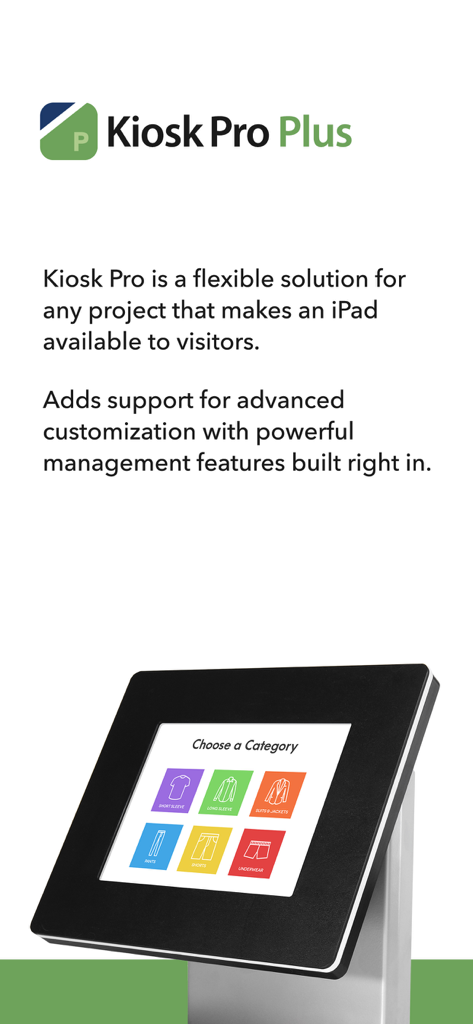
Kiosk Pro Plus - Kiosk Pro Plus app promotional screen showing an iPad in a professional kiosk stand with a retail interface
Kiosk Pro Plus app promotional screen showing an iPad in a professional kiosk stand with a retail interface

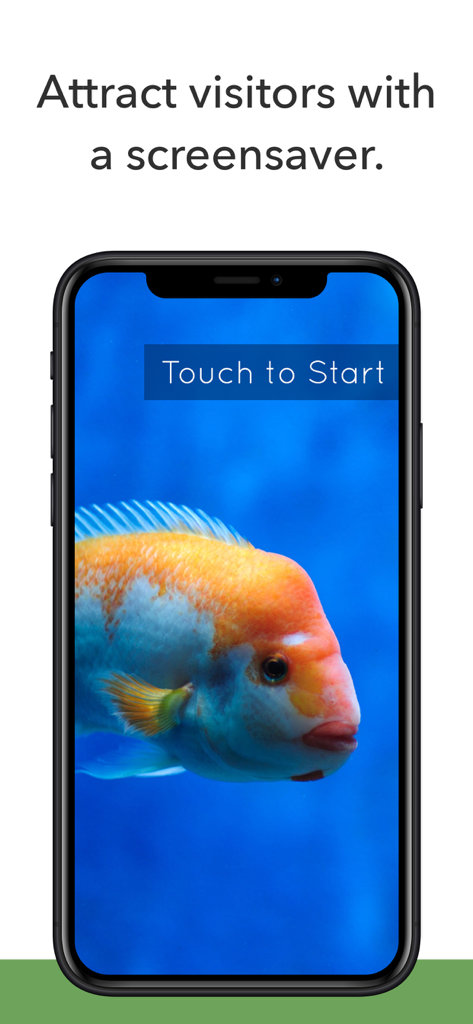
Kiosk Pro Plus - Smartphone displaying the Kiosk Pro Plus screensaver feature with an orange fish and a Touch to Start button.
Smartphone displaying the Kiosk Pro Plus screensaver feature with an orange fish and a Touch to Start button.

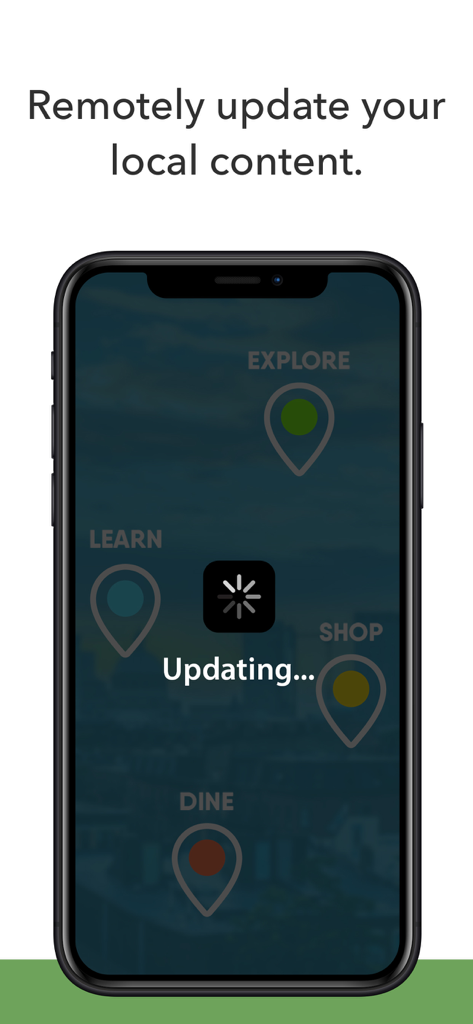
Kiosk Pro Plus - A smartphone screen displaying a remote content update in progress with an 'Updating' status and a loading spinner icon.
A smartphone screen displaying a remote content update in progress with an 'Updating' status and a loading spinner icon.

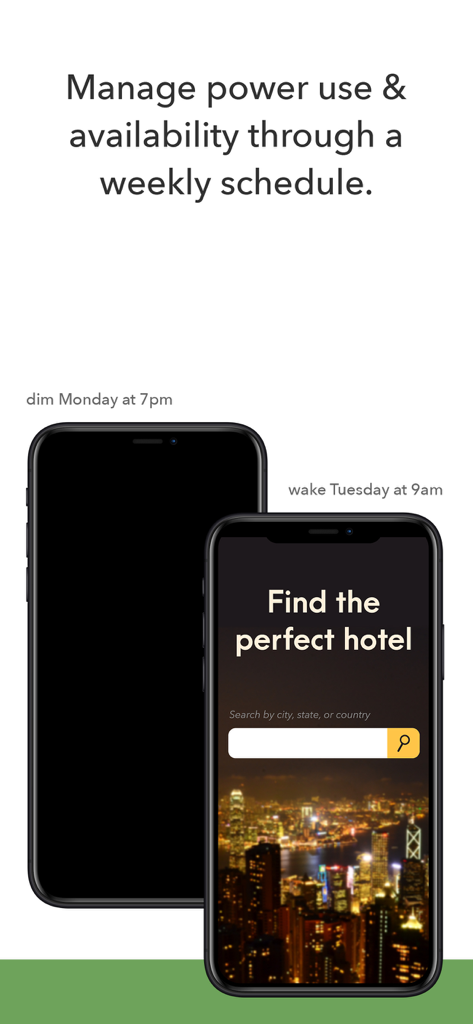
Kiosk Pro Plus - Graphic demonstrating Kiosk Pro Plus power management and weekly scheduling for kiosk devices

Graphic demonstrating Kiosk Pro Plus power management and weekly scheduling for kiosk devices

Kiosk Pro Plus - Remote management server dashboard showing heartbeat reports and kiosk enterprise features list.

Remote management server dashboard showing heartbeat reports and kiosk enterprise features list.

Description

Kiosk Pro is a flexible solution for any project that makes an iPad available to visitors. As a specialized web browser, Kiosk Pro Plus can display web pages, documents or audio & video files. Show content that’s hosted online or stored locally on the device. Kiosk Pro Plus builds on the functionality included in our Basic version, adding a screensaver loop, a schedule for when the kiosk is available for use, and the ability to update locally stored files from a remote server or Dropbox account. ATTRACT VISITORS • Define a homepage as the starting place for the presentation. • Set an idle timer so that when a visitor walks away, the next person will have a fresh experience, starting right at the beginning. • Increase visitor turnover at your kiosk by setting a browsing time limit. • Clear the cache and/or cookies to secure personal information. • Display a screensaver loop using local images and/or videos. LIMIT NAVIGATION • Specify what’s off limits on the web by creating lists of allowed & restricted domains. • Block access to other apps, including the native email or phone, that could otherwise be opened through links. • Disable touch interaction when used for digital signage. • Autofill username & password for specific URLs. CONTROL THE DISPLAY • Hide status, address, and/or navigation bars to make your content look like a native app. • Allow windows to open in multiple tabs. • Customize the navigation with your own color scheme and bookmarked links. • Works in any language - add your own translated text for on-screen alerts and navigation. WORKS OFFLINE • Store content locally for offline viewing. • Shift between online and offline content automatically if your device drops its internet connection. REMOTE MANAGEMENT • Update your app settings or content files by uploading them onto your own servers or by syncing with your Dropbox account. • Set up email alerts for power loss, remote updates, or motion detection. • Have your kiosks check in with regular heartbeats and monitor all your kiosks from a single location through our cloud-based Remote Management Server. MANAGE AVAILABILITY & POWER USE • Create a schedule to control when the kiosk is available for use. • Control the screen brightness from inside the app settings or dim to minimum brightness while idle. USE ADVANCED FUNCTIONS WITH OUR JAVASCRIPT API • Access the iPad’s camera for capturing photos and videos. • Save visitor form data locally on the device and collect signatures. Support is built right into our apps with documentation of every feature and direct access to our extensive Knowledge Base. Kiosk Pro Plus is compatible with most web content, including HTML web pages, PDFs, and multimedia (including .mp4 video). While certain Powerpoint, Keynote, and Word files are also supported, they are displayed as static documents. Kiosk Pro Plus cannot display pop-ups, other apps, or Flash-based content. To prevent visitors from exiting Kiosk Pro Plus, you must enable Guided Access in the iPad settings or use Apple’s Configurator app to supervise the iPad into Single App Mode. Our professional kiosk enclosures secure your iPad from theft or damage. See KioskGroup.com for more details!

Download

Download on App Store

This page is not an official page of the app or its developer, but an independent editorial publication created for informational and commentary purposes. Unless expressly stated otherwise, neither the app nor its developer is affiliated with, endorsed by, sponsored by, authorized by, or otherwise officially connected with MWM, Apple, Google Play, the app publisher, or the app's developer, and nothing on this page implies that the app was developed using MWM's services. Any trademarks, logos, screenshots, and other content remain the property of their respective owners.