
This page is not an official page of the app or its developer, but an independent editorial publication created for informational and commentary purposes. Unless expressly stated otherwise, neither the app nor its developer is affiliated with, endorsed by, sponsored by, authorized by, or otherwise officially connected with MWM, Apple, Google Play, the app publisher, or the app's developer, and nothing on this page implies that the app was developed using MWM's services. Any trademarks, logos, screenshots, and other content remain the property of their respective owners.


KODAK STEP Prints
Stop living in the digital void. This app liberates your memories from screens, turning pixels into prints with satisfying ease.
Downloads
750k+User Rating
Total Ratings
6.5KPublisher
Category
EntertainmentLocales
24Latest Version
25.1.3Size
175.1 MBFirst Released
May 5, 2020Evaluating core functionalities for young, sentimentally-driven photo enthusiasts.
KODAK STEP Prints App: Key Features Analysis
Effortless Instant Printing
The app provides a streamlined process for printing photos directly from a connected KODAK STEP Touch camera, including the option to print multiple copies with just a few clicks, catering to the desire for tangible memories.
Creative Photo Personalization
It allows users to customize their photos with a variety of trendy filters and snappy borders, fostering creative self-expression and making pictures stand out.
Comprehensive Photo Workflow
The app provides a complete solution for managing, editing, printing, and sharing photos directly from various devices, emphasizing convenience and a full photo workflow.
Seamless Social Media Connectivity
This tool features direct integration with social media accounts, enabling instant access to old memories and easy sharing of new photos with friends and family, vital for social engagement.
Universal Device Compatibility
The app provides extensive compatibility, allowing users to connect and manage their photos across KODAK STEP Touch cameras, smartphones, and tablets for maximum convenience.
Pre-Print Visual Confirmation
It includes a print preview feature, ensuring users can verify their photo's appearance before printing, guaranteeing the desired outcome and preventing wasted prints.
The following screenshots and description are sourced directly from the app's official store listing and are the property of the app developer.
App Store
Screenshots
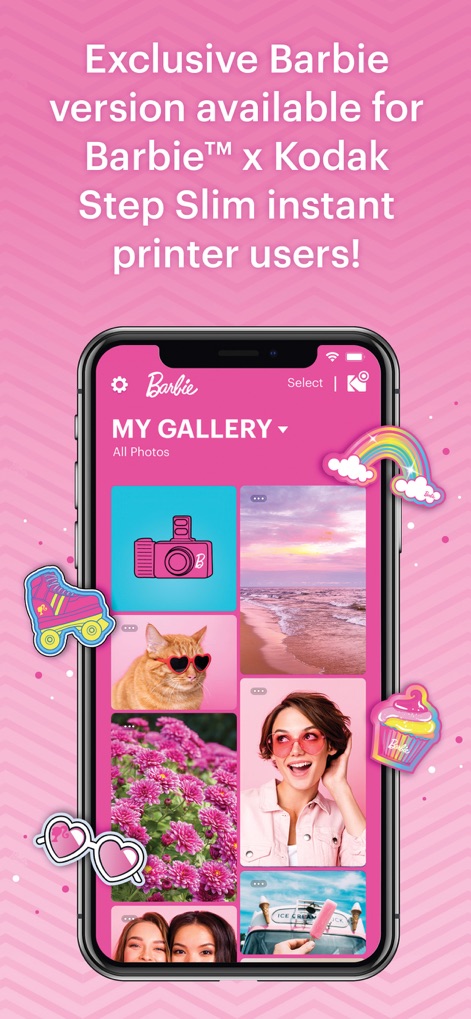
This special edition of the app delights users with its vibrant pink interface and playful sticker overlays, perfect for a personalized gallery experience.
Barbie Edition Fun
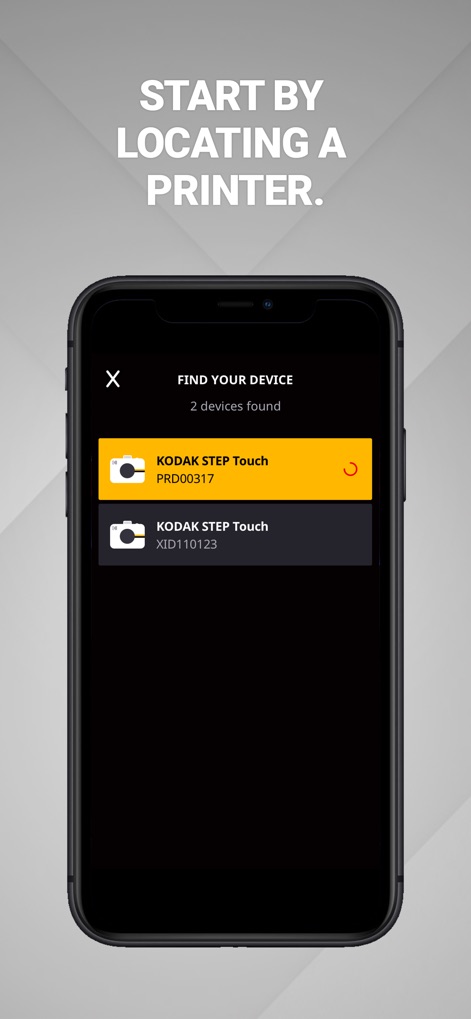
The app streamlines the process of connecting to a printer, allowing users to easily locate and pair with available KODAK STEP Touch devices for quick printing.
Seamless Printer Connection
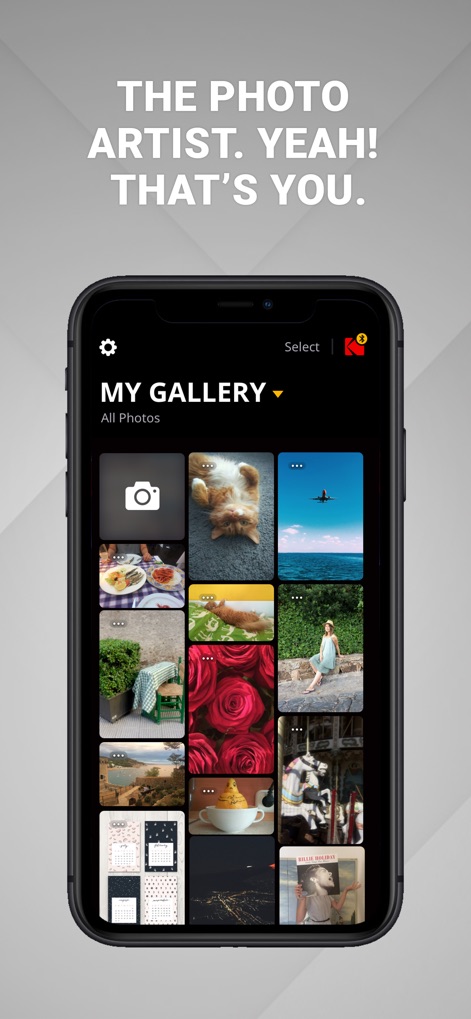
Users can effortlessly manage their cherished memories in "MY GALLERY", a visually rich grid display showcasing personal photos and offering quick access to settings.
Your Photo Gallery
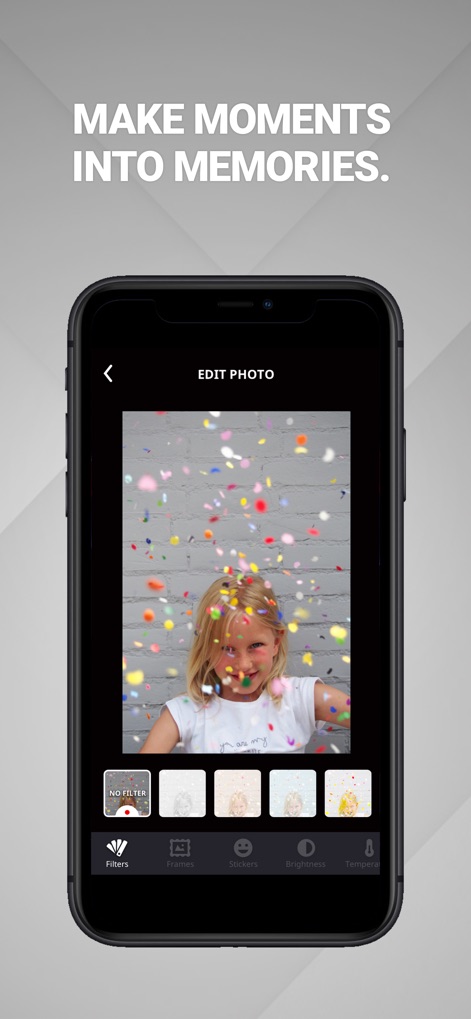
This tool empowers users to transform photos into unique memories using diverse editing options, including a variety of "Filters" and "Stickers" for personalization.
Creative Photo Editing
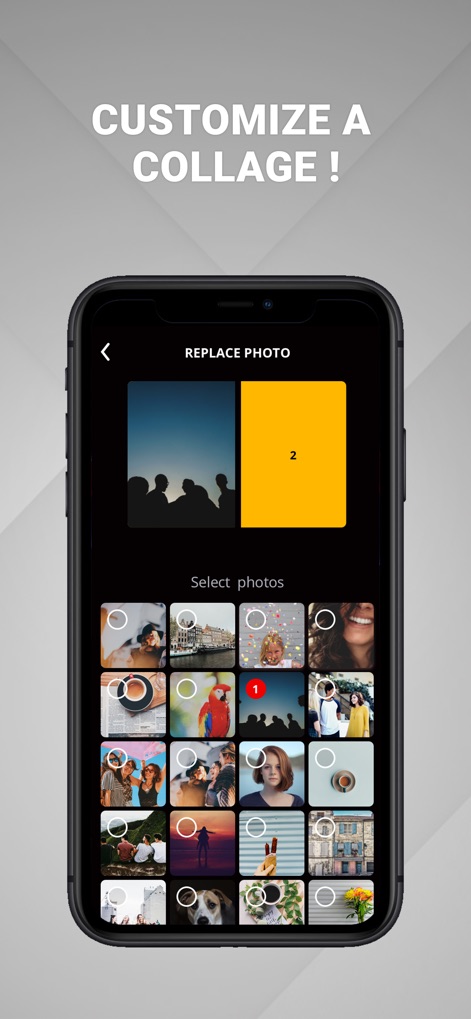
Users can unleash their creativity by building custom collages, utilizing the "Select photos" grid to easily arrange and "Replace Photo" within pre-defined layouts.
Crafting Photo Collages
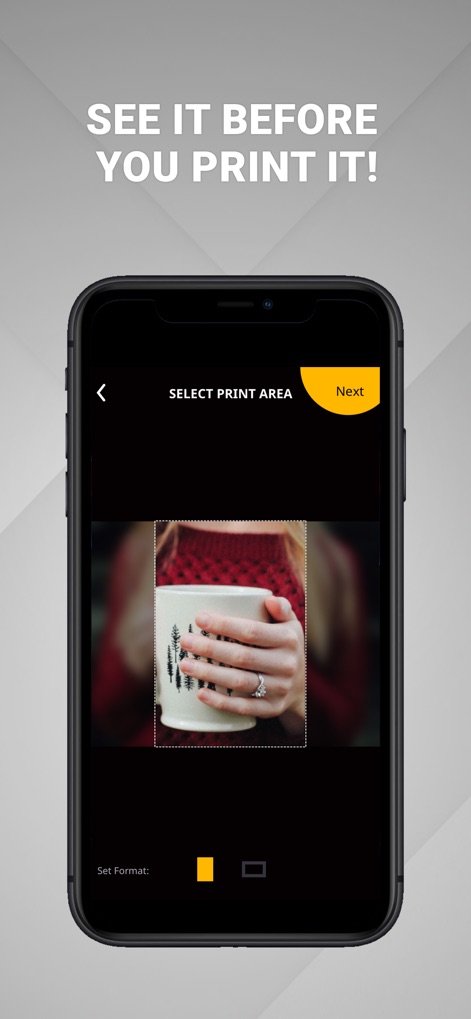
The app ensures perfect prints by providing a "Select Print Area" feature, allowing users to precisely crop their image and review the print format before finalizing.
Precise Print Preview
Description
Download
More Like This
Apps with similar features and user experience
Smart Printer App for HP ·
LOOP MOBILE FZCO

Docuslice - Poster Printing
Jeremiah Lachica
Printer Pro: Smart Printer App
Ivan Spyrydonov

HP
HP Inc.

Canon PRINT
Canon Inc.

Epson Smart Panel
Seiko Epson Corporation
Brother Mobile Connect
Brother Industries, LTD.

Epson iPrint
Seiko Epson Corporation

Printer App: Smart Print
Netpeak EOOD
This page is not an official page of the app or its developer, but an independent editorial publication created for informational and commentary purposes. Unless expressly stated otherwise, neither the app nor its developer is affiliated with, endorsed by, sponsored by, authorized by, or otherwise officially connected with MWM, Apple, Google Play, the app publisher, or the app's developer, and nothing on this page implies that the app was developed using MWM's services. Any trademarks, logos, screenshots, and other content remain the property of their respective owners.