
This page is not an official page of the app or its developer, but an independent editorial publication created for informational and commentary purposes. Unless expressly stated otherwise, neither the app nor its developer is affiliated with, endorsed by, sponsored by, authorized by, or otherwise officially connected with MWM, Apple, Google Play, the app publisher, or the app's developer, and nothing on this page implies that the app was developed using MWM's services. Any trademarks, logos, screenshots, and other content remain the property of their respective owners.


Docuslice - Poster Printing
Skip the expensive print shop and bring your big ideas to life. Transform any image or PDF into stunning, multi-page wall art, classroom charts, or event banners in minutes—just slice, print, and assemble.
Downloads
72K+User Rating
Total Ratings
400Publisher
Category
Graphics & DesignLocales
1Latest Version
2.24Size
46.0 MBFirst Released
Aug 20, 2023Create Large-Scale Visuals on a DIY Budget
Docuslice turns your standard home printer into a professional poster maker. Transform any digital file into a stunning wall-sized masterpiece in minutes.
Instant Tiled Printing
Our smart slicing technology automatically divides your images or PDFs into perfectly aligned pages ready for your home printer.
Total Size Control
Choose Grid Mode to set your paper count or Size Mode for exact dimensions. Customize every detail to fit your classroom or office wall perfectly.
Frequently Asked Questions
Everything you need to know about Docuslice - Poster Printing
What is Docuslice - Poster Printing?
Docuslice is an app that transforms any image or PDF into a large, multi-page poster. It slices your design into printable tiles for easy assembly using a regular home printer.
Is Docuslice - Poster Printing free to use?
Yes, Docuslice is free to download and use. It allows users to create and print large posters without incurring initial costs for the app itself.
How does Docuslice allow me to print large posters?
Docuslice slices your image or PDF design into multiple printable tiles. You can then print these tiles using your home printer and assemble them to create a large poster.
Can I import PDFs into Docuslice - Poster Printing?
Yes, Docuslice is compatible with PDFs. Users can import any PDF file into the app to slice and print as a multi-page poster.
What customization options are available in Docuslice?
Docuslice allows users to resize images, add text, and configure poster layouts using Grid Mode (rows/columns) or Size Mode. You can also set paper size and orientation.
What file formats can Docuslice export?
Docuslice allows users to export the sliced tiles as PDF files or individual image files. This offers flexibility for printing directly or sending to print shops.
Can I save my projects in Docuslice - Poster Printing?
Yes, Docuslice allows you to save and access your poster projects directly from the home screen. This enables users to manage and revisit their creations.
Does Docuslice support predefined poster templates?
Yes, Docuslice offers predefined poster size templates, such as A4, Letter, and Folio. Users can also set custom sizes for their projects.
The following screenshots and description are sourced directly from the app's official store listing and are the property of the app developer.
App Store
Screenshots
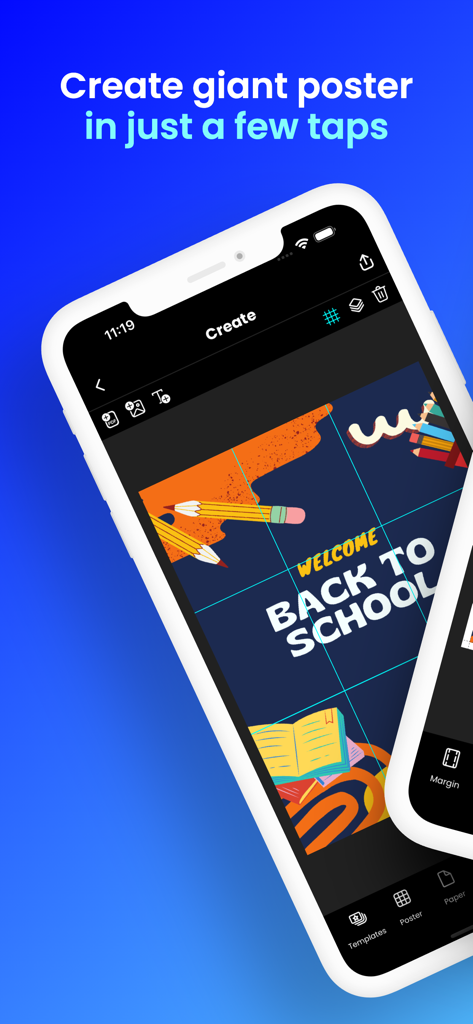
Docuslice app interface showing a back to school poster divided into a grid for large scale tiled printing
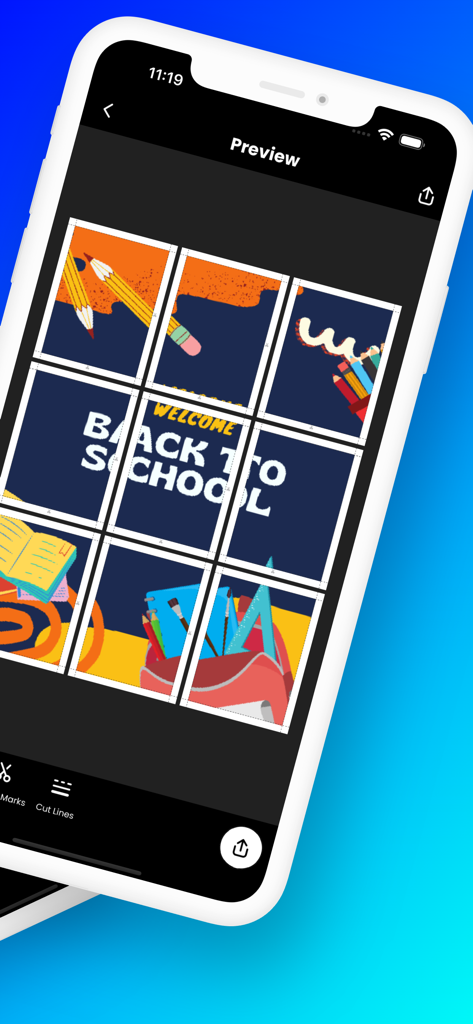
Docuslice app preview of a large back to school poster divided into multiple printable pages
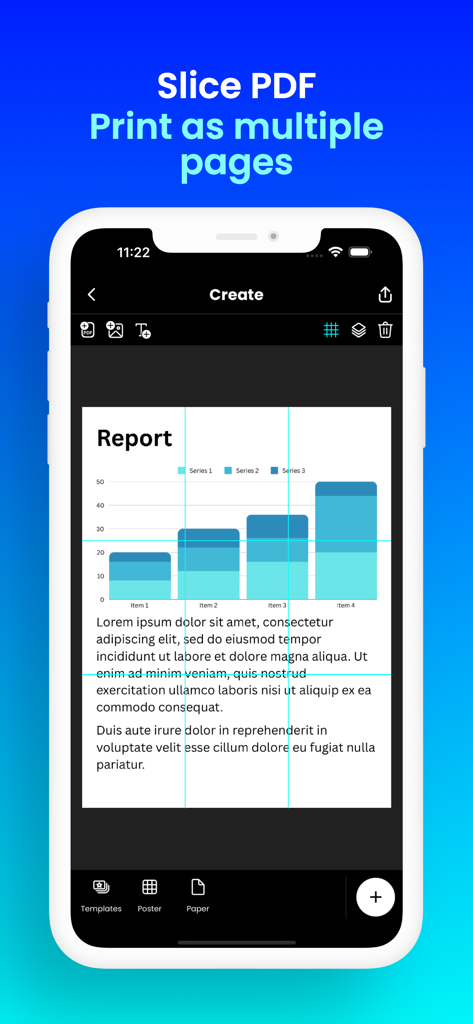
Interface of the Docuslice app showing a PDF report being divided into a grid of printable tiles for a large poster
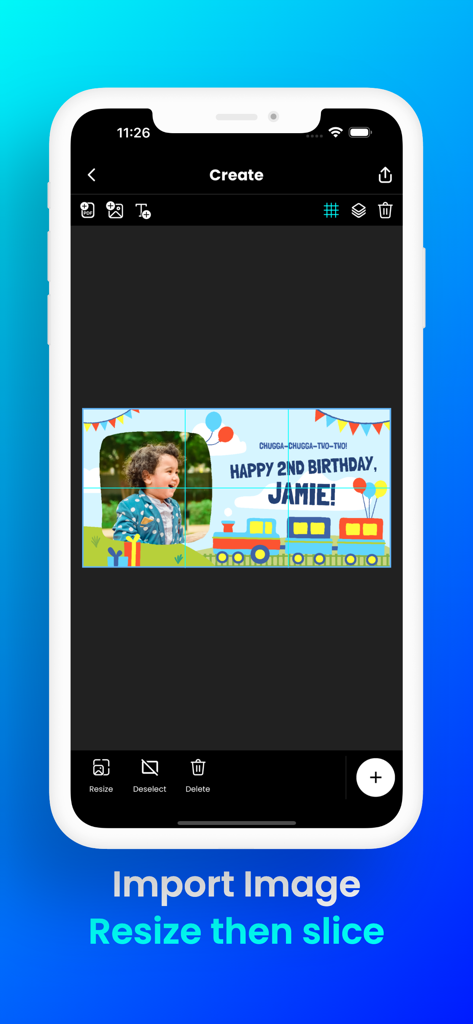
Docuslice app interface showing a custom birthday banner being resized and sliced into printable tiles for home printing
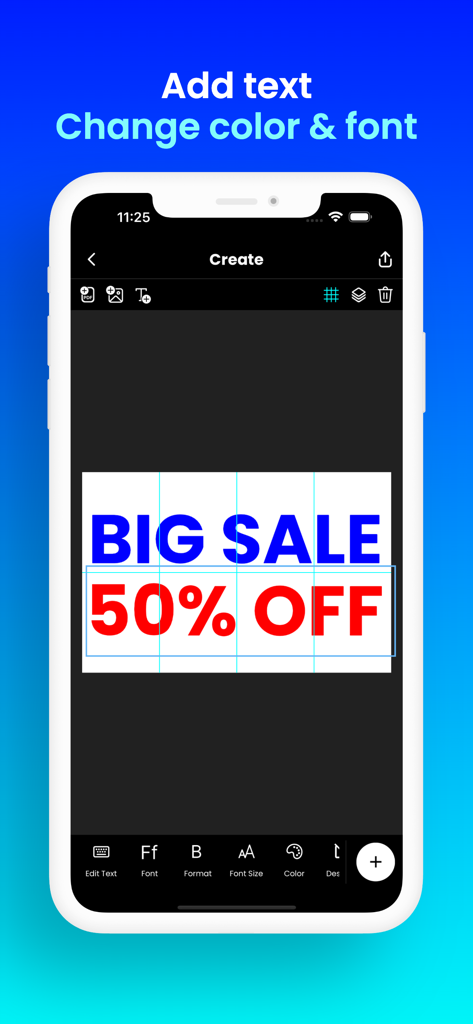
Interface of Docuslice app showing a Big Sale poster design with text editing and font color options.
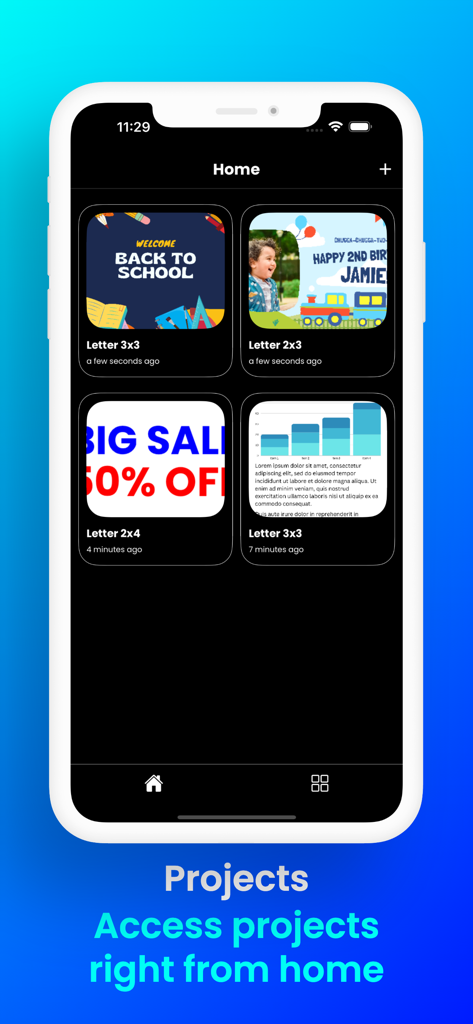
Docuslice app home screen showing a gallery of saved poster projects including school and birthday banners.
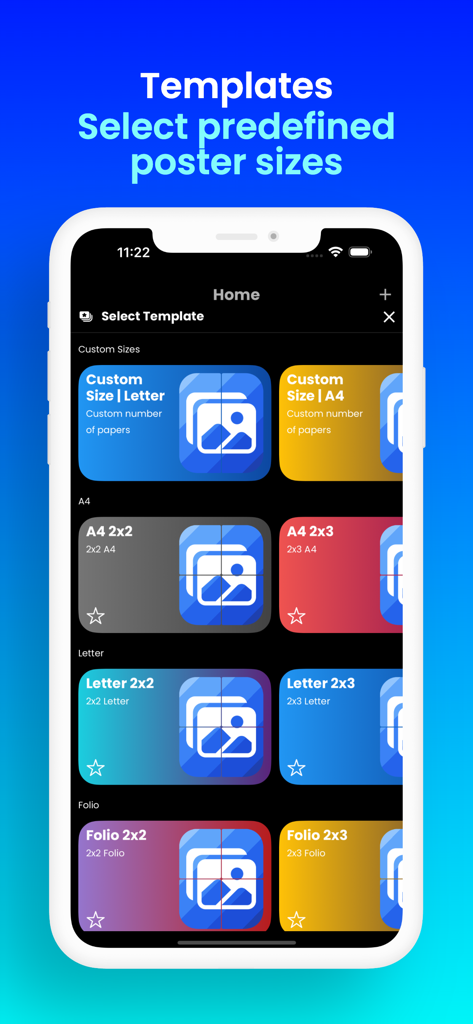
Docuslice app screen showing predefined poster templates for A4 and Letter size paper grids
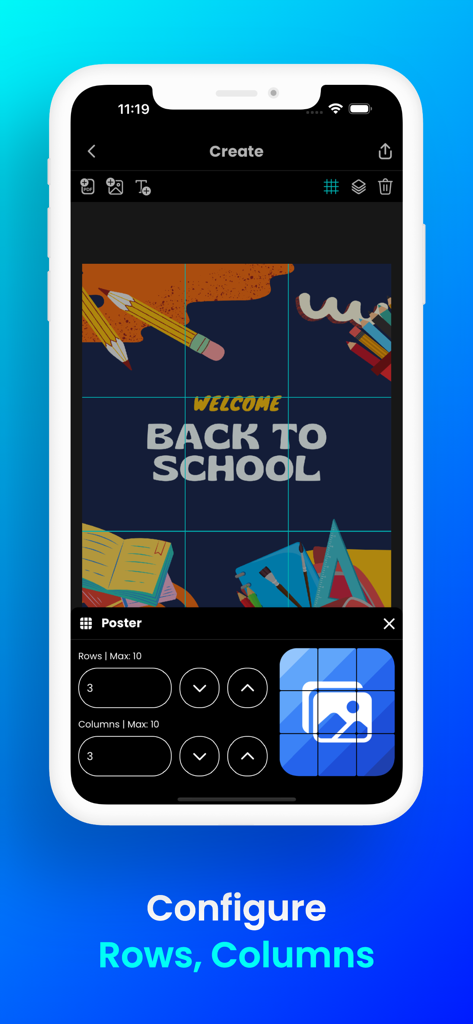
Docuslice app interface showing a back to school poster divided into printable tiles for large scale printing
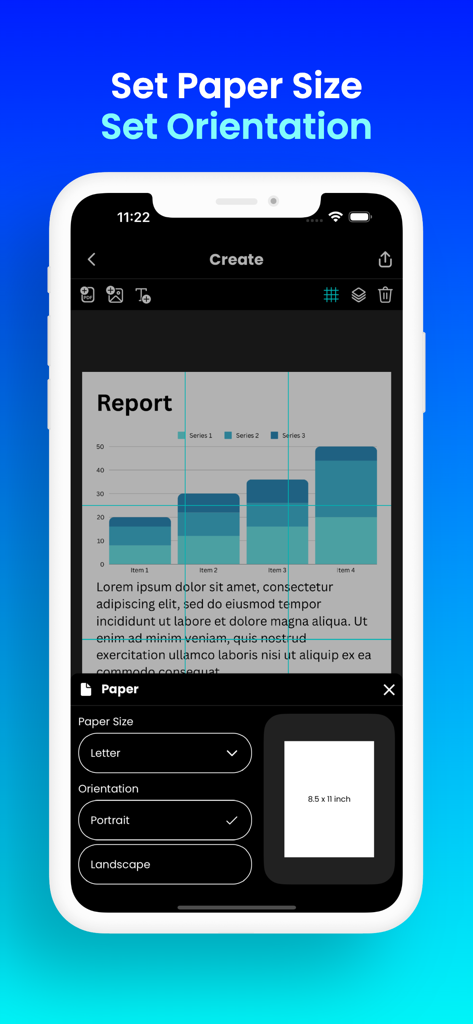
Docuslice app interface showing options to select paper size and orientation for creating tiled posters
Description
Download
More Like This
Apps with similar features and user experience

Printer Pro: Smart Printer App
Ivan Spyrydonov

HP
HP Inc.

Canon PRINT
Canon Inc.

Epson Smart Panel
Seiko Epson Corporation

Brother Mobile Connect
Brother Industries, LTD.

Epson iPrint
Seiko Epson Corporation

Printer App: Smart Print
Netpeak EOOD

Smart Printer App: iPrint
AppFusion OU

小白学习打印-手机打印,教辅试卷错题整理
Nanjing White Box Information Technology Co., Ltd
This page is not an official page of the app or its developer, but an independent editorial publication created for informational and commentary purposes. Unless expressly stated otherwise, neither the app nor its developer is affiliated with, endorsed by, sponsored by, authorized by, or otherwise officially connected with MWM, Apple, Google Play, the app publisher, or the app's developer, and nothing on this page implies that the app was developed using MWM's services. Any trademarks, logos, screenshots, and other content remain the property of their respective owners.