
This page is not an official page of the app or its developer, but an independent editorial publication created for informational and commentary purposes. Unless expressly stated otherwise, neither the app nor its developer is affiliated with, endorsed by, sponsored by, authorized by, or otherwise officially connected with MWM, Apple, Google Play, the app publisher, or the app's developer, and nothing on this page implies that the app was developed using MWM's services. Any trademarks, logos, screenshots, and other content remain the property of their respective owners.


Smart Printer App: iPrint
Printing freedom. This app obliterates device-to-printer friction, handing users instant command over their documents.
Downloads
2.5M+User Rating
Total Ratings
47.6KPublisher
Category
BusinessLocales
9Latest Version
1.5.7Size
201.9 MBFirst Released
Jun 5, 2023An assessment of core functionalities for mobile printing and document management.
Key Features Analysis: Smart Printer App
Wireless Printing
The app provides the ability to print wirelessly from an iPhone without needing additional software, streamlining the printing process from mobile devices.
Broad Printer Compatibility
This tool features support for over 8000 different printers, ensuring a wide range of hardware can be utilized without compatibility issues.
Cloud Storage Integration
It allows users to import documents and photos directly from popular cloud services like iCloud, Dropbox, and Google Drive for seamless printing.
Document Scanning to PDF
The app enables users to scan multiple documents or photos in a single session and save them as PDF files, facilitating quick and efficient digital archiving.
Advanced Print Options
It offers comprehensive control over printing preferences, including the number of copies, page range, paper size, orientation, and pages per sheet, catering to diverse printing needs.
File Import from Other Apps
The app supports direct import of files from email and various other applications on iOS devices, enhancing its versatility as a printing hub.
Frequently Asked Questions
Everything you need to know about Smart Printer App: iPrint
How does the Smart Printer App allow printing from an iPhone?
The Smart Printer App enables wireless printing directly from your iPhone without requiring additional software. It connects to compatible WiFi printers for easy document and photo printing.
What types of printers does the Smart Printer App support?
The Smart Printer App supports over 10,000 different printers. It is compatible with a wide range of WiFi-enabled printers, ensuring broad usability for users to print documents and photos.
Can I scan documents using the Smart Printer App?
Yes, the Smart Printer App allows users to scan multiple documents or photos in one session. Scanned items can then be saved as PDF files directly within the app for convenience.
What are the printing options available in the Smart Printer App?
The Smart Printer App offers multiple printing options including selecting the number of copies, page range, paper size, page orientation, scaling, and pages per sheet. Users control their print preferences.
Does the Smart Printer App require printer drivers?
No, the Smart Printer App does not require additional drivers. It facilitates wireless printing from your iPhone to compatible WiFi printers without needing extra software installation for any printer.
How can I import files into the Smart Printer App for printing?
You can import files into the Smart Printer App from email or other iOS apps directly. It also supports importing documents and photos from cloud services like iCloud, Dropbox, or Google Drive for printing.
Where can I find the Smart Printer App's privacy policy?
The Smart Printer App's privacy policy is available at https://pp.smartprinterapp.space/. This link provides full details regarding how user data is collected and handled by the application.
What types of files can the Smart Printer App print?
The Smart Printer App prints documents and photos. Users can print these directly from their device's storage, iCloud, email, or other supported cloud storage services after importing them into the app.
The following screenshots and description are sourced directly from the app's official store listing and are the property of the app developer.
App Store
Screenshots
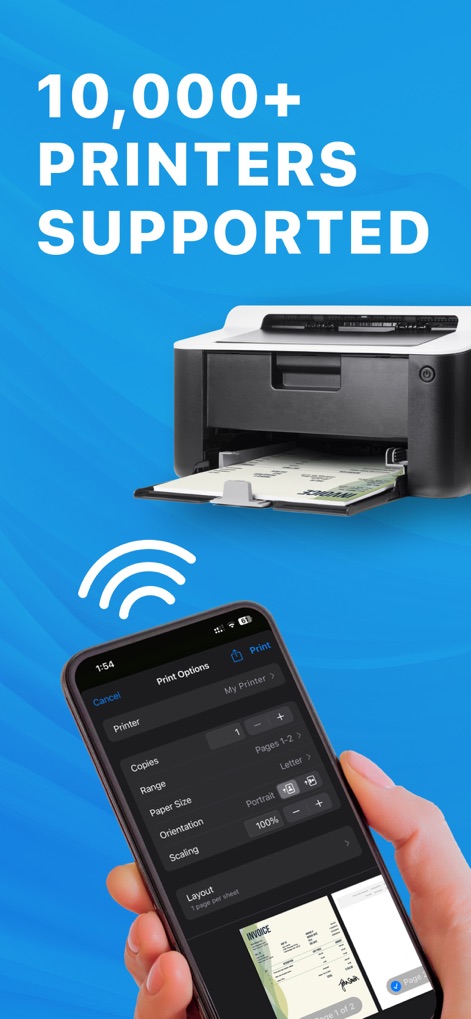
Discover the app's broad printer compatibility, supporting over 10,000 models, and its intuitive print options interface for precise control over output.
Universal Print Support
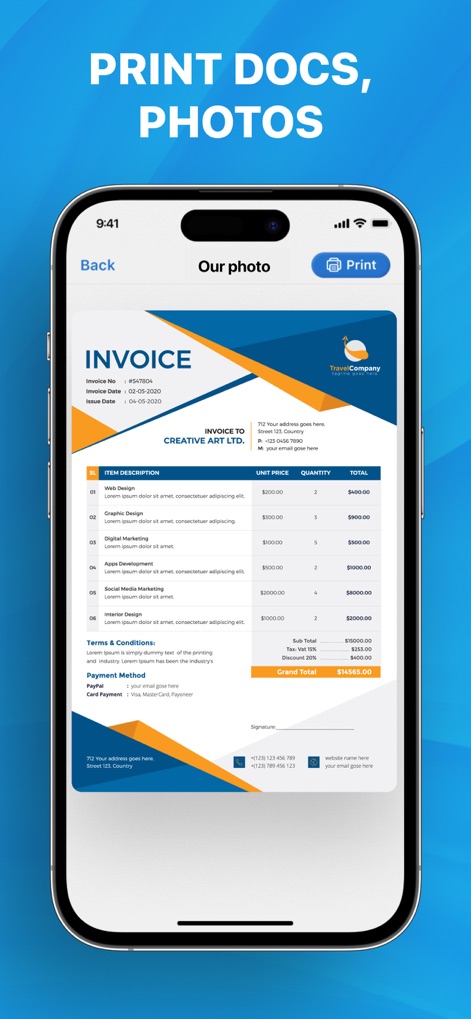
Users can effortlessly preview and print various documents, such as the displayed invoice, and photos directly from their iPhone with a tap of the print button.
Print Documents Instantly
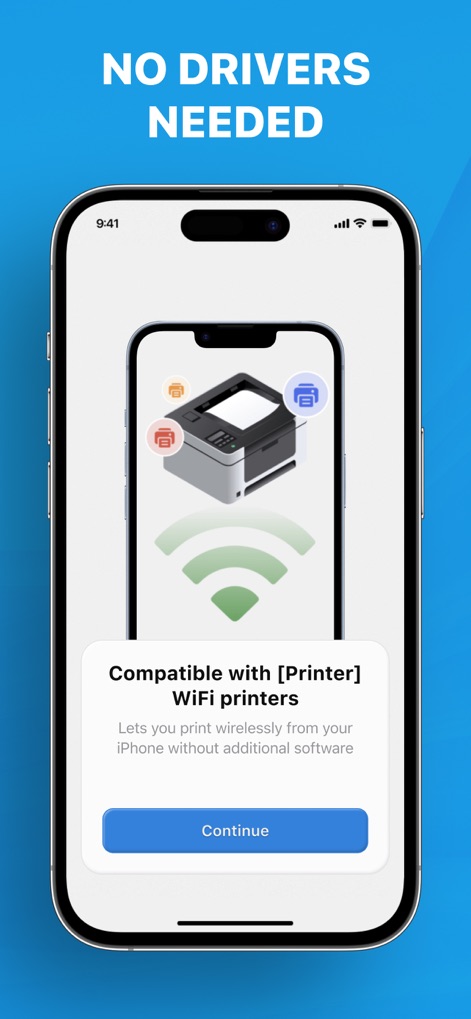
Experience the convenience of wireless printing, as the app connects seamlessly to Wi-Fi printers without requiring additional drivers or complex setups.
Wireless Printing Simplified
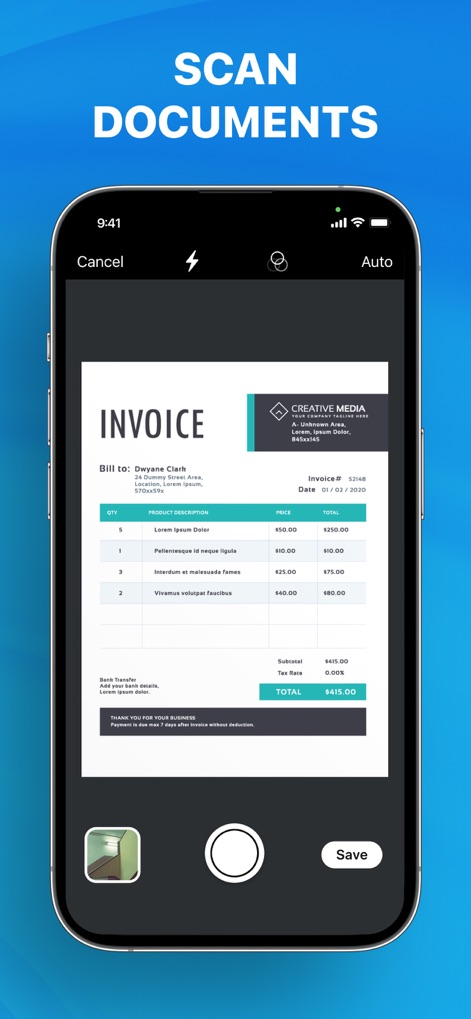
This tool offers robust document scanning capabilities, allowing users to digitize physical invoices and save them as high-quality PDF files.
Integrated Document Scanner
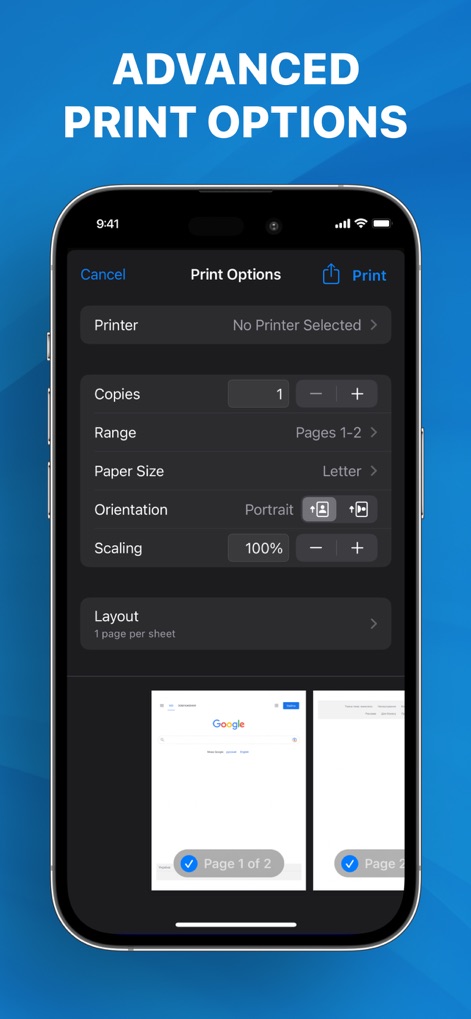
Gain complete control over print jobs with advanced settings, including options for page range and layout per sheet, ensuring perfect output every time.
Customized Print Settings
Description
Download
More Like This
Apps with similar features and user experience

Docuslice - Poster Printing
Jeremiah Lachica

Printer Pro: Smart Printer App
Ivan Spyrydonov

HP
HP Inc.

Canon PRINT
Canon Inc.

Epson Smart Panel
Seiko Epson Corporation

Brother Mobile Connect
Brother Industries, LTD.

Epson iPrint
Seiko Epson Corporation

Printer App: Smart Print
Netpeak EOOD

小白学习打印-手机打印,教辅试卷错题整理
Nanjing White Box Information Technology Co., Ltd
This page is not an official page of the app or its developer, but an independent editorial publication created for informational and commentary purposes. Unless expressly stated otherwise, neither the app nor its developer is affiliated with, endorsed by, sponsored by, authorized by, or otherwise officially connected with MWM, Apple, Google Play, the app publisher, or the app's developer, and nothing on this page implies that the app was developed using MWM's services. Any trademarks, logos, screenshots, and other content remain the property of their respective owners.