
KYOCERA Mobile Print


Effortlessly print from the cloud, scan directly to your mobile device, and manage documents on the go. Designed for the high-efficiency professional who needs seamless integration with Microsoft 365, Google Drive, and your KYOCERA hardware.
Publisher
Category
ProductivityDownloads
778K+User Rating
Total Ratings
300Locales
27Discover the interface used by 778K+ users.
The tools that make this app stand out, trusted by 778K+ users.
Instantly discover and connect to compatible KYOCERA devices via Wi-Fi or Wi-Fi Direct. Print and scan on the go without complex setups.
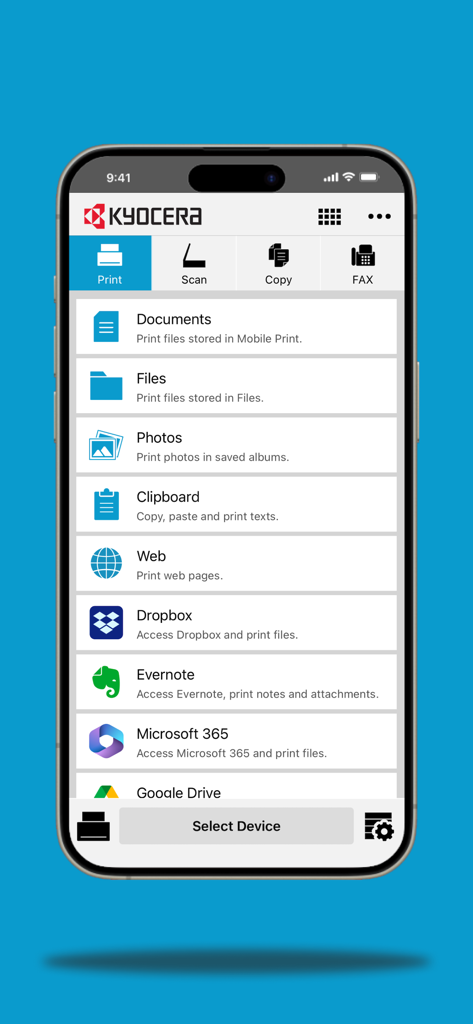
Access files directly from Microsoft 365, Google Drive, or Dropbox. Pull documents from the cloud to the tray, or scan paper straight to your drive.
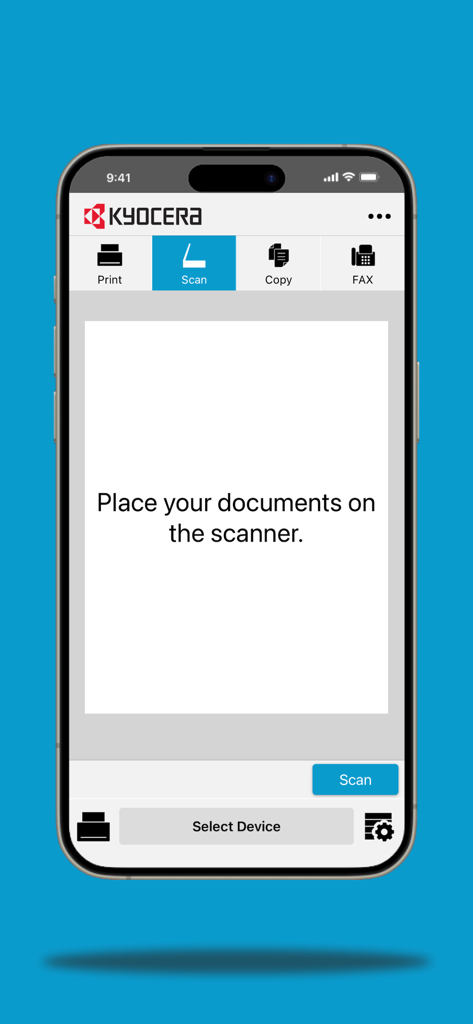
Transform physical paperwork into digital assets. Scan documents directly to your mobile device for immediate email attachment or professional archiving.
Everything you need to know about KYOCERA Mobile Print.
Description
Latest Version
3.7.250317
Size
119.7 MB
First Released
Apr 8, 2012
Join over 770,000 professionals who print, scan, and digitize documents directly from their iPhone or iPad. Connect to your Kyocera device and bridge the gap between your cloud and your desk today.
Everything you need to know about KYOCERA Mobile Print
KYOCERA Mobile Print connects to compatible KYOCERA printing devices via local Wi-Fi. It also supports Wi-Fi Direct for a direct connection without a local network, if the printing device supports it.
KYOCERA Mobile Print handles .HTML, .JPG, .PDF, .PNG, .RTF, .TIFF, .TXT, and .XPS files. It also supports iWork, Microsoft Office, and Google Docs file types for printing from your iOS device.
Yes, the KYOCERA Mobile Print app scans documents using a compatible printing device. You can then print the scanned document or save it to your iOS device or a supported external service.
KYOCERA Mobile Print supports external services including Dropbox, Evernote, Microsoft 365, and Google Drive. It also integrates with SMB (Shared Folder) for accessing additional external storage.
Yes, KYOCERA Mobile Print enables webpage printing. You share the webpages from an external web browser directly into the app to print them with a connected KYOCERA device.
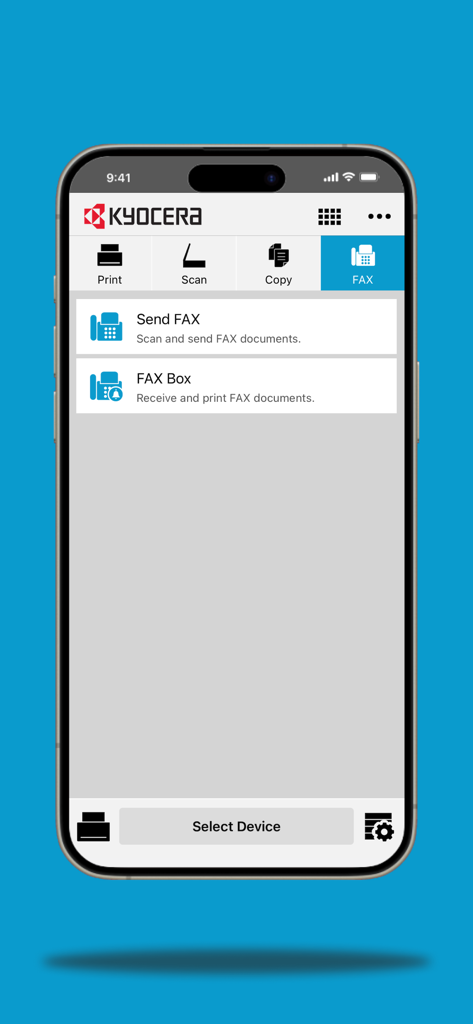
Yes, KYOCERA Mobile Print includes FAX features. Users can send FAX documents directly through the app. It also provides a "FAX Box" feature for receiving and printing FAX documents.
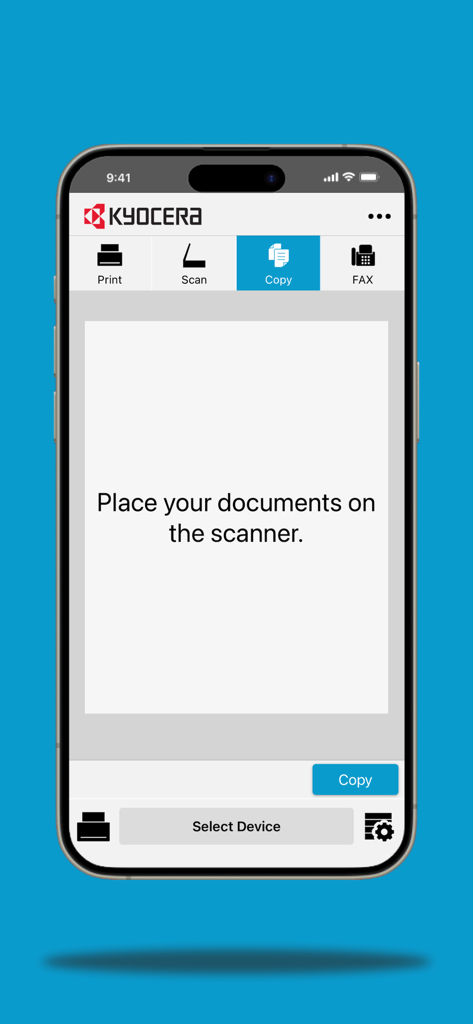
Yes, the KYOCERA Mobile Print application allows document copying. The app directs users to place their documents on the scanner to perform the copying function with a compatible device.
Yes, KYOCERA Mobile Print accesses and prints photos and documents stored directly on your iOS device. It also allows printing from files saved within the Mobile Print application itself.
Apps with similar features and user experience

Jeremiah Lachica

Ivan Spyrydonov

HP Inc.

Canon Inc.

Seiko Epson Corporation

Brother Industries, LTD.

Seiko Epson Corporation

Netpeak EOOD

AppFusion OU
App information, icons, screenshots, and descriptions displayed on this page are sourced from the Apple App Store and are the property of their respective developers. Download estimates and rankings are based on MWM's proprietary models and may not reflect actual figures. This page is provided for informational and analytical purposes only.
Believe this page infringes your intellectual property? File a dispute
