
This page is not an official page of the app or its developer, but an independent editorial publication created for informational and commentary purposes. Unless expressly stated otherwise, neither the app nor its developer is affiliated with, endorsed by, sponsored by, authorized by, or otherwise officially connected with MWM, Apple, Google Play, the app publisher, or the app's developer, and nothing on this page implies that the app was developed using MWM's services. Any trademarks, logos, screenshots, and other content remain the property of their respective owners.


Lab Mate — Molarity & Dilution
Streamline your lab workflow with instant molarity calculations, molecular weight lookups, and seamless multi-device support designed for researchers and students.
Downloads
1K+User Rating
Total Ratings
0Publisher
Category
UtilitiesLocales
11Latest Version
3.0.0Size
35.8 MBFirst Released
Jan 15, 2020Master Your Lab Calculations
Lab Mate streamlines your workflow with professional-grade tools designed for precision and speed. Spend less time on math and more time on discovery.
Precision Dilution Tools
Accurately calculate C1V1 = C2V2 and complex mixtures in seconds with live result updates to prevent costly experimental errors.
Smart Chemical Database
Lookup molecular weights by name or formula instantly, and save custom chemicals for a truly personalized research toolkit.
The following screenshots and description are sourced directly from the app's official store listing and are the property of the app developer.
App Store
Screenshots
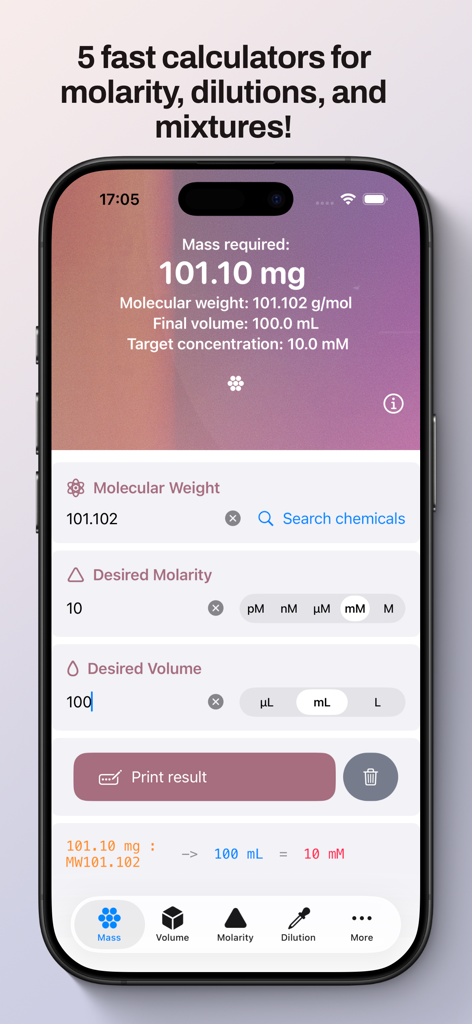
Lab Mate app on iPhone showing a mass required calculation for chemistry experiments
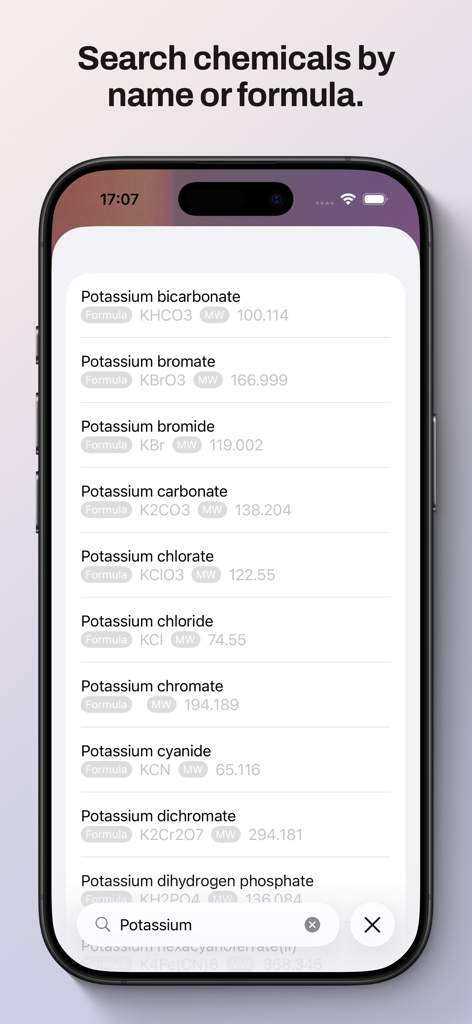
Smartphone screen displaying a list of potassium compounds with formulas and molecular weights in the Lab Mate app
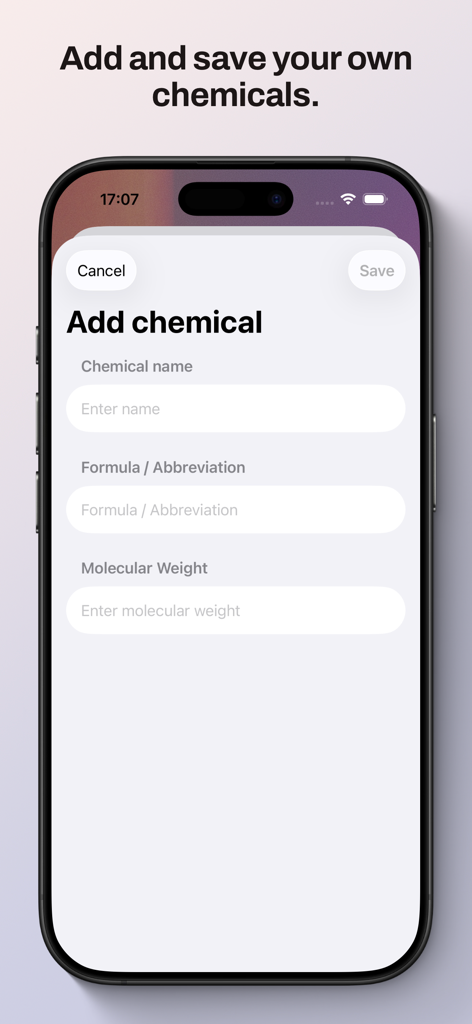
A screenshot of the Lab Mate app showing the interface to add and save custom chemical information including name formula and molecular weight
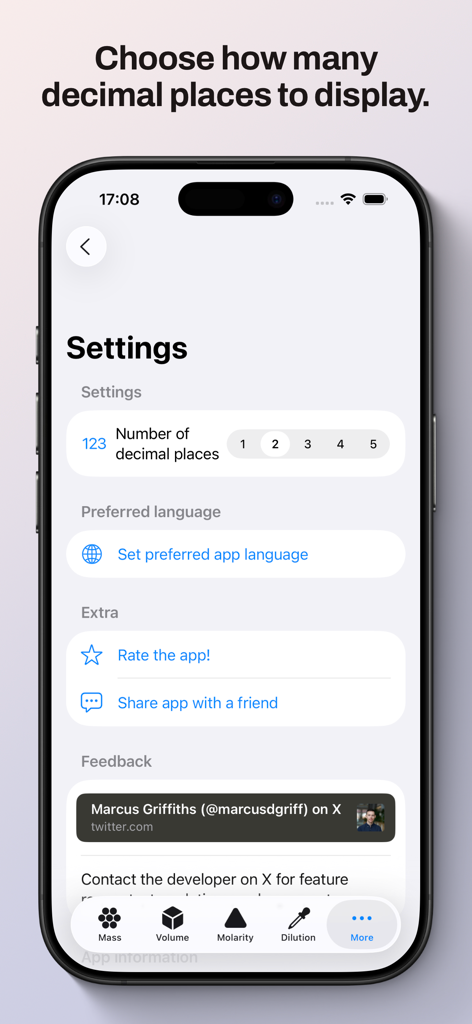
Settings screen of Lab Mate app showing options for decimal places and language
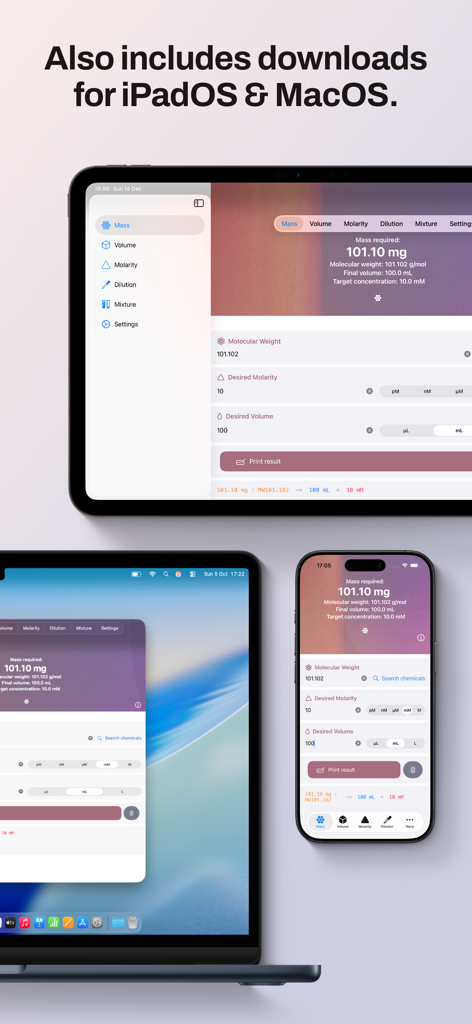
Lab Mate application running on iPhone iPad and Mac for scientific calculations
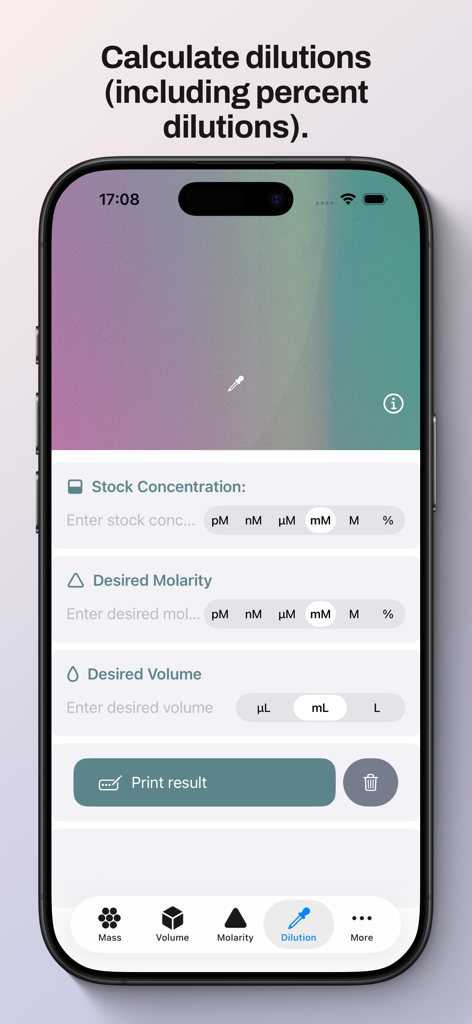
Scientific dilution calculator interface showing fields for stock concentration and desired molarity
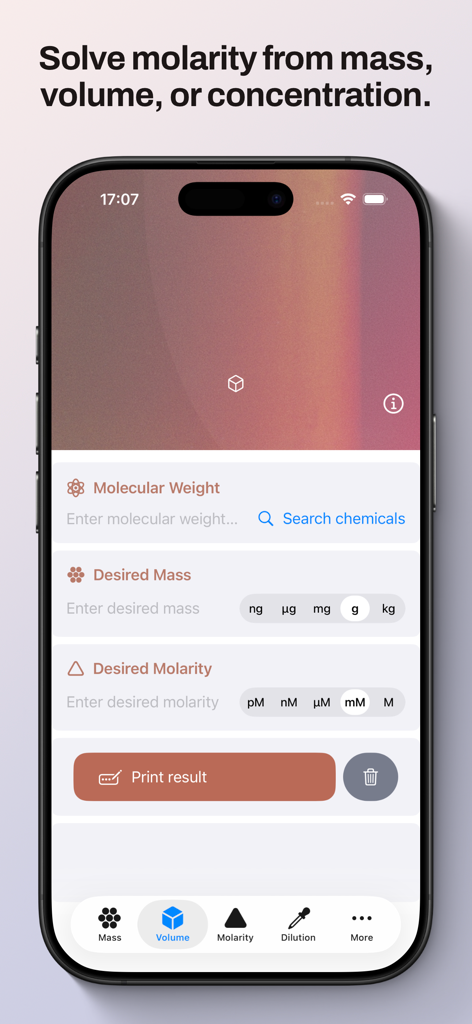
Lab Mate app interface for calculating molarity from mass and volume inputs
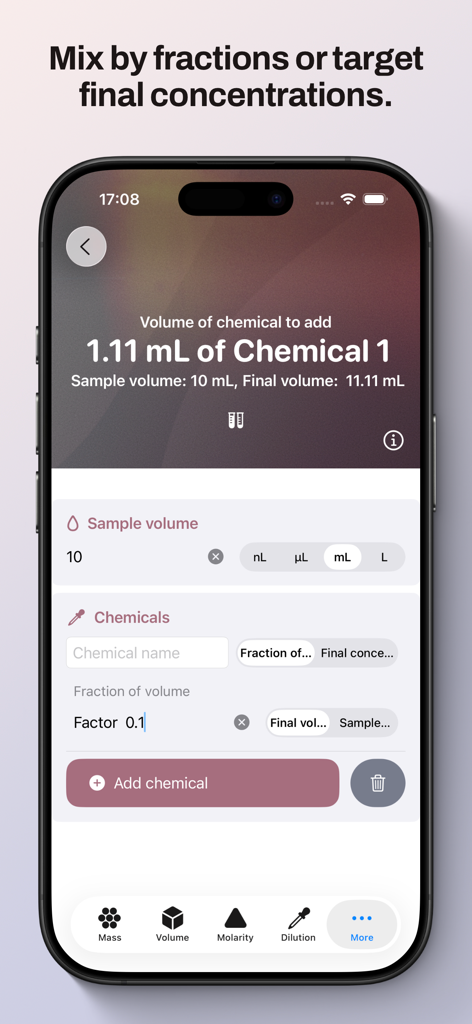
Lab Mate app screen showing a chemical mixture and volume calculation interface.
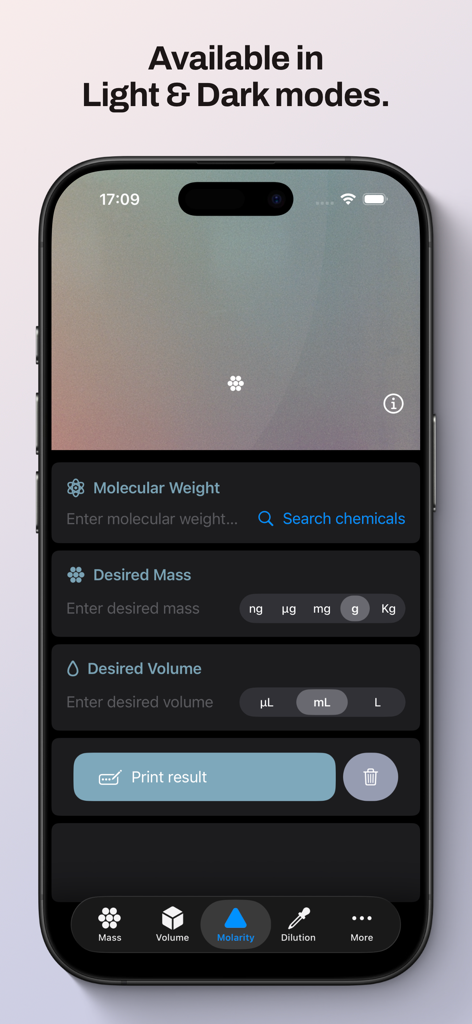
Lab Mate app molarity calculator screen in dark mode
Description
Download
More Like This
Top-ranked apps in the same category

Google LLC

Google Chrome
Google LLC

中国移动(手机营业厅)
China Mobile Online Services Co., Ltd.

Google Authenticator
Google LLC

CNH do Brasil
Servicos e Informacoes do Brasil

Cleanup: Phone Storage Cleaner
DEEP FLOW SOFTWARE SERVICES - FZCO

gov.br
Servicos e Informacoes do Brasil

Microsoft Edge: AI Browser
Microsoft Corporation

Super VPN Fly 2026
YUNFAN TECHNOLOGY CO., LIMITED
This page is not an official page of the app or its developer, but an independent editorial publication created for informational and commentary purposes. Unless expressly stated otherwise, neither the app nor its developer is affiliated with, endorsed by, sponsored by, authorized by, or otherwise officially connected with MWM, Apple, Google Play, the app publisher, or the app's developer, and nothing on this page implies that the app was developed using MWM's services. Any trademarks, logos, screenshots, and other content remain the property of their respective owners.