Language Translator Converter
Download on App Store

This page is not an official page of the app or its developer, but an independent editorial publication created for informational and commentary purposes. Unless expressly stated otherwise, neither the app nor its developer is affiliated with, endorsed by, sponsored by, authorized by, or otherwise officially connected with MWM, Apple, Google Play, the app publisher, or the app's developer, and nothing on this page implies that the app was developed using MWM's services. Any trademarks, logos, screenshots, and other content remain the property of their respective owners.


Logo of Language Translator Converter
Download on App Store

Language Translator Converter

Stop app-switching and start communicating. Translate text, voice, and photos instantly across 100+ languages directly within your favorite apps, even when you are offline.

Key Figures

Downloads

0

User Rating

1.0/5

Total Ratings

0

Publisher

Vanita Chovatiya

Category

Utilities

Locales

34

Latest Version

1.3

Size

106.7 MB

First Released

Jul 3, 2024
Features

Communication Made Effortless

Break language barriers instantly with powerful real-time tools designed for seamless travel and global messaging.

Translate Inside Any App

Type in your native language and convert it instantly within WhatsApp, iMessage, or Slack using our integrated custom keyboard.

No Internet? No Problem.

Stay connected even in remote locations. Download offline databases to translate without relying on Wi-Fi or expensive roaming charges.

The following screenshots and description are sourced directly from the app's official store listing and are the property of the app developer.

App Store

Screenshots
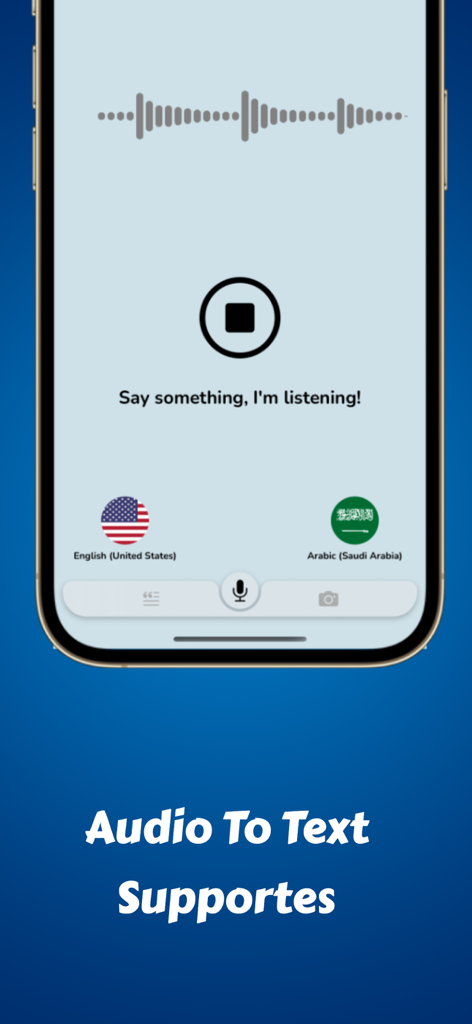
Language Translator Converter - A smartphone screen displaying the voice to text translation feature in the Language Translator Converter app
A smartphone screen displaying the voice to text translation feature in the Language Translator Converter app

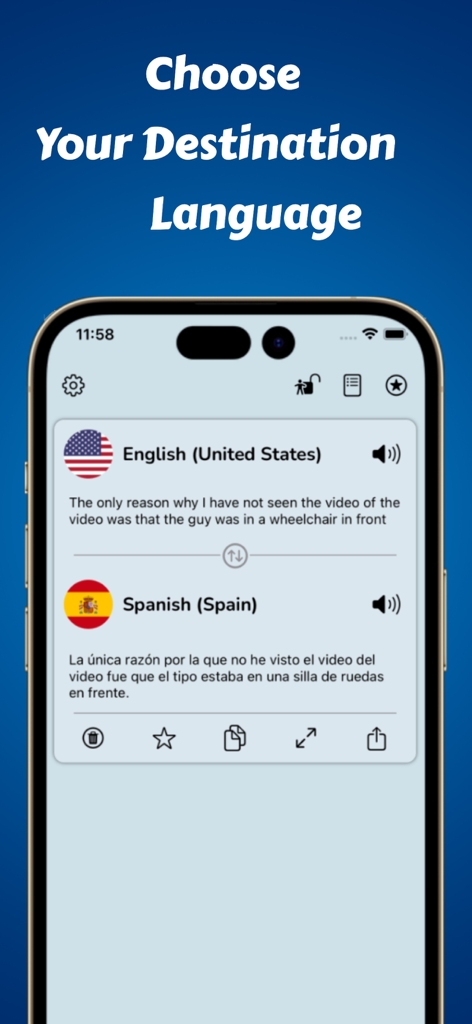
Language Translator Converter - Smartphone app screen showing a translation from English to Spanish
Smartphone app screen showing a translation from English to Spanish

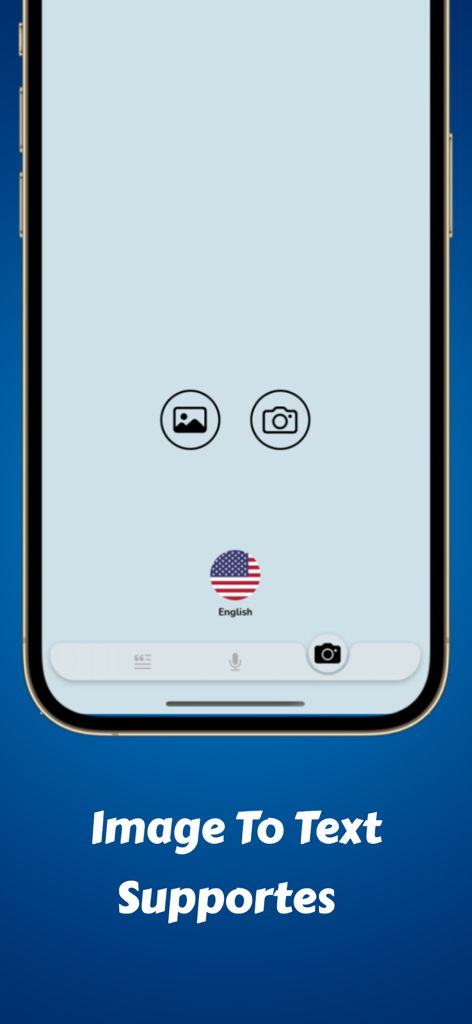
Language Translator Converter - Language Translator Converter mobile app interface showing the Image to Text feature with camera and gallery icons
Language Translator Converter mobile app interface showing the Image to Text feature with camera and gallery icons

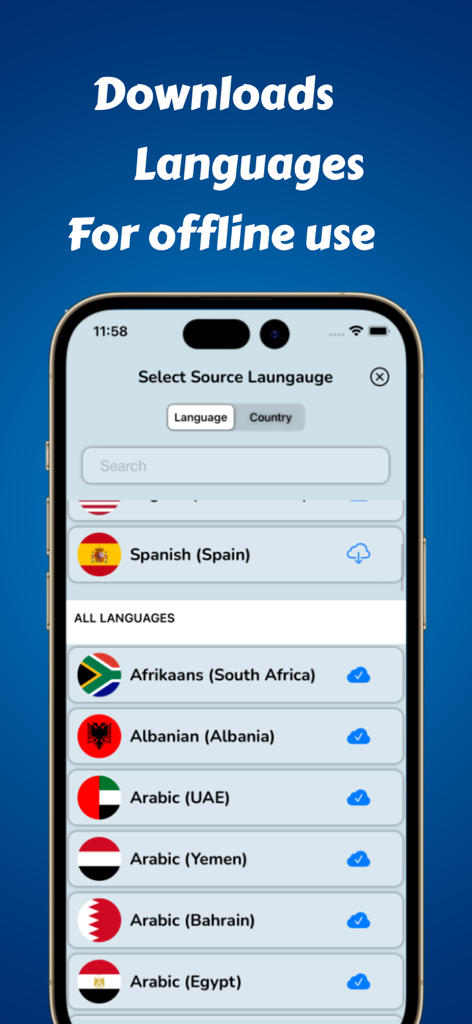
Language Translator Converter - App screen showing a list of languages available for offline translation download
App screen showing a list of languages available for offline translation download

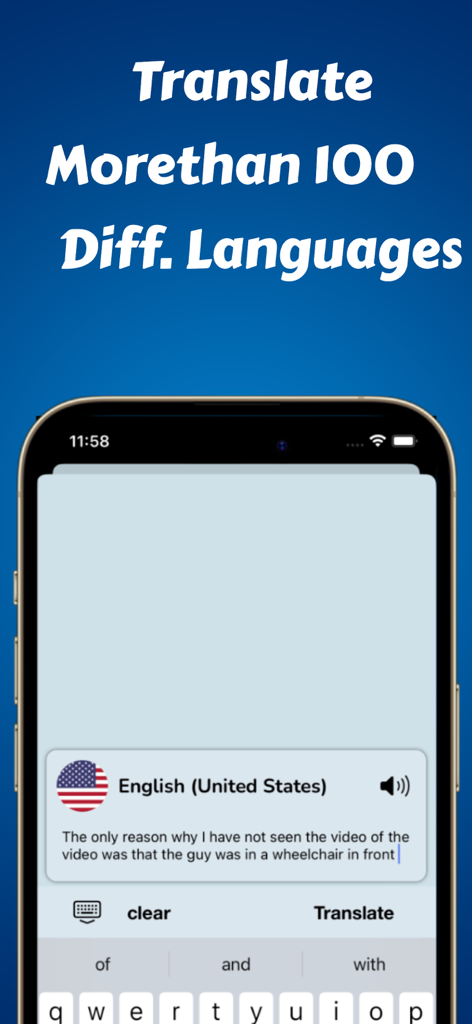
Language Translator Converter - Language Translator Converter app screen showing translation support for over 100 languages
Language Translator Converter app screen showing translation support for over 100 languages

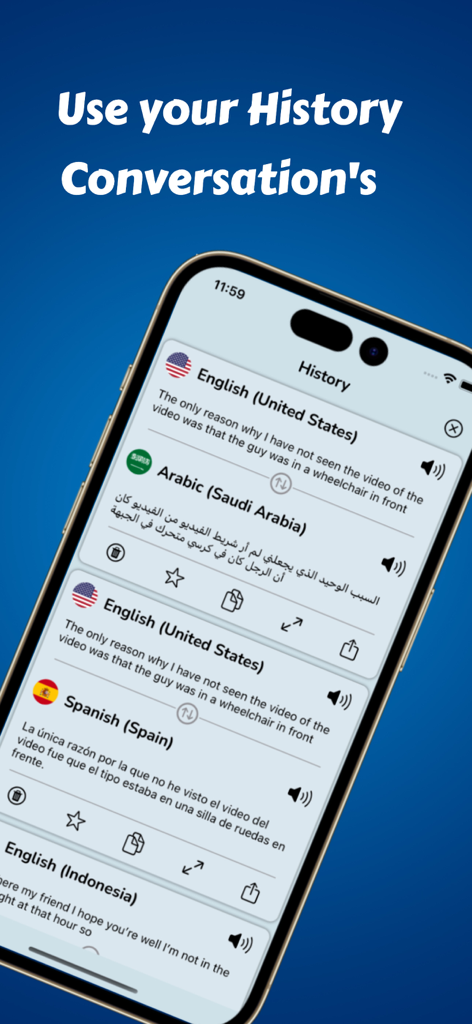
Language Translator Converter - A mobile screen showing a history of translated conversations in English, Arabic, and Spanish.
A mobile screen showing a history of translated conversations in English, Arabic, and Spanish.

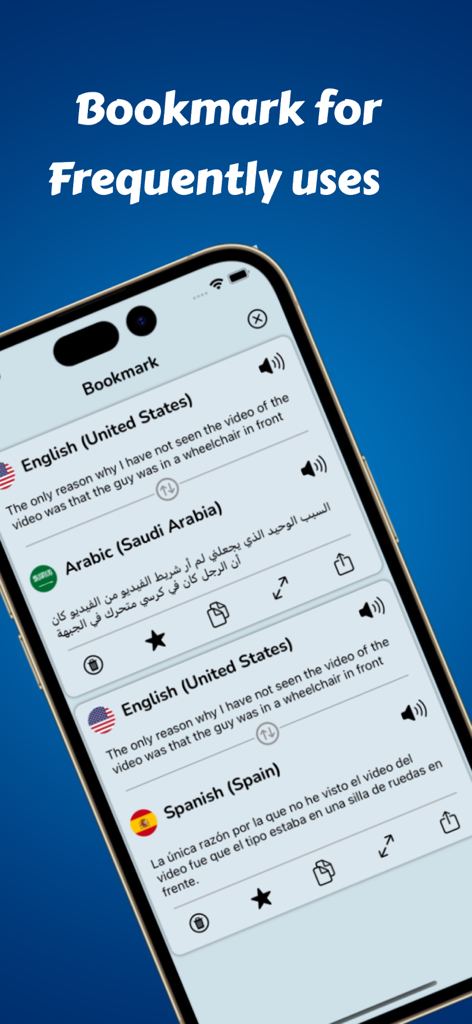
Language Translator Converter - Bookmark feature displaying saved English to Arabic and Spanish translations in the Language Translator app
Bookmark feature displaying saved English to Arabic and Spanish translations in the Language Translator app

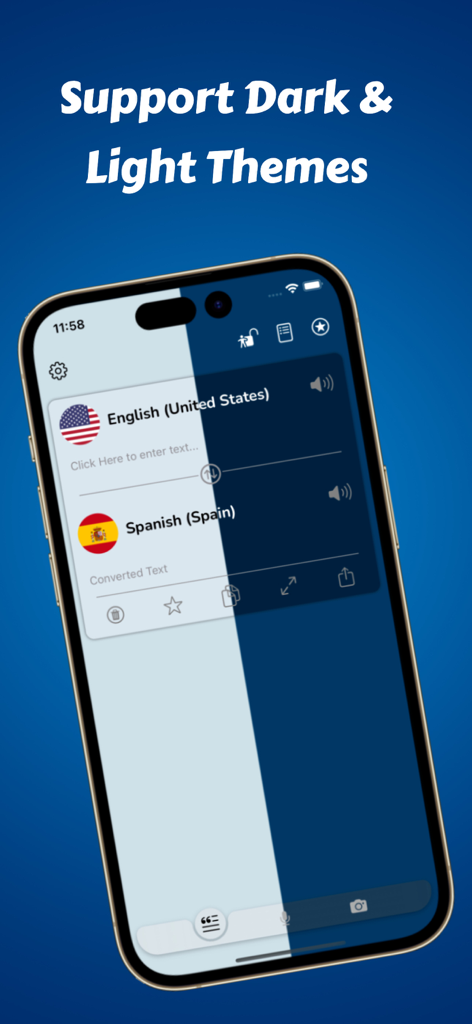
Language Translator Converter - Split-screen interface of the Language Translator app showing support for dark and light themes
Split-screen interface of the Language Translator app showing support for dark and light themes

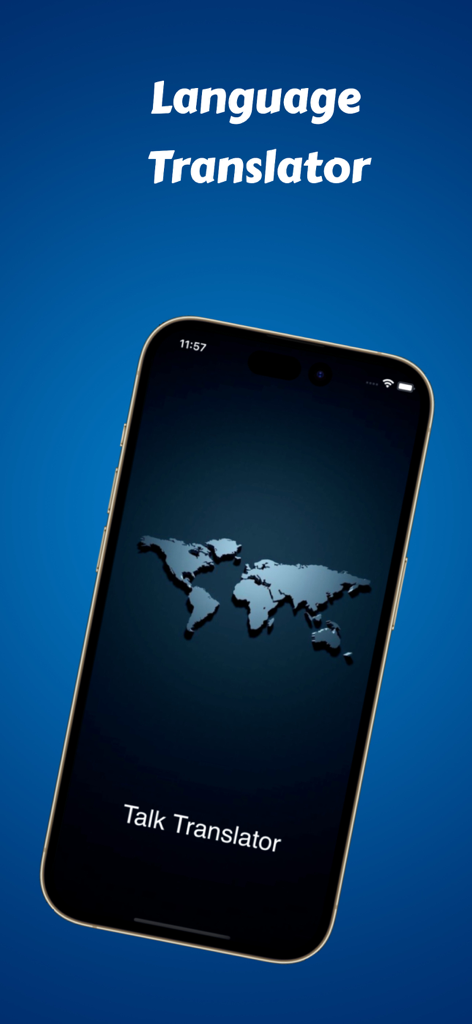
Language Translator Converter - Language Translator app welcome screen featuring a world map on a smartphone display

Language Translator app welcome screen featuring a world map on a smartphone display

Language Translator Converter - A smartphone displaying a translated conversation in a large full screen view for easier reading.

A smartphone displaying a translated conversation in a large full screen view for easier reading.

Description

Talk Translator with Keyboard Talk Translator is an essential real-time voice and text translator. Talk Translator is a real-time translator of voice, text, and photos in 100+ languages and 10,000+ language combinations to translate between. Whether you need a translator to improve your language learning or an offline traductor for traveling, Talk & Translate is your ideal companion. With its streamlined user interface this translator includes 103 languages (including regional dialects). Translate speech, text or photos in seconds. Avoid paying expensive roaming charges by downloading databases and translating in Offline mode. Support may vary for some languages. EXTENSIVE LIST OF LANGUAGES TO TRANSLATE IN # Text Support , Keyboard Support - languages, 10,000+ combinations. Afrikaans, Albanian, Arabic (UAE, YE, BH, EG, SA, SD, MA, KW, JO, QA, IQ, DZ), Belarusian, Bengali (IN, BD), Bulgarian, Catalan, Chinese (CN, HK, TW), Croatian, Czech, Danish, Dutch(BE, NL), English (US, NZ, IE, CA, AU, SG, GB, UK, US, IN), Esperanto, Estonian, Finnish, French (FR, CA, BE, CH), Galician, Georgian, German(DE, AT), Greek, Gujarati, Haitian, Hebrew, Hindi, Hungarian, Icelandic, Indonesian, Irish, Italian, Japanese, Kannada, Korean,Latvian, Lithuanian, Macedonian, Malay, Maltese, Marathi, Norwegian, Persian, Polish, Portuguese (PT, BR), Romanian, Russian, Slovak, Slovenian, Spanish (ES, MX), Swahili (KY, TZ), Swedish, Tamil, Telugu, Thai, Turkish, Ukrainian, Urdu (IN, PK), Vietnamese and Welsh # Voice Support - languages Arabic, Catalan, Chinese(CN, HK, TW), Croatian, Czech, Danish, Dutch, English, Finnish, French, German, Greek, Hebrew, Hindi, Hungarian, Indonesian, Italian, Japanese, Korean, Malay, Norwegian, Polish, Portuguese, Romanian, Russian, Slovak, Spanish, Swedish, Thai, Turkish, Ukrainian, Vietnamese # Image Support - languages English, French, Italian, German, Spanish, Portuguese, Chinese, Korean, Japanese, Russian, Ukrainian, Thai, Vietnamese # Talk Keyboard - How to use 1. Open setting 2. Go to General 3. Go to Keyboard 4. Go to keyboards 5. Go to Add New Keyboard… 6. Select third party keyboard ‘Talk Translator’ 7. Now you keyboard is ready to use. INSTANT TRANSLATION FEATURES Practical real-time tools to get the job done whatever the case. • Keyboard Support - use translator without open app, without use multiple languages just one keyboard. • Offline support - Use your translator anywhere, even when you don’t have internet. • Use any time from History. • Bookmark your frequently use conversation. • Apple Light and dark theme supported. • Voice-to-Voice – Speak in your native language and get a translation. • Text-to-Voice – Instant voice dictation of the entered text. • Text-to-Text – Translate entire passages of text effortlessly. • Voice-to-Text – Speak and get the translation as text. • Camera-to-Text - Snap a pic and get a translation. Rate this app 5-star on the App store or share this app if you love it! Talk Translator is always available for you.

Download

Download on App Store

This page is not an official page of the app or its developer, but an independent editorial publication created for informational and commentary purposes. Unless expressly stated otherwise, neither the app nor its developer is affiliated with, endorsed by, sponsored by, authorized by, or otherwise officially connected with MWM, Apple, Google Play, the app publisher, or the app's developer, and nothing on this page implies that the app was developed using MWM's services. Any trademarks, logos, screenshots, and other content remain the property of their respective owners.








