
This page is not an official page of the app or its developer, but an independent editorial publication created for informational and commentary purposes. Unless expressly stated otherwise, neither the app nor its developer is affiliated with, endorsed by, sponsored by, authorized by, or otherwise officially connected with MWM, Apple, Google Play, the app publisher, or the app's developer, and nothing on this page implies that the app was developed using MWM's services. Any trademarks, logos, screenshots, and other content remain the property of their respective owners.

LastPass Authenticator
Safeguard your digital life with seamless two-factor authentication. Experience the convenience of one-tap approvals and the peace of mind of secure cloud backups across all your devices.
Downloads
1M+User Rating
Total Ratings
53K+Publisher
Category
ProductivityLocales
7Latest Version
2.25.0Size
36.5 MBFirst Released
Mar 16, 2016Pro-Grade Security Made Simple
Protect your digital identity with effortless two-factor authentication designed for the way you work and live.
One-Tap Approval
Eliminate the friction of typing 6-digit codes. Verify your identity instantly with a single tap from your iPhone or Apple Watch.
Encrypted Cloud Backup
Never worry about being locked out. Securely back up your accounts to the cloud for easy restoration on any new or replacement device.
The following screenshots and description are sourced directly from the app's official store listing and are the property of the app developer.
App Store
Screenshots
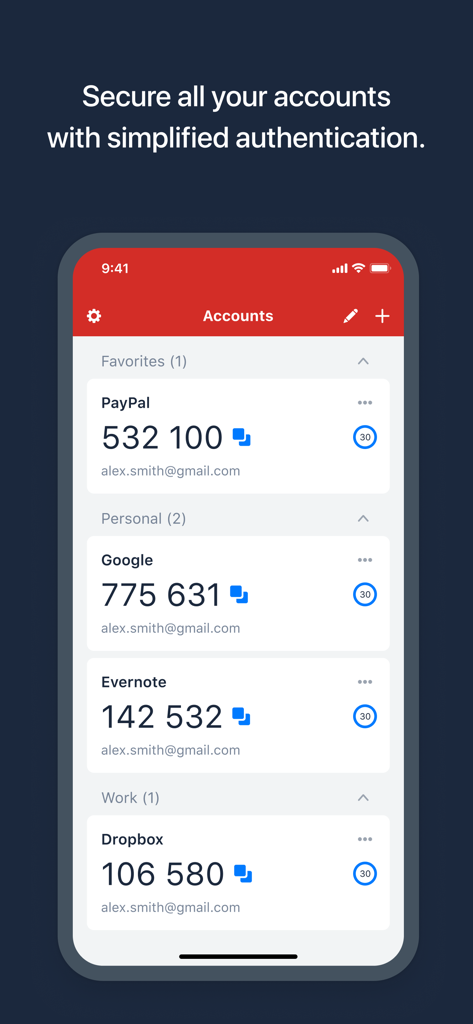
LastPass Authenticator interface showing 6 digit security codes for accounts like PayPal Google and Dropbox
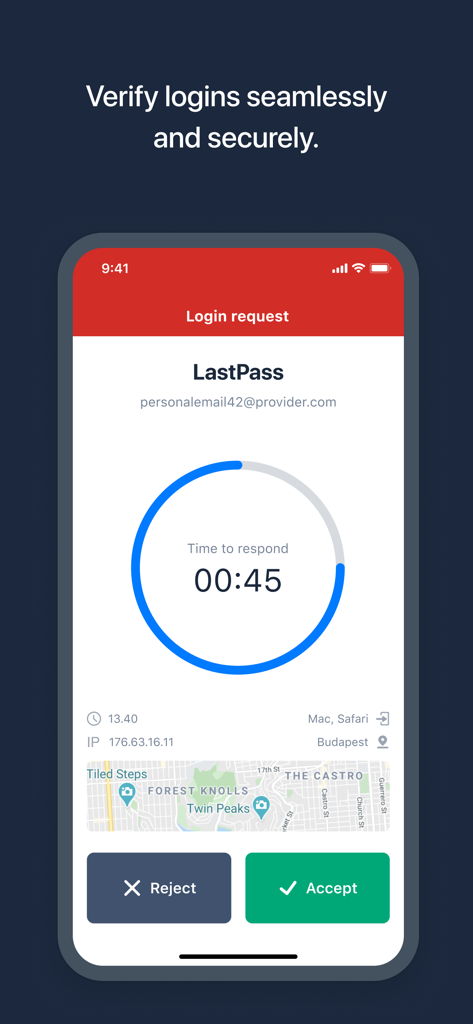
LastPass Authenticator app showing a secure login request with one tap accept or reject buttons
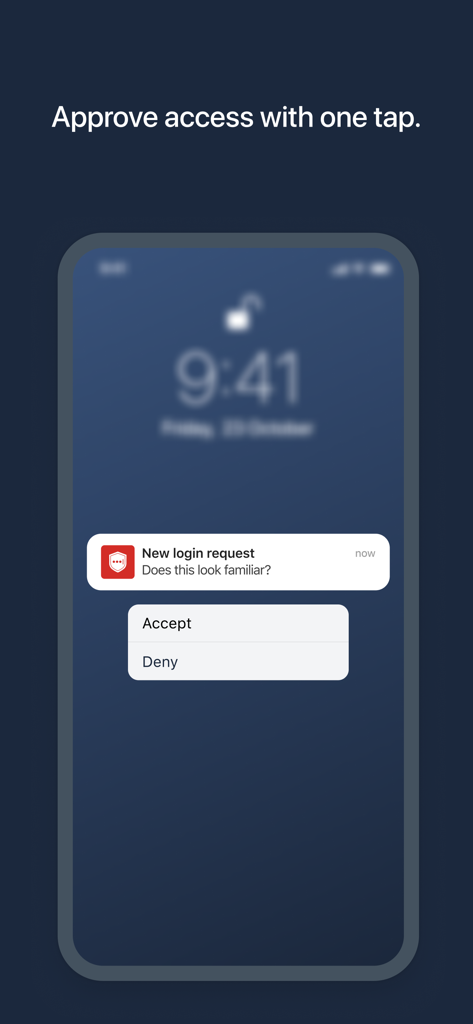
LastPass Authenticator push notification for one-tap login approval on a smartphone screen.
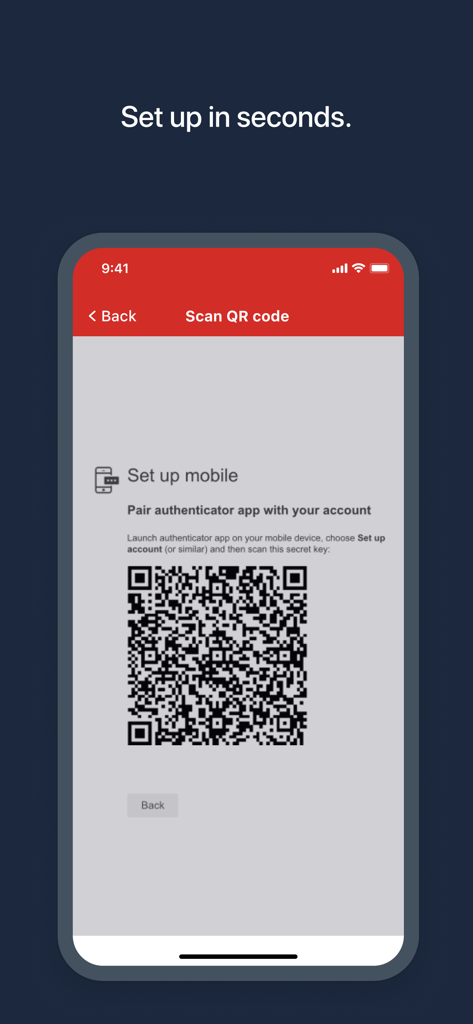
LastPass Authenticator app screen showing a QR code for quick account setup
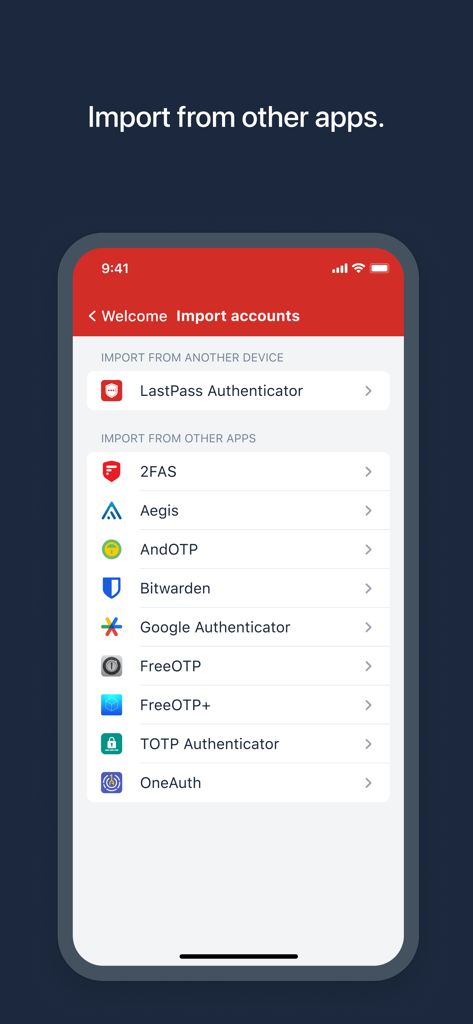
LastPass Authenticator screen showing options to import security accounts from other authentication apps
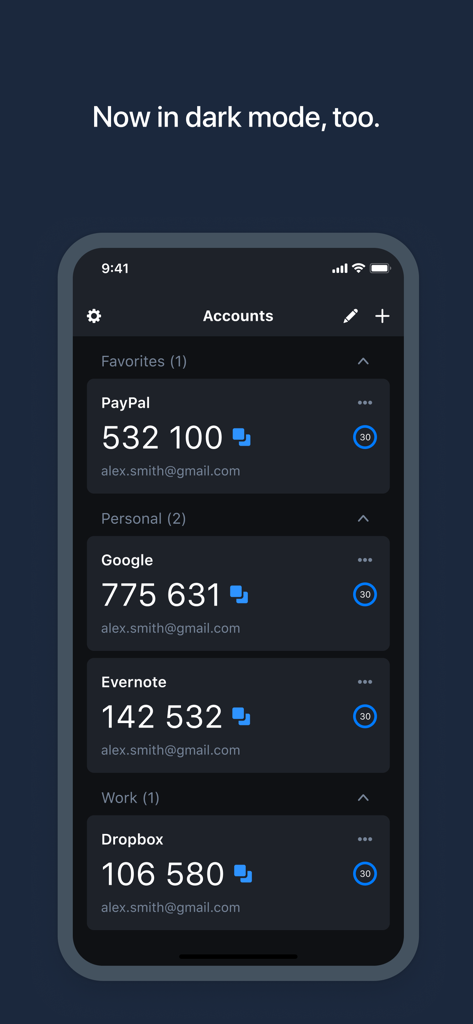
LastPass Authenticator app showing two-factor authentication codes for multiple accounts in dark mode.
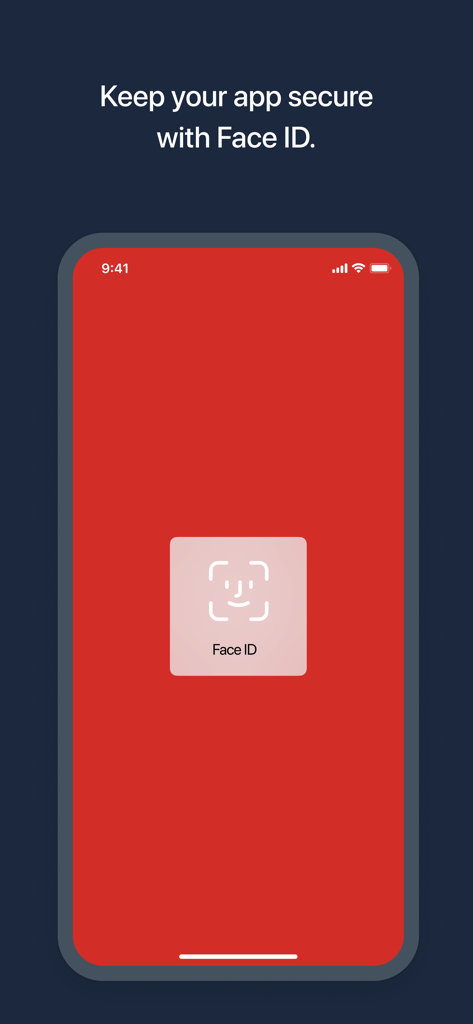
LastPass Authenticator mobile app screen showing Face ID biometric security authentication.
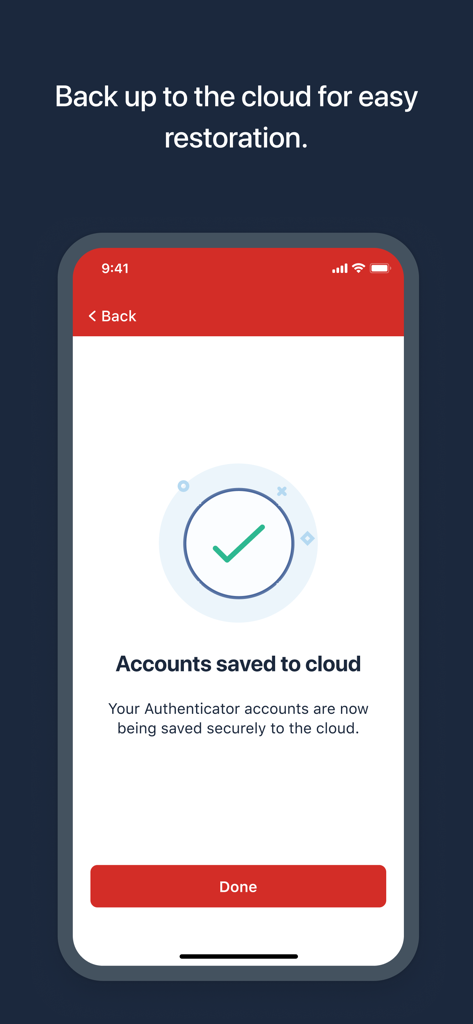
A smartphone screen showing that LastPass Authenticator accounts have been successfully saved to the cloud.
Description
Download
More Like This
Apps with similar features and user experience

Google Authenticator
Google LLC

Duo Mobile
Duo Security LLC

Authenticator App - 2FA &. MFA
APPLY DIJITAL HIZMETLER TICARET LIMITED SIRKETI

authenticator . app
Mustafa Uz

SafeNet MobilePASS+
Thales DIS (Singapore) Pte Ltd

Čítačka
Tatra banka, a.s.

Authenticator App - SafeAuth
Brilliant App Limited

Authenticator App - 2FA Auth
UNIVERSE DIJITAL HIZMETLER LIMITED SIRKETI

Authenticator App : Scan & 2FA
XSOFT GLOBAL LIMITED
This page is not an official page of the app or its developer, but an independent editorial publication created for informational and commentary purposes. Unless expressly stated otherwise, neither the app nor its developer is affiliated with, endorsed by, sponsored by, authorized by, or otherwise officially connected with MWM, Apple, Google Play, the app publisher, or the app's developer, and nothing on this page implies that the app was developed using MWM's services. Any trademarks, logos, screenshots, and other content remain the property of their respective owners.