
This page is not an official page of the app or its developer, but an independent editorial publication created for informational and commentary purposes. Unless expressly stated otherwise, neither the app nor its developer is affiliated with, endorsed by, sponsored by, authorized by, or otherwise officially connected with MWM, Apple, Google Play, the app publisher, or the app's developer, and nothing on this page implies that the app was developed using MWM's services. Any trademarks, logos, screenshots, and other content remain the property of their respective owners.

Leica FOTOS
Unite legendary craftsmanship with mobile agility. Effortlessly control your camera, transfer DNG files, and integrate your professional creative workflow from anywhere in the world.
Downloads
609K+User Rating
Total Ratings
5K+Publisher
Category
Photo & VideoLocales
9Latest Version
5.8.1Size
356.9 MBFirst Released
Oct 24, 2018Uncompromising Workflow for the Discerning Eye
Leica FOTOS bridges the gap between legendary German engineering and the speed of modern digital curation, putting professional control in your palm.
Master Your RAW Workflow
Transfer DNG files directly to your mobile device for professional-grade editing in Lightroom without losing the iconic 'Leica Look'.
Precision Remote Control
Command your camera from a distance. Adjust exposure and shutter release with surgical precision, perfect for architectural and long-exposure work.
Frequently Asked Questions
Everything you need to know about Leica FOTOS
What is Leica FOTOS?
Leica FOTOS is an app connecting your Leica camera to iPhone/iPad via Wi-Fi, Bluetooth, or cable. It allows photo/video download, sharing, and camera remote control.
Can I control my Leica camera remotely with Leica FOTOS?
Yes, Leica FOTOS provides remote camera control. You can adjust exposure, focus, capture photos, access settings, and start/stop video recordings from your mobile device.
What file formats does Leica FOTOS support for downloads?
Leica FOTOS supports downloading photos and videos in JPG, DNG, Preview, MP4, and ProRes formats. You can download these directly from your Leica camera to your mobile device.
Does Leica FOTOS integrate with other photo editing applications?
Yes, Leica FOTOS integrates with popular editing apps like Lightroom and Darkroom. This integration allows for enhanced editing capabilities directly from the app.
How do I update Leica camera firmware using the Leica FOTOS app?
Leica FOTOS enables direct camera firmware updates. The app notifies you when an update is available and facilitates its download and installation to your connected Leica camera.
What Leica camera models are compatible with Leica FOTOS?
Leica FOTOS is compatible with Leica S, SL, M, Q, CL/TL series cameras, and compact models including D-Lux, V-Lux, C-Lux, and SOFORT 2. A comprehensive list is provided.
Can I filter and manage my photos within the Leica FOTOS gallery?
Yes, Leica FOTOS offers gallery filtering features. You can mark favorites, and filter by downloaded status, or file type such as JPG, DNG, Preview, and Video, to manage your shots.
Does Leica FOTOS support wireless tethered preview?
Yes, Leica FOTOS supports wireless tethered preview. This feature allows instant viewing of photos on your mobile device as they are captured, available for Leica M11, Q3, and SL3 models.
Is it possible to download and preview videos with Leica FOTOS?
Yes, Leica FOTOS allows downloading videos from your Leica camera. It also provides the capability to preview these videos directly within the app on your mobile device.
What are "Leica Looks" in the Leica FOTOS app?
Leica Looks are creative filters or styles within Leica FOTOS designed to enhance your photos with unique visual characteristics. This feature is exclusive to specific Q3 and SL3 camera models.
The following screenshots and description are sourced directly from the app's official store listing and are the property of the app developer.
App Store
Screenshots
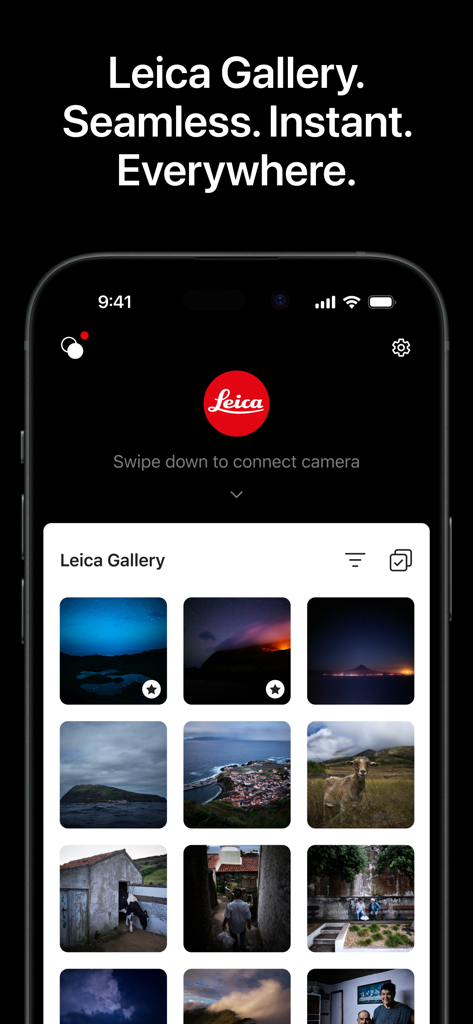
Leica FOTOS app displaying a curated photo gallery on a smartphone
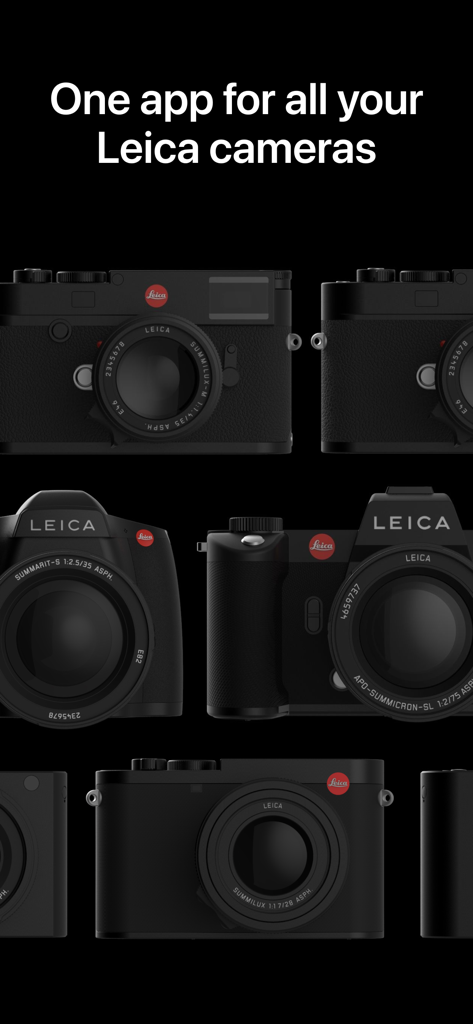
A collection of various Leica camera models on a black background with text stating one app for all your Leica cameras
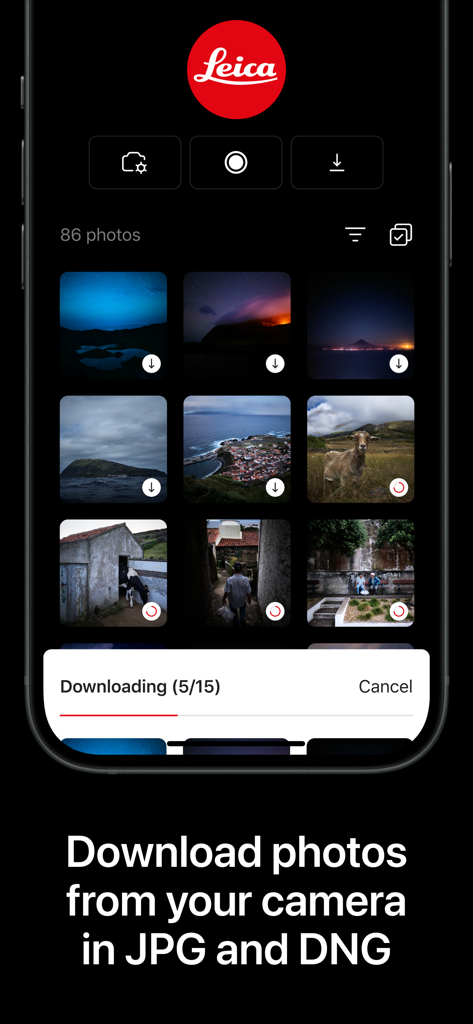
Leica FOTOS mobile app interface displaying a photo gallery and download progress for JPG and DNG files
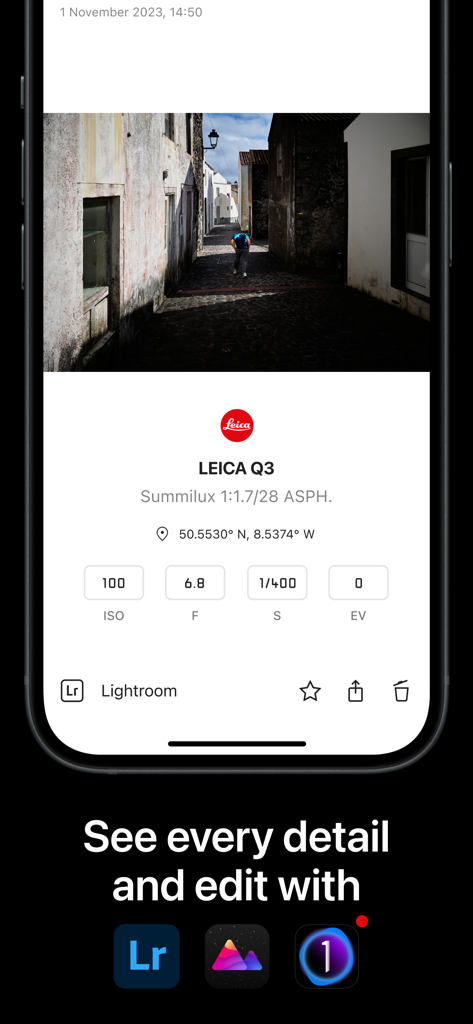
Leica FOTOS app displaying photo metadata and professional editing integrations for a Leica Q3 camera.
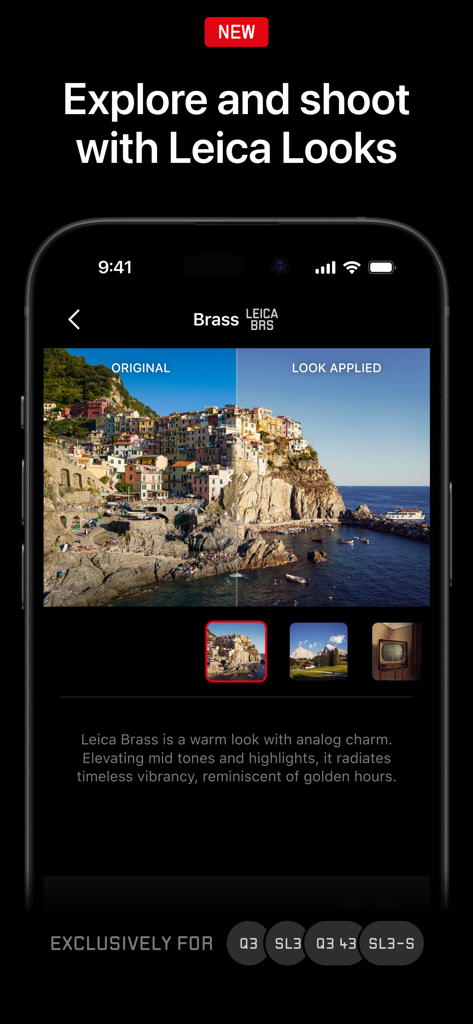
Leica FOTOS app screen showing a split view comparison of the Leica Brass look on a coastal landscape photo
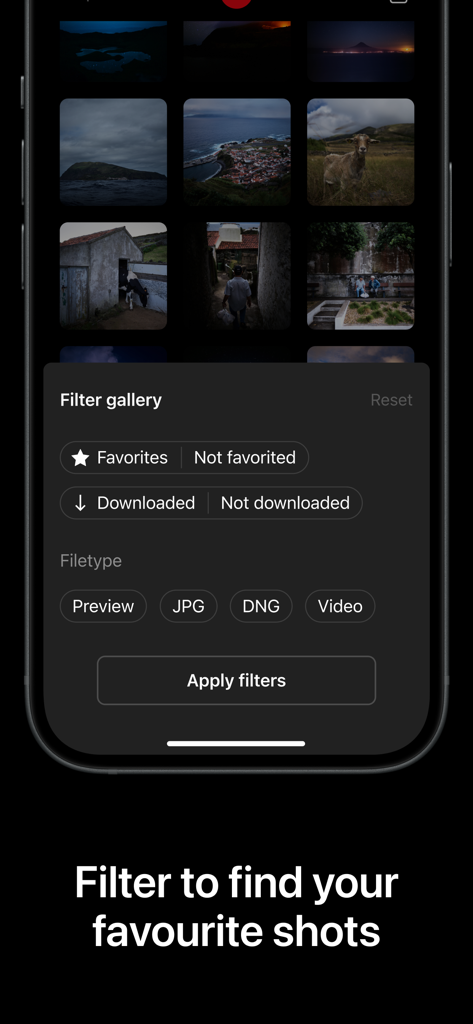
Filter gallery interface in the Leica FOTOS app showing options to sort by file type and favorites
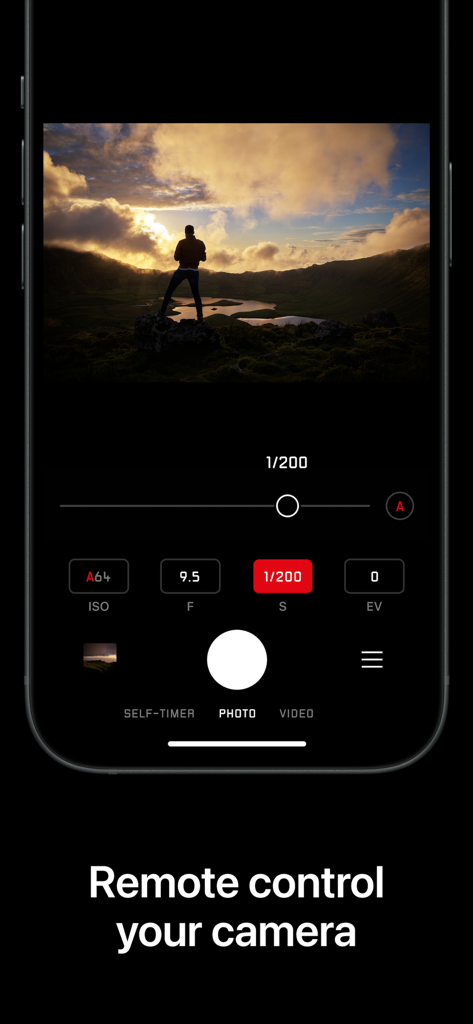
Leica FOTOS app interface showing remote camera control with manual settings for ISO aperture and shutter speed
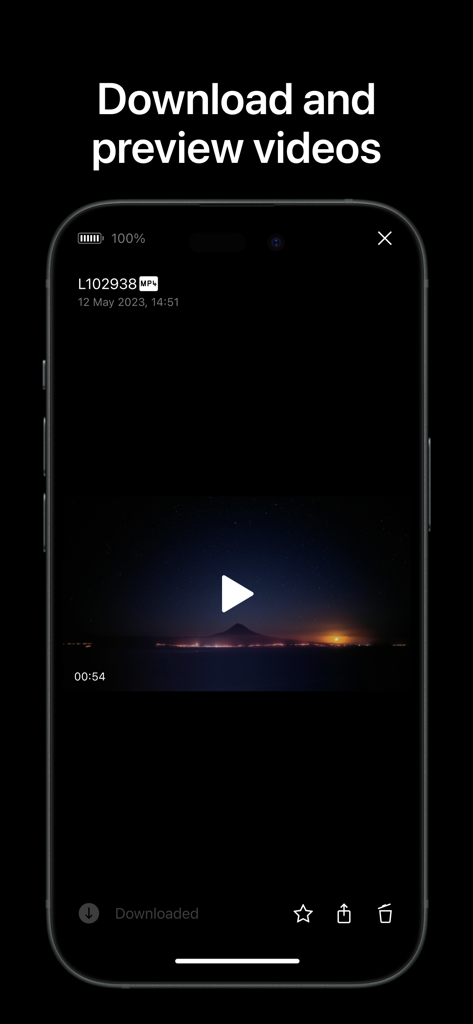
Leica FOTOS app interface showing a video preview of a mountain landscape at night
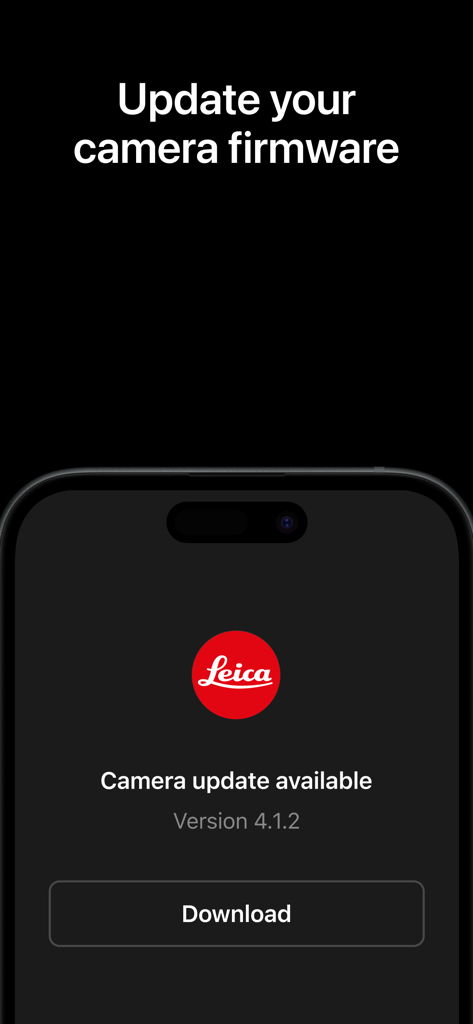
Leica FOTOS app screen showing a camera firmware update notification with a download button.
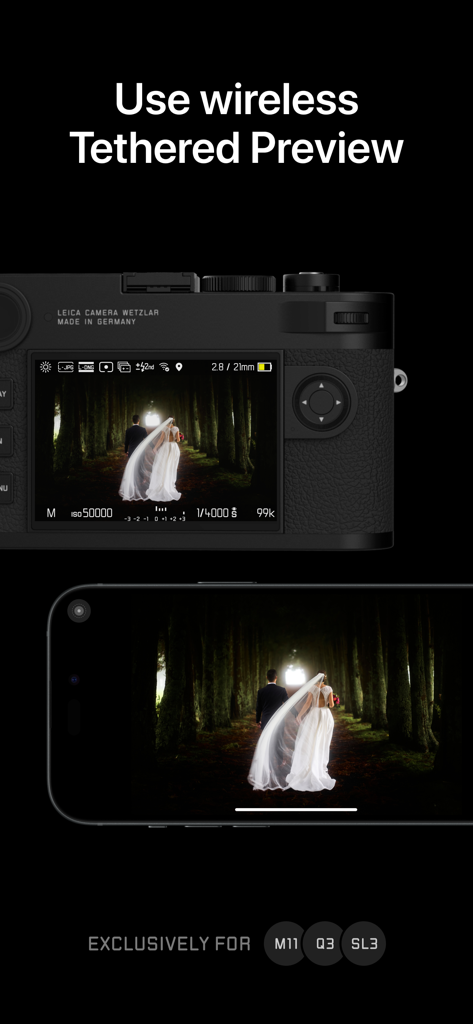
A Leica camera and an iPhone displaying a synchronized wireless tethered preview of a photo.
Description
Download
More Like This
Apps with similar features and user experience

喔图 - Photo Live Streaming
Oying network & technology Co., Ltd

Piufoto
PIUFOTO PTE. LTD.
Panasonic LUMIX Sync
Panasonic Holdings Corporation

AirShutter Camera
masaki matsushita

Cam Linker - Camera Transfer
恒茂 刘
Shutter - Canon Camera Remote
Camera Control Apps sp. z o.o.
Camera Connect & Control
Rupert Kurka

ShutterSnitch
Brian Gerfort

Panasonic LUMIX Lab
PANASONIC ENTERTAINMENT & COMMUNICATION CO., LTD.
This page is not an official page of the app or its developer, but an independent editorial publication created for informational and commentary purposes. Unless expressly stated otherwise, neither the app nor its developer is affiliated with, endorsed by, sponsored by, authorized by, or otherwise officially connected with MWM, Apple, Google Play, the app publisher, or the app's developer, and nothing on this page implies that the app was developed using MWM's services. Any trademarks, logos, screenshots, and other content remain the property of their respective owners.