
This page is not an official page of the app or its developer, but an independent editorial publication created for informational and commentary purposes. Unless expressly stated otherwise, neither the app nor its developer is affiliated with, endorsed by, sponsored by, authorized by, or otherwise officially connected with MWM, Apple, Google Play, the app publisher, or the app's developer, and nothing on this page implies that the app was developed using MWM's services. Any trademarks, logos, screenshots, and other content remain the property of their respective owners.

Panasonic LUMIX Lab
Bridge the gap between your camera and social media. Sync custom LUTs directly to your gear, edit with precision on the go, and share your professional vision instantly.
Downloads
276K+User Rating
Total Ratings
600Publisher
Category
Photo & VideoLocales
11Latest Version
2.0.3Size
277.3 MBFirst Released
Jun 11, 2024Elevate Your Creative Workflow
Bridge the gap between your LUMIX camera and your social feed with professional color grading and lightning-fast mobile transfers.
Instant Cinematic Color
Create, download, and sync custom LUTs directly to your camera to achieve a professional look the moment you press record.
Shoot-to-Post in Seconds
Skip the laptop. Wirelessly transfer high-resolution photos and videos to your mobile device for immediate social media sharing.
Frequently Asked Questions
Everything you need to know about Panasonic LUMIX Lab
What is Panasonic LUMIX Lab?
Panasonic LUMIX Lab is an application that connects LUMIX cameras with mobile devices. It enables users to transfer photos and videos, edit them, manage LUTs, and share content.
What camera models are compatible with Panasonic LUMIX Lab?
Yes, Panasonic LUMIX Lab is compatible with S series cameras including DC-S9, DC-S5M2, DC-S5M2X, DC-S1RM2, DC-S1M2, DC-S1M2ES, and G series cameras like DC-GH7, DC-G9M2.
Can I transfer photos and videos from my LUMIX camera using Panasonic LUMIX Lab?
Yes, Panasonic LUMIX Lab allows users to connect their camera and transfer photos and videos directly to their mobile device for convenient access and editing.
Does Panasonic LUMIX Lab allow photo and video editing?
Yes, users can edit photos and videos within the Panasonic LUMIX Lab app. It provides tools to adjust colors and other parameters to achieve desired looks.
Can I save my custom editing settings as a LUT in Panasonic LUMIX Lab?
Yes, Panasonic LUMIX Lab enables users to save their custom editing parameters as LUTs (Look Up Tables). These can be applied to future edits or transferred to the camera.
What is a LUT in Panasonic LUMIX Lab?
A LUT, in the context of Panasonic LUMIX Lab, is a kind of filter or preset. It can be applied to photos and videos to change their appearance and color expressions.
Can I use creator-made LUTs with Panasonic LUMIX Lab?
Yes, Panasonic LUMIX Lab supports the use of LUTs created by other creators. Users can download and apply these pre-made filters to their photos and videos.
How do I transfer LUTs from Panasonic LUMIX Lab to my LUMIX camera?
Yes, Panasonic LUMIX Lab allows users to transfer custom or downloaded LUTs to their compatible LUMIX camera. This enables shooting with specific color expressions directly.
What iOS versions are compatible with Panasonic LUMIX Lab?
Panasonic LUMIX Lab is compatible with iOS operating systems ranging from iOS 16 to iOS 18. Users must have a device running one of these versions.
Can I share my photos and videos from Panasonic LUMIX Lab?
Yes, Panasonic LUMIX Lab enables users to share their edited photos and videos. Content can be shared with friends, family, and across various social media platforms.
The following screenshots and description are sourced directly from the app's official store listing and are the property of the app developer.
App Store
Screenshots
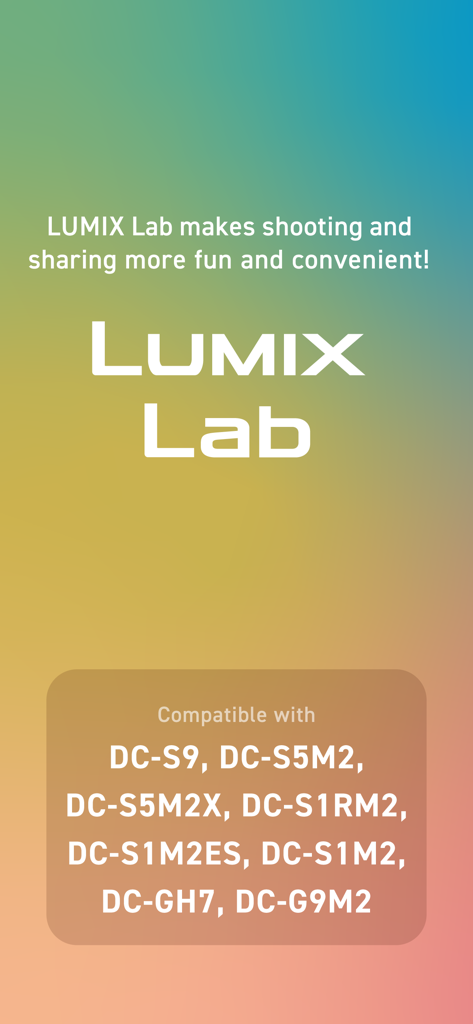
Panasonic LUMIX Lab app screen showing a list of compatible camera models including DC-S9 and GH7
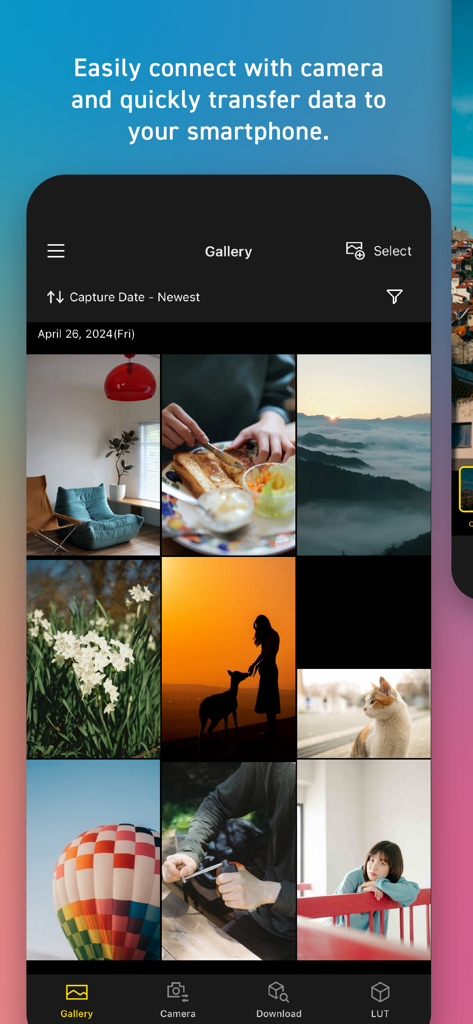
Screenshot of the Panasonic LUMIX Lab app gallery showing a grid of professional photos and navigation options for camera transfer and LUTs
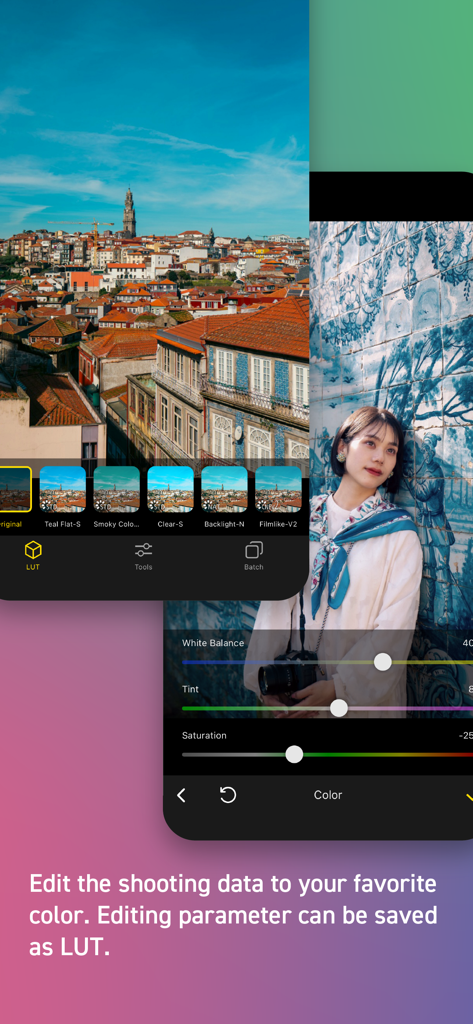
Interface of the Panasonic LUMIX Lab app showing color grading tools and LUT selection
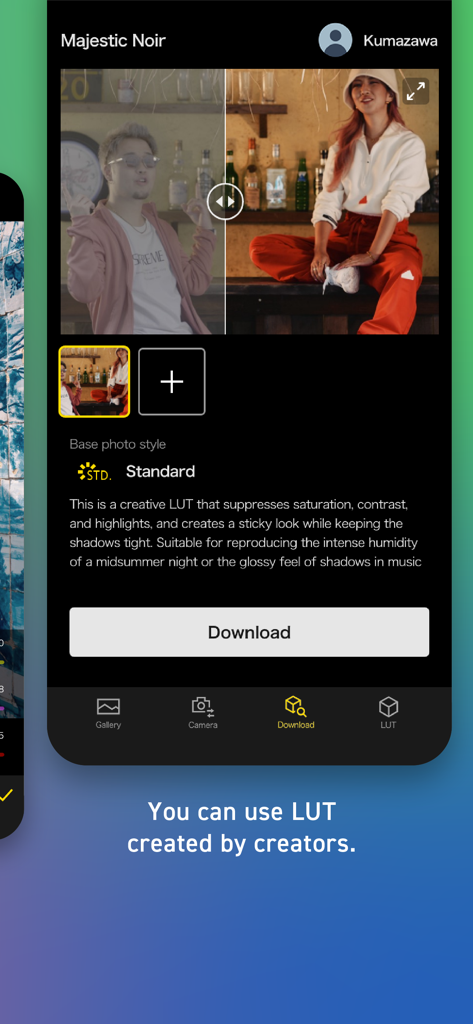
Panasonic LUMIX Lab app interface displaying a custom LUT for download created by a professional.
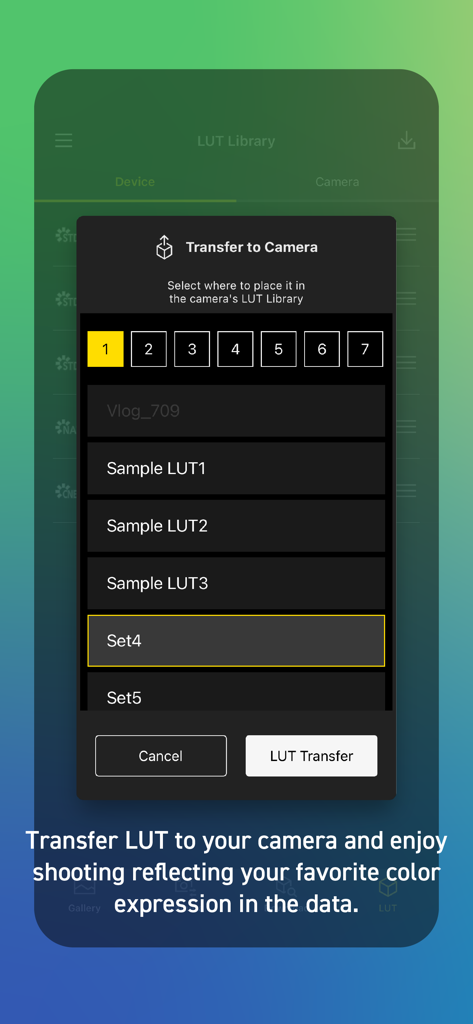
Panasonic LUMIX Lab app screen showing the LUT transfer to camera feature
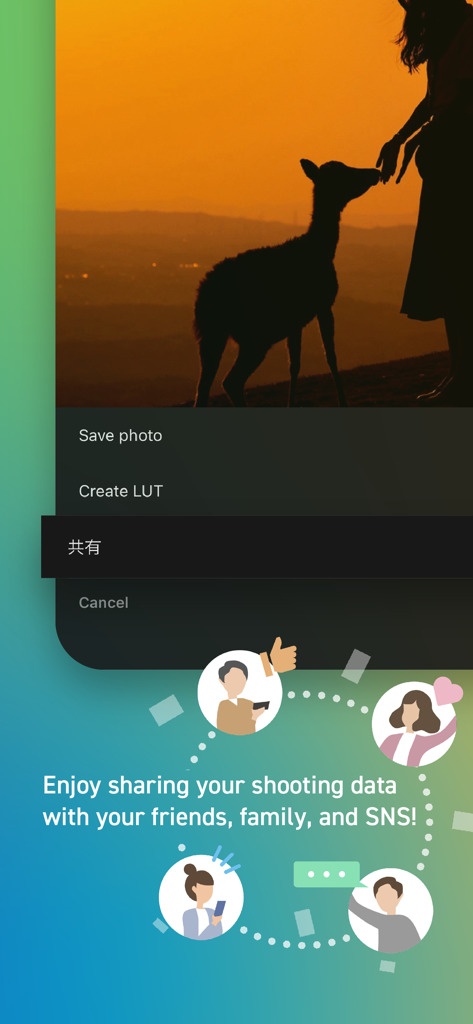
Panasonic LUMIX Lab app interface displaying social sharing features and photo editing options
Description
Download
More Like This
Apps with similar features and user experience

喔图 - Photo Live Streaming
Oying network & technology Co., Ltd
Shutter - Canon Camera Remote
Camera Control Apps sp. z o.o.
AirShutter Camera
masaki matsushita

Cam Linker - Camera Transfer
恒茂 刘

Panasonic LUMIX Sync
Panasonic Holdings Corporation
Leica FOTOS
Leica Camera AG

ShutterSnitch
Brian Gerfort

Camera Connect & Control
Rupert Kurka

LMECHN
焯婵 徐
This page is not an official page of the app or its developer, but an independent editorial publication created for informational and commentary purposes. Unless expressly stated otherwise, neither the app nor its developer is affiliated with, endorsed by, sponsored by, authorized by, or otherwise officially connected with MWM, Apple, Google Play, the app publisher, or the app's developer, and nothing on this page implies that the app was developed using MWM's services. Any trademarks, logos, screenshots, and other content remain the property of their respective owners.