
This page is not an official page of the app or its developer, but an independent editorial publication created for informational and commentary purposes. Unless expressly stated otherwise, neither the app nor its developer is affiliated with, endorsed by, sponsored by, authorized by, or otherwise officially connected with MWM, Apple, Google Play, the app publisher, or the app's developer, and nothing on this page implies that the app was developed using MWM's services. Any trademarks, logos, screenshots, and other content remain the property of their respective owners.

Letter: just write letters
Stop struggling with margins and layouts. Use our AI assistant to draft, sign, and print polished, professional letters in minutes across all your Apple devices.
Downloads
60K+User Rating
Total Ratings
2K+Publisher
Category
ProductivityLocales
7Latest Version
26.0.1Size
26.8 MBFirst Released
Jun 1, 2012Master Your Life-Admin with Professional Ease
Stop struggling with word processors. Create perfectly formatted, authoritative letters in seconds using AI and industry-standard templates designed for the modern Apple ecosystem.
AI-Powered Writing Assistant
Transform rough notes into polished correspondence instantly. Our AI ensures your tone is always professional, helping you overcome writer's block for sensitive or formal matters.
Flawless Professional Formatting
Eliminate 'formatting frustration.' Automatically align addresses, margins, and headers to international standards so your communication always commands respect.
The following screenshots and description are sourced directly from the app's official store listing and are the property of the app developer.
App Store
Screenshots
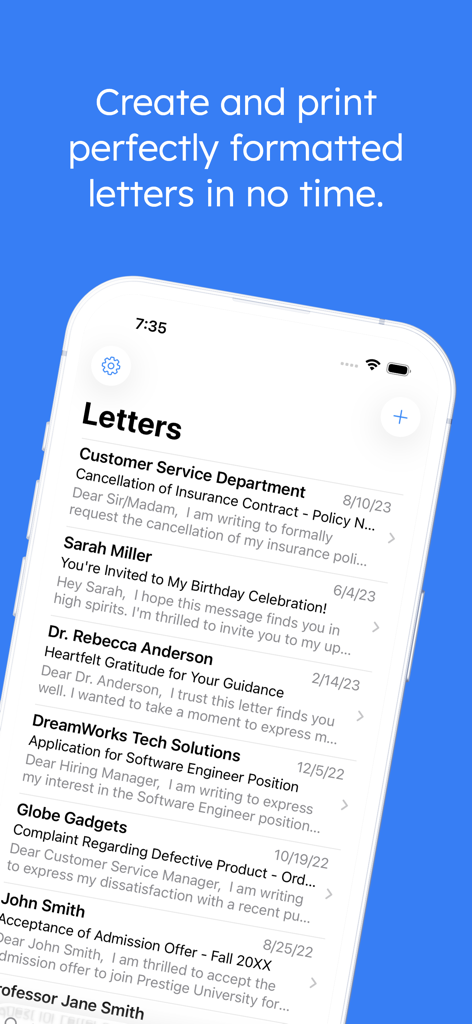
iPhone screen showing a list of professionally formatted formal letters in the Letter app
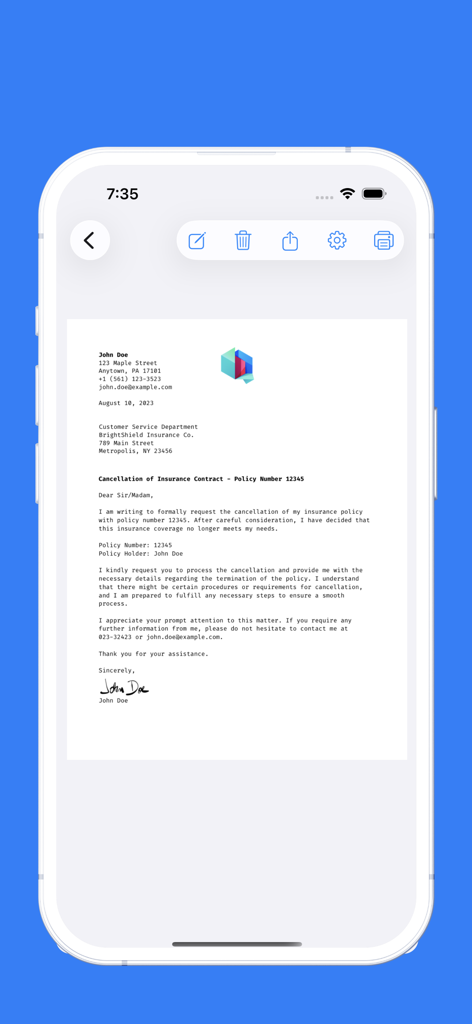
A professionally formatted formal letter on an iPhone screen showing the Letter app interface with a digital signature
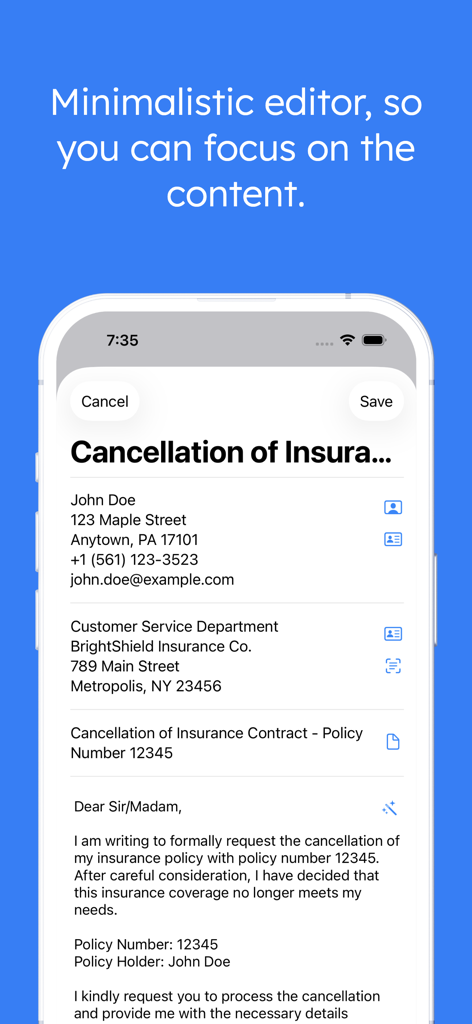
iPhone screenshot showing a minimalistic editor for writing a formal insurance cancellation letter in the Letter app
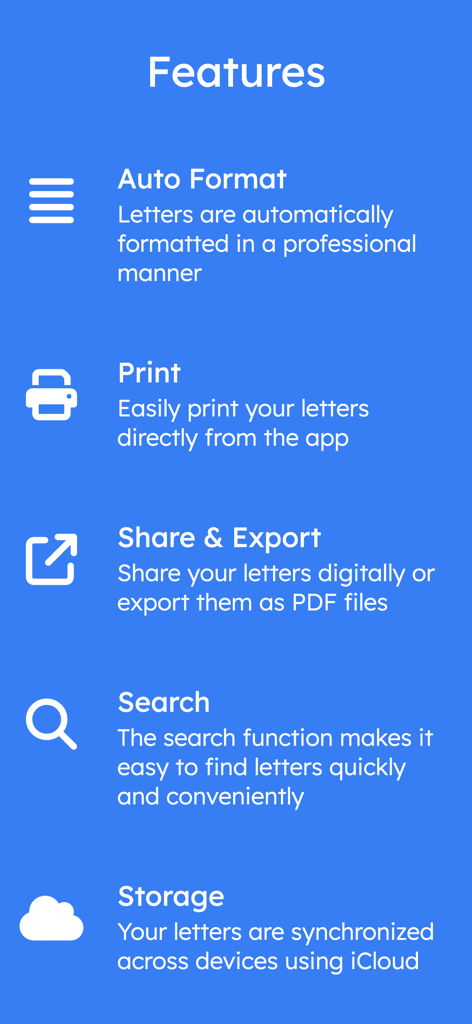
A list of features for the Letter app including auto format, print, share, search, and iCloud sync.
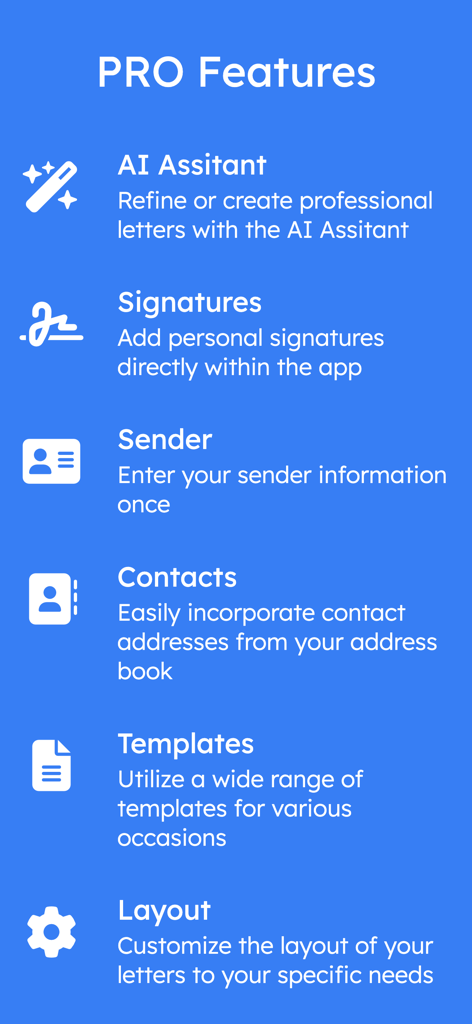
A list of professional features for the Letter app including AI assistant and custom signatures
Description
Download
More Like This
Top-ranked apps in the same category

ChatGPT
OpenAI OpCo, LLC

Google Gemini
Google LLC

Grok
X.AI Corporation

Gmail - Email by Google
Google LLC

千问 - 阿里最强大模型官方AI助手
Shanghai Zhixin Puhui Technology Co., Ltd.

Google Drive
Google LLC

Microsoft Authenticator
Microsoft Corporation

Google Sheets
Google LLC

Google Docs
Google LLC
This page is not an official page of the app or its developer, but an independent editorial publication created for informational and commentary purposes. Unless expressly stated otherwise, neither the app nor its developer is affiliated with, endorsed by, sponsored by, authorized by, or otherwise officially connected with MWM, Apple, Google Play, the app publisher, or the app's developer, and nothing on this page implies that the app was developed using MWM's services. Any trademarks, logos, screenshots, and other content remain the property of their respective owners.