
This page is not an official page of the app or its developer, but an independent editorial publication created for informational and commentary purposes. Unless expressly stated otherwise, neither the app nor its developer is affiliated with, endorsed by, sponsored by, authorized by, or otherwise officially connected with MWM, Apple, Google Play, the app publisher, or the app's developer, and nothing on this page implies that the app was developed using MWM's services. Any trademarks, logos, screenshots, and other content remain the property of their respective owners.


Levers Calculator
The precision-first utility for STEM students and engineering professionals. Calculate force and distance across all lever classes with multi-unit support and zero distractions.
Downloads
0User Rating
Total Ratings
0Publisher
Category
ProductivityLocales
1Latest Version
1.3Size
0.9 MBFirst Released
Jul 28, 2018Precision Engineering at Your Fingertips
Master mechanical advantage with a lightweight, professional-grade calculator designed specifically for physics students and field engineers.
Instant Physics Solvers
Solve for effort force, load, or distance across all three lever classes with up to 16 decimal places of mathematical precision.
Dual Unit Support
Seamlessly switch between Imperial and Metric systems, supporting Newtons, Pounds, Meters, and Feet for versatile field or classroom use.
The following screenshots and description are sourced directly from the app's official store listing and are the property of the app developer.
App Store
Screenshots
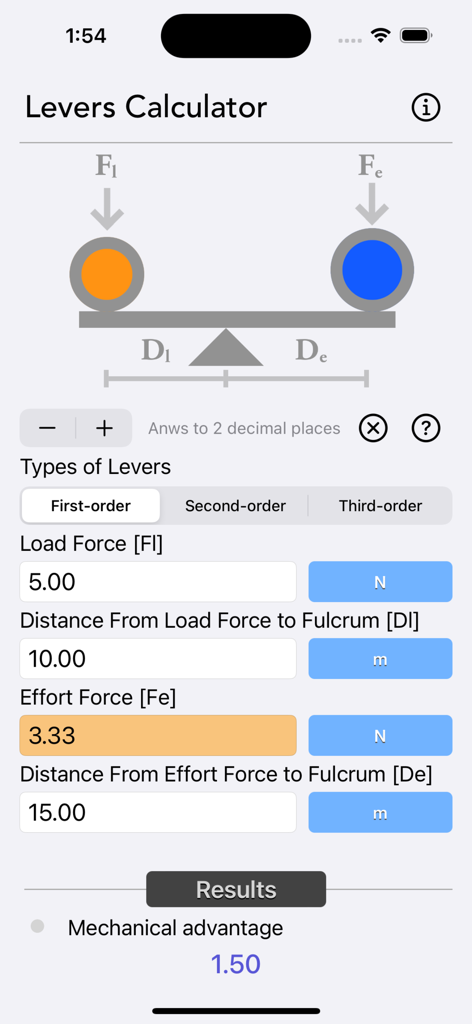
Levers Calculator app interface showing a physics calculation for a first-order lever including load force and mechanical advantage
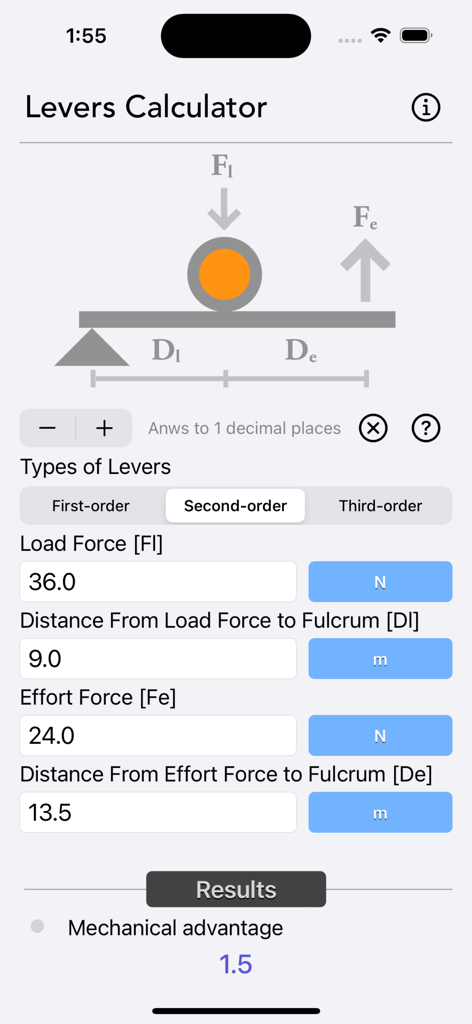
Screenshot of the Levers Calculator app interface showing the calculation of mechanical advantage for a second order lever with physics diagrams and unit inputs.
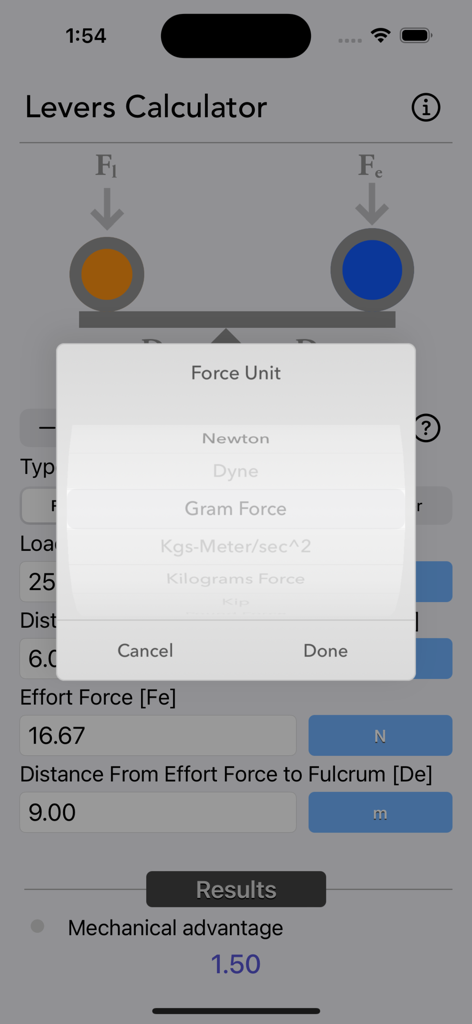
Levers Calculator app interface showing a popup menu for selecting force units like Newtons and Gram Force
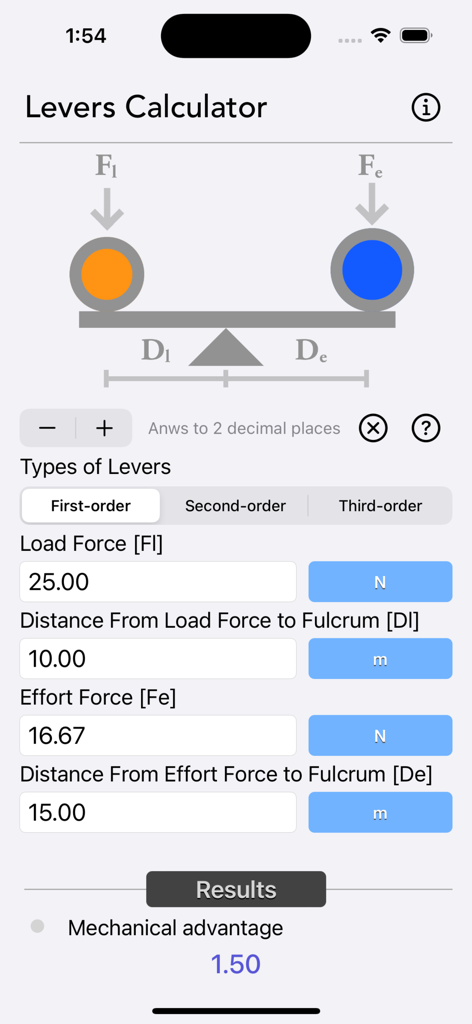
Levers Calculator app interface showing a first order lever calculation with mechanical advantage results
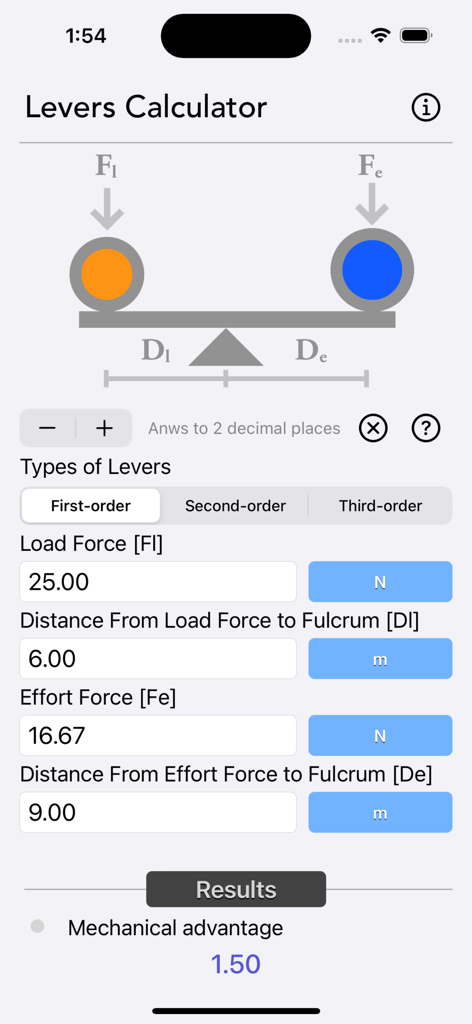
Levers Calculator app interface showing a first order lever calculation with mechanical advantage result
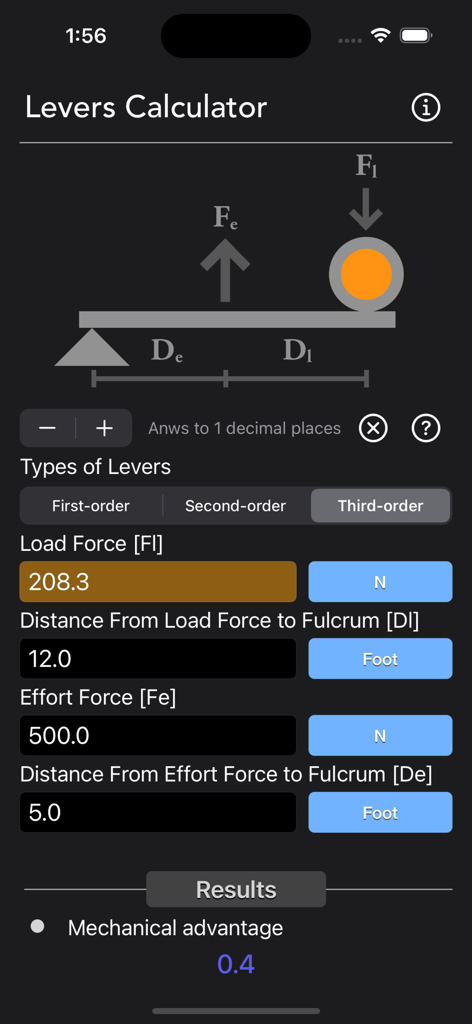
Levers Calculator interface showing third-order lever physics calculation
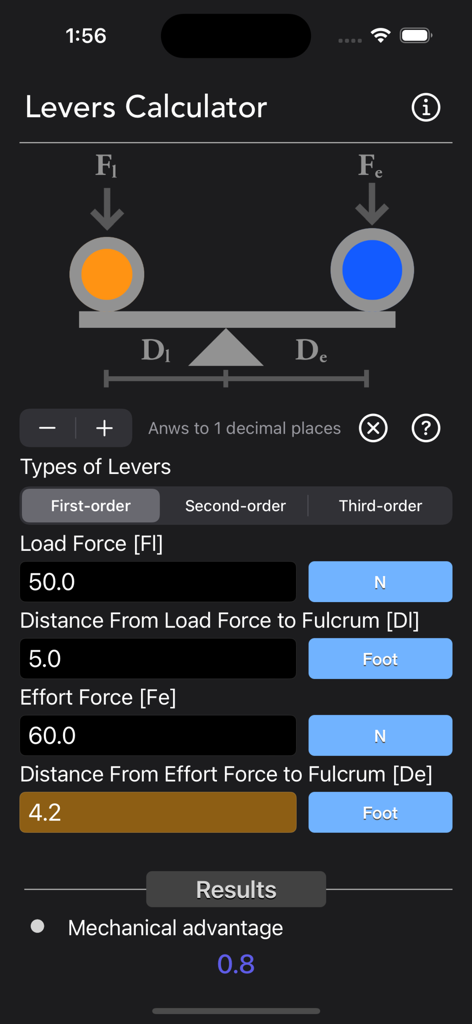
Levers Calculator app screen showing first order lever calculation with mechanical advantage result
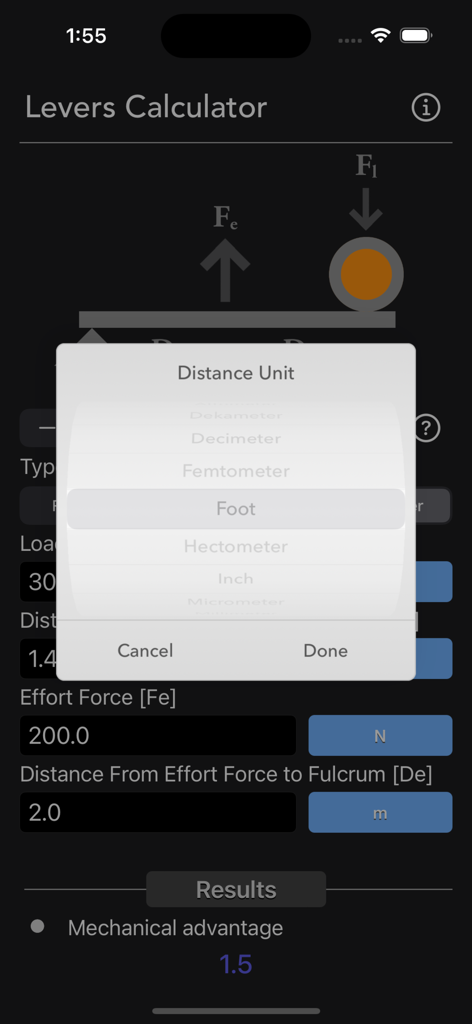
Levers Calculator app showing distance unit selection with imperial and metric options
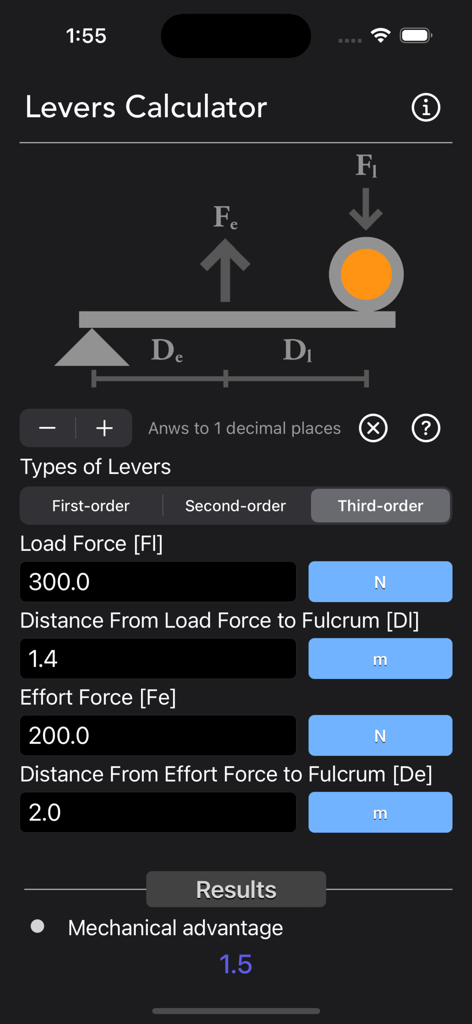
Levers Calculator app interface showing a third-order lever mechanical advantage calculation
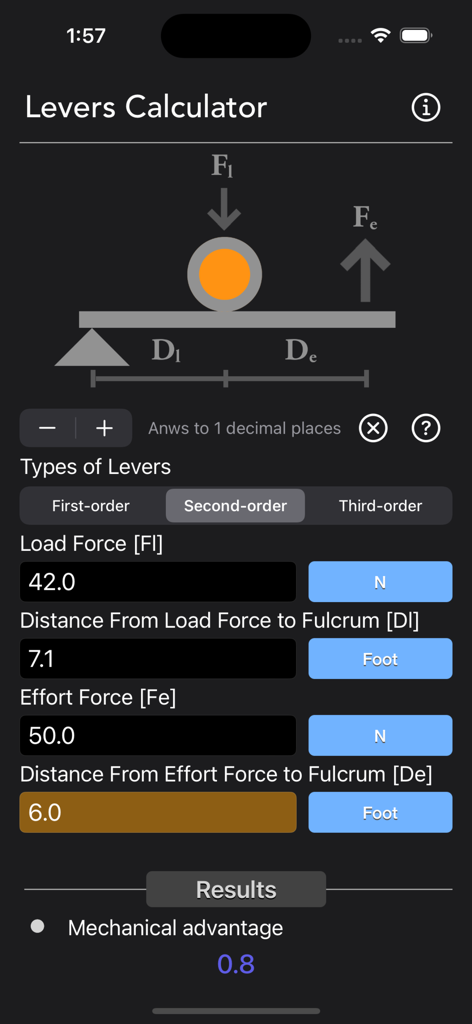
Levers Calculator app interface showing mechanical advantage calculation for a second order lever
Description
Download
More Like This
Top-ranked apps in the same category

ChatGPT
OpenAI OpCo, LLC

Google Gemini
Google LLC

Grok
X.AI Corporation

Gmail - Email by Google
Google LLC

千问 - 阿里最强大模型官方AI助手
Shanghai Zhixin Puhui Technology Co., Ltd.

Google Drive
Google LLC

Microsoft Authenticator
Microsoft Corporation

Google Sheets
Google LLC

Google Docs
Google LLC
This page is not an official page of the app or its developer, but an independent editorial publication created for informational and commentary purposes. Unless expressly stated otherwise, neither the app nor its developer is affiliated with, endorsed by, sponsored by, authorized by, or otherwise officially connected with MWM, Apple, Google Play, the app publisher, or the app's developer, and nothing on this page implies that the app was developed using MWM's services. Any trademarks, logos, screenshots, and other content remain the property of their respective owners.