
This page is not an official page of the app or its developer, but an independent editorial publication created for informational and commentary purposes. Unless expressly stated otherwise, neither the app nor its developer is affiliated with, endorsed by, sponsored by, authorized by, or otherwise officially connected with MWM, Apple, Google Play, the app publisher, or the app's developer, and nothing on this page implies that the app was developed using MWM's services. Any trademarks, logos, screenshots, and other content remain the property of their respective owners.


LiDAR Scanner 3D
Unlock the true power of your Pro device. Instantly capture high-precision 3D meshes and export them to STL, OBJ, and DXF formats for your engineering, architecture, or 3D printing projects.
Downloads
254K+User Rating
Total Ratings
100Publisher
Category
Photo & VideoLocales
1Latest Version
1.3.1Size
7.8 MBFirst Released
Apr 12, 2020Turn Hardware into High-Utility Tools
Leverage your iPhone or iPad's LiDAR sensor to capture precise spatial data and generate professional-grade 3D meshes for CAD and engineering workflows.
Precision Structural Scanning
Focus on pure geometry with high-accuracy mesh generation, ideal for architectural layouts and mechanical prototyping without visual noise.
Universal CAD Export
Integrate seamlessly into your professional ecosystem with native support for OBJ, STL, DXF, and PLY formats for 3D printing and modeling.
The following screenshots and description are sourced directly from the app's official store listing and are the property of the app developer.
App Store
Screenshots
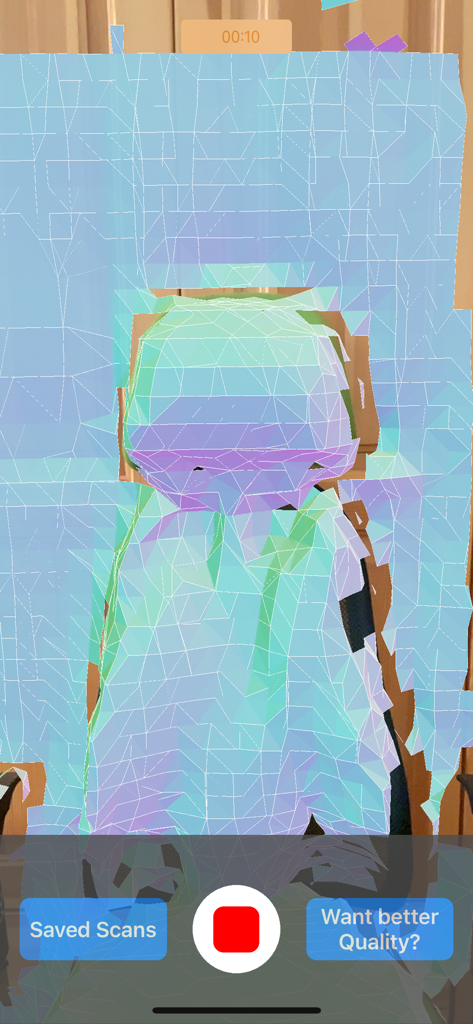
A screenshot of the LiDAR Scanner 3D app capturing a digital mesh representation of a physical object
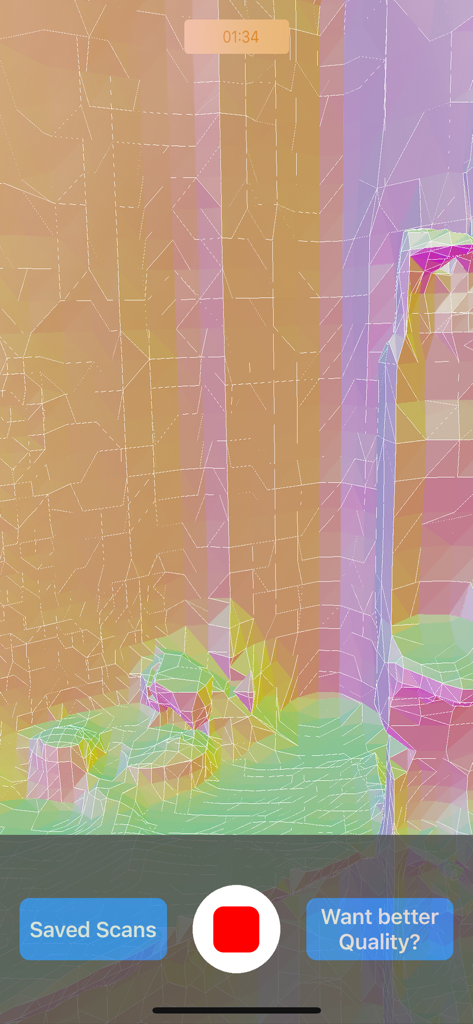
Interface of the LiDAR Scanner 3D app showing a colorful wireframe mesh during a live scan
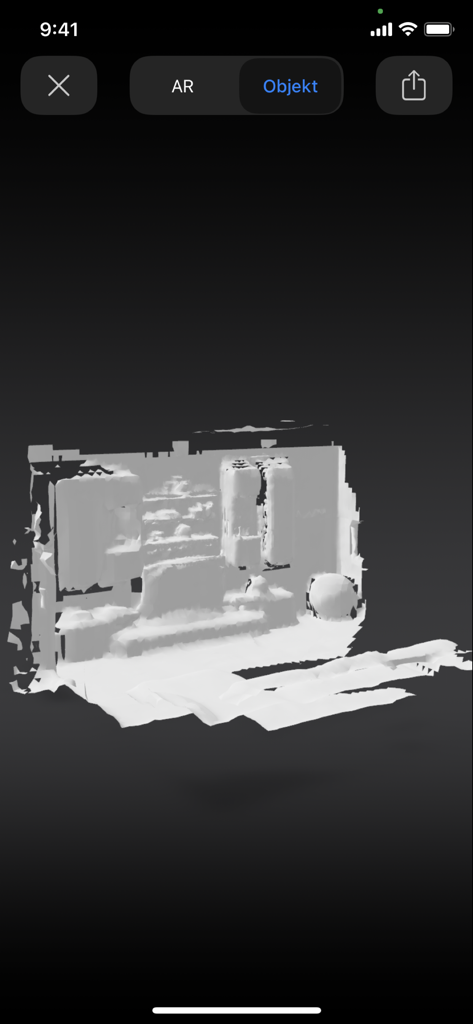
Grayscale 3D mesh of a scanned room in the LiDAR Scanner 3D app interface
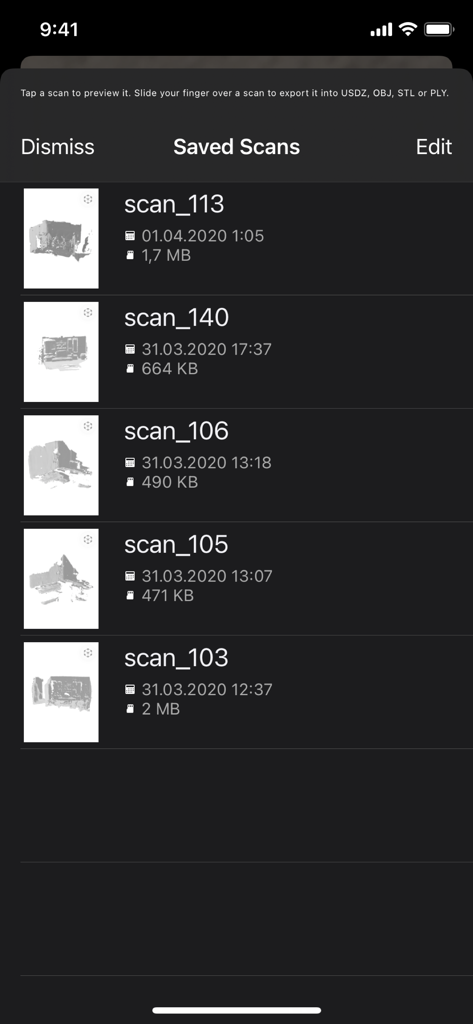
A list of saved 3D mesh scans showing file names dates and sizes within the LiDAR Scanner 3D app interface
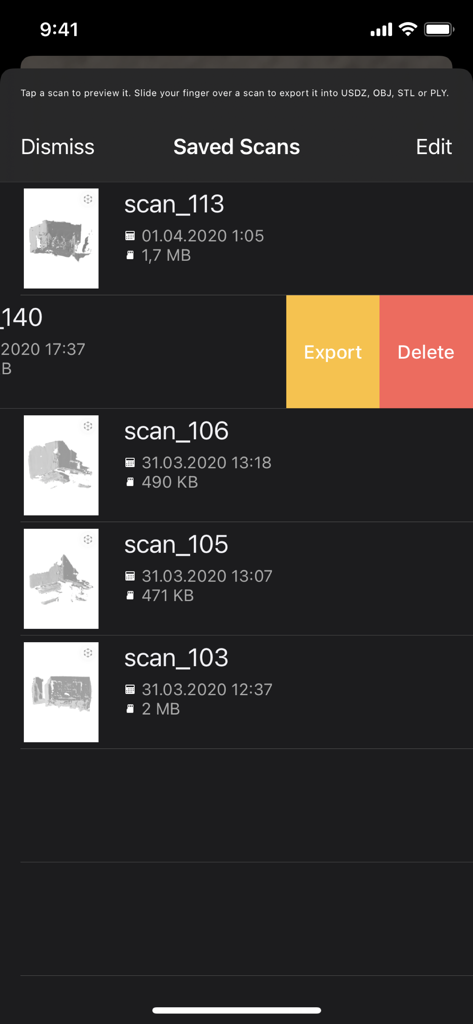
List of saved 3D scans in the LiDAR Scanner 3D app with export and delete options
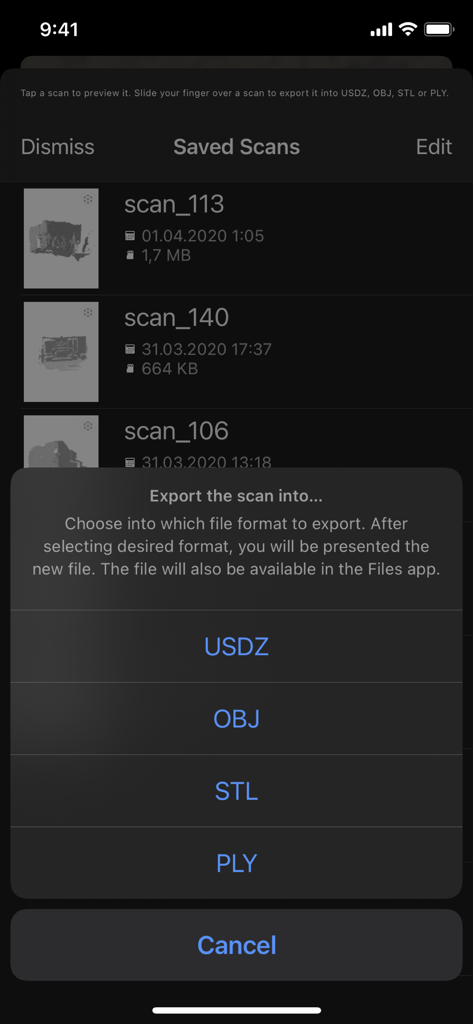
Interface showing 3D scan export options in the LiDAR Scanner 3D app
Description
Download
More Like This
Top-ranked apps in the same category

CapCut: Photo & Video Editor
BYTEDANCE PTE. LTD.

Instagram, Inc.

YouTube
Google LLC

Canva: AI Photo & Video Editor
Canva Pty Ltd

Snapchat
Snap, Inc.

快手
Beijing Kwai Technology Co., Ltd.

Edits: Video Editor
Instagram, Inc.

Meitu- AI Photo & Video Editor
Xiamen Meitu Technology Co., Ltd.

Google Photos: Backup & Edit
Google LLC
This page is not an official page of the app or its developer, but an independent editorial publication created for informational and commentary purposes. Unless expressly stated otherwise, neither the app nor its developer is affiliated with, endorsed by, sponsored by, authorized by, or otherwise officially connected with MWM, Apple, Google Play, the app publisher, or the app's developer, and nothing on this page implies that the app was developed using MWM's services. Any trademarks, logos, screenshots, and other content remain the property of their respective owners.