LIMIT: Screen Time Control
Download on App Store

This page is not an official page of the app or its developer, but an independent editorial publication created for informational and commentary purposes. Unless expressly stated otherwise, neither the app nor its developer is affiliated with, endorsed by, sponsored by, authorized by, or otherwise officially connected with MWM, Apple, Google Play, the app publisher, or the app's developer, and nothing on this page implies that the app was developed using MWM's services. Any trademarks, logos, screenshots, and other content remain the property of their respective owners.

Logo of LIMIT: Screen Time Control
Download on App Store

LIMIT: Screen Time Control

Break free from doom-scrolling and notification anxiety. Silence distractions, set digital boundaries, and unlock your peak productivity with the ultimate screen time companion designed for deep work.

Key Figures

Downloads

0

User Rating

4.5/5

Total Ratings

0

Publisher

Deep Vision Dijital Hizmetler Anonim Sirketi

Category

Productivity

Locales

1

Latest Version

1.0.2

Size

80.9 MB

First Released

Oct 13, 2024
Features

Reclaim Your Focus & Flow

Designed for high-achieving professionals and students, LIMIT provides the digital boundaries needed to eliminate distractions and master your time.

Deep Work Protection

Silence the noise of social media by blocking distracting apps during your most productive hours to ensure uninterrupted focus.

Precision Time Management

Set hard daily boundaries for time-sink apps to transform mindless scrolling into intentional progress toward your goals.

The following screenshots and description are sourced directly from the app's official store listing and are the property of the app developer.

App Store

Screenshots
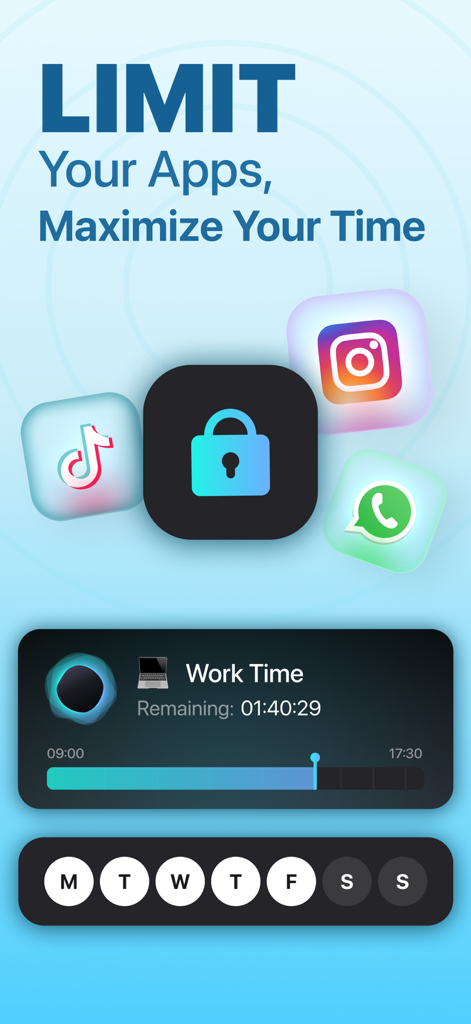
LIMIT: Screen Time Control - LIMIT Screen Time Control app interface showing social media app blocking and work time timer
LIMIT Screen Time Control app interface showing social media app blocking and work time timer

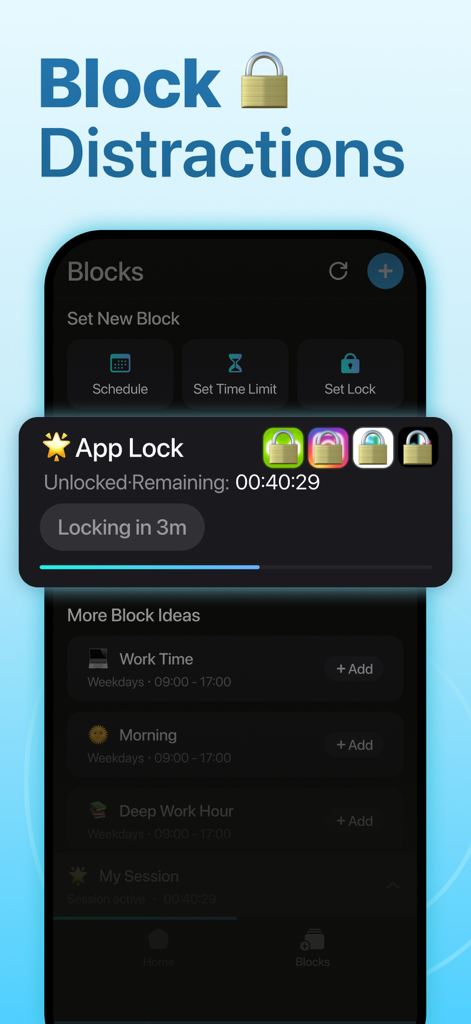
LIMIT: Screen Time Control - The LIMIT app interface showing app lock settings and scheduled focus blocks like Deep Work Hour

The LIMIT app interface showing app lock settings and scheduled focus blocks like Deep Work Hour
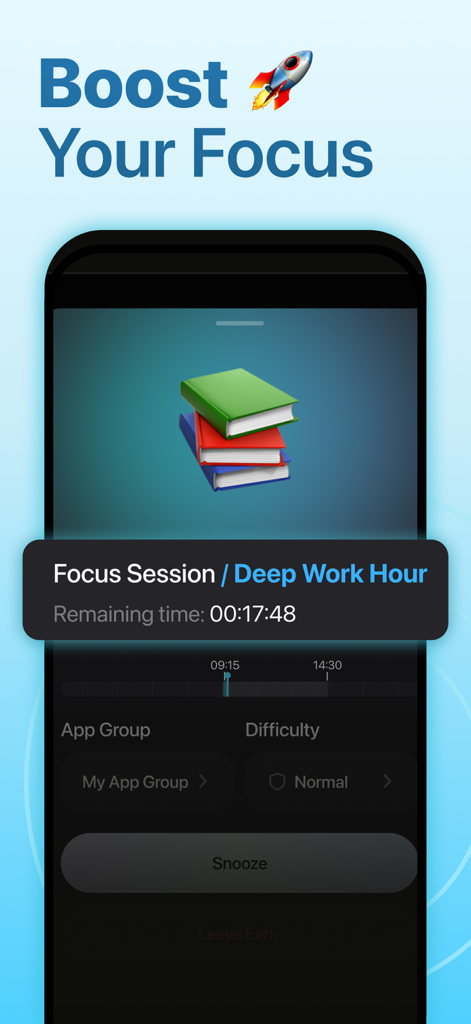
LIMIT: Screen Time Control - Interface of LIMIT app showing a Deep Work Hour focus session with a remaining time countdown
Interface of LIMIT app showing a Deep Work Hour focus session with a remaining time countdown

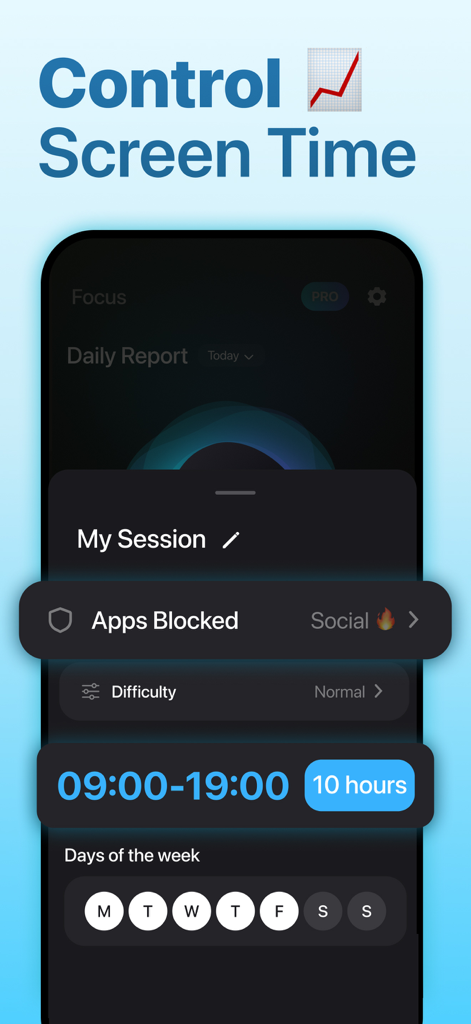
LIMIT: Screen Time Control - Interface of the LIMIT app showing a scheduled focus session with social media apps blocked during work hours
Interface of the LIMIT app showing a scheduled focus session with social media apps blocked during work hours

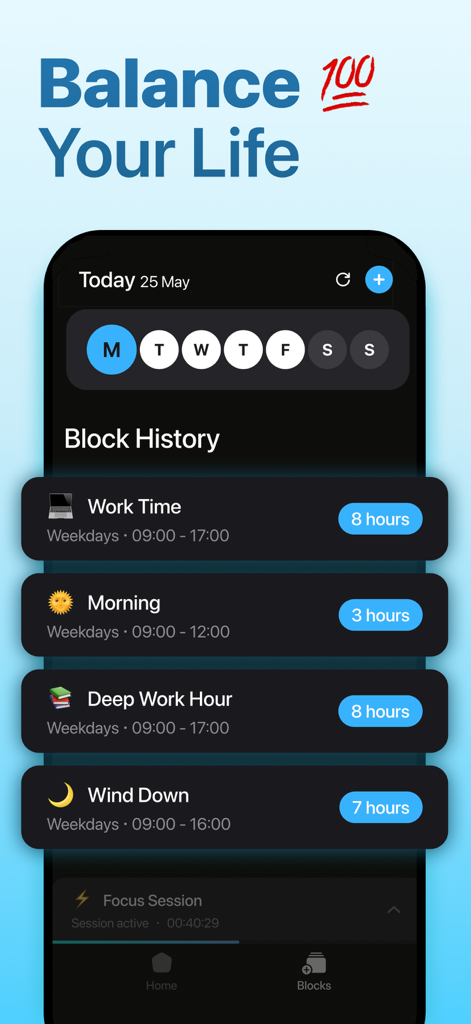
LIMIT: Screen Time Control - LIMIT screen time app interface showing scheduled focus blocks for work time and deep work to help balance your life.
LIMIT screen time app interface showing scheduled focus blocks for work time and deep work to help balance your life.

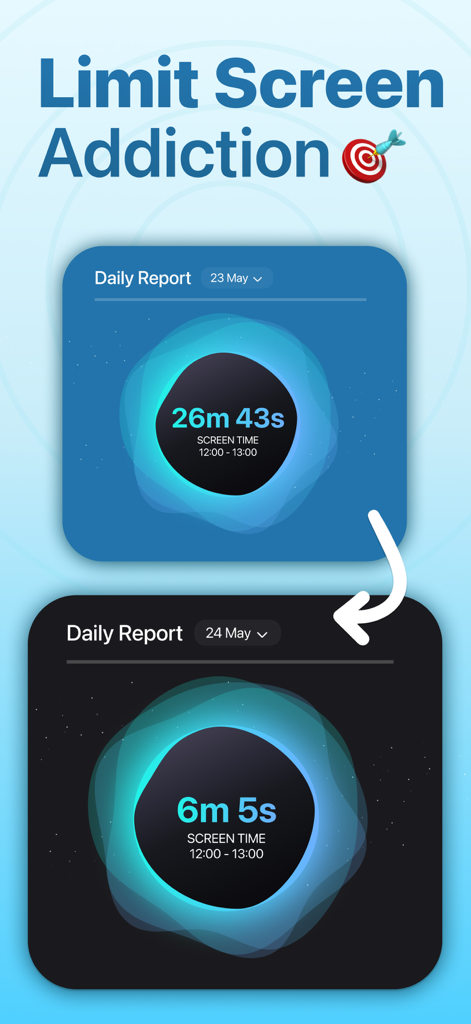
LIMIT: Screen Time Control - Two daily report cards showing a significant reduction in screen time from 26 minutes to 6 minutes.

Two daily report cards showing a significant reduction in screen time from 26 minutes to 6 minutes.

Description

Reclaim Your Time and Focus with LIMIT: Screen Time Control Feeling overwhelmed by constant notifications and screen time creeping into every moment? Introducing LIMIT: Screen Time Control, your ultimate companion in the fight for focus and digital well-being. Our app empowers you to take back control of your device and create a healthier relationship with technology. Break Free from Distractions: Block Apps: Silence the digital noise! With LIMIT: Screen Time Control, you can easily block distracting apps for designated periods. Focus on work, studies, or quality time with loved ones without social media or games vying for your attention. Stay Focused: Carve out distraction-free zones. Set time limits for specific apps, ensuring you stay on track and avoid getting sucked into endless scrolling. Reduce Screen Time: Take control of your overall device usage. Set time limits to promote a healthier digital habits and create space for other activities. Unleash Your Productivity: Save Time: By eliminating distractions and managing app usage, LIMIT: Screen Time Control helps you reclaim valuable hours that can be spent on things that truly matter. Limit Procrastination: Ditch the urge to endlessly check social media or news feeds. Set time limits or block distracting apps altogether to stay focused on the task at hand. Increase Productivity: Boost your efficiency by minimizing interruptions and maintaining focus. LIMIT: Screen Time Control helps you get more done in less time. Unwind and Recharge: Blocker & Freedom: Create digital boundaries and disconnect from the constant pull of your device. Block unwanted websites or apps during evenings, weekends, or while on vacation to truly unwind and recharge. Clear Space: Clear the mental clutter and create space for relaxation. Schedule downtime periods where notifications and distracting apps are silenced, allowing for true moments of peace. Simple and User-Friendly: LIMIT: Screen Time Control is designed with ease of use in mind. Our intuitive interface allows you to set up app blocking and time limits with just a few taps. Whether you're a student, professional, or simply looking for a more balanced digital life, LIMIT: Screen Time Control empowers you to take charge and create a healthier relationship with technology. Download LIMIT: Screen Time Control today and unlock a world of focus, productivity, and freedom from distractions! Terms and Conditions: https://static.screen-limiter.com/terms-conditions-en.html Privacy Policy: https://static.screen-limiter.com/privacy-en.html Community Guidelines: https://static.screen-limiter.com/community-guidelines-en.html

Download

Download on App Store

This page is not an official page of the app or its developer, but an independent editorial publication created for informational and commentary purposes. Unless expressly stated otherwise, neither the app nor its developer is affiliated with, endorsed by, sponsored by, authorized by, or otherwise officially connected with MWM, Apple, Google Play, the app publisher, or the app's developer, and nothing on this page implies that the app was developed using MWM's services. Any trademarks, logos, screenshots, and other content remain the property of their respective owners.