
This page is not an official page of the app or its developer, but an independent editorial publication created for informational and commentary purposes. Unless expressly stated otherwise, neither the app nor its developer is affiliated with, endorsed by, sponsored by, authorized by, or otherwise officially connected with MWM, Apple, Google Play, the app publisher, or the app's developer, and nothing on this page implies that the app was developed using MWM's services. Any trademarks, logos, screenshots, and other content remain the property of their respective owners.

Lively Converter -Media Marker
Effortlessly transform Live Photos into shareable GIFs and videos, or turn your favorite clips into stunning animated wallpapers for your iPhone in seconds.
Downloads
50K+User Rating
Total Ratings
100Publisher
Category
Photo & VideoLocales
8Latest Version
2.2.3Size
15.7 MBFirst Released
Dec 23, 2018Transform Your Memories into Shareable Magic
Bridge the gap between your iPhone and your favorite social platforms. Effortlessly convert Live Photos into viral GIFs, social-ready videos, or custom dynamic wallpapers.
Social-Ready in Seconds
Turn Live Photos into high-quality GIFs or videos perfect for Instagram, TikTok, and WhatsApp without losing clarity or sharpness.
Custom Live Wallpapers
Breathe life into your lock screen by converting your favorite video clips into dynamic, interactive Live Photos that respond to your touch.
Frequently Asked Questions
Everything you need to know about Lively Converter -Media Marker
What does Lively Converter -Media Marker do?
Lively Converter transforms Live Photos into videos, GIFs, and still images. It also converts existing videos into dynamic Live Photos, allowing users to breathe new life into their media.
Can Lively Converter convert Live Photos to videos?
Yes, Lively Converter allows you to turn Live Photos into high-quality videos. This feature enables easy sharing of your dynamic memories across various platforms.
Does Lively Converter -Media Marker support GIF conversion from Live Photos?
Yes, Lively Converter supports converting Live Photos into eye-catching GIFs. Users can easily create and share these GIFs with just a few taps.
Can I convert videos into Live Photos using Lively Converter?
Yes, Lively Converter creates Live Photos from your existing videos. This feature brings dynamic motion to your static video clips.
Is there a premium version of Lively Converter -Media Marker?
Yes, Lively Converter offers a Premium upgrade. This upgrade provides additional features, including unlimited daily conversions and an ad-free experience.
What are the benefits of upgrading to Lively Converter Premium?
Lively Converter Premium provides unlimited daily conversions, an ad-free experience, and a one-time restore option. More premium features are coming soon.
How much does Lively Converter Premium cost?
Lively Converter Premium starts at $2.99. This one-time purchase unlocks the full capabilities of the app.
Does Lively Converter -Media Marker maintain conversion quality?
Yes, Lively Converter ensures high-quality conversions. It maintains the clarity, sharpness, and magic of your memories during the conversion process.
Can Live Photos from Lively Converter be used as wallpaper?
Yes, you can easily apply Live Photos converted or created with Lively Converter as your desired wallpaper. This is a core feature of the app.
How do I contact support for Lively Converter -Media Marker?
You can reach out to the support team for Lively Converter via email at jacksmith.ios.dev@gmail.com. This contact information is provided in the app's description.
The following screenshots and description are sourced directly from the app's official store listing and are the property of the app developer.
App Store
Screenshots
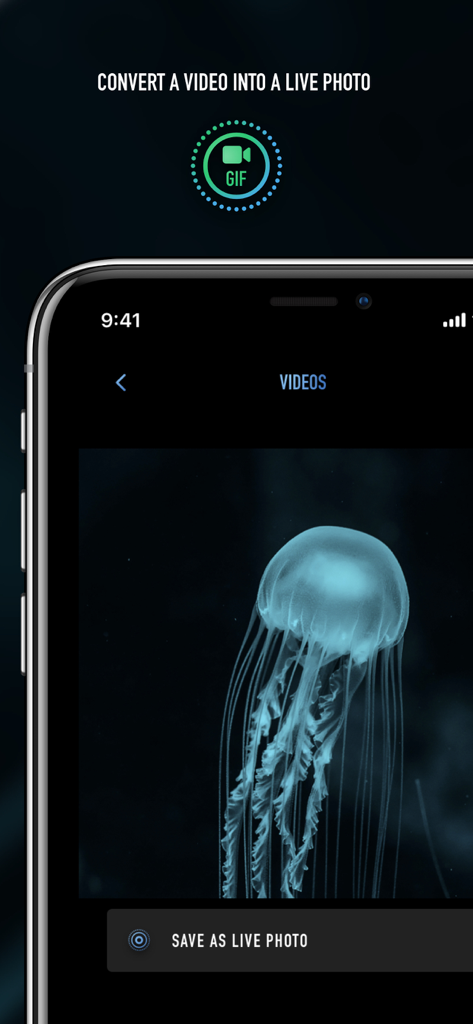
iPhone app screen showing a video of a jellyfish being converted to a Live Photo
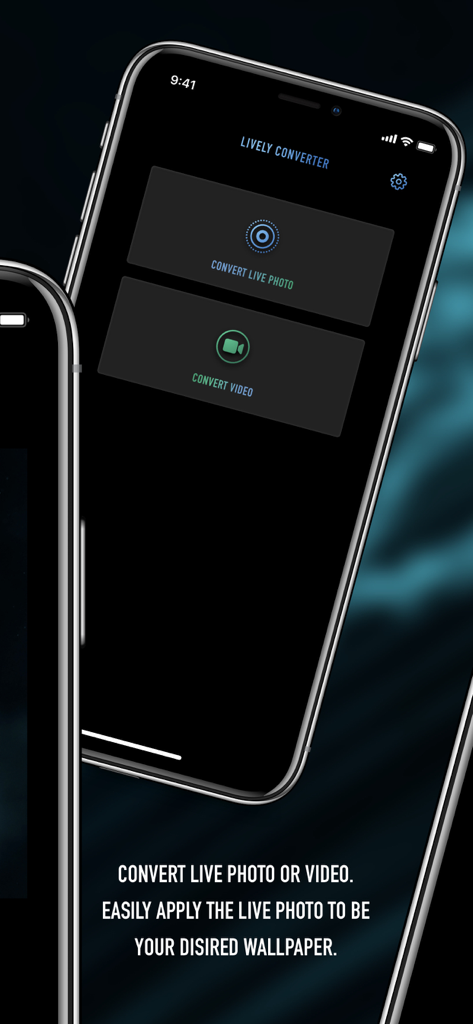
Screenshot of Lively Converter app showing the main menu with options to convert live photos and videos for custom wallpapers
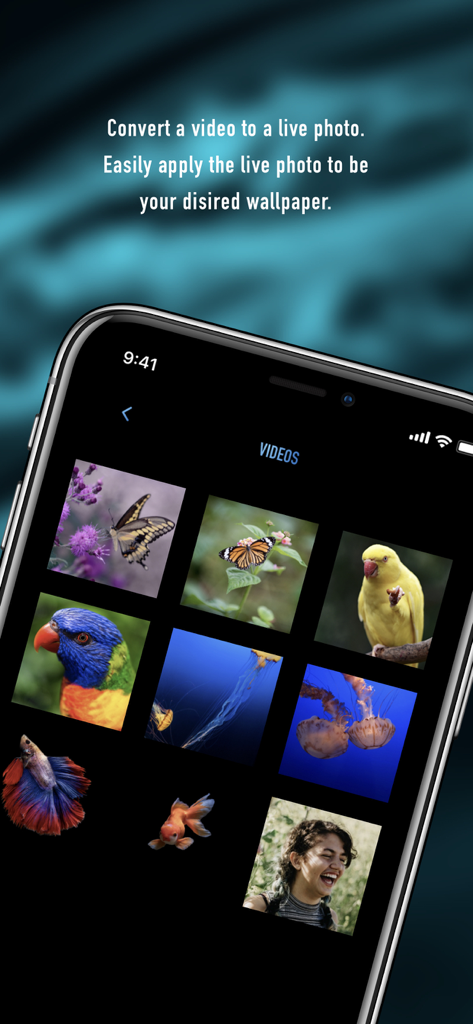
Interface showing a video gallery for converting clips into live photo wallpapers
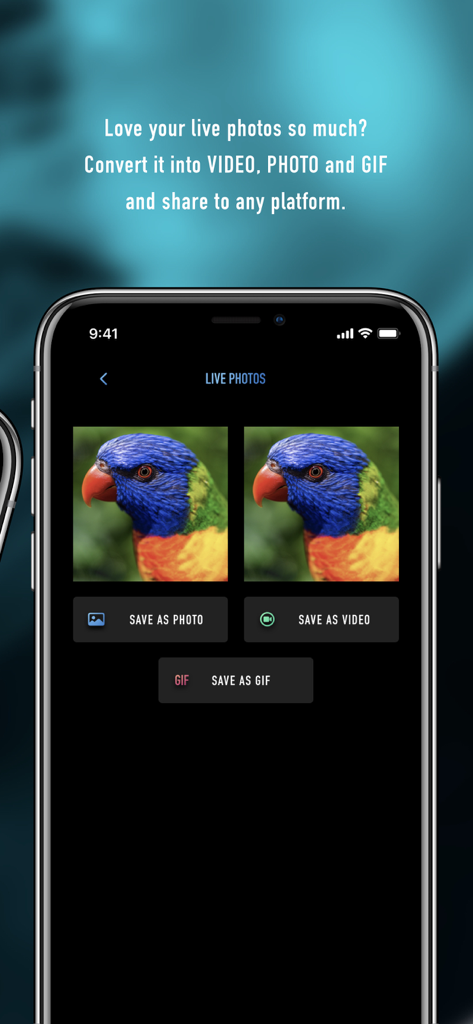
Lively Converter app interface displaying options to save Live Photos as video photo or GIF
Description
Download
More Like This
Top-ranked apps in the same category

CapCut: Photo & Video Editor
BYTEDANCE PTE. LTD.

Instagram, Inc.

YouTube
Google LLC

Canva: AI Photo & Video Editor
Canva Pty Ltd

Snapchat
Snap, Inc.

快手
Beijing Kwai Technology Co., Ltd.

Edits: Video Editor
Instagram, Inc.

Meitu- AI Photo & Video Editor
Xiamen Meitu Technology Co., Ltd.

Google Photos: Backup & Edit
Google LLC
This page is not an official page of the app or its developer, but an independent editorial publication created for informational and commentary purposes. Unless expressly stated otherwise, neither the app nor its developer is affiliated with, endorsed by, sponsored by, authorized by, or otherwise officially connected with MWM, Apple, Google Play, the app publisher, or the app's developer, and nothing on this page implies that the app was developed using MWM's services. Any trademarks, logos, screenshots, and other content remain the property of their respective owners.