
This page is not an official page of the app or its developer, but an independent editorial publication created for informational and commentary purposes. Unless expressly stated otherwise, neither the app nor its developer is affiliated with, endorsed by, sponsored by, authorized by, or otherwise officially connected with MWM, Apple, Google Play, the app publisher, or the app's developer, and nothing on this page implies that the app was developed using MWM's services. Any trademarks, logos, screenshots, and other content remain the property of their respective owners.

LudyVAC - Video to Audio
Extract high-fidelity audio from any video with zero ads and total privacy. Convert to 9 formats offline, process files in batches, and preserve every detail with lossless quality.
Downloads
0User Rating
Total Ratings
0Publisher
Category
UtilitiesLocales
34Latest Version
1.0Size
6.2 MBFirst Released
Mar 23, 2026Pro-Level Audio Extraction
The most powerful, private, and ad-free way to turn your videos into high-quality sound files.
Total Privacy, Zero Ads
Process everything offline. Your videos never leave your device, and your workflow is never interrupted by ads.
Lossless High-Fidelity
Choose from 9 formats including FLAC and ALAC. Preserve every detail of your audio with professional-grade bitrates.
The following screenshots and description are sourced directly from the app's official store listing and are the property of the app developer.
App Store
Screenshots
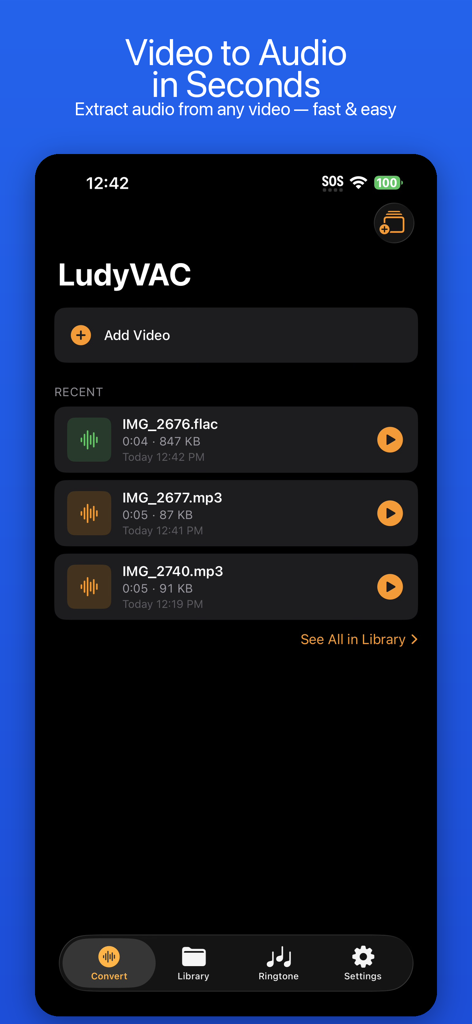
LudyVAC app home screen for video to audio conversion showing recent converted files and add video button
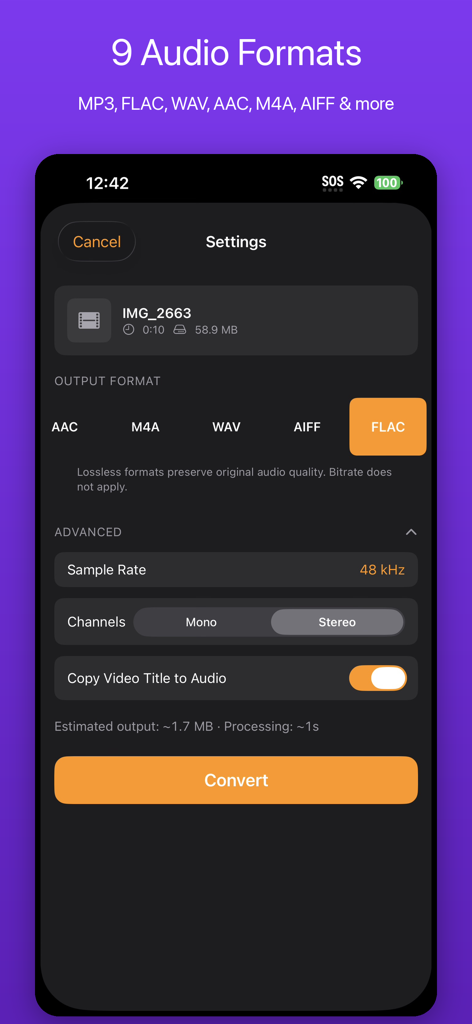
LudyVAC app interface showing video to audio conversion settings with multiple format options like FLAC and WAV
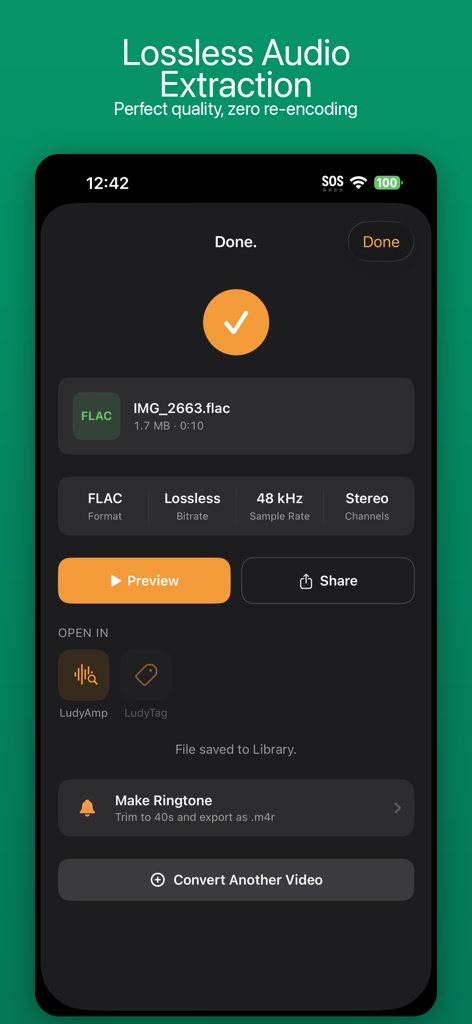
Interface showing completed lossless FLAC audio extraction from a video file
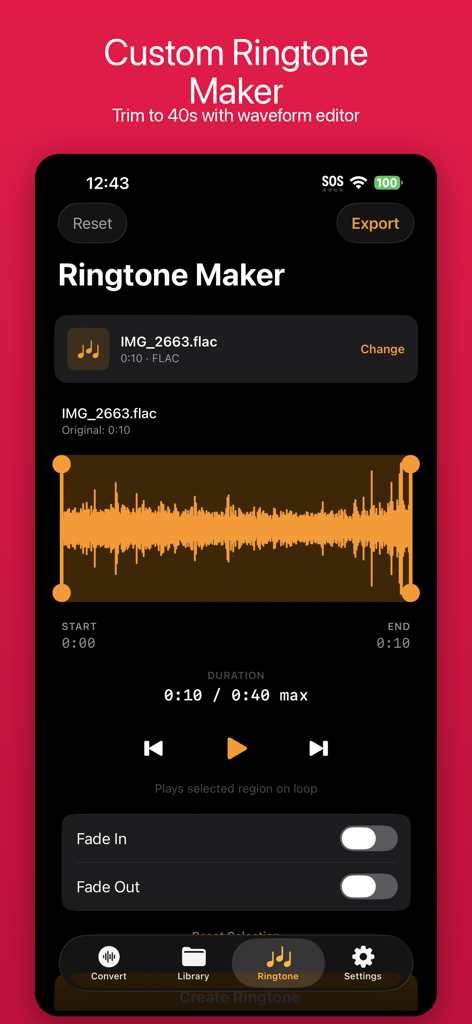
LudyVAC app ringtone maker interface with visual waveform audio trimmer and fade controls
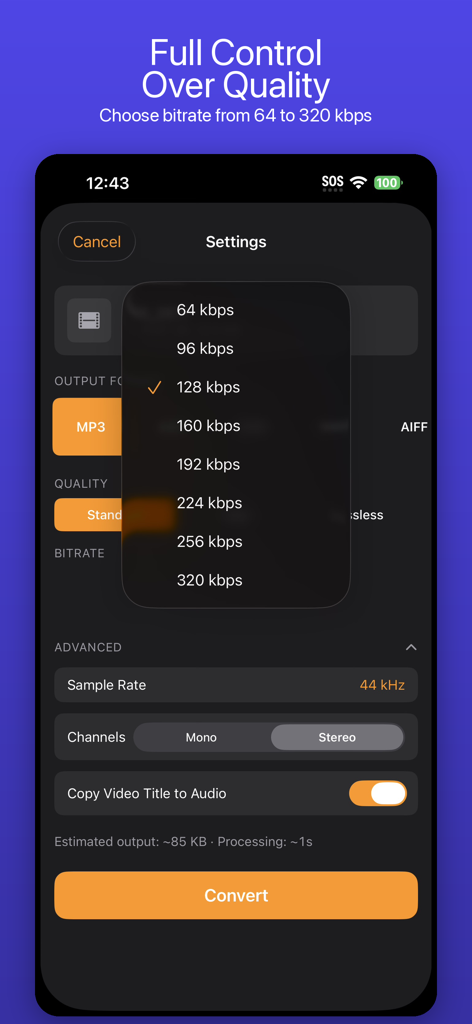
LudyVAC app interface showing audio bitrate and quality settings for video to audio conversion
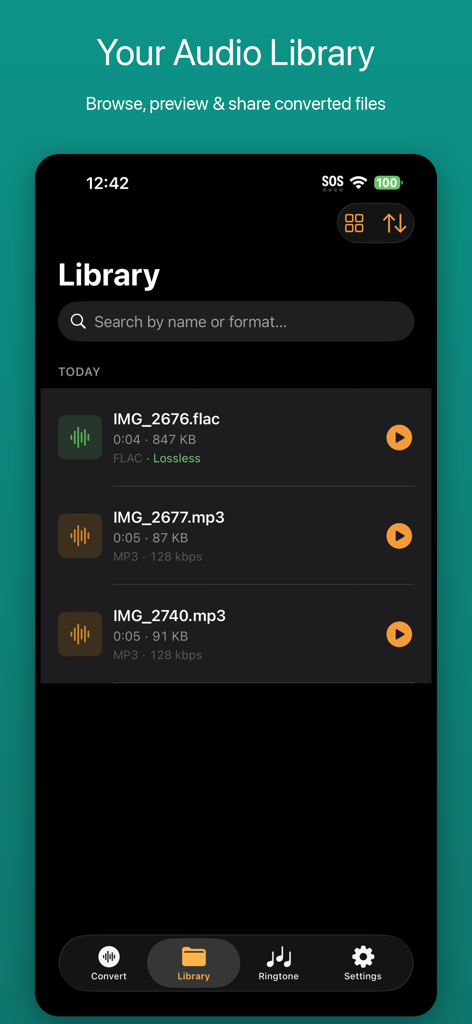
The audio library screen of LudyVAC displaying converted MP3 and lossless FLAC files.
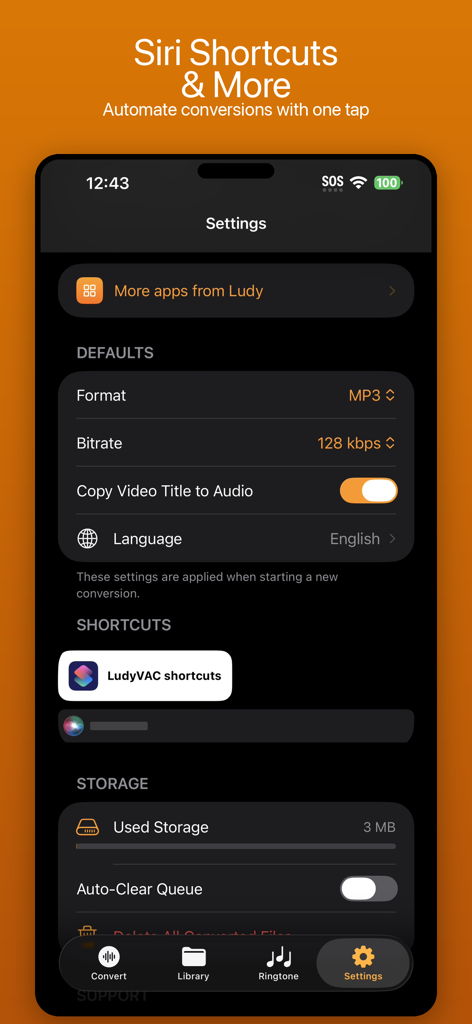
LudyVAC settings screen featuring Siri shortcuts and default conversion options
Description
Download
More Like This
Top-ranked apps in the same category
Google LLC

Google Chrome
Google LLC

中国移动(手机营业厅)
China Mobile Online Services Co., Ltd.

Google Authenticator
Google LLC

gov.br
Servicos e Informacoes do Brasil

Buddy VPN
Frederic Hennes Sprl

中国电信-全国统一官方服务平台
CHINA TELECOM Corporation Ltd.

Meu Social - Gás do Povo
Servicos e Informacoes do Brasil

Cleanup: Phone Storage Cleaner
DEEP FLOW SOFTWARE SERVICES - FZCO
This page is not an official page of the app or its developer, but an independent editorial publication created for informational and commentary purposes. Unless expressly stated otherwise, neither the app nor its developer is affiliated with, endorsed by, sponsored by, authorized by, or otherwise officially connected with MWM, Apple, Google Play, the app publisher, or the app's developer, and nothing on this page implies that the app was developed using MWM's services. Any trademarks, logos, screenshots, and other content remain the property of their respective owners.