
This page is not an official page of the app or its developer, but an independent editorial publication created for informational and commentary purposes. Unless expressly stated otherwise, neither the app nor its developer is affiliated with, endorsed by, sponsored by, authorized by, or otherwise officially connected with MWM, Apple, Google Play, the app publisher, or the app's developer, and nothing on this page implies that the app was developed using MWM's services. Any trademarks, logos, screenshots, and other content remain the property of their respective owners.


Lumecube
Elevate your content with precision adjustments for brightness, color, and mood. Sync your entire setup and master your craft with expert tutorials designed for the modern creator.
Downloads
500User Rating
Total Ratings
100Publisher
Category
Photo & VideoLocales
1Latest Version
2.0.2Size
27.2 MBFirst Released
Nov 18, 2020Master Your Scene with Precision Lighting
Transform your smartphone into a professional control panel. Adjust brightness, color, and effects across all your lights simultaneously to achieve the perfect cinematic vibe in seconds.
Instant Remote Control
Adjust brightness and color temperature from your phone while you are in front of the lens. Eliminate the back-and-forth friction and stay focused on your performance.
Advanced Light Grouping
Sync and control multiple Lume Cubes as a single unit or in custom groups. Orchestrate complex studio setups for professional-grade photography with one tap.
The following screenshots and description are sourced directly from the app's official store listing and are the property of the app developer.
App Store
Screenshots
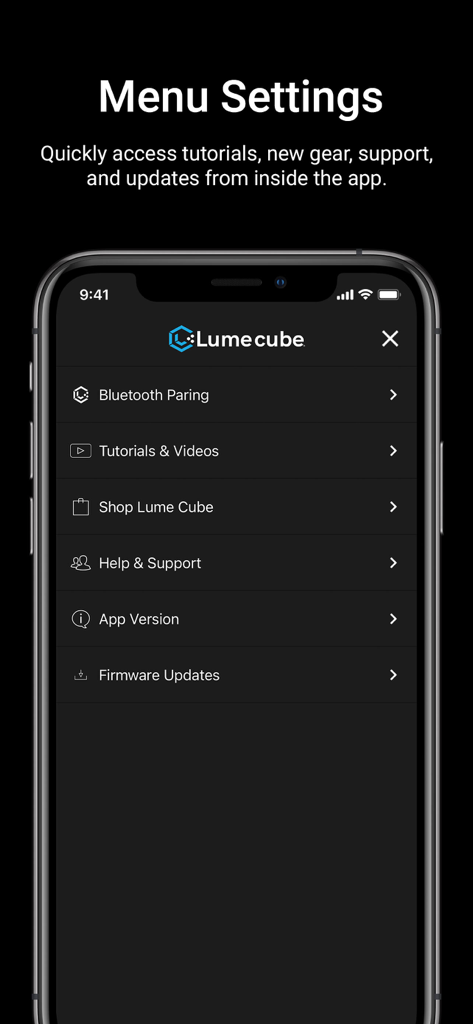
Lume Cube mobile app menu screen displaying options for Bluetooth pairing tutorials shop and firmware updates
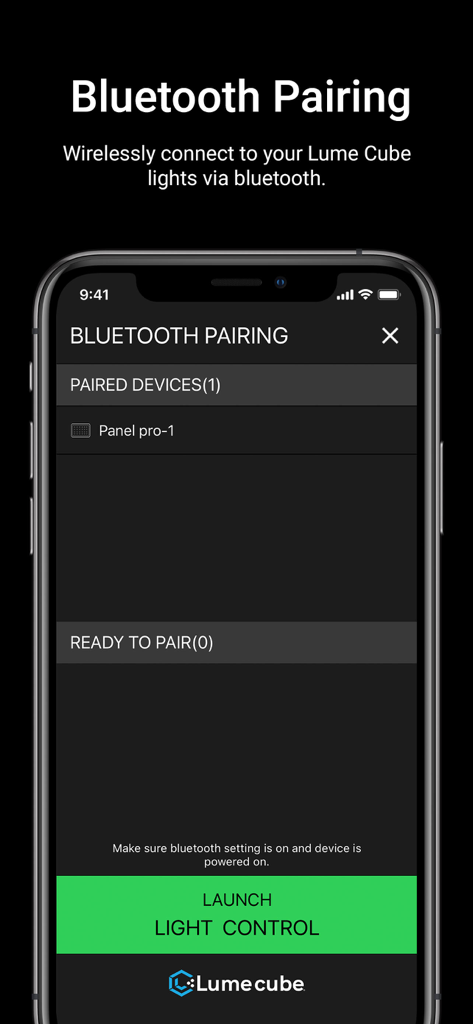
Bluetooth pairing screen in the Lume Cube app showing a paired Panel Pro light and a launch control button.
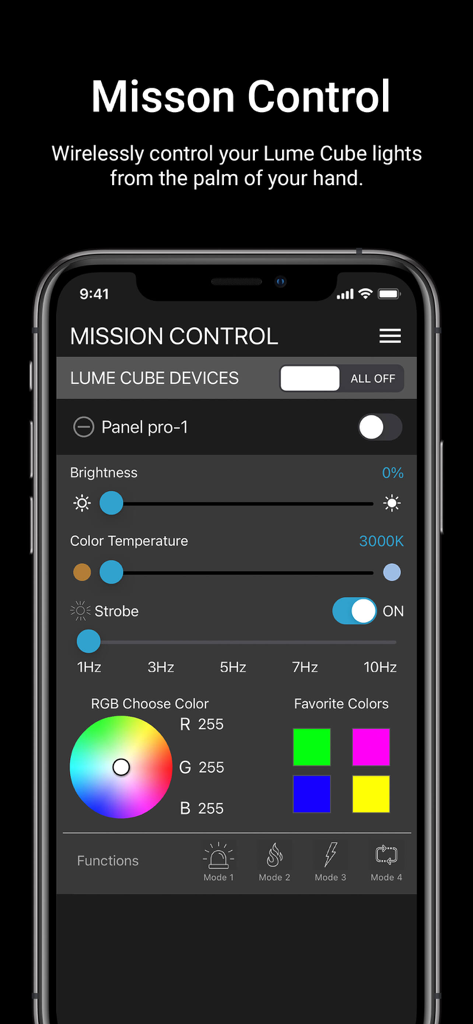
Mission Control screen of the Lumecube app displaying controls for brightness color temperature strobe effects and an RGB color wheel.
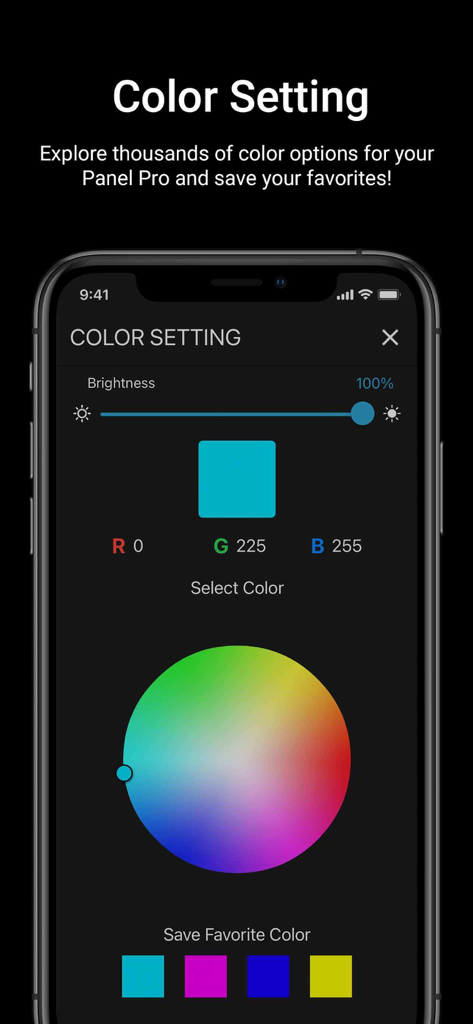
Lumecube app interface for RGB color selection and brightness control
Description
Download
More Like This
Top-ranked apps in the same category

CapCut: Photo & Video Editor
BYTEDANCE PTE. LTD.

Instagram, Inc.

YouTube
Google LLC

Canva: AI Photo & Video Editor
Canva Pty Ltd

Snapchat
Snap, Inc.

快手
Beijing Kwai Technology Co., Ltd.

Edits: Video Editor
Instagram, Inc.

Meitu- AI Photo & Video Editor
Xiamen Meitu Technology Co., Ltd.

Google Photos: Backup & Edit
Google LLC
This page is not an official page of the app or its developer, but an independent editorial publication created for informational and commentary purposes. Unless expressly stated otherwise, neither the app nor its developer is affiliated with, endorsed by, sponsored by, authorized by, or otherwise officially connected with MWM, Apple, Google Play, the app publisher, or the app's developer, and nothing on this page implies that the app was developed using MWM's services. Any trademarks, logos, screenshots, and other content remain the property of their respective owners.