
This page is not an official page of the app or its developer, but an independent editorial publication created for informational and commentary purposes. Unless expressly stated otherwise, neither the app nor its developer is affiliated with, endorsed by, sponsored by, authorized by, or otherwise officially connected with MWM, Apple, Google Play, the app publisher, or the app's developer, and nothing on this page implies that the app was developed using MWM's services. Any trademarks, logos, screenshots, and other content remain the property of their respective owners.

LUMINS - Light Photo Editor
Transform your everyday photos into cinematic masterpieces. Leverage advanced AI for perfect sky replacements, studio-quality light simulations, and professional SLR effects designed for the modern creator.
Downloads
526K+User Rating
Total Ratings
6K+Publisher
Category
Photo & VideoLocales
14Latest Version
2.6.2Size
223.2 MBFirst Released
May 23, 2020Transform Your Photos into Professional Art
Harness the power of AI to create stunning, magazine-quality visuals in seconds. Perfect for influencers, travelers, and aesthetic enthusiasts looking to level up their social presence.
AI One-Tap Perfection
Instantly reconstruct and optimize every detail of your image. Our AI technology enhances textures and colors for a natural, high-definition look without the manual effort.
Cinematic Skies & Lighting
Turn a cloudy day into a golden hour masterpiece. Choose from over 60 sky effects and 200+ light simulations to set the perfect mood for your travel and lifestyle shots.
The following screenshots and description are sourced directly from the app's official store listing and are the property of the app developer.
App Store
Screenshots
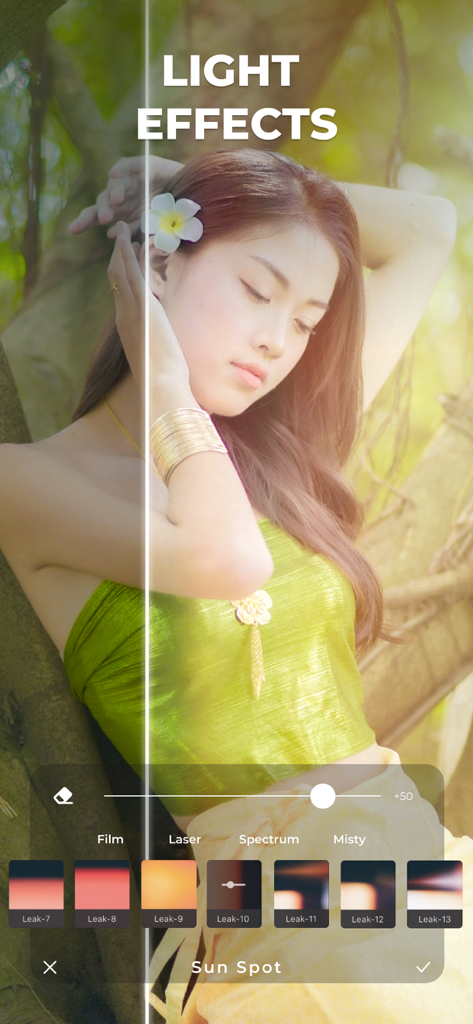
A before and after split screen comparison showing sun spot light effects applied to a portrait in the Lumins photo editor app
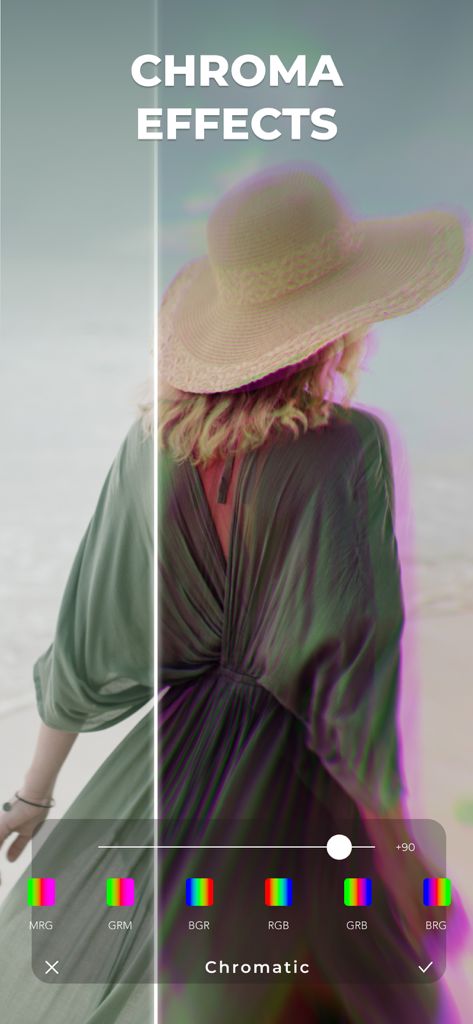
Before and after comparison of a chromatic aberration effect applied to a photo of a woman wearing a hat
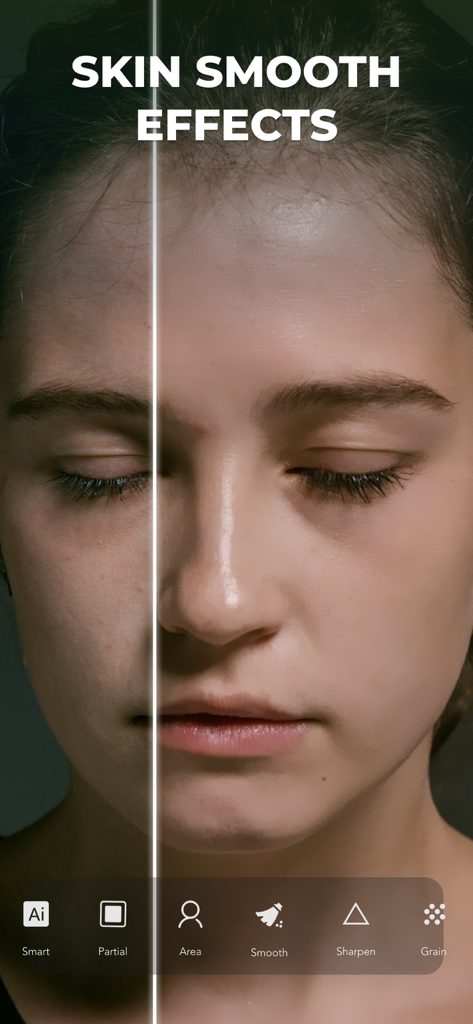
Before and after portrait showing AI skin smoothing effect in Lumins app
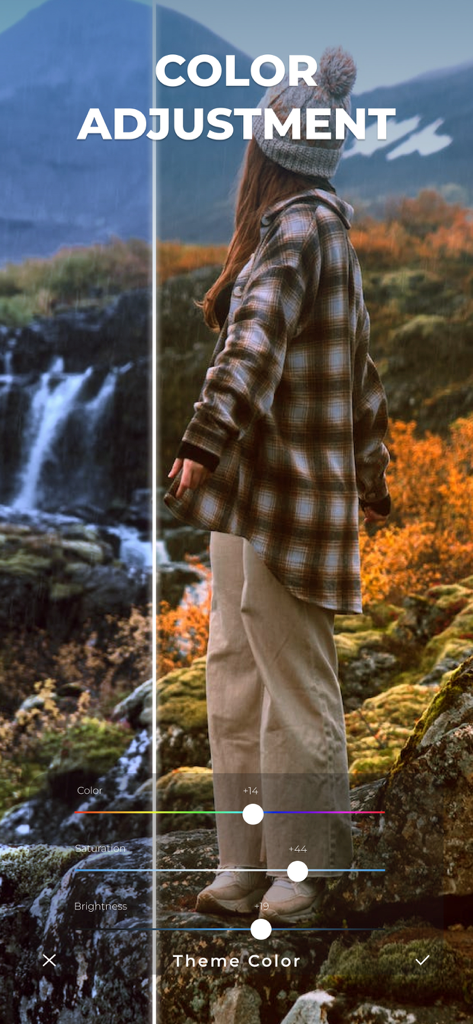
A split screen showing before and after color adjustment on a landscape photo with editing sliders
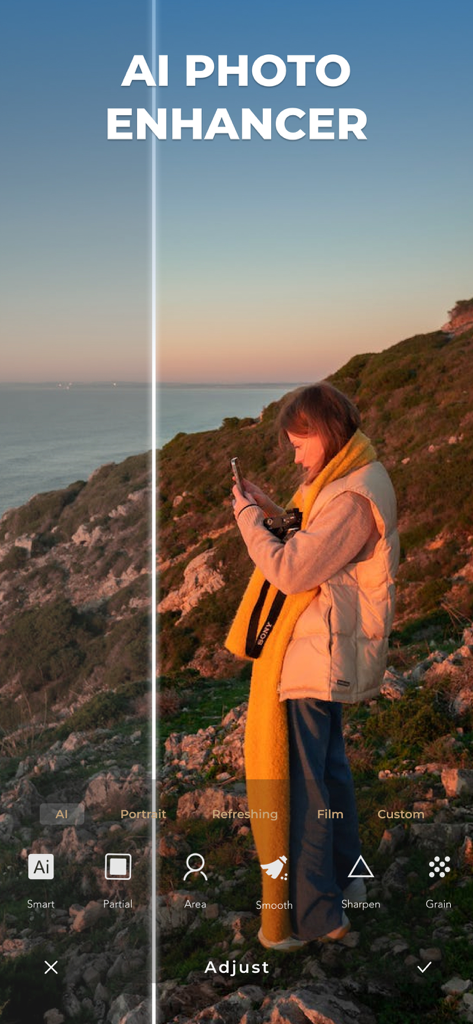
Before and after comparison of a sunset photo using Lumins AI photo enhancer.
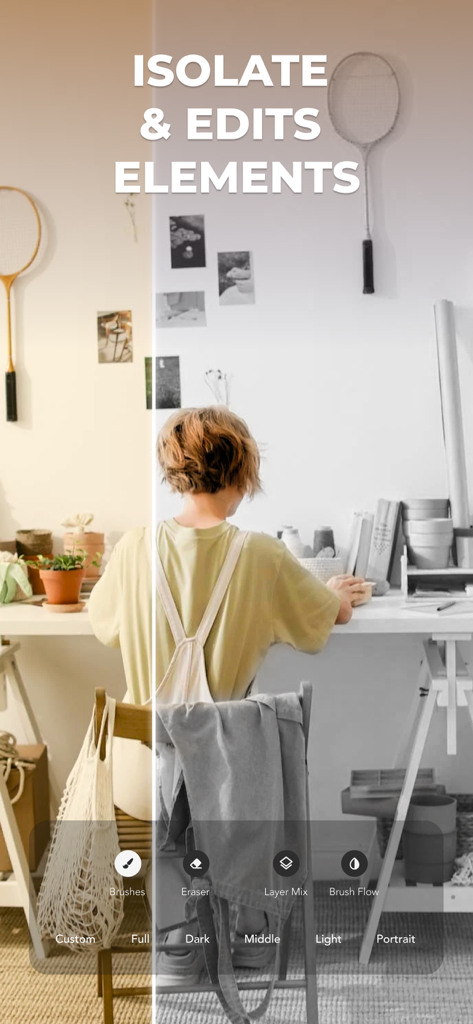
A split screen comparison showing the isolate and edit elements feature in the Lumins app
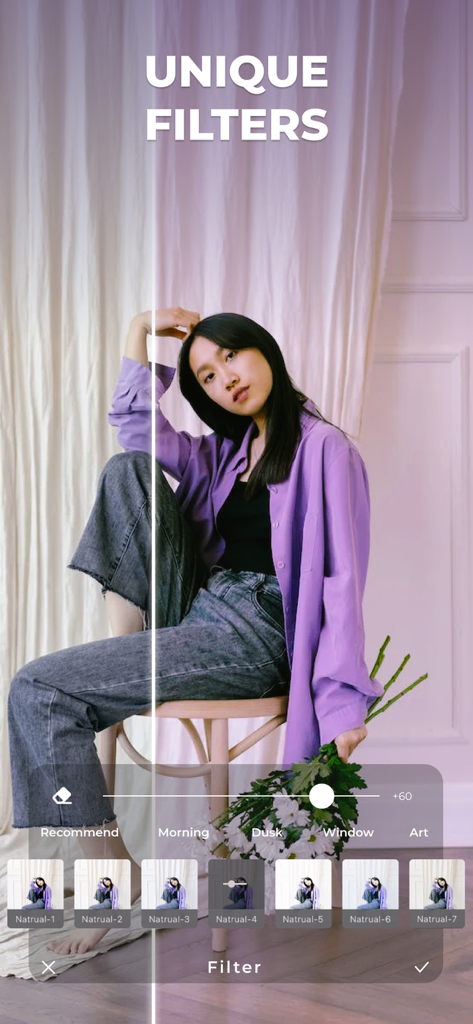
A photo of a woman being edited with aesthetic filters in the Lumins app showing a before and after comparison.
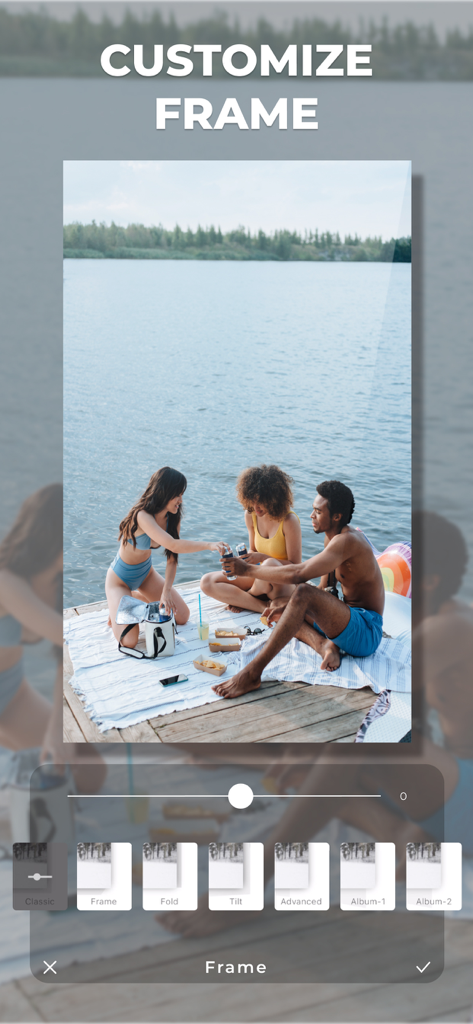
LUMINS app user interface showing the customize frame feature for a photo of friends by a lake
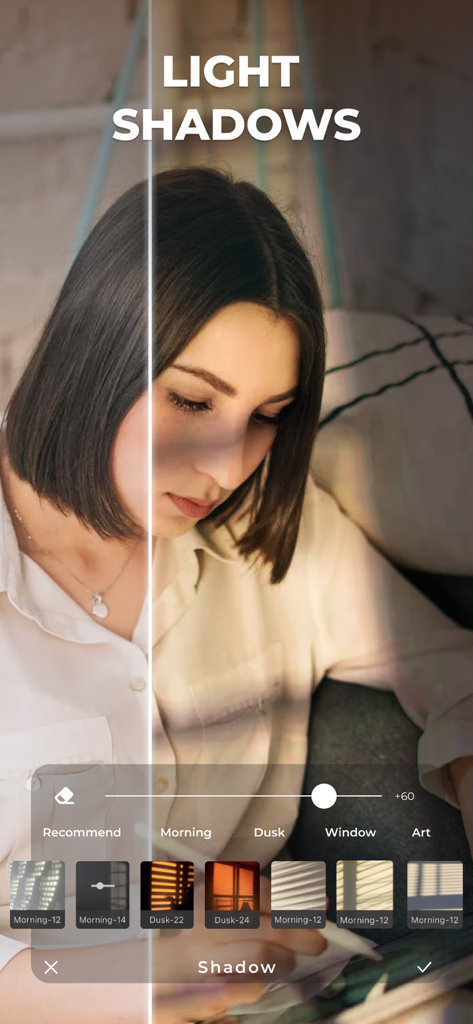
Before and after comparison of light and shadow simulation effects on a portrait
Description
Download
More Like This
Top-ranked apps in the same category

CapCut: Photo & Video Editor
BYTEDANCE PTE. LTD.

Instagram, Inc.

YouTube
Google LLC

Canva: AI Photo & Video Editor
Canva Pty Ltd

Snapchat
Snap, Inc.

快手
Beijing Kwai Technology Co., Ltd.

Edits: Video Editor
Instagram, Inc.

Meitu- AI Photo & Video Editor
Xiamen Meitu Technology Co., Ltd.

Google Photos: Backup & Edit
Google LLC
This page is not an official page of the app or its developer, but an independent editorial publication created for informational and commentary purposes. Unless expressly stated otherwise, neither the app nor its developer is affiliated with, endorsed by, sponsored by, authorized by, or otherwise officially connected with MWM, Apple, Google Play, the app publisher, or the app's developer, and nothing on this page implies that the app was developed using MWM's services. Any trademarks, logos, screenshots, and other content remain the property of their respective owners.