
This page is not an official page of the app or its developer, but an independent editorial publication created for informational and commentary purposes. Unless expressly stated otherwise, neither the app nor its developer is affiliated with, endorsed by, sponsored by, authorized by, or otherwise officially connected with MWM, Apple, Google Play, the app publisher, or the app's developer, and nothing on this page implies that the app was developed using MWM's services. Any trademarks, logos, screenshots, and other content remain the property of their respective owners.


MadPlay Pro
Finally, a browser that silences the web's chaos and guards your every click.
Downloads
75k+User Rating
Total Ratings
0Publisher
Category
UtilitiesLocales
1Latest Version
1.0.22Size
9.1 MBFirst Released
Jan 15, 2026Evaluating essential functionalities for privacy, media, and control-focused users.
MadPlay Pro: Core Features Analysis
Integrated M3U8 Media Player
It includes an integrated media player that allows users to play publicly accessible M3U8 streaming links directly within the browser, supporting smooth HLS playback.
Advanced Privacy Protection
The app includes powerful privacy features that help reduce tracking and protect online activity, ensuring browsing remains private and local.
Advanced Ad Blocking
This tool provides a cleaner web experience by blocking intrusive advertising, improving page loading speed, reducing data usage, and minimizing distractions.
Biometric Data Protection
The app protects browsing data and downloaded files using secure local storage, accessible only through biometric authentication like Face ID or Touch ID.
Redirect Control
It prevents websites from automatically redirecting users to external applications, providing the option to remain on the web version.
Private Downloads with Hidden Storage
This tool supports private downloads, offering an optional hidden storage feature for enhanced discretion.
Distraction-Free Reader Mode
The app offers a reader mode for a clean and distraction-free reading experience of web content.
Advanced Screenshot Tools
It provides advanced screenshot tools, allowing users to capture full pages or selected areas and export content as images or PDF files.
The following screenshots and description are sourced directly from the app's official store listing and are the property of the app developer.
App Store
Screenshots
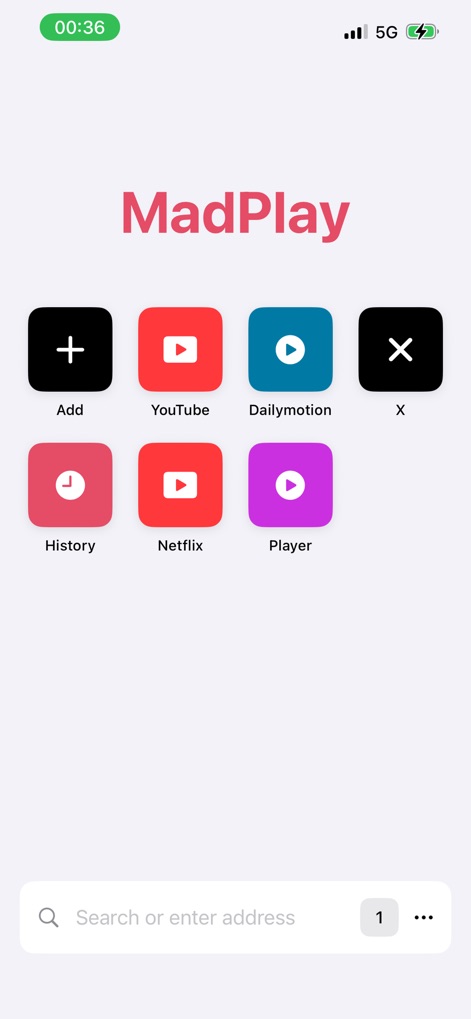
This interface showcases custom quick access tiles for popular services and an integrated search/address bar, streamlining user navigation.
Direct Access Hub
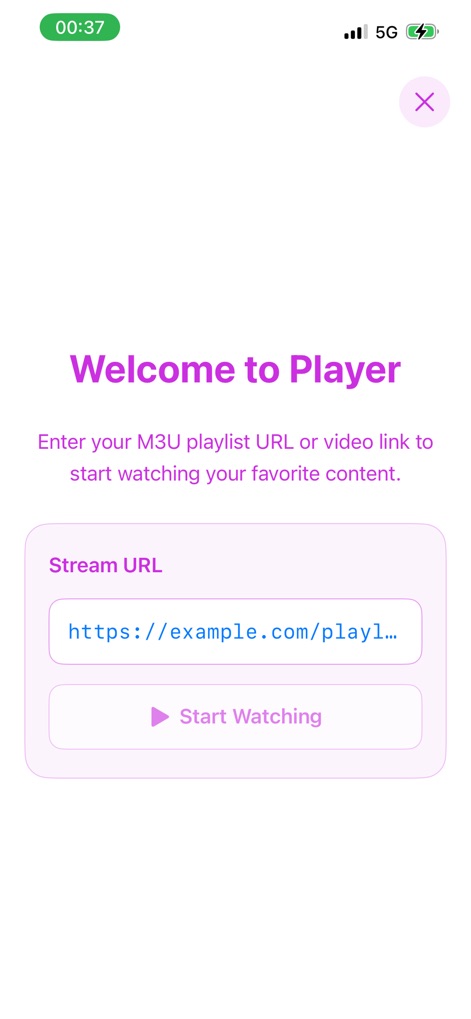
The dedicated player interface features a clear 'Stream URL' input field and a prominent 'Start Watching' button, enabling direct M3U8 link playback.
M3U8 Playback Core

This section presents content through categorized lists and utilizes clear navigation tabs, such as 'EVENTS' and 'LIVE TV', for structured browsing.
Organized Content Browsing
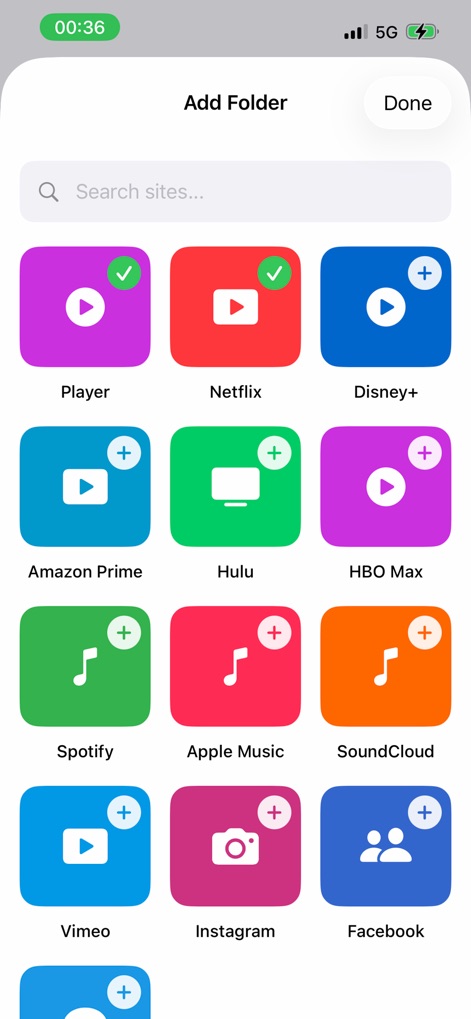
The 'Add Folder' screen empowers users to personalize their home view with selectable app icons and custom folder creation, optimizing quick access.
Custom Link Management
Description
Download
More Like This
Top-ranked apps in the same category

Google LLC

Google Chrome
Google LLC

中国移动(手机营业厅)
China Mobile Online Services Co., Ltd.

Google Authenticator
Google LLC

Super VPN Fly 2026
YUNFAN TECHNOLOGY CO., LIMITED

gov.br
Servicos e Informacoes do Brasil

Cleanup: Phone Storage Cleaner
DEEP FLOW SOFTWARE SERVICES - FZCO

百度-AI智能搜索
Beijing Baidu Netcom Science & Technology Co.,Ltd

Microsoft Edge: AI Browser
Microsoft Corporation
This page is not an official page of the app or its developer, but an independent editorial publication created for informational and commentary purposes. Unless expressly stated otherwise, neither the app nor its developer is affiliated with, endorsed by, sponsored by, authorized by, or otherwise officially connected with MWM, Apple, Google Play, the app publisher, or the app's developer, and nothing on this page implies that the app was developed using MWM's services. Any trademarks, logos, screenshots, and other content remain the property of their respective owners.