Magic Remote Control WebOS TV
Download on App Store

This page is not an official page of the app or its developer, but an independent editorial publication created for informational and commentary purposes. Unless expressly stated otherwise, neither the app nor its developer is affiliated with, endorsed by, sponsored by, authorized by, or otherwise officially connected with MWM, Apple, Google Play, the app publisher, or the app's developer, and nothing on this page implies that the app was developed using MWM's services. Any trademarks, logos, screenshots, and other content remain the property of their respective owners.


Logo of Magic Remote Control WebOS TV
Download on App Store

Magic Remote Control WebOS TV

Eliminate the frustration of clunky buttons and lost remotes. Effortlessly type, navigate, and control your WebOS TV with a fast keyboard, smooth touchpad, and Siri voice commands.

Key Figures

Downloads

630K+

User Rating

4.7/5

Total Ratings

10K+

Publisher

MeisterApps BV

Category

Utilities

Locales

17

Latest Version

1.3.7

Size

64.0 MB

First Released

Nov 9, 2022
Features

The Ultimate Upgrade for Your Smart TV

Stop hunting for lost remotes and struggling with slow on-screen typing. Transform your iPhone into a high-speed navigation hub designed for the modern streaming era.

Lightning-Fast Keyboard

Skip the frustration of clicking through letters one-by-one. Use your phone’s native keyboard to search for movies, shows, and apps in seconds.

Seamless Siri Integration

Control your TV without lifting a finger. Use Siri voice commands to manage volume, power, and playback directly from your iPhone or Apple Watch.

The following screenshots and description are sourced directly from the app's official store listing and are the property of the app developer.

App Store

Screenshots
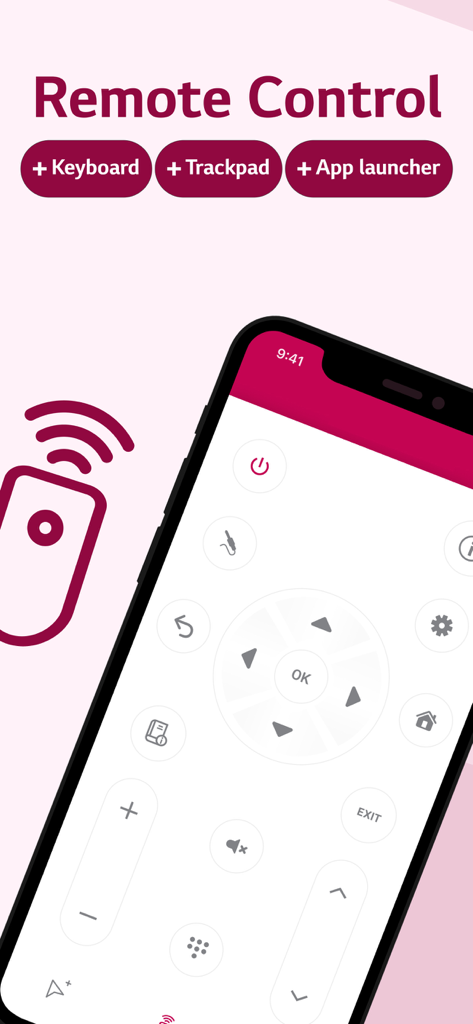
Magic Remote Control WebOS TV - iPhone screen displaying the Magic Remote Control app for WebOS TV featuring a digital remote interface.
iPhone screen displaying the Magic Remote Control app for WebOS TV featuring a digital remote interface.

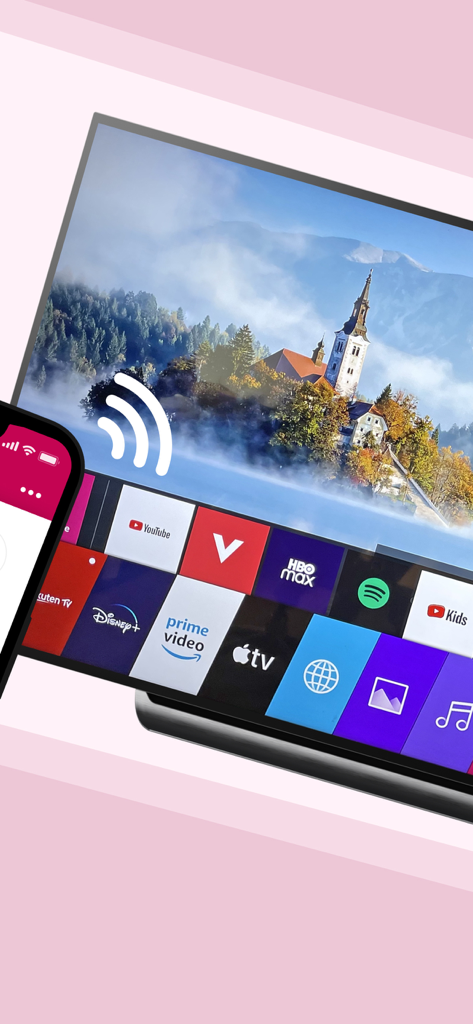
Magic Remote Control WebOS TV - iPhone wirelessly connected to a WebOS Smart TV displaying a menu of streaming apps
iPhone wirelessly connected to a WebOS Smart TV displaying a menu of streaming apps

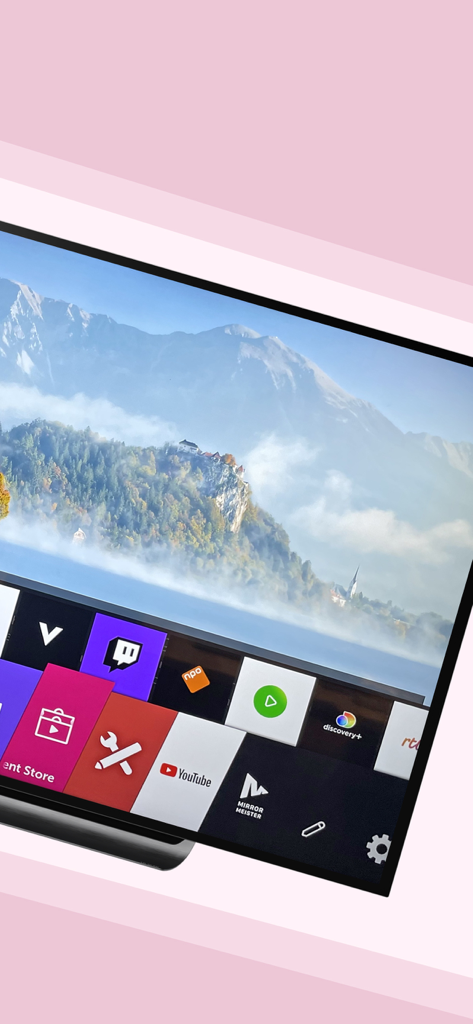
Magic Remote Control WebOS TV - Smart TV screen displaying a mountain landscape and a menu of streaming apps like YouTube and Twitch
Smart TV screen displaying a mountain landscape and a menu of streaming apps like YouTube and Twitch

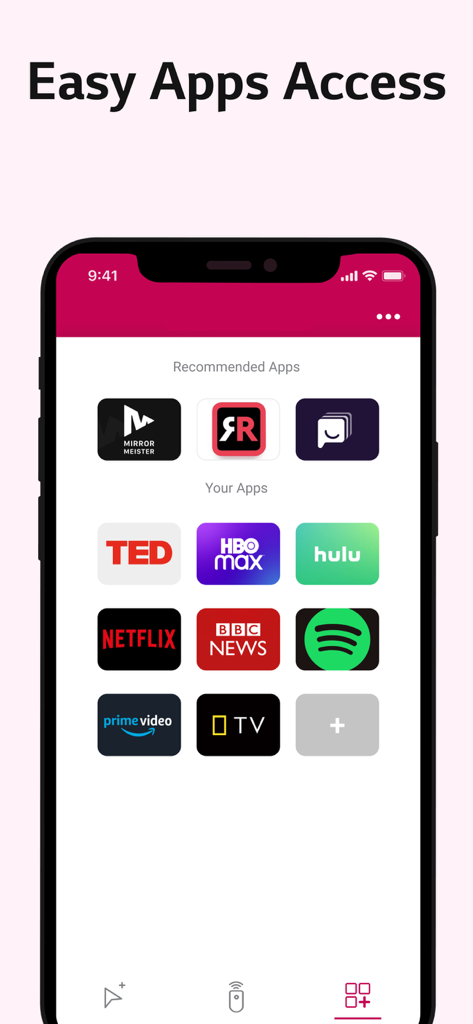
Magic Remote Control WebOS TV - Screenshot of the Magic Remote Control app showing quick access shortcuts for streaming services like Netflix Hulu and HBO Max
Screenshot of the Magic Remote Control app showing quick access shortcuts for streaming services like Netflix Hulu and HBO Max

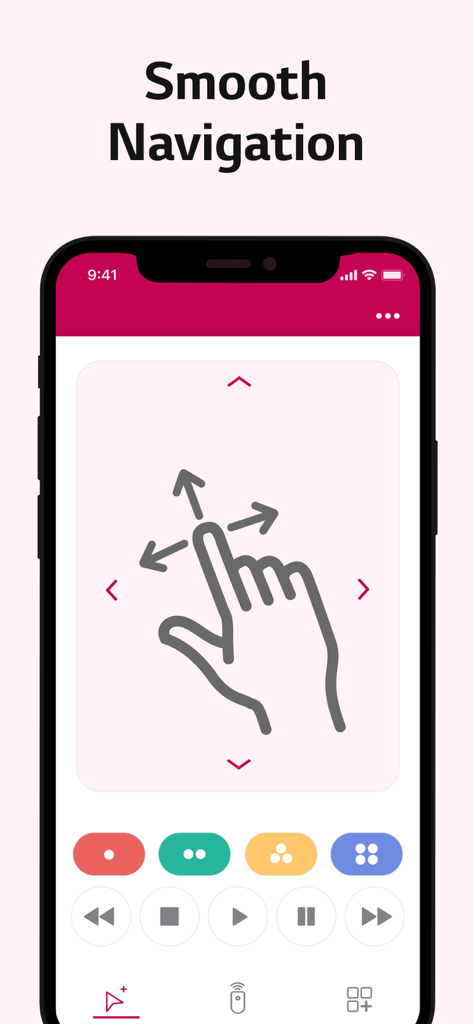
Magic Remote Control WebOS TV - iPhone interface showing a large touchpad for smooth TV navigation with directional swipe icons
iPhone interface showing a large touchpad for smooth TV navigation with directional swipe icons

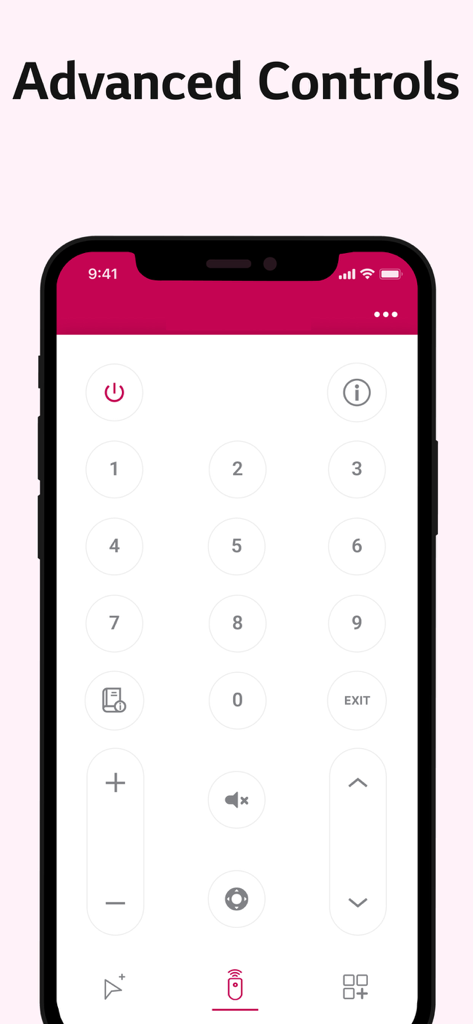
Magic Remote Control WebOS TV - iPhone interface showing a digital TV remote with number pad and volume controls for WebOS TV.
iPhone interface showing a digital TV remote with number pad and volume controls for WebOS TV.

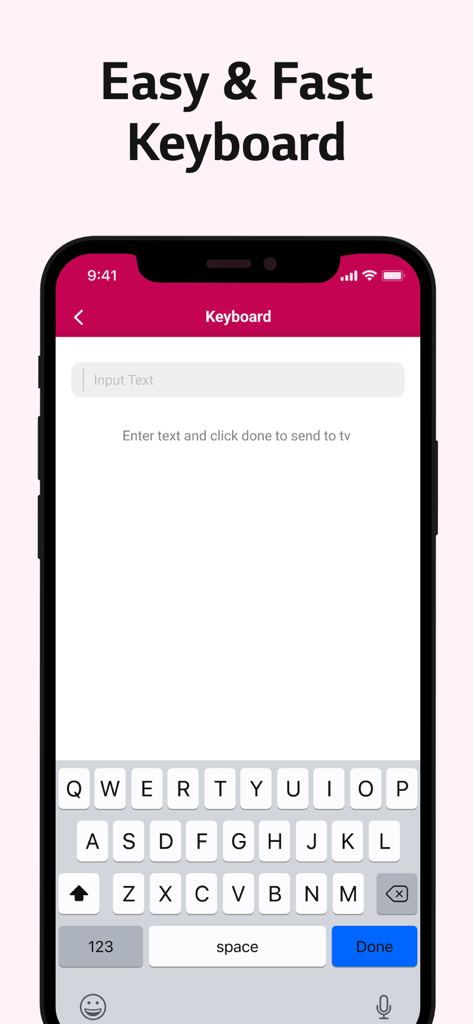
Magic Remote Control WebOS TV - Easy and fast keyboard interface for Magic Remote Control app
Easy and fast keyboard interface for Magic Remote Control app

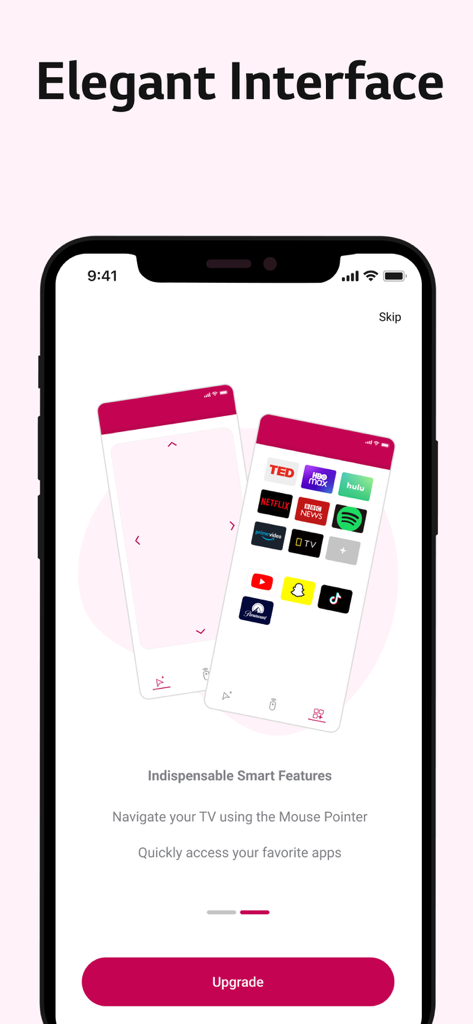
Magic Remote Control WebOS TV - iPhone display showing the elegant interface of the Magic Remote Control app for WebOS TV with touchpad and quick app access.
iPhone display showing the elegant interface of the Magic Remote Control app for WebOS TV with touchpad and quick app access.

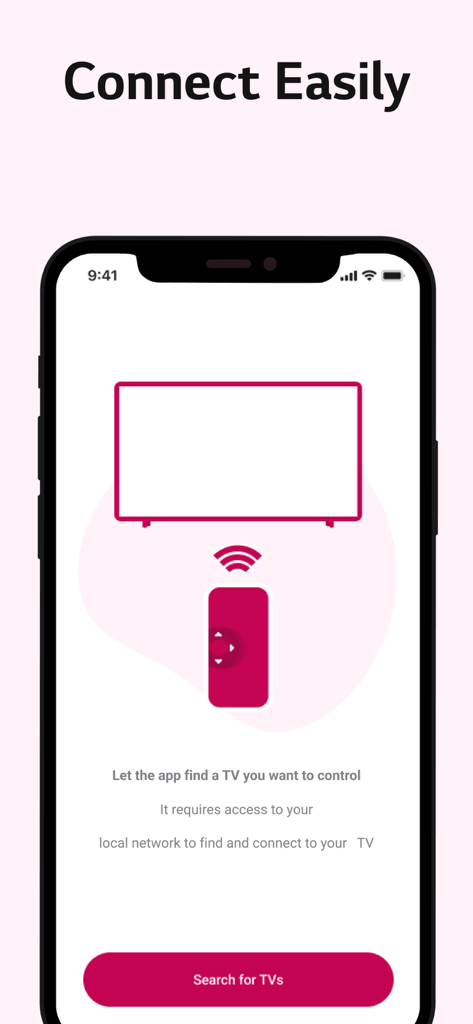
Magic Remote Control WebOS TV - Setup screen for Magic Remote Control app showing how to connect an iPhone to a smart TV via Wi-Fi.
Setup screen for Magic Remote Control app showing how to connect an iPhone to a smart TV via Wi-Fi.

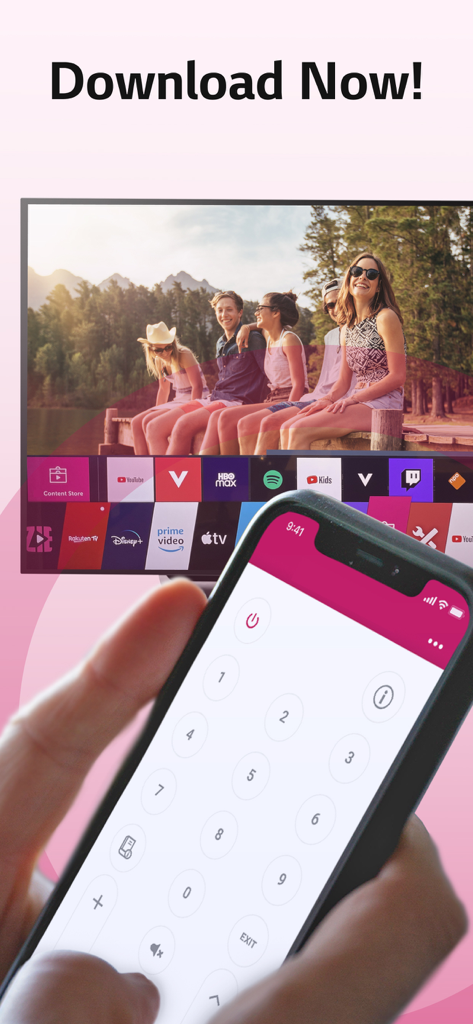
Magic Remote Control WebOS TV - A hand holding an iPhone using the magic remote control app to navigate a WebOS Smart TV interface

A hand holding an iPhone using the magic remote control app to navigate a WebOS Smart TV interface

Description

This #1 remote app allows you to easily control your WebOS or Netcast TV with your phone instead of using your physical, clunky remote. Easily use the keyboard on your phone/tablet, so you don’t have to scroll through letters to find something on your TV. Or, swipe over the touchpad to search things on tv. FEATURES: ■ Easy & fast keyboard to facilitate searches. ■ A large touchpad for quick navigation. ■ Netcast & WebOS support: The app works on all TVs. ■ Auto detect smart TV on the same WIFI network. ■ Side button volume control: Quickly increase or decrease the volume. ■ Siri Command: Control your tv with voice-commands. ■ PIN code Camera OCR: Easily scan the requested pin on your tv. ■ TV Toast Message: Type a message, send it to TV and surprise others. ■ Random Channel Picker: Uninspired? Let the app pick a channel for you. ■ Launch channels & apps direct from app. ■ Power on/off. ■ Switch channels up/down. ■ Adjust volume up/down. ■ Mute/ unmute. ■ TV Calendar Message: Display reminders on TV. ■ Turn TV into a fireplace, fish-tank or famous paintings. ADVANTAGES: - Easy browsing - Fast search - No more lost remotes - Save time - Best signal (wifi is stronger than infrared) - Latest technology - No more fighting over the remote control - Your phone/tablet controls everything - No more changing your TV remote’s battery *** Take a subscription to get all features and to remove ads *** REQUIREMENTS: 1) TV 2) WiFi 3) iPhone or iPad UNLIMITED ACCESS PRO SUBSCRIPTION: You need a subscription for unlimited access to all features without advertising and interruptions. Payment will be charged to iTunes Account at confirmation of purchase. Subscription automatically renews unless auto-renew is turned off at least 24-hours before the end of the current period. The account will be charged for renewal within 24-hours before the end of the current period and identify the cost of the renewal. Subscriptions may be managed by the user and auto-renewal may be turned off by going to the user's Account Settings after purchase. Any unused portion of a free trial period, if offered, will be forfeited when the user purchases a subscription to that publication, where applicable. - Terms of use: https://meisterapps.net/newsroom/meisterapps-terms-of-use-app-store - Privacy policy: https://meisterapps.net/newsroom/privacy-policy-app-store/ SUPPORT: Please contact us (by sending a log) if you have issues using the app. We do our very best to make you happy. You can use the feedback-form in the app to send us feedback of any kind, we take every single one into consideration. We are here to help you. Please visit our website for more information: https://meisterapps.net

Download

Download on App Store

This page is not an official page of the app or its developer, but an independent editorial publication created for informational and commentary purposes. Unless expressly stated otherwise, neither the app nor its developer is affiliated with, endorsed by, sponsored by, authorized by, or otherwise officially connected with MWM, Apple, Google Play, the app publisher, or the app's developer, and nothing on this page implies that the app was developed using MWM's services. Any trademarks, logos, screenshots, and other content remain the property of their respective owners.








