
This page is not an official page of the app or its developer, but an independent editorial publication created for informational and commentary purposes. Unless expressly stated otherwise, neither the app nor its developer is affiliated with, endorsed by, sponsored by, authorized by, or otherwise officially connected with MWM, Apple, Google Play, the app publisher, or the app's developer, and nothing on this page implies that the app was developed using MWM's services. Any trademarks, logos, screenshots, and other content remain the property of their respective owners.


magicPresenter
The lightweight iPad tool for confident delivery. Master your stage with private speaker notes, Apple Pencil annotations, and integrated recording—no bloat, just polish.
Downloads
0User Rating
Total Ratings
0Publisher
Category
ProductivityLocales
1Latest Version
2.0bSize
30.1 MBFirst Released
Sep 4, 2024Elevate Your Professional Delivery
A lightweight, distraction-free tool built for iPad power users who demand precision, confidence, and absolute control on stage or in the boardroom.
Dual-View Presenter Command
Keep your speaker notes, timer, and next-slide previews right in front of you while the audience sees only your polished PDF slides.
Invisible & Live Annotation
Use your Apple Pencil to jot private cues only you can see, or switch to visible ink to turn any slide into a dynamic, interactive whiteboard.
The following screenshots and description are sourced directly from the app's official store listing and are the property of the app developer.
App Store
Screenshots
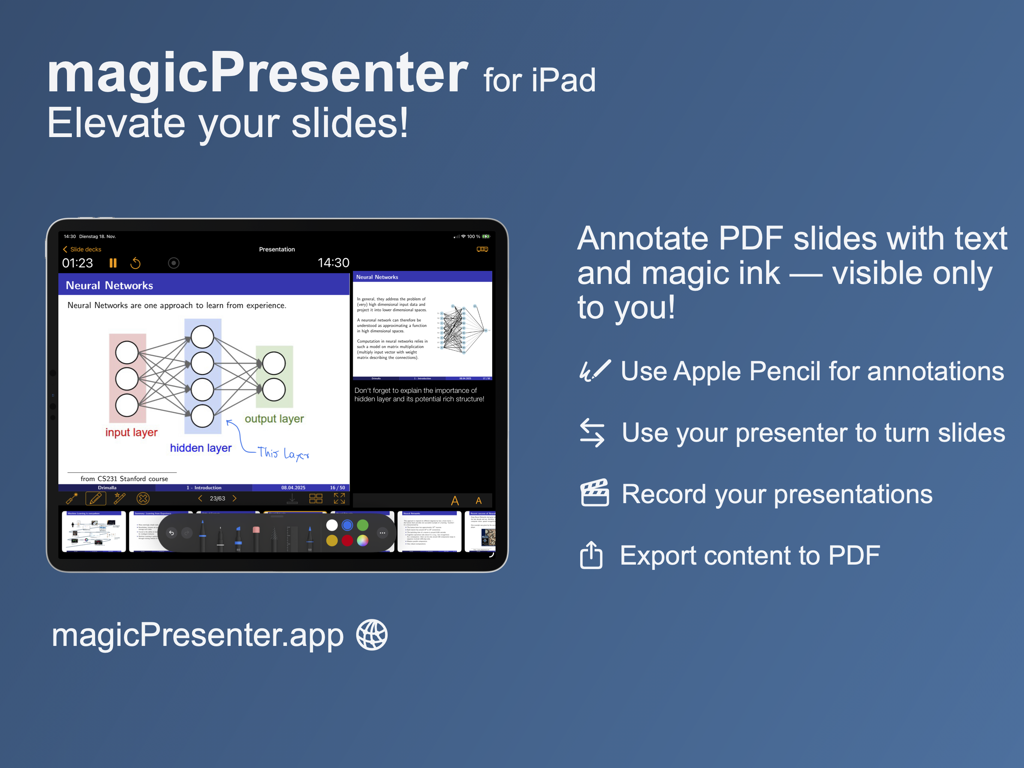
Graphic showing magicPresenter for iPad with features for annotating PDF slides using Apple Pencil and recording presentations.
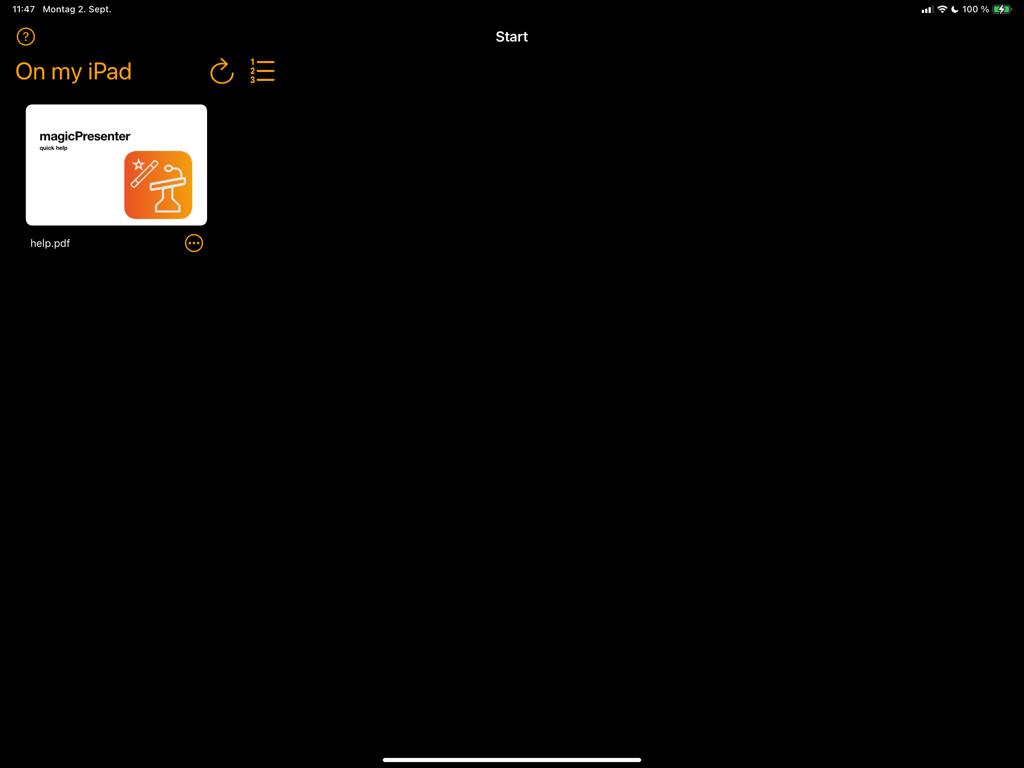
Main file management view of the magicPresenter app on iPad showing a PDF thumbnail
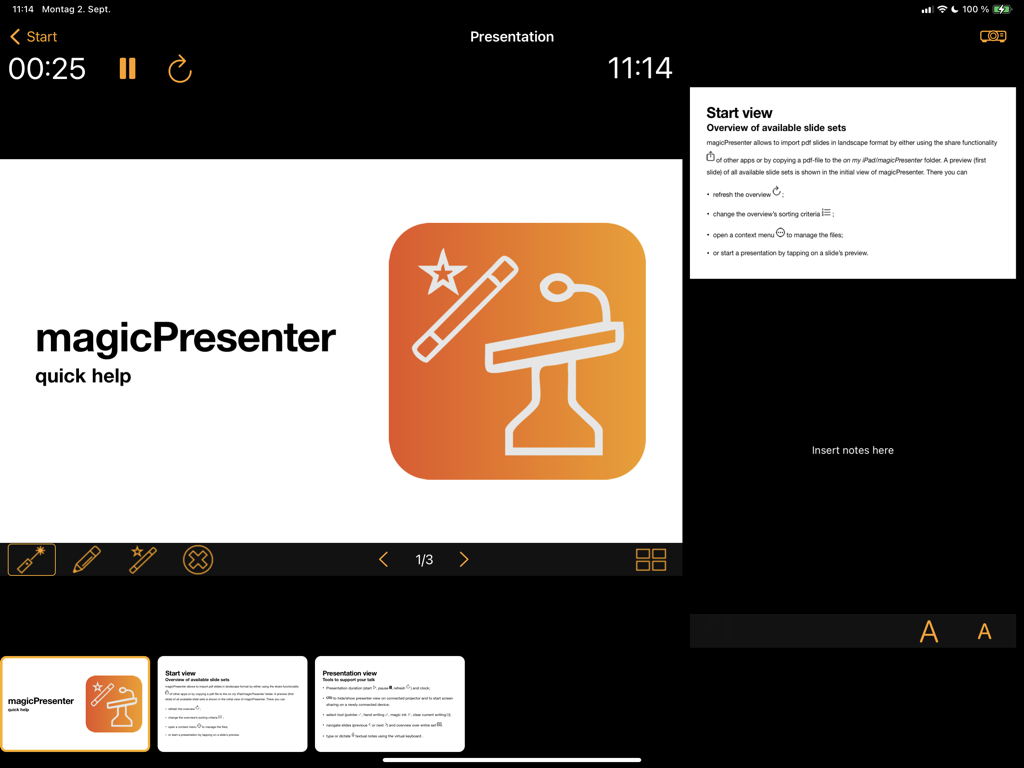
iPad interface of magicPresenter showing the smart presenter view with speaker notes and timing tools
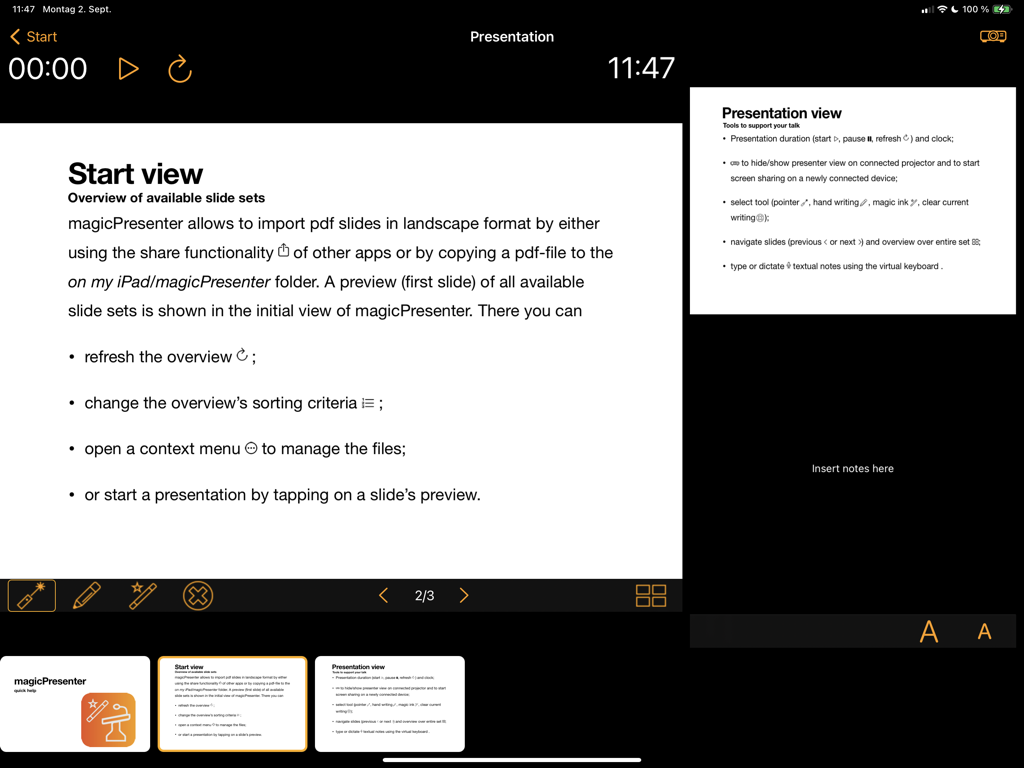
magicPresenter app interface on iPad showing the smart presenter view with current slide speaker notes and presentation timer
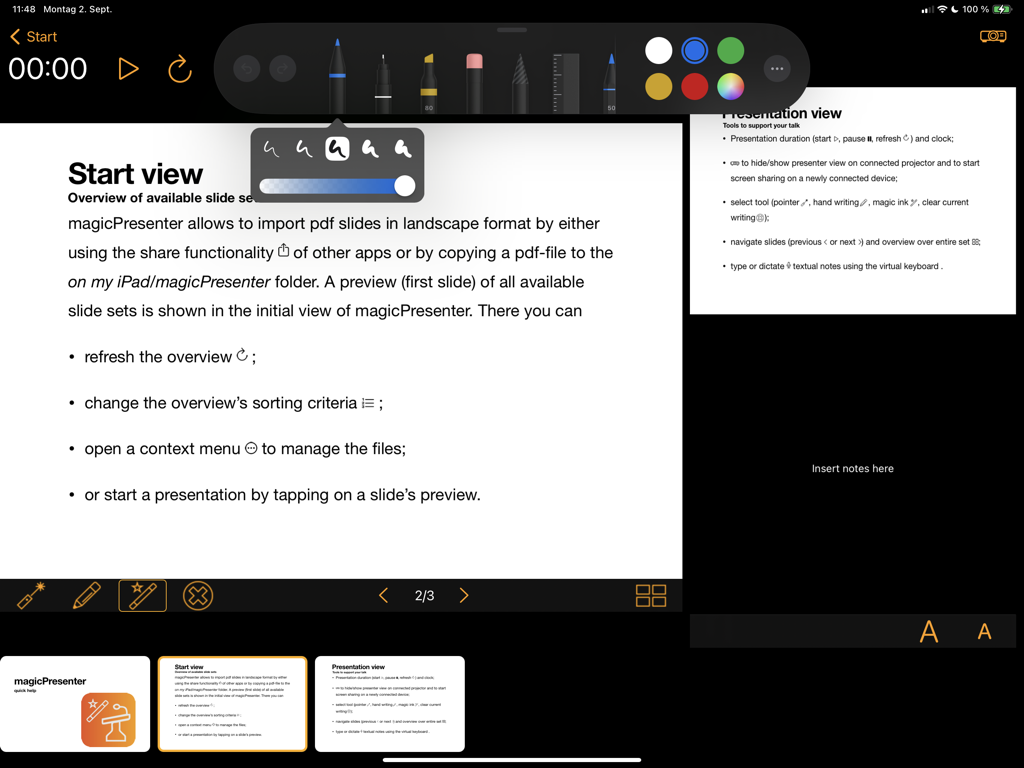
iPad screen showing the magicPresenter smart presenter view interface with a slide, speaker notes, and digital annotation tools.
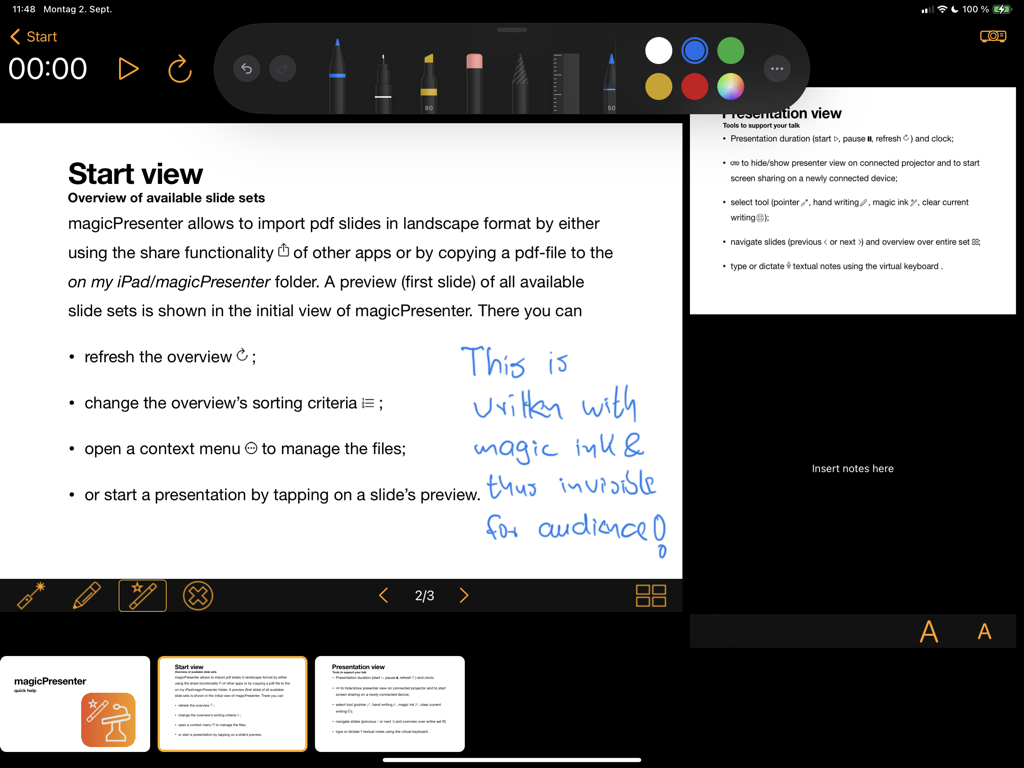
magicPresenter iPad app showing a slide with blue magic ink annotations and presenter speaker notes.
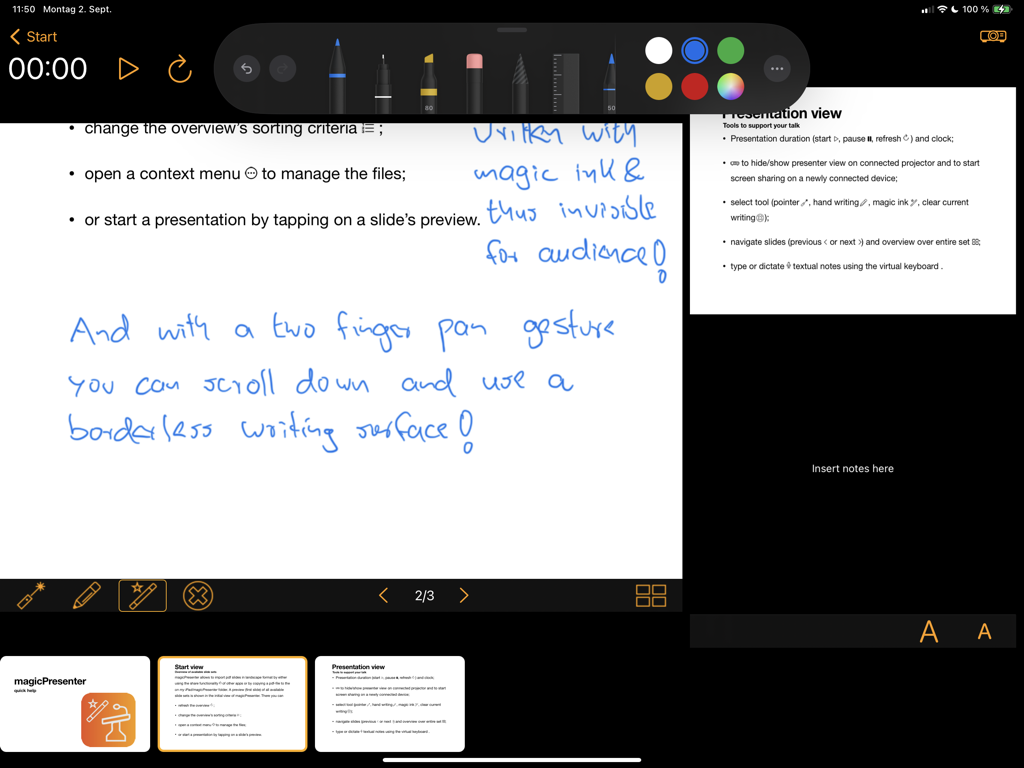
magicPresenter iPad app showing the smart presenter view with handwritten magic ink annotations and speaker notes
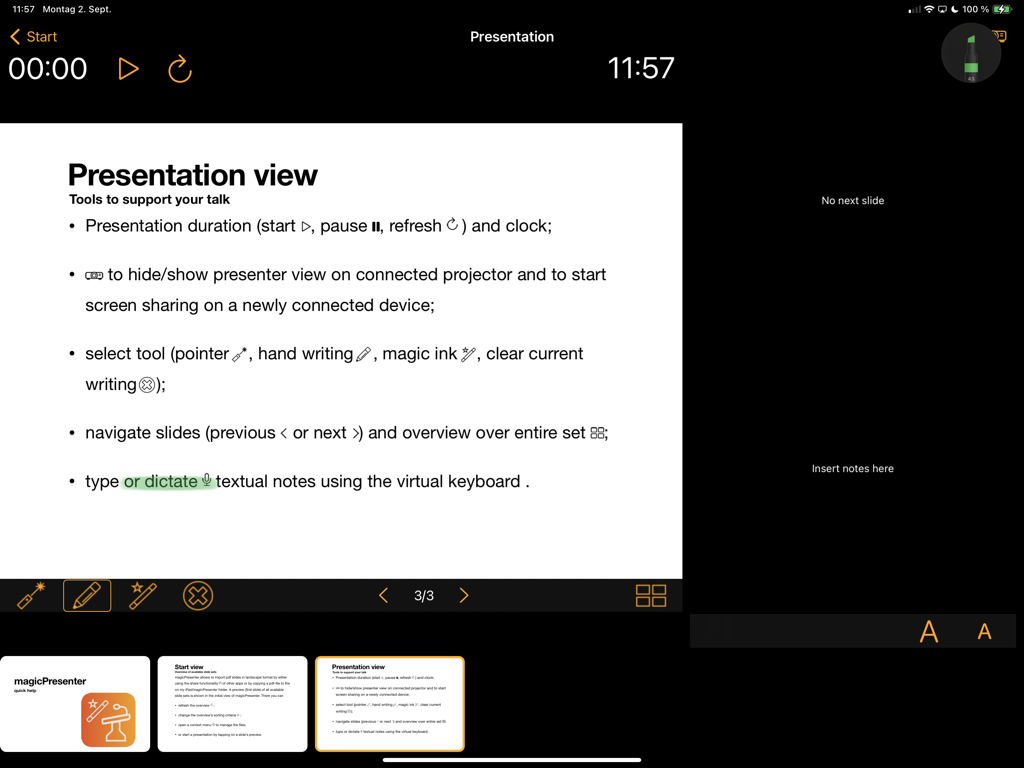
The magicPresenter smart presenter view on an iPad showing slide content speaker notes and a presentation timer
Description
Download
More Like This
Top-ranked apps in the same category
Google Gemini
Google LLC

ChatGPT
OpenAI OpCo, LLC

Claude by Anthropic
Anthropic PBC

Gmail - Email by Google
Google LLC

千问 - 阿里最强大模型官方AI助手
Shanghai Zhixin Puhui Technology Co., Ltd.

Grok - AI Chat & Video
X.AI Corporation
Google Drive
Google LLC

Microsoft Authenticator
Microsoft Corporation
Google Sheets
Google LLC
This page is not an official page of the app or its developer, but an independent editorial publication created for informational and commentary purposes. Unless expressly stated otherwise, neither the app nor its developer is affiliated with, endorsed by, sponsored by, authorized by, or otherwise officially connected with MWM, Apple, Google Play, the app publisher, or the app's developer, and nothing on this page implies that the app was developed using MWM's services. Any trademarks, logos, screenshots, and other content remain the property of their respective owners.