This page is not an official page of the app or its developer, but an independent editorial publication created for informational and commentary purposes. Unless expressly stated otherwise, neither the app nor its developer is affiliated with, endorsed by, sponsored by, authorized by, or otherwise officially connected with MWM, Apple, Google Play, the app publisher, or the app's developer, and nothing on this page implies that the app was developed using MWM's services. Any trademarks, logos, screenshots, and other content remain the property of their respective owners.

Mail Merge: Bulk Email Sender
Empower your mobile workflow with the professional's choice for mass mailing. Connect Google Sheets or Excel, personalize messages with dynamic placeholders, and manage unlimited accounts with zero daily limits.
Key Figures
Downloads
200
User Rating
1.0/5
Total Ratings
0
Publisher
AISHA AMBER IRFAN
Category
Productivity
Locales
1
Latest Version
6.0
Size
25.5 MB
First Released
Jan 9, 2024
Features
Power Your Outreach Anywhere
The only tool you need to send personalized bulk emails from your mobile device using your existing Google Sheets and Excel files.
Effortless Data Sync
Sync contacts from Google Sheets, Excel, or CSV files instantly for immediate mobile campaigns.
Smart Personalization
Create high-converting messages with dynamic placeholders and a pro-level rich text editor.
The following screenshots and description are sourced directly from the app's official store listing and are the property of the app developer.
App Store
Screenshots
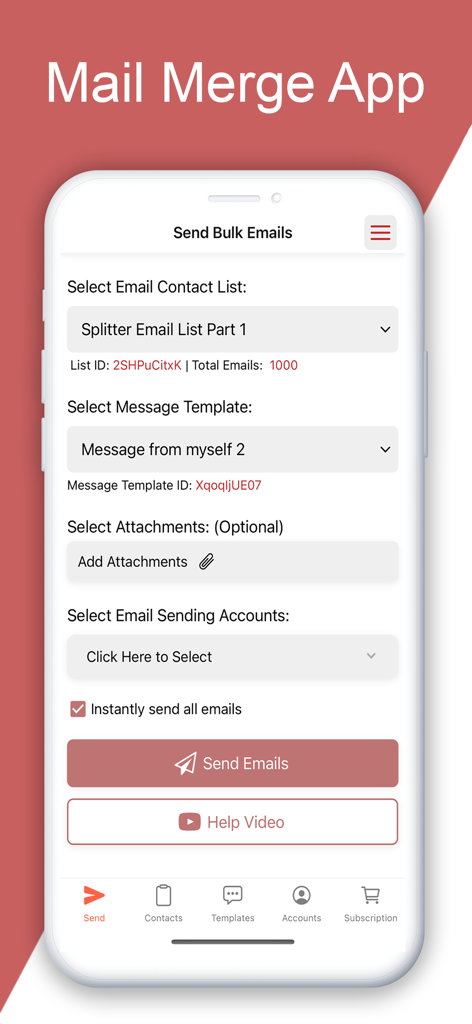
Mobile app screen for sending bulk emails showing options for contact lists, message templates, and email accounts.
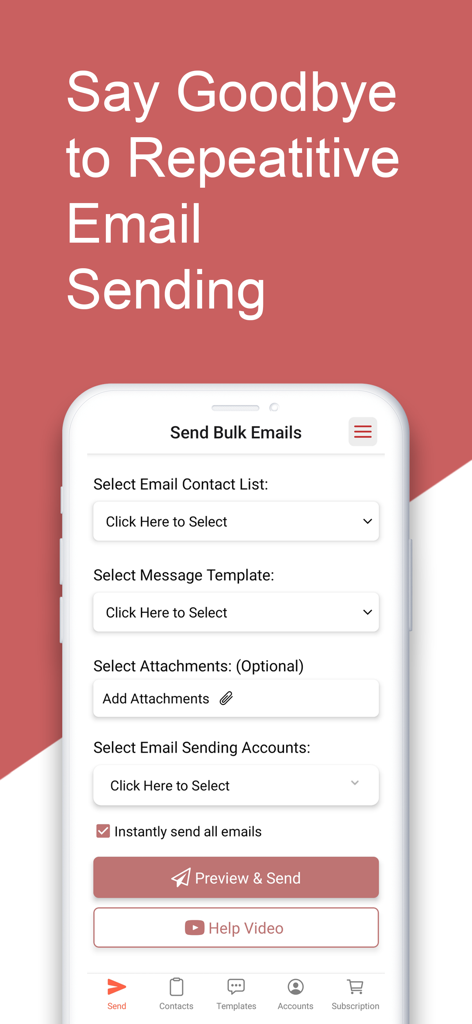
Mobile interface of the Mail Merge app for sending personalized bulk emails
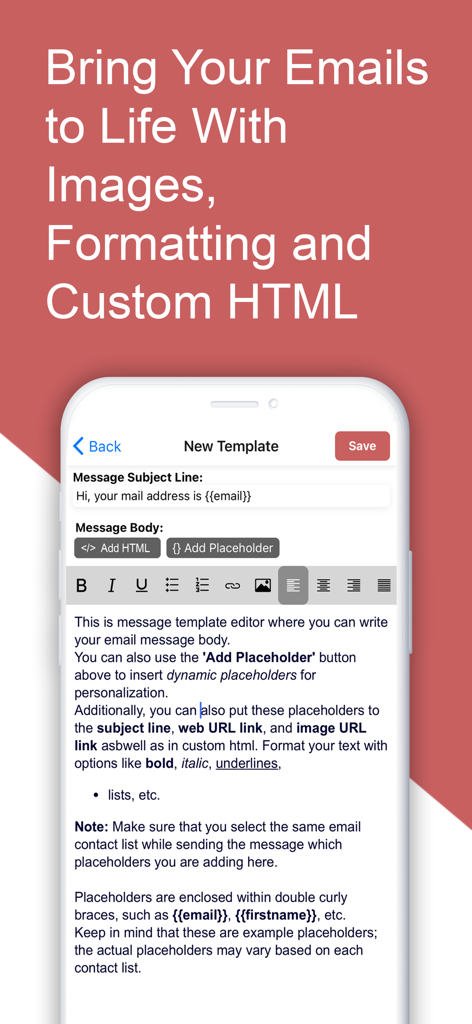
Mobile interface for editing personalized email templates with rich text formatting and dynamic placeholders.
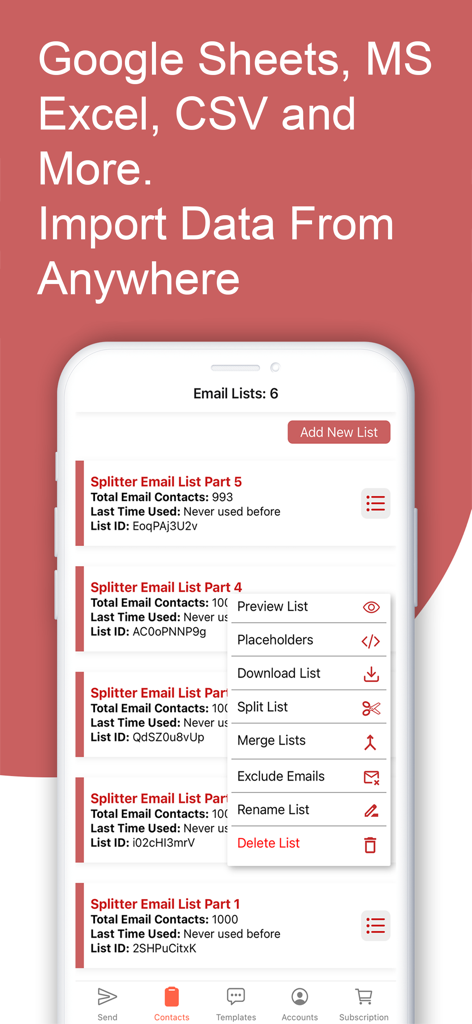
Mobile app interface for managing and importing email contact lists from Google Sheets and Excel.
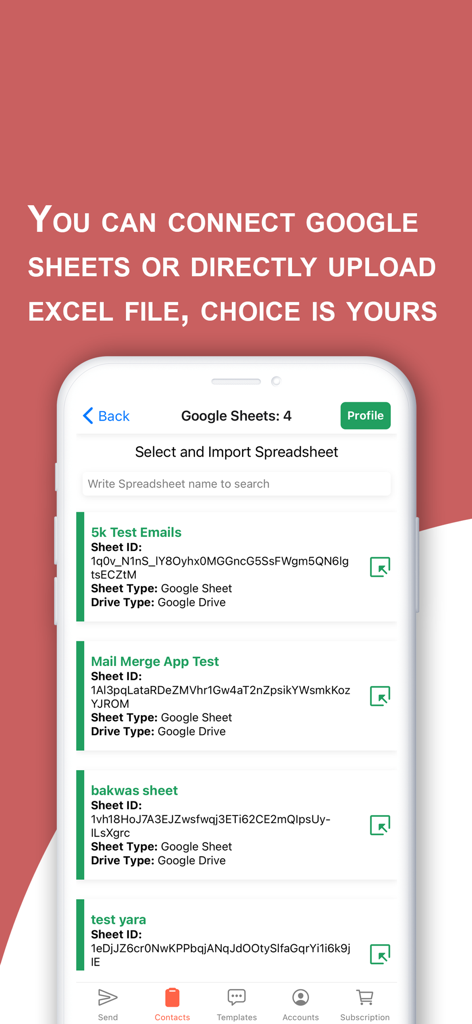
Interface showing Google Sheets integration for importing email contact lists
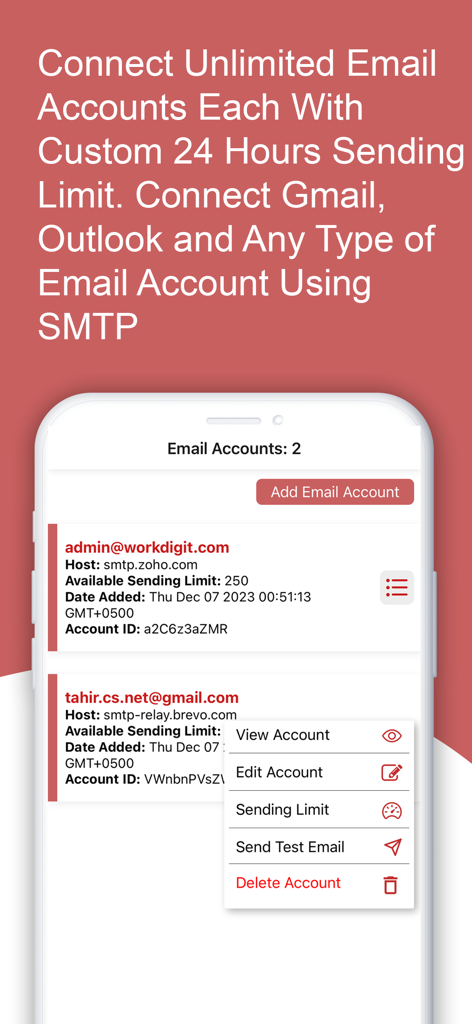
Managing multiple email accounts with custom sending limits in the Mail Merge app.
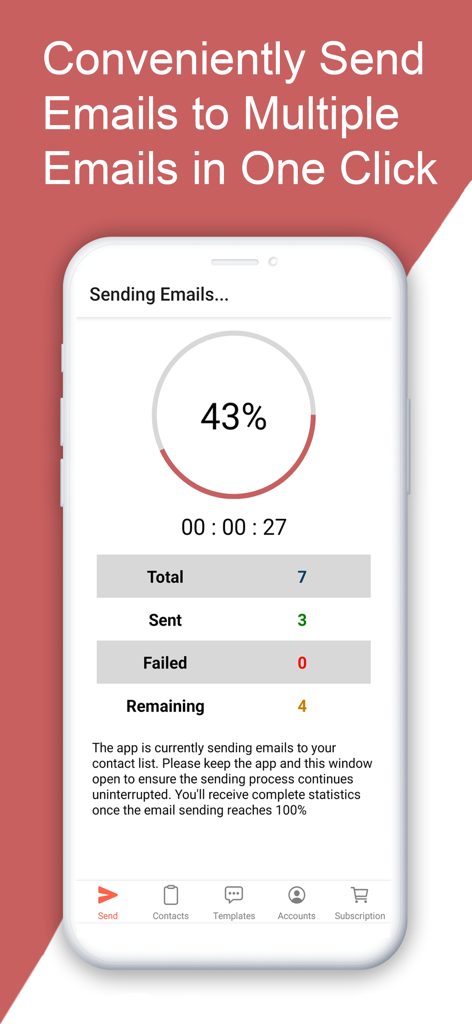
Screenshot of the Mail Merge app showing a bulk email sending progress screen with a 43 percent completion status
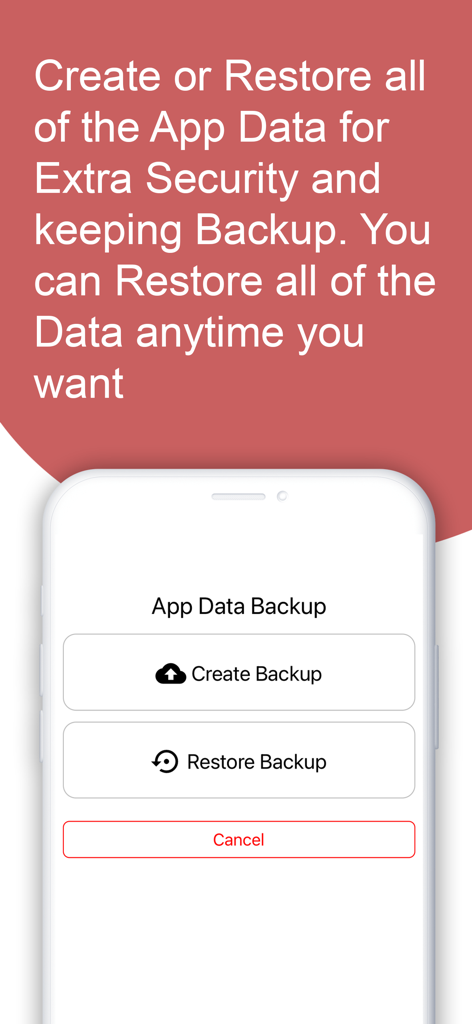
Screen showing options to create and restore app data backups for security and data management.
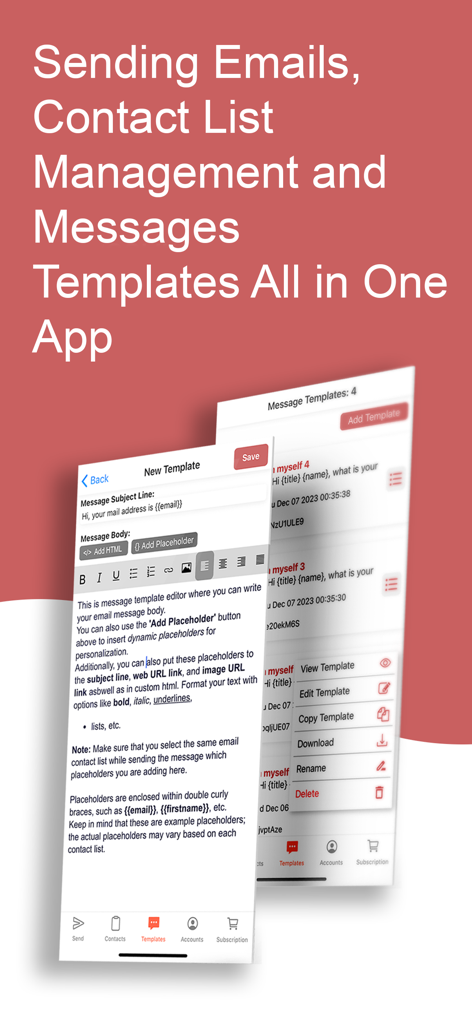
Mail Merge mobile app interface showing email template creation and message management features
Description
Introducing the Mail Merge App: Your Easy Solution for Personalized Bulk Emails Our Mail Merge iOS App lets you send personalized bulk emails with attachments directly from your mobile device. It comes with advanced features, including the ability to connect to Google Sheets for importing email lists and contacts. You can also upload files from Microsoft Excel, CSV, XML, and TXT. The app features a user-friendly rich text editor, making it easy for even beginners to add placeholders for dynamic content in each email. A built-in tutorial guides you through the process step by step. Email Sending Accounts Made Easy: Unlike other mail merge tools, our app lets you add an unlimited number of email-sending accounts, such as Gmail, Outlook, iCloud Mail, SendGrid, or custom SMTP. You can manage all your accounts in one place, eliminating the need to switch between apps. Set custom 24-hour sending limits for each account to control the volume of bulk emails. User-Friendly Rich Text Editor: The app's rich text editor allows you to compose messages with formatting options, images, links, and custom HTML code. You can save templates for future use and preview them before sending them. The built-in placeholder adder simplifies adding multiple placeholders in a single click, ensuring each recipient receives a personalized email. Why Choose Our App? Unlike competitors like Yet Another Mail Merge (YAMM), our app offers several advantages. YAMM is limited to Gmail and has daily email restrictions. In contrast, our app allows you to send unlimited bulk emails. It connects to various data sources, including Google Sheets, Microsoft Excel, XML, CSV, TXT, JSON, and more. Use Cases: This versatile app serves various purposes, such as: - Salespersons: Cold emails, Email Marketing, and promotional emails. - Businessmen: Mass communication with employees. - Teachers: Notifications and announcements to students and parents. - Graduates: Personalized job applications with attached Resumes or CVs. - Retailers: Mass emails to wholesalers. - App and Website Owners: Promotional campaigns. Summary: The Mail Merge App is an iOS application that simplifies the process of sending personalized bulk emails directly from mobile devices. It supports advanced features, including connectivity to Google Sheets for importing contacts and email lists, and compatibility with various file formats such as Microsoft Excel, CSV, XML, and TXT. The app features a user-friendly rich text editor with a built-in tutorial for easy use, allowing even beginners to add dynamic content through placeholders. Unlike other tools, it offers the flexibility of adding an unlimited number of email-sending accounts, including Gmail, Outlook, SendGrid, or custom SMTP, all managed in one place. The rich text editor enables users to compose messages with formatting options, images, links, and custom HTML code, with the convenience of saving templates for future use. The app distinguishes itself from competitors like Yet Another Mail Merge (YAMM) by offering unlimited bulk emails and connecting to various data sources beyond Google Sheets. The Mail Merge App caters to diverse use cases, making it a versatile solution for sales, business communication, education, job applications, and promotional campaigns. P.S: Mail Merge in MS Word is a powerful feature that streamlines the process of creating personalized documents, such as letters or emails, for a large number of recipients. It allows users to merge a template document with a data source, like an Excel spreadsheet or Outlook contacts, to generate multiple customized documents at once. Users can insert placeholders, known as merge fields, in the document, which are then replaced with the specific information for each recipient during the merging process. This functionality is particularly useful for tasks like sending bulk emails. Terms of Use: https://www.apple.com/legal/internet-services/itunes/dev/stdeula/
This page is not an official page of the app or its developer, but an independent editorial publication created for informational and commentary purposes. Unless expressly stated otherwise, neither the app nor its developer is affiliated with, endorsed by, sponsored by, authorized by, or otherwise officially connected with MWM, Apple, Google Play, the app publisher, or the app's developer, and nothing on this page implies that the app was developed using MWM's services. Any trademarks, logos, screenshots, and other content remain the property of their respective owners.









