
This page is not an official page of the app or its developer, but an independent editorial publication created for informational and commentary purposes. Unless expressly stated otherwise, neither the app nor its developer is affiliated with, endorsed by, sponsored by, authorized by, or otherwise officially connected with MWM, Apple, Google Play, the app publisher, or the app's developer, and nothing on this page implies that the app was developed using MWM's services. Any trademarks, logos, screenshots, and other content remain the property of their respective owners.


Maintenance by Socket Mobile
Minimize downtime with on-site firmware updates, advanced device diagnostics, and seamless configuration for your Bluetooth LE and NFC readers.
Downloads
0User Rating
Total Ratings
0Publisher
Category
UtilitiesLocales
1Latest Version
1.1.95Size
24.2 MBFirst Released
Apr 22, 2021Professional Device Management
Empower your IT and operations teams with the tools needed to manage, update, and optimize Socket Mobile hardware directly from any iOS device.
Over-the-Air Firmware Upgrades
Eliminate downtime and costly RMAs by flashing the latest firmware and security patches to your scanners via Bluetooth LE in seconds.
Deep Diagnostic Insights
Access real-time device statistics and GATT information to troubleshoot hardware performance and ensure maximum operational efficiency.
The following screenshots and description are sourced directly from the app's official store listing and are the property of the app developer.
App Store
Screenshots
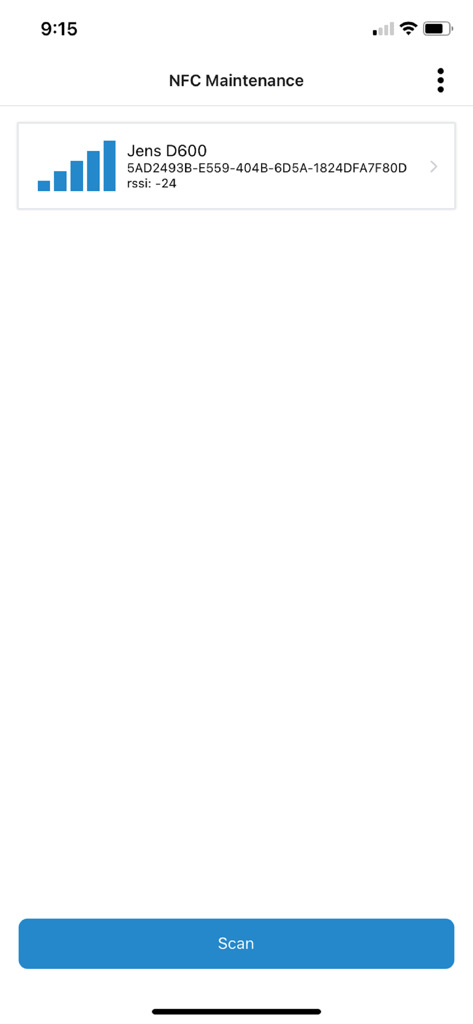
Maintenance by Socket Mobile app interface showing a detected D600 device with signal strength and a scan button
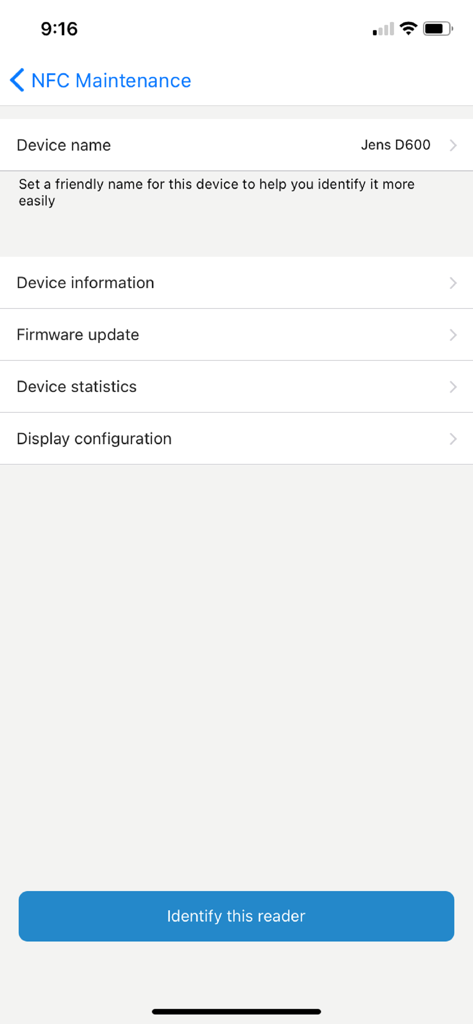
Main menu of the NFC Maintenance app by Socket Mobile featuring options for device information, firmware updates, and hardware statistics.
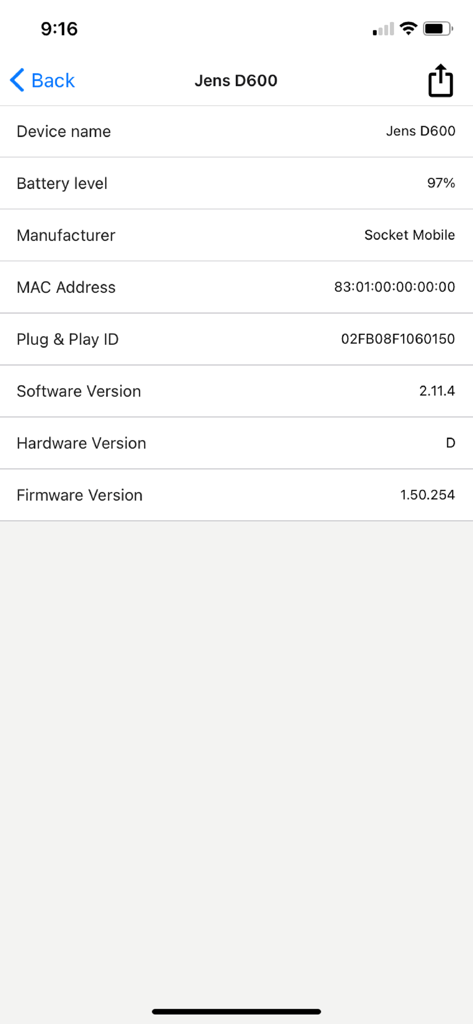
Screenshot of Maintenance by Socket Mobile showing technical device details including battery level and firmware version
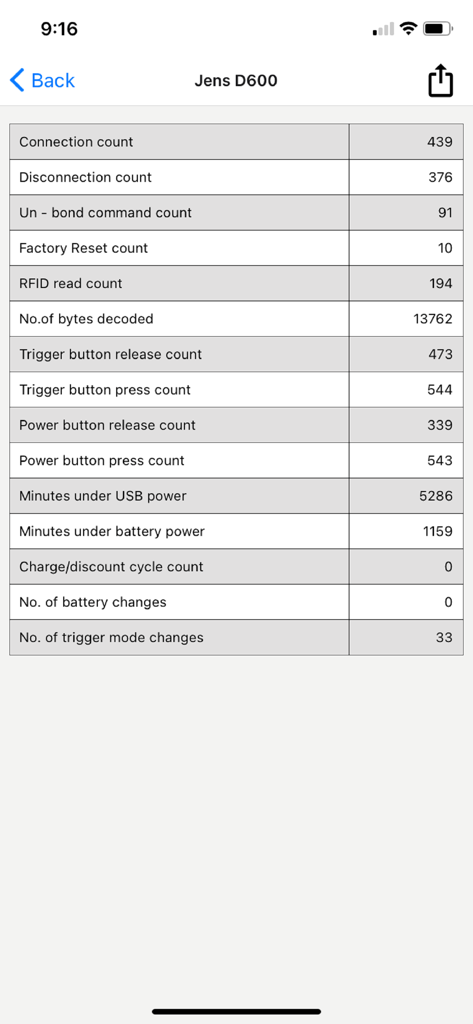
Device statistics screen showing connection and button counts for a Socket Mobile scanner
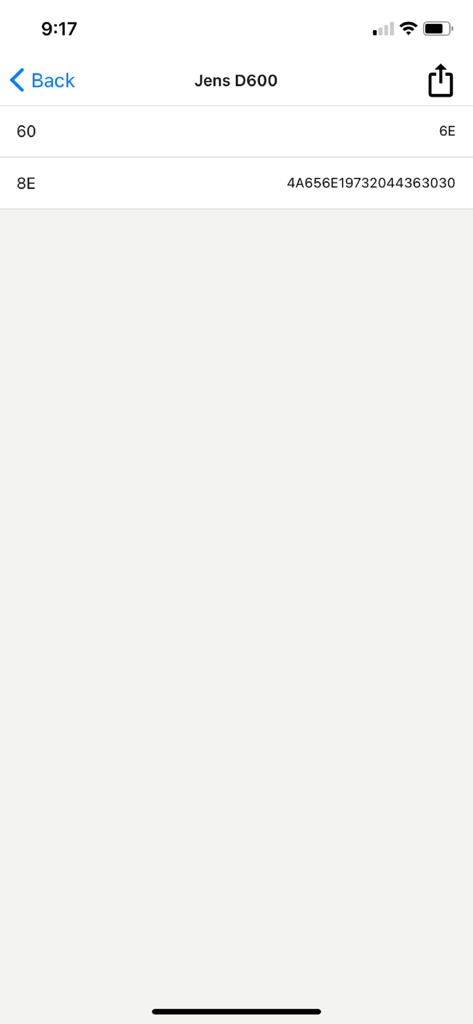
Technical device information and hexadecimal configuration data for a Socket Mobile D600 reader
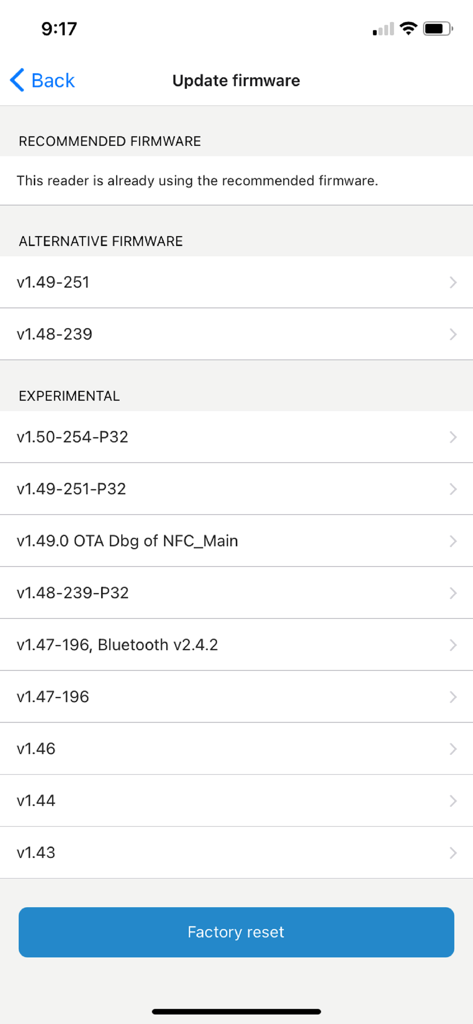
Interface for updating firmware and performing a factory reset in the Maintenance by Socket Mobile app
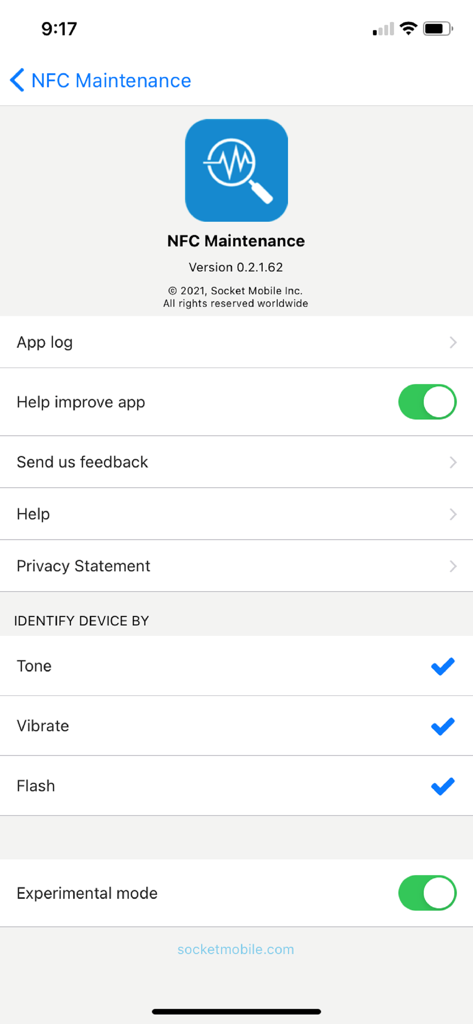
NFC Maintenance settings screen in the Socket Mobile app showing device identification and configuration options
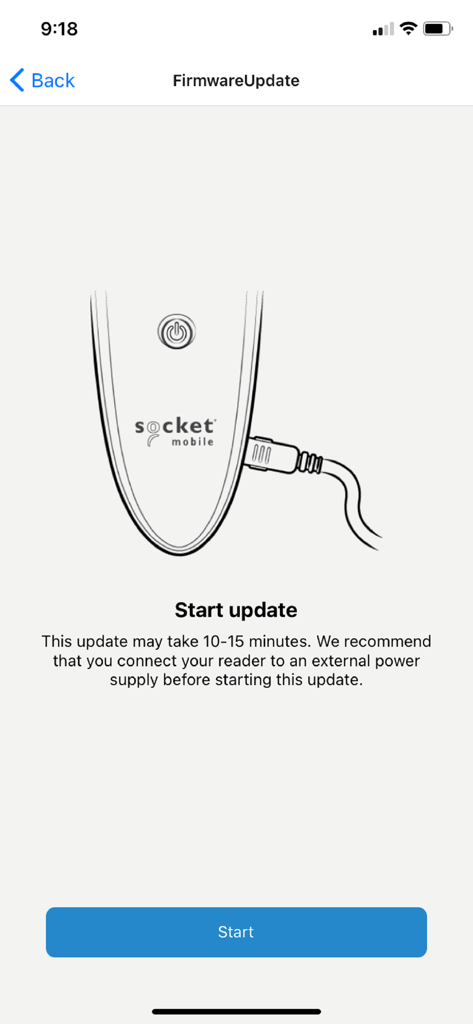
Firmware update start screen for a Socket Mobile device with instructions to connect a power supply
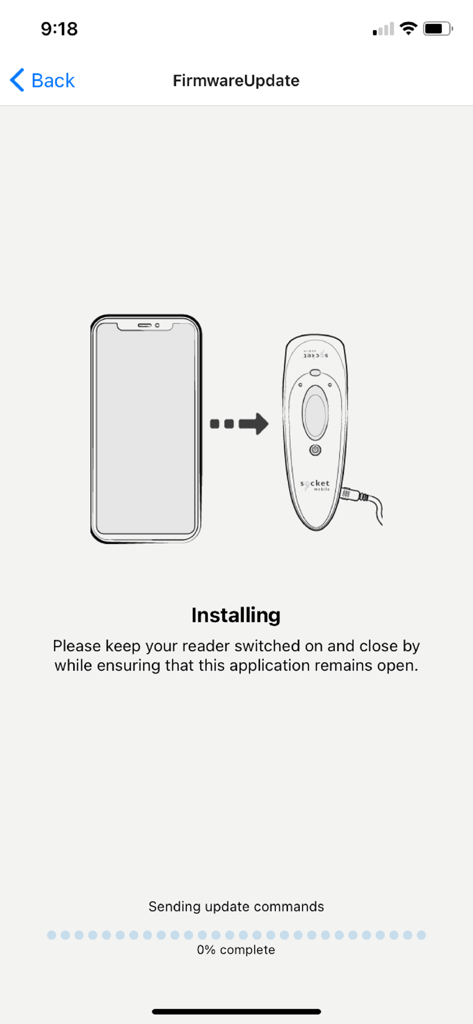
Mobile app screen showing a firmware update in progress for a Socket Mobile reader
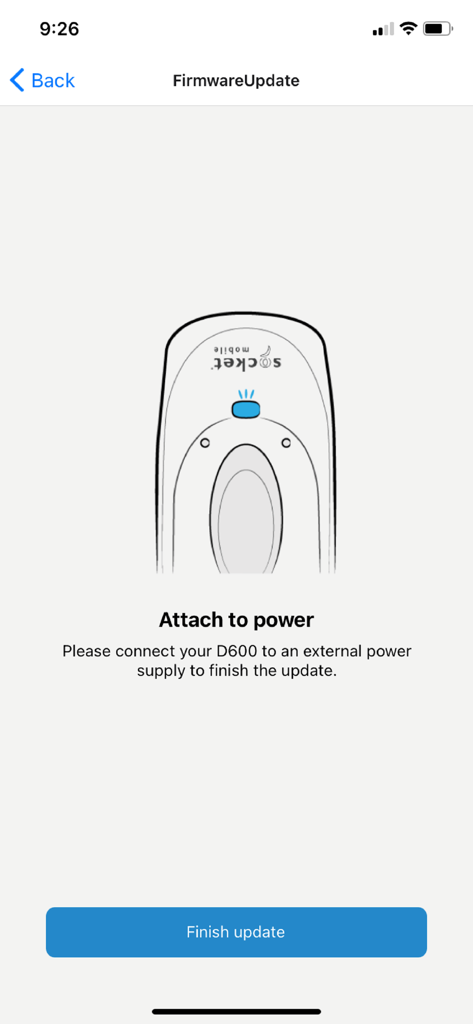
Socket Mobile app firmware update instruction to attach D600 device to power supply
Description
Download
More Like This
Top-ranked apps in the same category

Google LLC

Google Chrome
Google LLC

中国移动(手机营业厅)
China Mobile Online Services Co., Ltd.

Google Authenticator
Google LLC

Cleanup: Phone Storage Cleaner
DEEP FLOW SOFTWARE SERVICES - FZCO

gov.br
Servicos e Informacoes do Brasil

Super VPN Fly 2026
YUNFAN TECHNOLOGY CO., LIMITED

CNH do Brasil
Servicos e Informacoes do Brasil

Microsoft Edge: AI Browser
Microsoft Corporation
This page is not an official page of the app or its developer, but an independent editorial publication created for informational and commentary purposes. Unless expressly stated otherwise, neither the app nor its developer is affiliated with, endorsed by, sponsored by, authorized by, or otherwise officially connected with MWM, Apple, Google Play, the app publisher, or the app's developer, and nothing on this page implies that the app was developed using MWM's services. Any trademarks, logos, screenshots, and other content remain the property of their respective owners.