
Manga Viewer - CBZ(CBR) Reader


Take full control of your collection with support for all major archive formats, high-speed WiFi transfers, and a premium reading experience optimized for iPhone, iPad, and Mac.
Publisher
Category
BooksDownloads
601K+User Rating
Total Ratings
600Locales
3Discover the interface used by 601K+ users.

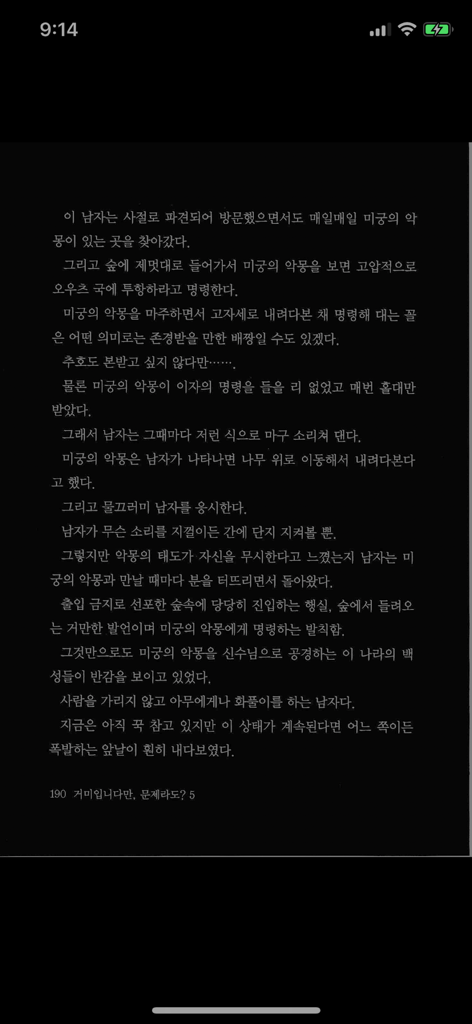
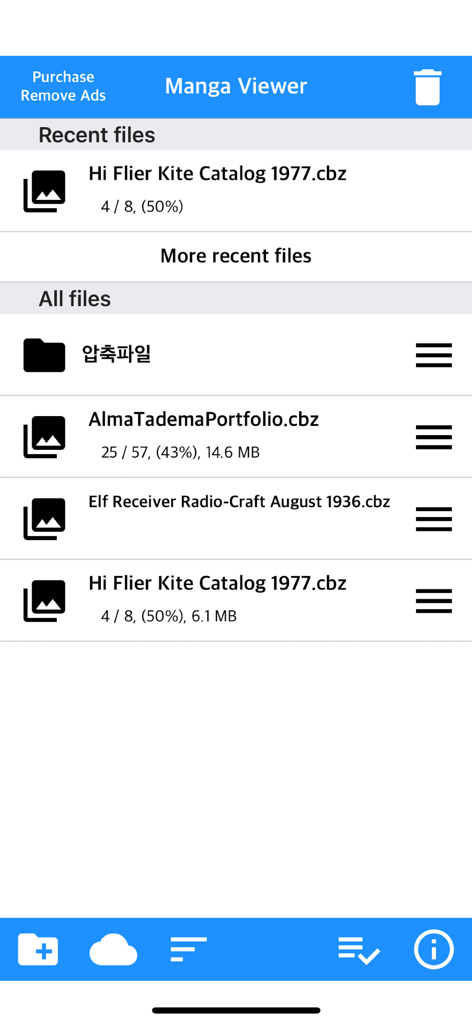
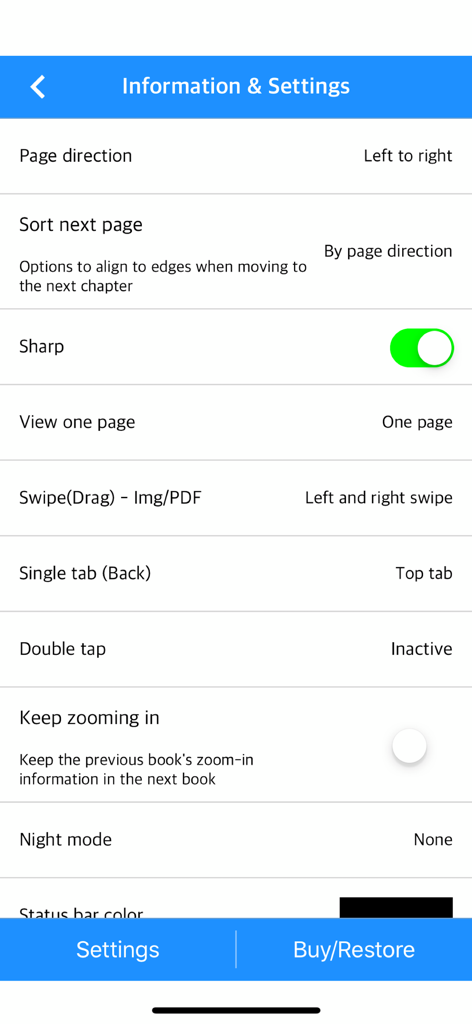
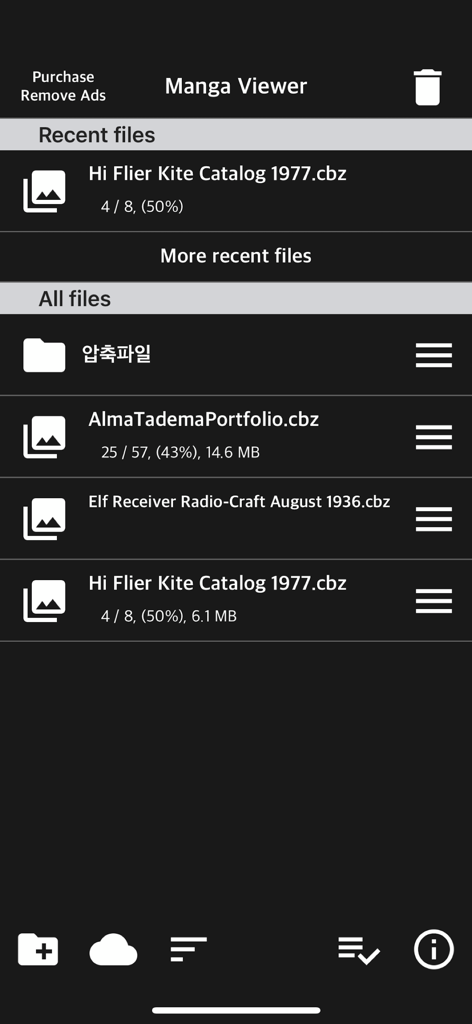
The tools that make this app stand out, trusted by 601K+ users.
Bypass cables with seamless WiFi transfers. Connect directly to your FTP server, NAS, or cloud storage like iCloud, Dropbox, and Google Drive.
From vertical scrolling for Webtoons to two-page landscape view on iPad, enjoy your content exactly how it was meant to be seen.
Start reading on your iPhone during your commute and pick up exactly where you left off on your iPad at home with automatic progress syncing.
Everything you need to know about Manga Viewer - CBZ(CBR) Reader.
Description
Latest Version
1.355
Size
70.9 MB
First Released
Nov 9, 2017
Join over 600,000 readers who have upgraded their experience. Download Manga Viewer today and enjoy the ultimate CBR, CBZ, and PDF reader across all your Apple devices.
Everything you need to know about Manga Viewer - CBZ(CBR) Reader
Manga Viewer supports zip, rar, 7z, cbz, cbr, cb7, PDF, TIF/TIFF, and image formats like png, jpeg, jpg, gif, bmp, tif, tiff. Webp format is supported from iOS 14 onwards.
You can transfer files to Manga Viewer via PC web browser using WiFi, or import them from cloud apps like iCloud, Dropbox, and Box. FTP and SSHFTP protocols are also supported for file transfer.
Yes, Manga Viewer includes an Image/PDF Night mode with 'Invert color' and 'Image brightness' (1 to 3 steps). These advanced night mode features require an in-app purchase to unlock.
Manga Viewer is compatible with iPhone, iPad, and Mac devices running Apple Silicon. Some functions may not be fully supported when using the app on Mac (Apple Silicon).
Yes, Manga Viewer supports iCloud Sync (iOS 11+) to synchronize your reading location across devices. This allows you to seamlessly continue reading the same file on another device linked to your iCloud account.
Yes, Manga Viewer features a vertical scroll mode, also known as webtoon mode, which allows vertical scrolling similar to webtoons. This mode is fixed to a one-page display and is available on iOS 13 and later.
Yes, Manga Viewer supports Bluetooth keyboards for functions like page switching and closing the viewer screen. Utilizing direction keys (asdw) for page switching and the ESC key requires an in-app purchase.
Yes, Manga Viewer includes an "Image next page Zoom-in keep-alive function." This setting applies the zoom status from the previous book to the next one, and it can be configured in the app's settings.
You can report bugs or send suggestions for Manga Viewer by emailing junhuloveapple@gmail.com. This contact email is provided at the top right of the app's setting screen.
Yes, Manga Viewer provides a function to change pages using the device's volume buttons. This feature can be enabled or disabled in the app's settings and requires either an in-app purchase or watching a reward advertisement.
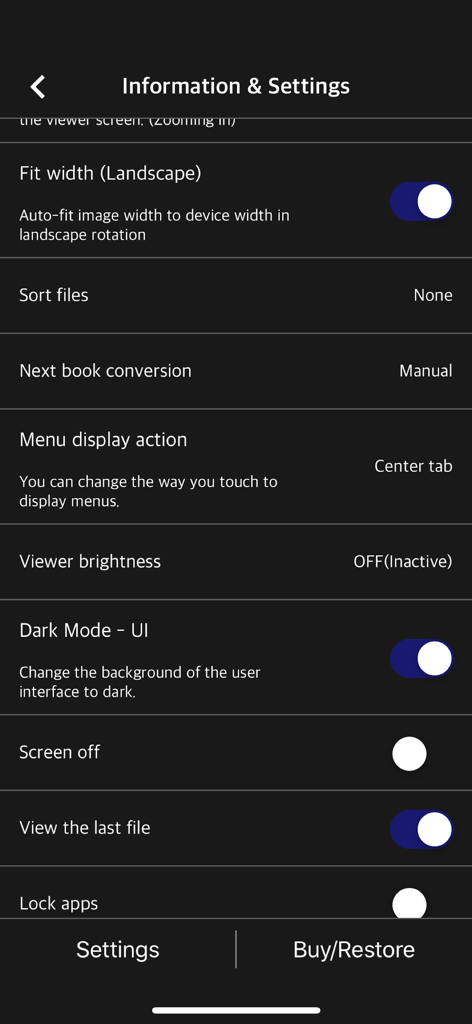
Yes, Manga Viewer features a "Dark Mode - UI" option. This setting allows you to change the background of the user interface to a dark theme, which can be activated within the app's settings.
Apps with similar features and user experience

REDIT, OOO

添欢 谢

三英 郑

哲魁 左

Luis Ángel San Martín

Kingjet Network Co., Ltd.

俊杰 阮

Beat Raess

Konstantin Bukreev
App information, icons, screenshots, and descriptions displayed on this page are sourced from the Apple App Store and are the property of their respective developers. Download estimates and rankings are based on MWM's proprietary models and may not reflect actual figures. This page is provided for informational and analytical purposes only.
Believe this page infringes your intellectual property? File a dispute