
This page is not an official page of the app or its developer, but an independent editorial publication created for informational and commentary purposes. Unless expressly stated otherwise, neither the app nor its developer is affiliated with, endorsed by, sponsored by, authorized by, or otherwise officially connected with MWM, Apple, Google Play, the app publisher, or the app's developer, and nothing on this page implies that the app was developed using MWM's services. Any trademarks, logos, screenshots, and other content remain the property of their respective owners.


MaX UC
Empower your hybrid workday with carrier-grade calling, seamless cross-device chat, and visual voicemail. Experience a unified communication tool built for reliability, security, and total accessibility.
Downloads
0User Rating
Total Ratings
0Publisher
Category
UtilitiesLocales
15Latest Version
V3.21.61Size
128.4 MBFirst Released
Aug 10, 2012Unified Communication for the Modern Workforce
MaX UC brings your office phone to your iPhone and iPad, offering high-quality audio and seamless messaging for the hybrid professional.
Professional Caller ID
Protect your privacy by using your business number for all professional calls and texts on your personal mobile device.
Visual Voicemail & Transcripts
Stay productive in meetings with instant voicemail-to-text transcriptions and efficient visual message management.
The following screenshots and description are sourced directly from the app's official store listing and are the property of the app developer.
App Store
Screenshots
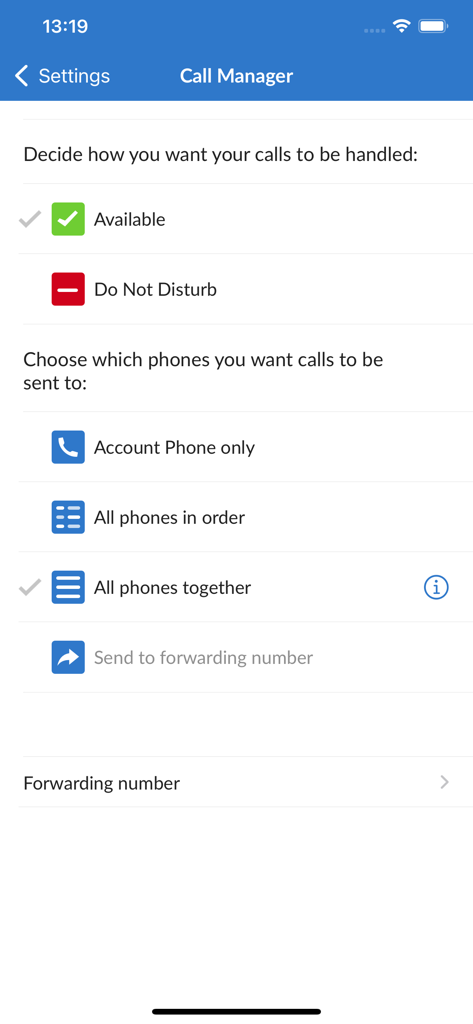
MaX UC app Call Manager interface showing status and call routing settings

Ongoing call interface in MaX UC app showing contact details and professional call controls
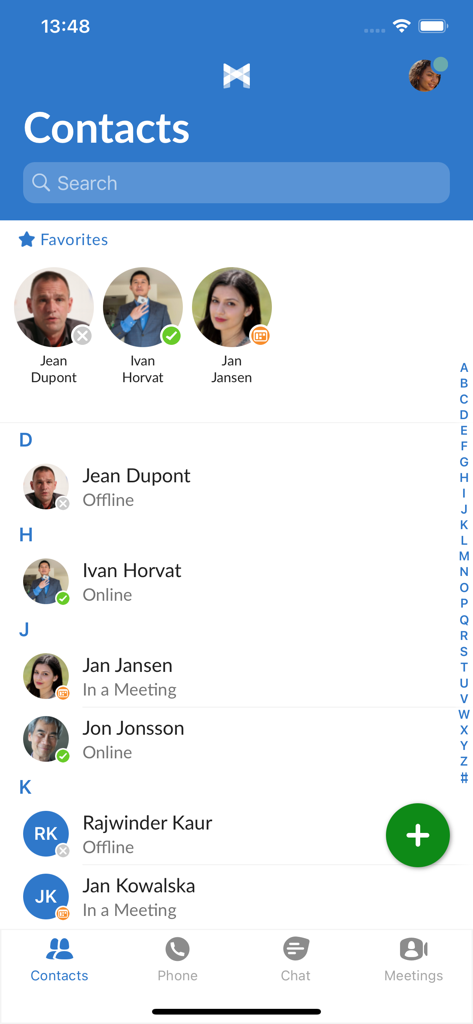
MaX UC app contact list displaying professional contacts with real-time presence status indicators
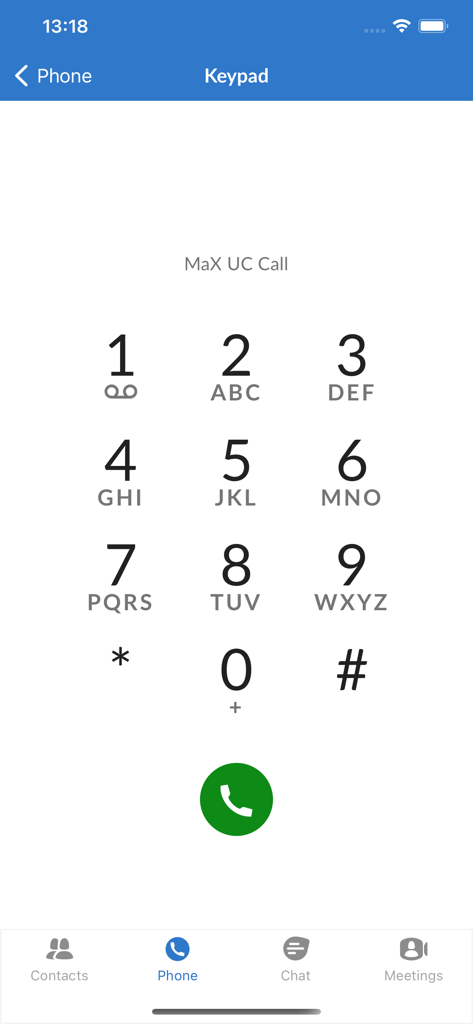
MaX UC mobile app interface showing a numeric keypad for professional business calls

MaX UC business communication app chat interface

MaX UC app chat interface showing a list of professional contacts with presence status and recent messages

MaX UC app Meetings screen showing options to create schedule and join business meetings

MaX UC mobile app call screen showing a drag and drop feature to call favorite contacts
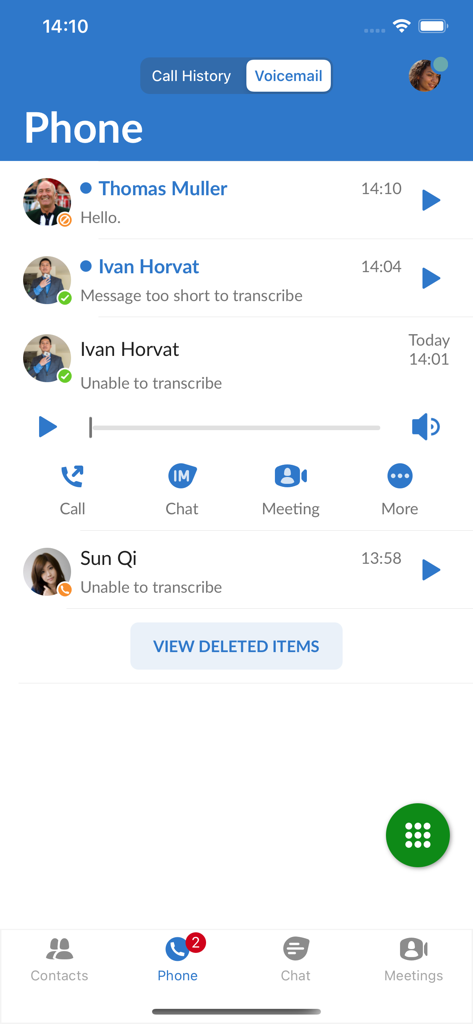
MaX UC app visual voicemail interface showing message list and playback controls
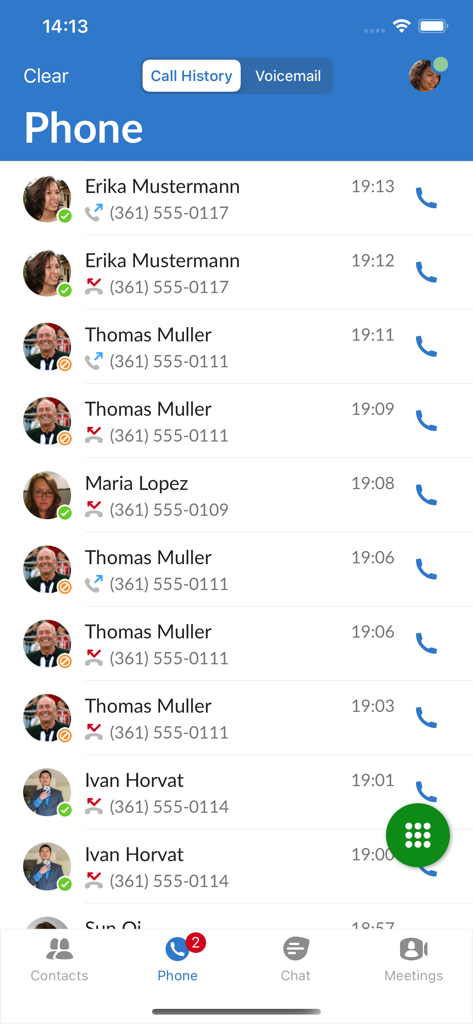
Call history screen of the MaX UC mobile app displaying a list of recent business calls and contact details.
Description
Download
More Like This
Top-ranked apps in the same category

Google LLC

Google Chrome
Google LLC

中国移动(手机营业厅)
China Mobile Online Services Co., Ltd.

Google Authenticator
Google LLC

Cleanup: Phone Storage Cleaner
DEEP FLOW SOFTWARE SERVICES - FZCO

gov.br
Servicos e Informacoes do Brasil

CNH do Brasil
Servicos e Informacoes do Brasil

Super VPN Fly 2026
YUNFAN TECHNOLOGY CO., LIMITED

Microsoft Edge: AI Browser
Microsoft Corporation
This page is not an official page of the app or its developer, but an independent editorial publication created for informational and commentary purposes. Unless expressly stated otherwise, neither the app nor its developer is affiliated with, endorsed by, sponsored by, authorized by, or otherwise officially connected with MWM, Apple, Google Play, the app publisher, or the app's developer, and nothing on this page implies that the app was developed using MWM's services. Any trademarks, logos, screenshots, and other content remain the property of their respective owners.