
This page is not an official page of the app or its developer, but an independent editorial publication created for informational and commentary purposes. Unless expressly stated otherwise, neither the app nor its developer is affiliated with, endorsed by, sponsored by, authorized by, or otherwise officially connected with MWM, Apple, Google Play, the app publisher, or the app's developer, and nothing on this page implies that the app was developed using MWM's services. Any trademarks, logos, screenshots, and other content remain the property of their respective owners.

Metapen
Elevate your iPad experience with custom shortcuts for your favorite apps, professional precision tuning for every tip, and smart location tracking to ensure you never lose your Pencil again.
Downloads
117K+User Rating
Total Ratings
0Publisher
Category
UtilitiesLocales
9Latest Version
1.3.7Size
89.6 MBFirst Released
Feb 28, 2023Master Your Digital Workflow
Metapen transforms your iPad stylus into a professional-grade power tool with advanced customization and precision tracking.
Pro-Level Custom Shortcuts
Work faster in Procreate or GoodNotes by mapping buttons to undo, erase, or switch tools instantly.
Precision Signal Tuning
Fine-tune your writing experience with adjustable signal settings for a natural pen-on-paper feel.
Frequently Asked Questions
Everything you need to know about Metapen
What is the Metapen app?
Metapen is an app designed for managing the Pencil stylus, offering users superior productivity tools. It allows the Pencil to adapt to various notetaking and drawing software.
What is the primary function of the Metapen app?
The Metapen app manages the Pencil stylus, enabling it to adapt to diverse notetaking and drawing software. It also facilitates customizing shortcuts and adjusting signals for different tips.
Does Metapen require Bluetooth permission?
Yes, Metapen requires Bluetooth permission to connect to the Pencil stylus. This connection is essential for the app's functionality and device management.
Why does Metapen need positioning permission?
Metapen requires positioning permission to record the last known location where the Pencil was used. This feature assists users in finding their misplaced Pencil stylus.
Can Metapen customize Pencil shortcuts?
Yes, Metapen allows users to customize shortcuts for the Pencil stylus. This feature helps the Pencil adapt to various notetaking and drawing software for enhanced productivity.
Does the Metapen app support different Pencil tips?
Yes, the Metapen app enables the Pencil stylus to adapt to different tips. It achieves this through signal adjustment, optimizing performance for various tip types.
How do I add a Pencil to the Metapen app?
You add a Pencil to the Metapen app by tapping the "Add Pencil" button. This action initiates the process of connecting your stylus to the application.
Where can I find the Terms of use and privacy policy for Metapen?
The Terms of use and privacy policy for Metapen are accessible within the app, typically from the "About" section. A link is provided for user review.
The following screenshots and description are sourced directly from the app's official store listing and are the property of the app developer.
App Store
Screenshots
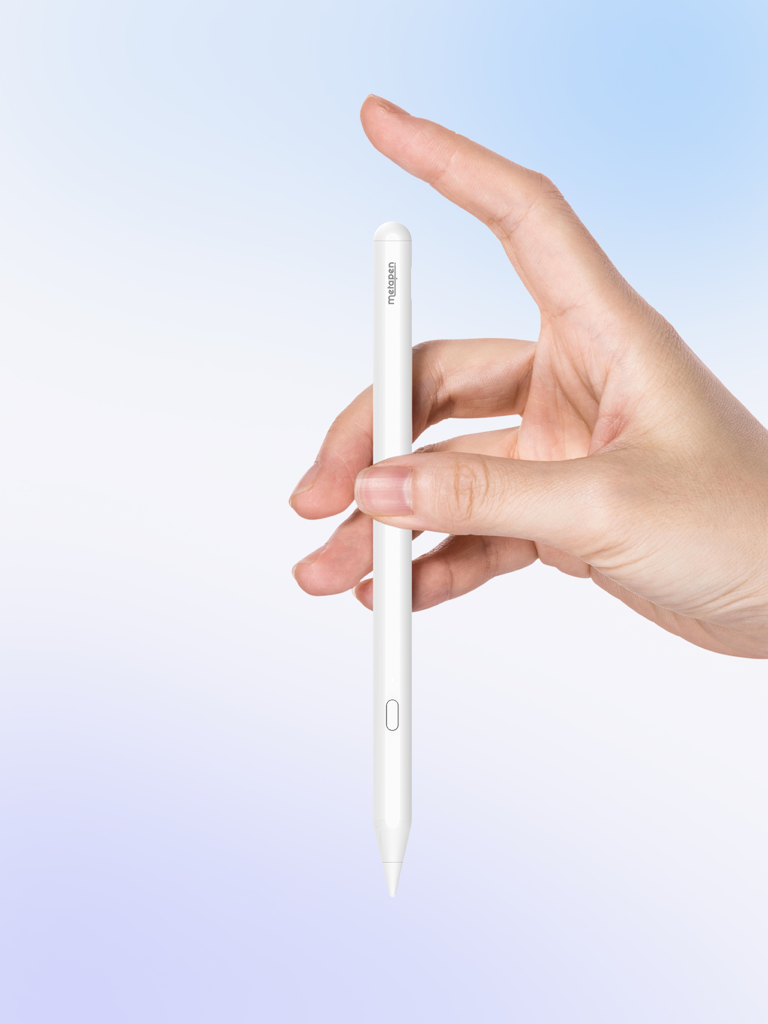
A white Metapen digital stylus for iPad being held by a hand

Metapen app interface showing an Add Pencil button to pair a stylus
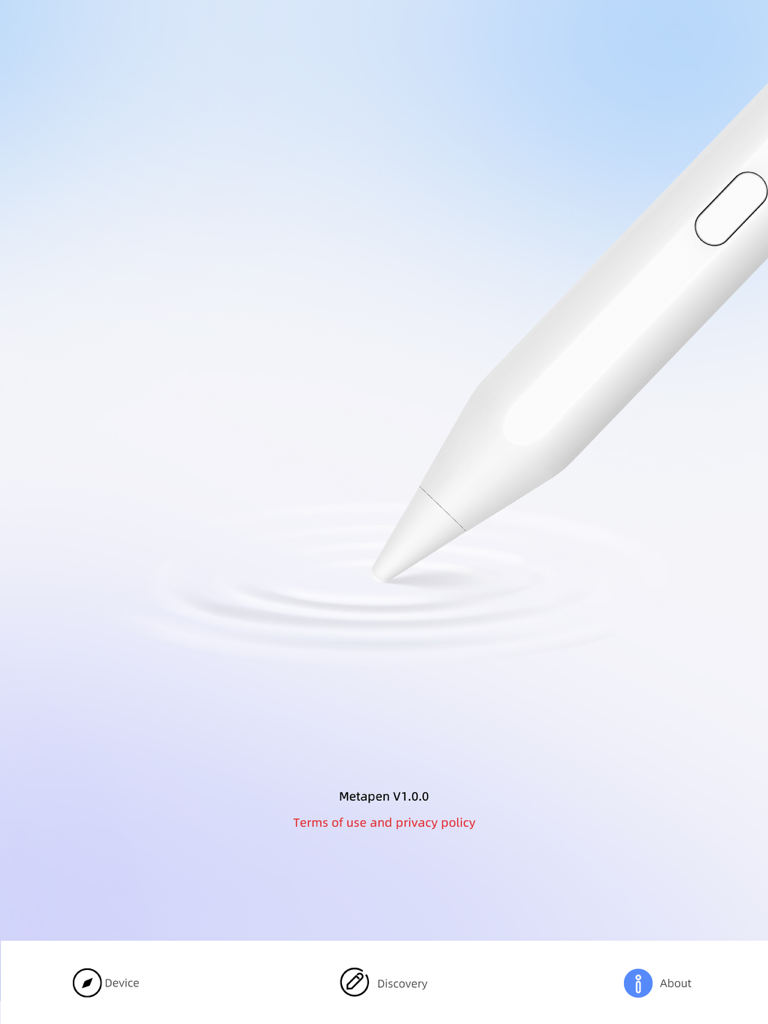
The about screen of the Metapen app for iPad styluses showing the app version and a digital pen illustration.
Description
Download
More Like This
Top-ranked apps in the same category

Google LLC

Google Chrome
Google LLC

中国移动(手机营业厅)
China Mobile Online Services Co., Ltd.

Google Authenticator
Google LLC

CNH do Brasil
Servicos e Informacoes do Brasil

Cleanup: Phone Storage Cleaner
DEEP FLOW SOFTWARE SERVICES - FZCO

gov.br
Servicos e Informacoes do Brasil

中国电信-全国统一官方服务平台
CHINA TELECOM Corporation Ltd.

Microsoft Edge: AI Browser
Microsoft Corporation
This page is not an official page of the app or its developer, but an independent editorial publication created for informational and commentary purposes. Unless expressly stated otherwise, neither the app nor its developer is affiliated with, endorsed by, sponsored by, authorized by, or otherwise officially connected with MWM, Apple, Google Play, the app publisher, or the app's developer, and nothing on this page implies that the app was developed using MWM's services. Any trademarks, logos, screenshots, and other content remain the property of their respective owners.