MicSwap Video: Audio FX Editor
Download on App Store

This page is not an official page of the app or its developer, but an independent editorial publication created for informational and commentary purposes. Unless expressly stated otherwise, neither the app nor its developer is affiliated with, endorsed by, sponsored by, authorized by, or otherwise officially connected with MWM, Apple, Google Play, the app publisher, or the app's developer, and nothing on this page implies that the app was developed using MWM's services. Any trademarks, logos, screenshots, and other content remain the property of their respective owners.

Logo of MicSwap Video: Audio FX Editor
Download on App Store

MicSwap Video: Audio FX Editor

Give your TikToks, Reels, and Podcasts the edge they deserve. Swap your mobile audio for 22 legendary microphone models like the Shure SM7b and Neumann U87, add pro-grade reverb, and transform your content from amateur to studio-quality in seconds.

Key Figures

Downloads

108K+

User Rating

4.4/5

Total Ratings

1K+

Publisher

Future Moments LLC

Category

Photo & Video

Locales

22

Latest Version

3.3

Size

55.1 MB

First Released

Dec 3, 2019
Features

Elevate Your Sound to Studio Standards

Skip the expensive gear. Import your video and instantly apply professional microphone models, reverb, and multi-track edits to create broadcast-ready content in seconds.

Iconic Microphone Modeling

Swap your phone's mic for 22 legendary models like the Shure SM7b or Neumann U87 to get that warm, professional 'prosumer' sound instantly.

Precision Multi-Track Editing

Take full control by splitting your audio into tracks. Assign different microphones, volumes, and reverbs to specific segments for a truly custom mix.

The following screenshots and description are sourced directly from the app's official store listing and are the property of the app developer.

App Store

Screenshots
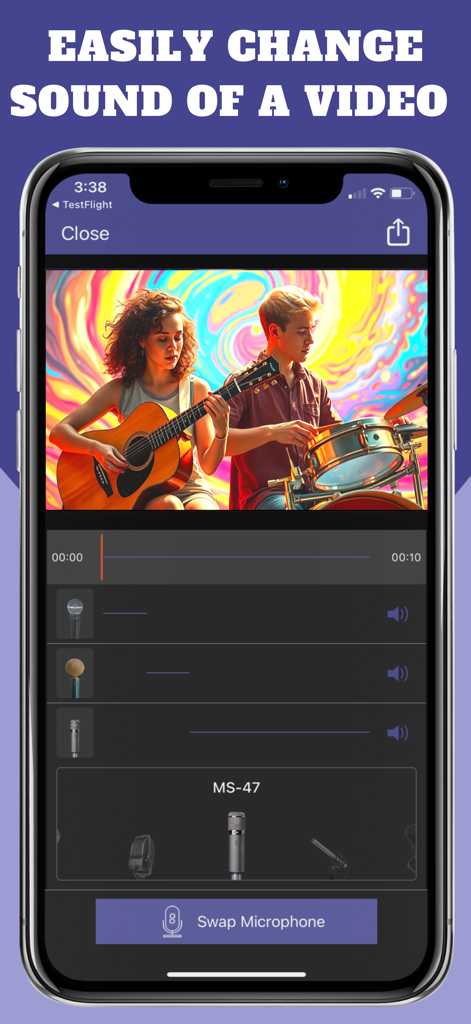
MicSwap Video: Audio FX Editor - MicSwap Video app interface showing a music video being edited with different microphone models and a Swap Microphone button.
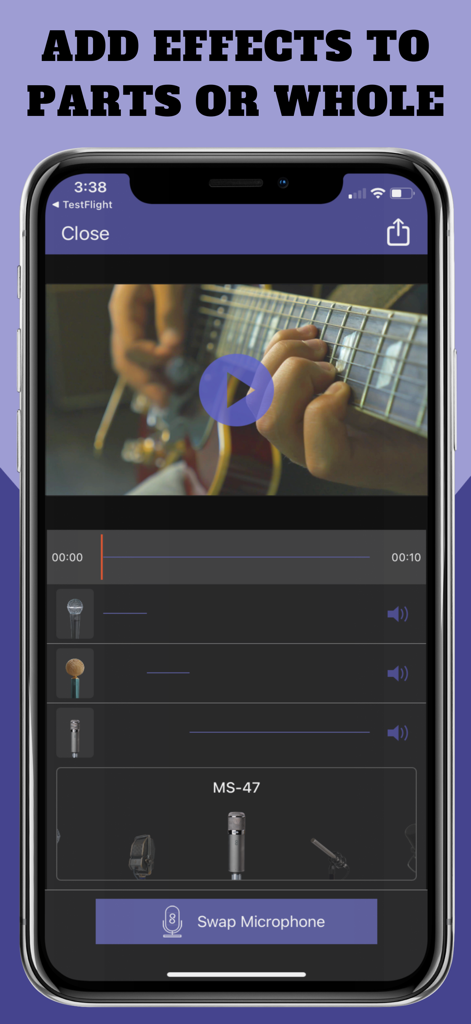
MicSwap Video app interface showing a music video being edited with different microphone models and a Swap Microphone button.

MicSwap Video: Audio FX Editor - Mobile app interface for editing audio tracks and swapping microphone models on a video
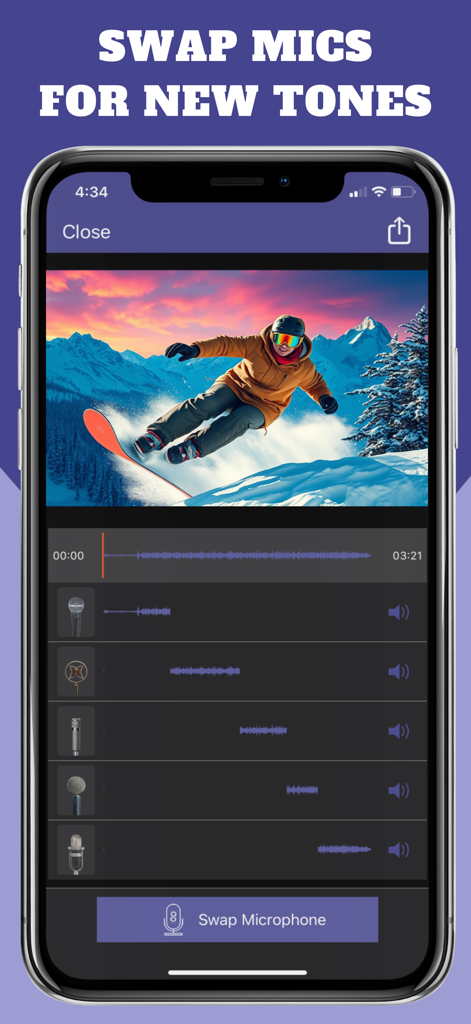
Mobile app interface for editing audio tracks and swapping microphone models on a video

MicSwap Video: Audio FX Editor - Mobile app interface for editing video audio with different virtual microphone models across multiple tracks.
Mobile app interface for editing video audio with different virtual microphone models across multiple tracks.

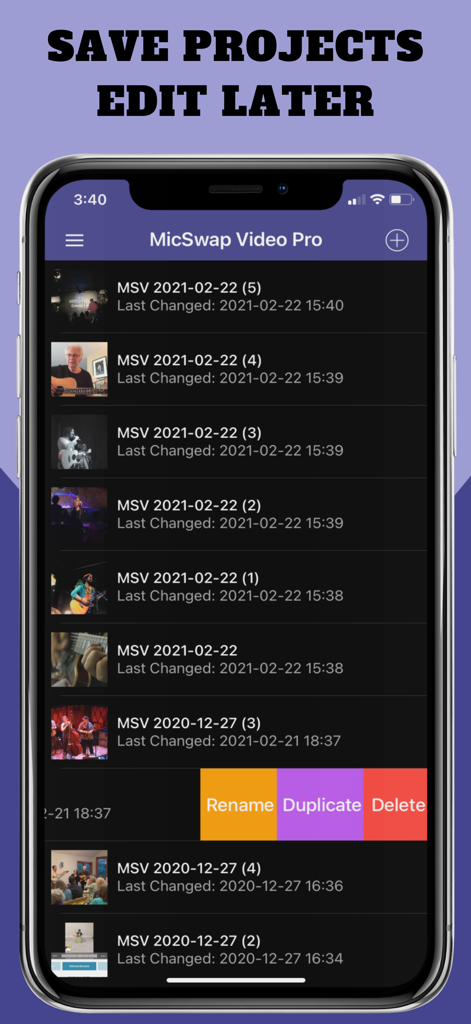
MicSwap Video: Audio FX Editor - A list of saved video projects in the MicSwap Video app with management options like rename duplicate and delete
A list of saved video projects in the MicSwap Video app with management options like rename duplicate and delete

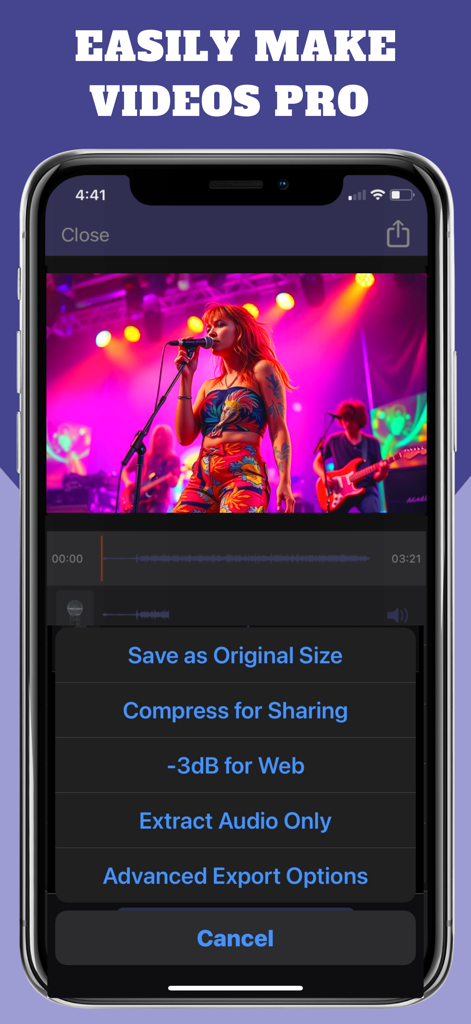
MicSwap Video: Audio FX Editor - MicSwap Video app screen showing professional audio export options for a music video

MicSwap Video app screen showing professional audio export options for a music video

Description

Import a video, add reverb, swap microphones for different sounds, change the volumes. You can even cut the audio into different tracks and assign different sounds, volumes and reverbs to each track. A super unique app! Export Options: • Save as Original Size • Compress Size for Sharing • Extract Audio Only Now our popular MicSwap app can be used on your videos! Swap microphones for different sounds. Cut the audio, change its sound, add gain and reverb. MicSwap Video will automatically save your projects. You can then rename, duplicate or delete them. 22 MICROPHONES MODELED • Shure SM7b (Podcasting) • Rode NTG3 (Boom Mic) • Sony Lavalier (Filmmaking) • Shure SM58 • RCA 77 • B6 Lavalier • Megaphone • Amperite SR80 • Neumann U47 • Neumann U87 • Neumann KM140 • Neumann CMV563 • 11D Lavalier • MS-SmartLav • MS-8024. Boom Mic • MS-416. Boom Mic • AKG 414 • AKG C12VR • Royer Ribbon R121 • Old Timey Radio Mic • Ribbon Fathead 1 • Ribbon Fathead 2 Also by Future Moments: Video Audio Splitter MS Remix Remix the Audio of Your Video MicSwap Remix AI Audio Stem Separator MAIVE Ai Video Generator VideoVerb Add reverb to your videos Hear Boost Get super hearing & recording powers MicSwap Mic Modeler & Recorder MicSwap MultiTrack Multitrack mic modeler & recorder MicSwap Video Edit video audio with mic models & fx MicSwap Camera The best sounding video camera AudioFix Denoise & clean the sound of your video VideoMaster Instant audio post-production for videos AudioVerb Add reverb & delay to your audio AudioMaster Audio mastering for podcasts & music Volume Booster Easily boost the sound of your audio or video MicSwap Video is free to download. We offer 3 subscription plans: Quarterly Unlimited Use ($4.99) 6 Month Unlimited Use ($7.99) Yearly Unlimited Use ($13.99) If you choose to subscribe, your subscriptions will automatically renew at the end of the selected time and will charge your credit card through your iTunes account. You can turn off auto-renew at any time from your iTunes account settings. Transcription cost: Up to 1 hr $.99 Up to 2 hr $1.99 Up to 3 hr $2.99 Payment will be charged to iTunes Account at confirmation of purchase. Subscription automatically renews unless auto-renew is turned off at least 24-hours before the end of the current period. Account will be charged for renewal within 24-hours prior to the end of the current period, and identify the cost of the renewal. Subscriptions may be managed by the user and auto-renewal may be turned off by going to the user's Account Settings after purchase. Any unused portion of a free trial period, if offered, will be forfeited when the user purchases a subscription to that publication, where applicable MicSwap Video Future Moments LLC privacy policy: http://future-moments.com/termsandprivacy Future Moments LLC terms of use: http://future-moments.com/termsandprivacy

Download

Download on App Store

This page is not an official page of the app or its developer, but an independent editorial publication created for informational and commentary purposes. Unless expressly stated otherwise, neither the app nor its developer is affiliated with, endorsed by, sponsored by, authorized by, or otherwise officially connected with MWM, Apple, Google Play, the app publisher, or the app's developer, and nothing on this page implies that the app was developed using MWM's services. Any trademarks, logos, screenshots, and other content remain the property of their respective owners.








