
This page is not an official page of the app or its developer, but an independent editorial publication created for informational and commentary purposes. Unless expressly stated otherwise, neither the app nor its developer is affiliated with, endorsed by, sponsored by, authorized by, or otherwise officially connected with MWM, Apple, Google Play, the app publisher, or the app's developer, and nothing on this page implies that the app was developed using MWM's services. Any trademarks, logos, screenshots, and other content remain the property of their respective owners.


MikroTik
Deploy, monitor, and troubleshoot your network anywhere. The ultimate mobile toolkit for network engineers and power users to manage RouterBOARD devices without a laptop.
Downloads
213K+User Rating
Total Ratings
200Publisher
Category
UtilitiesLocales
3Latest Version
1.2.19Size
37.4 MBFirst Released
Mar 7, 2019Professional Network Control, Mobilized
Bring the full power of RouterOS to your smartphone. Designed for engineers who need granular control and real-time visibility without being tethered to a desk.
Rapid Field Deployment
Provision access points and apply initial QuickSet configurations in seconds. The perfect tool for installers working on ladders or in tight server closets.
Real-Time Traffic Analysis
Monitor live bandwidth usage and interface statistics with high-precision graphs to identify and resolve network bottlenecks as they happen.
The following screenshots and description are sourced directly from the app's official store listing and are the property of the app developer.
App Store
Screenshots
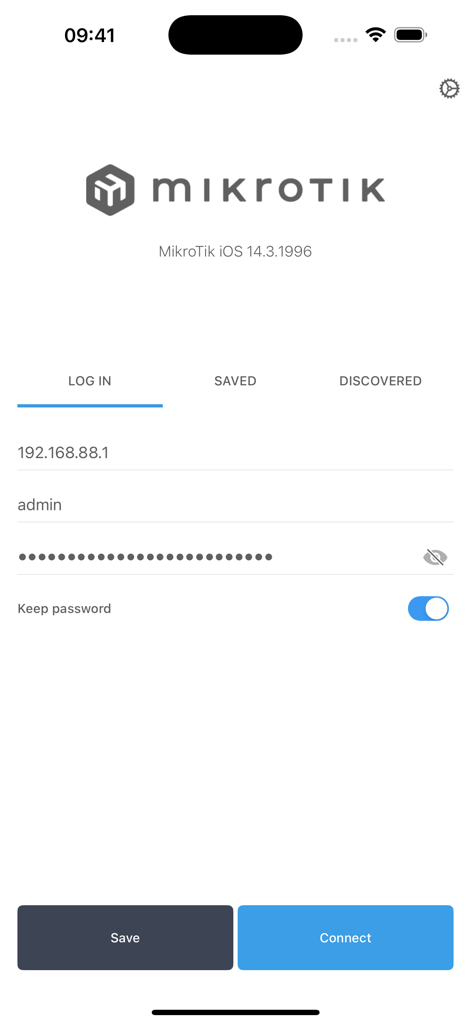
MikroTik mobile app login screen with fields for IP address username and password
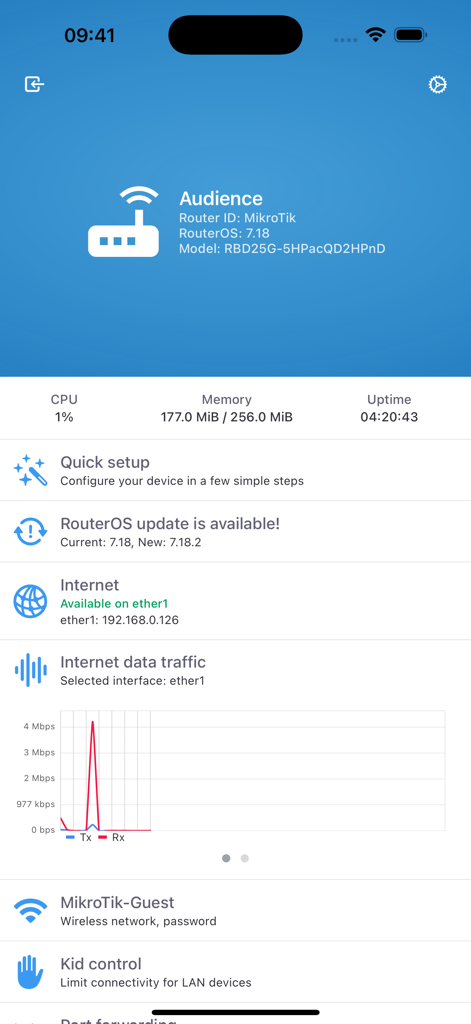
MikroTik mobile dashboard displaying router system stats and real-time internet traffic graph
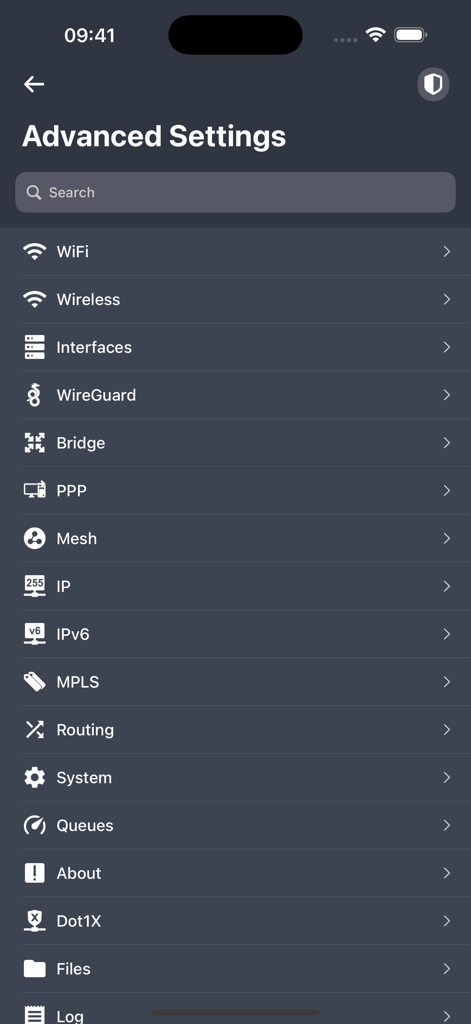
Advanced settings menu in the MikroTik app showing networking configuration options like WiFi IP and Routing
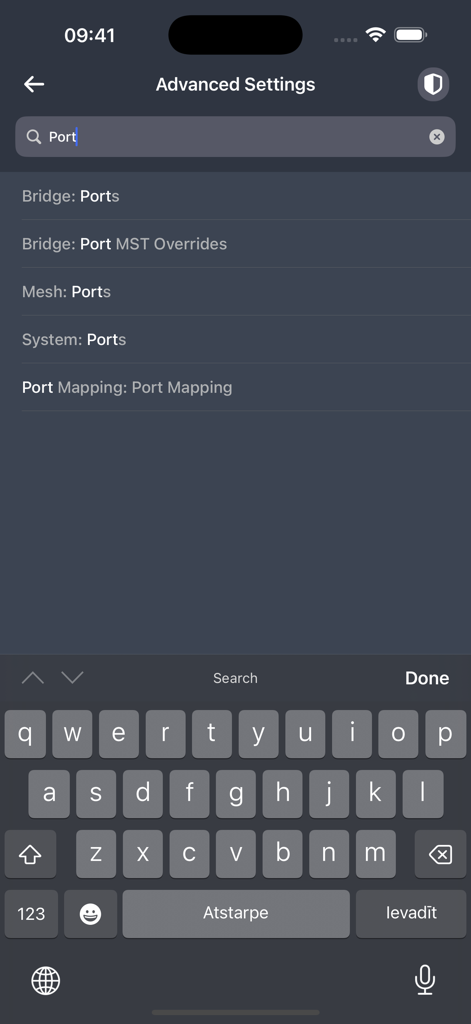
Searching for port configurations within the advanced settings menu of the MikroTik mobile app
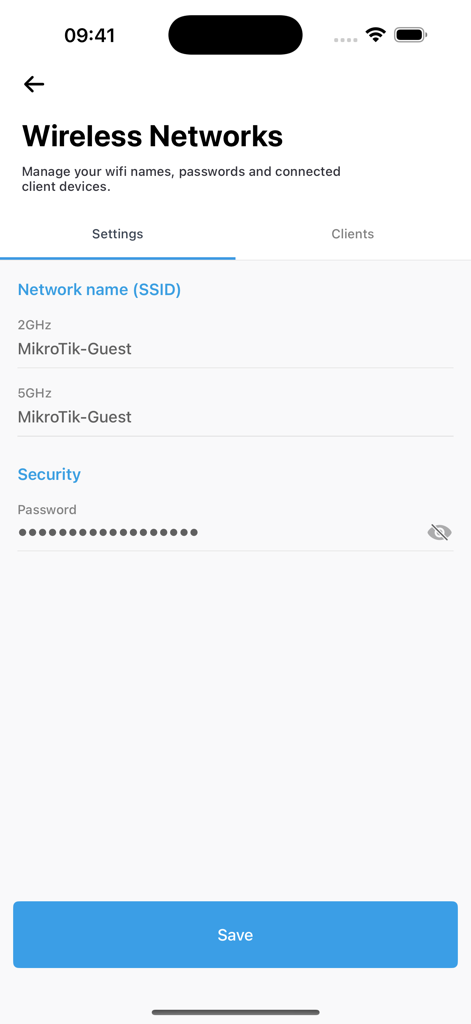
MikroTik app interface showing wireless network SSID and security password settings
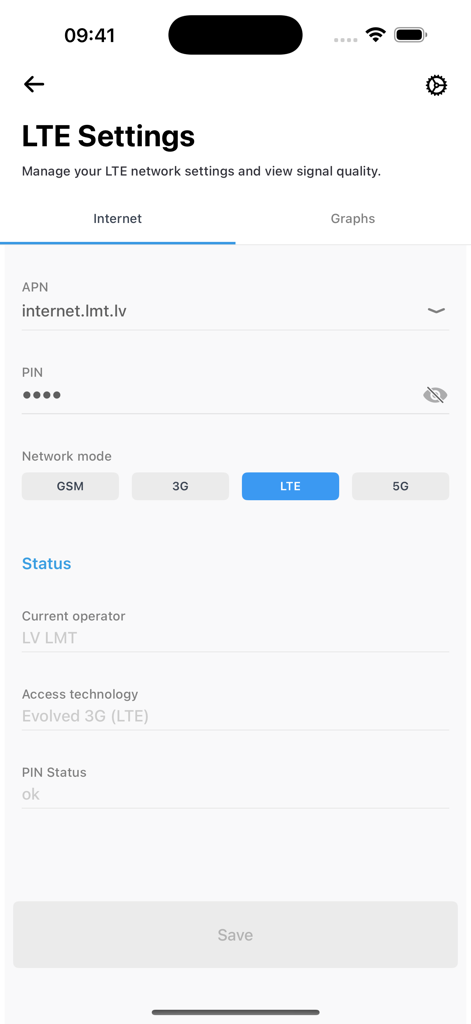
Smartphone interface of MikroTik app showing LTE network settings and connection status
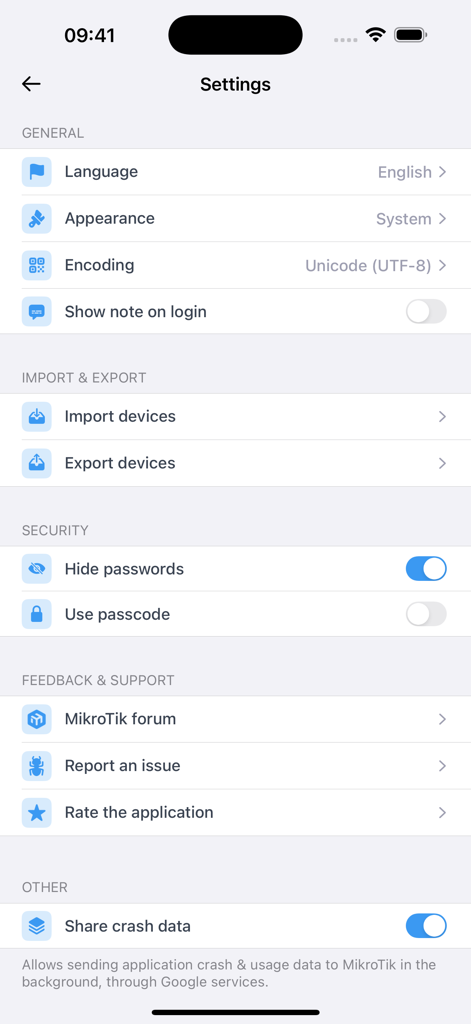
MikroTik app settings interface showing security and general configuration options
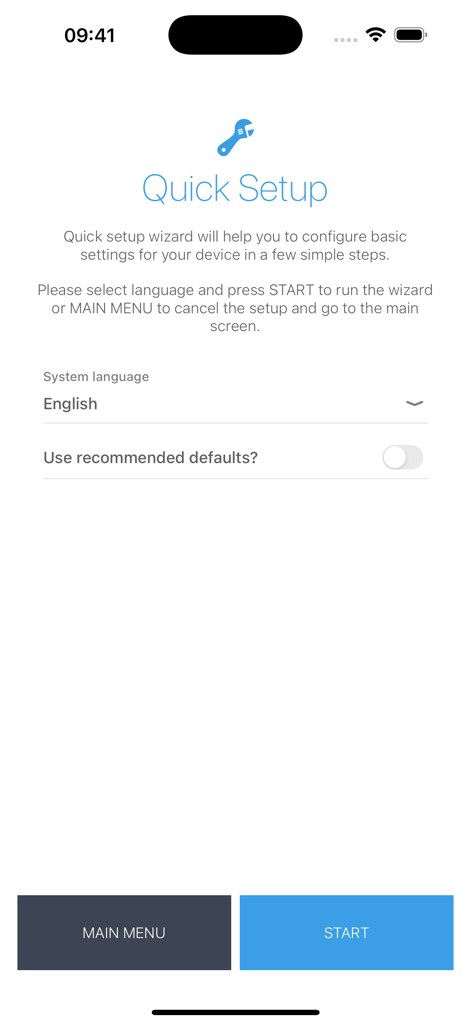
MikroTik mobile app Quick Setup wizard screen for basic router configuration
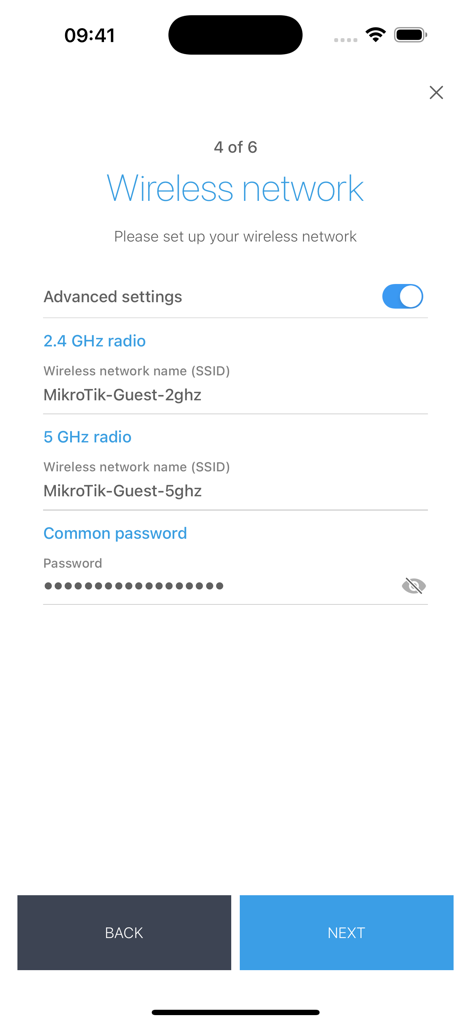
Wireless network configuration screen in the MikroTik app for setting up 2.4 GHz and 5 GHz SSIDs and passwords
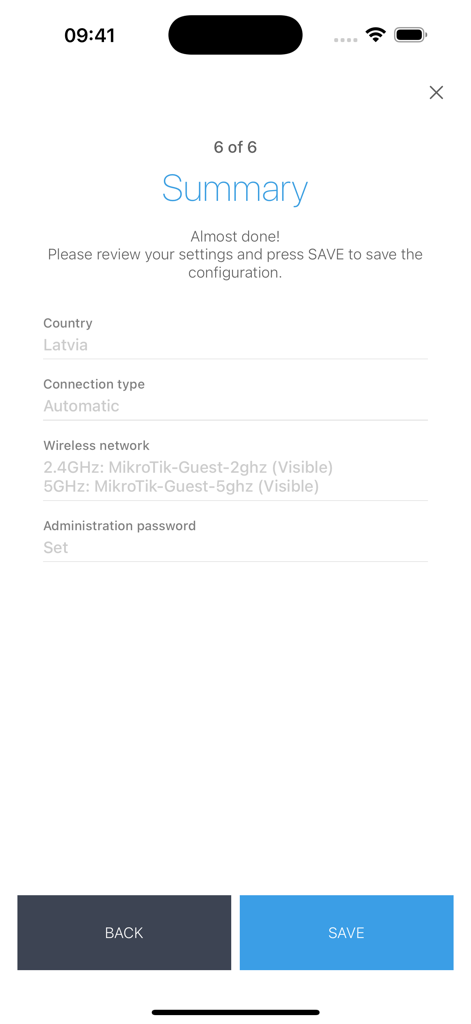
MikroTik app router configuration summary screen
Description
Download
More Like This
Top-ranked apps in the same category

Google LLC

Google Chrome
Google LLC

中国移动(手机营业厅)
China Mobile Online Services Co., Ltd.

Google Authenticator
Google LLC

CNH do Brasil
Servicos e Informacoes do Brasil

Cleanup: Phone Storage Cleaner
DEEP FLOW SOFTWARE SERVICES - FZCO

gov.br
Servicos e Informacoes do Brasil

中国电信-全国统一官方服务平台
CHINA TELECOM Corporation Ltd.

Microsoft Edge: AI Browser
Microsoft Corporation
This page is not an official page of the app or its developer, but an independent editorial publication created for informational and commentary purposes. Unless expressly stated otherwise, neither the app nor its developer is affiliated with, endorsed by, sponsored by, authorized by, or otherwise officially connected with MWM, Apple, Google Play, the app publisher, or the app's developer, and nothing on this page implies that the app was developed using MWM's services. Any trademarks, logos, screenshots, and other content remain the property of their respective owners.