
This page is not an official page of the app or its developer, but an independent editorial publication created for informational and commentary purposes. Unless expressly stated otherwise, neither the app nor its developer is affiliated with, endorsed by, sponsored by, authorized by, or otherwise officially connected with MWM, Apple, Google Play, the app publisher, or the app's developer, and nothing on this page implies that the app was developed using MWM's services. Any trademarks, logos, screenshots, and other content remain the property of their respective owners.


Minifig Scan
Stop wasting money on duplicates and complete your collection with ease. Join over 1 million fans using the most accurate scanner to reveal hidden figures in Series 25 and beyond.
Downloads
1M+User Rating
Total Ratings
4K+Publisher
Category
UtilitiesLocales
13Latest Version
3.5.5Size
69.2 MBFirst Released
Jan 10, 2024The Collector's Secret Weapon
Stop guessing and start collecting. Transform your smartphone into an X-ray tool to identify every LEGO® Minifigure before you buy.
Instant Character Reveal
Point your camera at the data code on any Series 25+ box to identify the character inside in less than a second.
No More Duplicates
Save your money for the figures you actually need. Eliminate the frustration of buying the same minifigure twice.
Frequently Asked Questions
Everything you need to know about Minifig Scan
What is the Minifig Scan app?
The Minifig Scan app identifies LEGO® Minifigures Series 25 by scanning data codes on the bottom of their boxes. It reveals which minifigure is inside the box, helping users collect specific figures.
How does the Minifig Scan app identify LEGO® Minifigures?
The Minifig Scan app identifies LEGO® Minifigures by scanning the unique data code located on the bottom of the box. This scan reveals the specific minifigure contained within.
Which LEGO® Minifigure series does Minifig Scan support?
The Minifig Scan app primarily supports LEGO® Minifigures Series 25. It also shows lists for Série 27, Dungeons & Dragons, Série 26 - L'espace, Marvel Série 2, Disney 100, Série 24, and Série 23.
Is the Minifig Scan app officially endorsed by LEGO®?
No, the Minifig Scan app is not sponsored, authorized, or endorsed by the LEGO® Group. It is a fan application.
Does the Minifig Scan app provide links to purchase LEGO® products?
Yes, the Minifig Scan app may provide links to purchase products online. Some of these links are affiliate links, allowing the app to earn a small commission at no extra cost to the user.
Does Minifig Scan offer a 'blind mode' feature?
Yes, the Minifig Scan app includes a 'Blind mode' feature in its settings. Users can disable it or select categories like 'Sitting animals', 'Animal heads', 'Fruits and vegetables', or 'Numbers'.
How accurate are the minifigure identifications in the Minifig Scan app?
Many users report that the data codes match minifigs correctly, but LEGO® has not officially confirmed this. Therefore, the scan functionality may not work all the time.
Can users track their collected minifigures in the Minifig Scan app?
Yes, users can track their collected minifigures. The Minifig Scan app displays quantities for each minifigure in a series, allowing users to manage their collection.
What camera settings are available in the Minifig Scan app?
The Minifig Scan app offers various camera settings. Users can select between Back Camera (default), Front Camera, and specialized options like Ultra Wide, Telephoto, Dual, Dual Wide, and Triple cameras.
The following screenshots and description are sourced directly from the app's official store listing and are the property of the app developer.
App Store
Screenshots
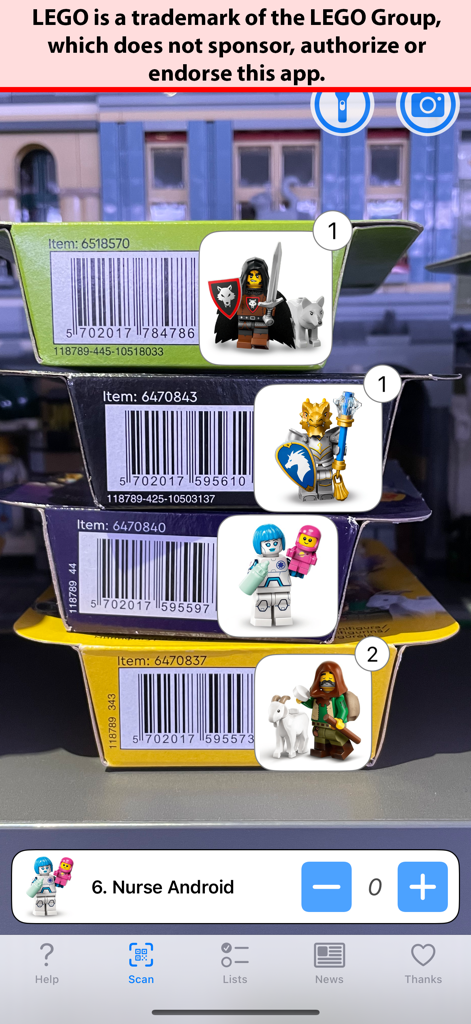
Minifig Scan app identifying LEGO minifigures from box barcodes
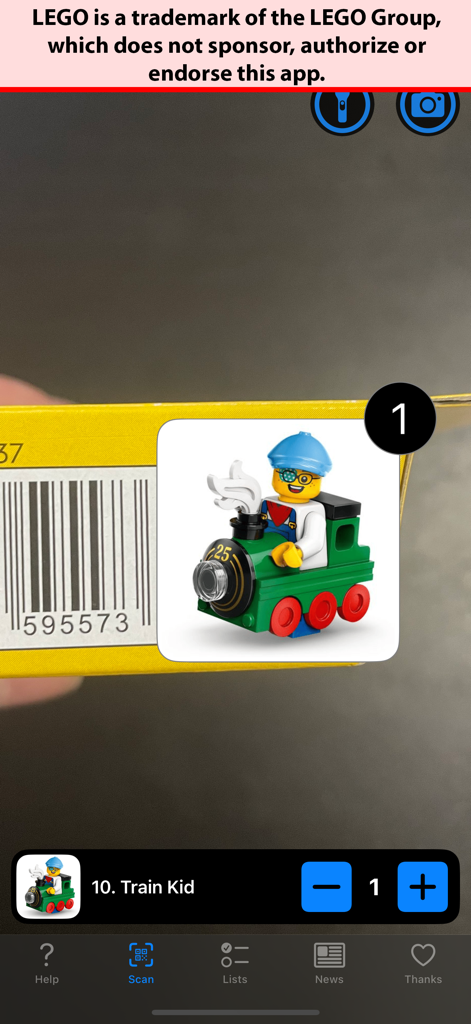
Minifig Scan app interface showing a scanned barcode and identifying the Train Kid minifigure from LEGO Series 25
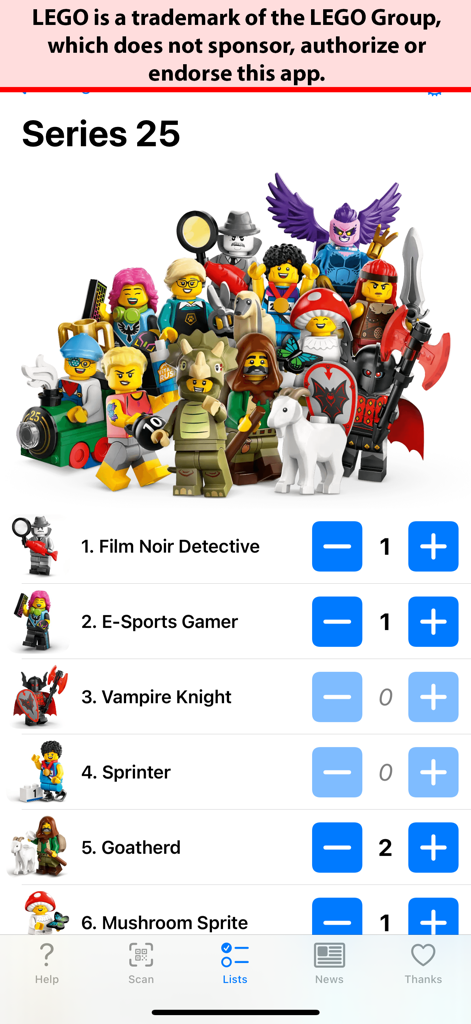
Minifig Scan app interface displaying a checklist for LEGO Series 25 minifigures with quantity trackers
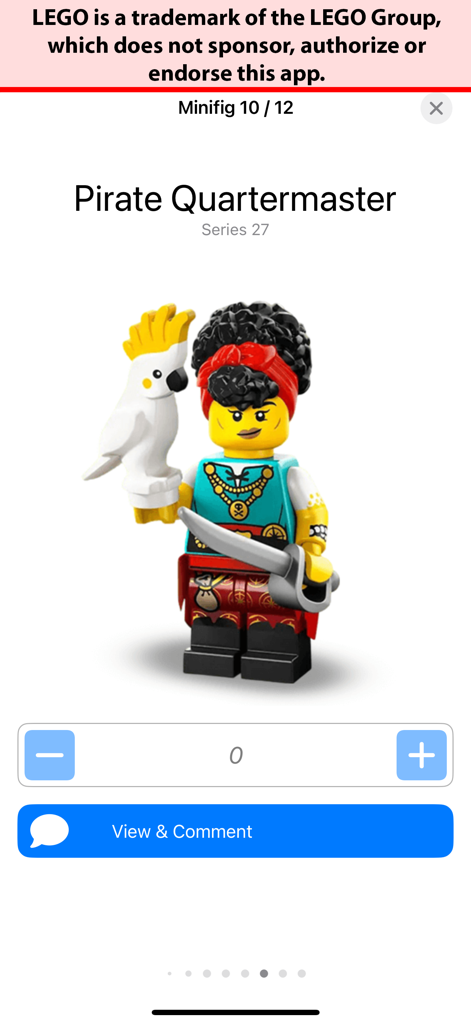
Minifig Scan app screen displaying the Pirate Quartermaster LEGO minifigure from Series 27.
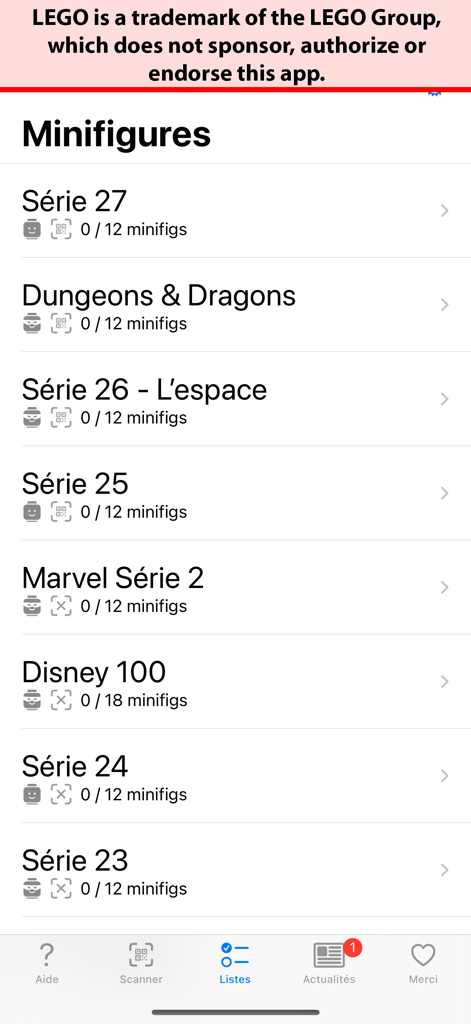
Mobile app interface displaying different LEGO minifigure series and collection progress
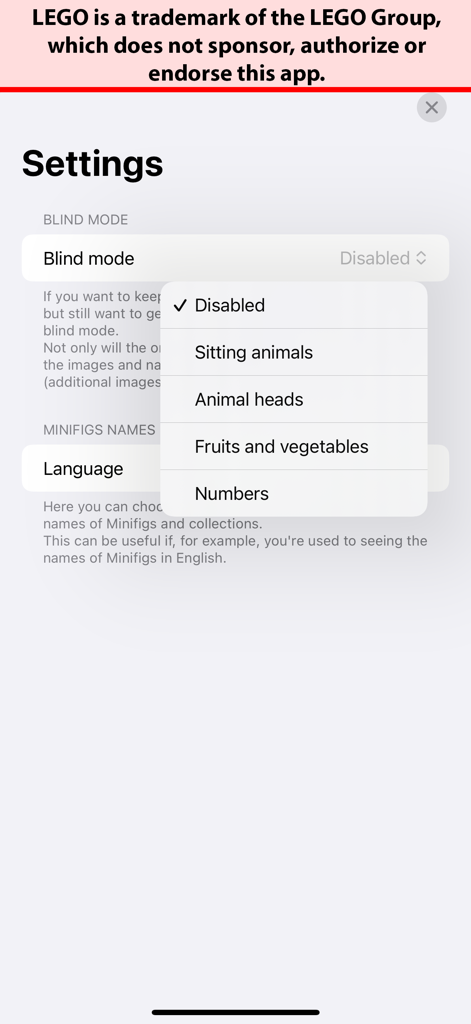
Settings screen of the Minifig Scan app showing blind mode and language customization options
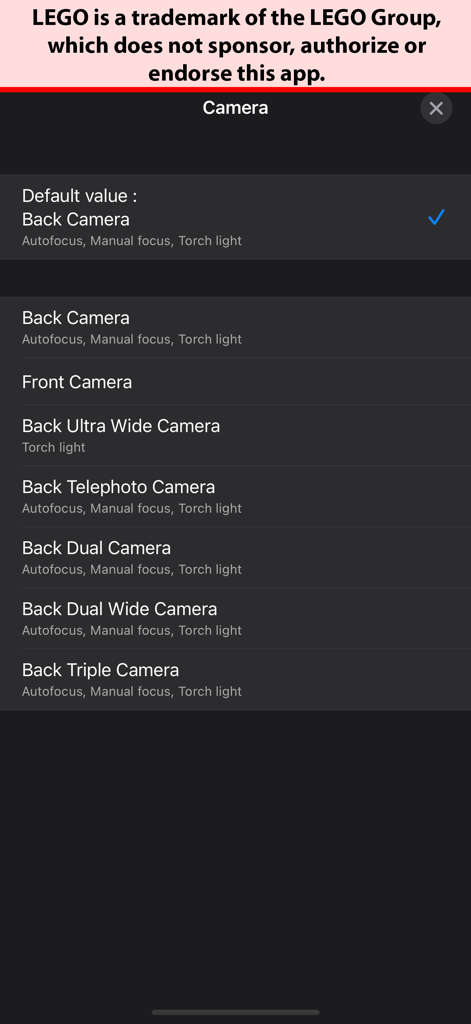
Camera selection menu in the Minifig Scan app showing options for back front ultra wide and telephoto lenses
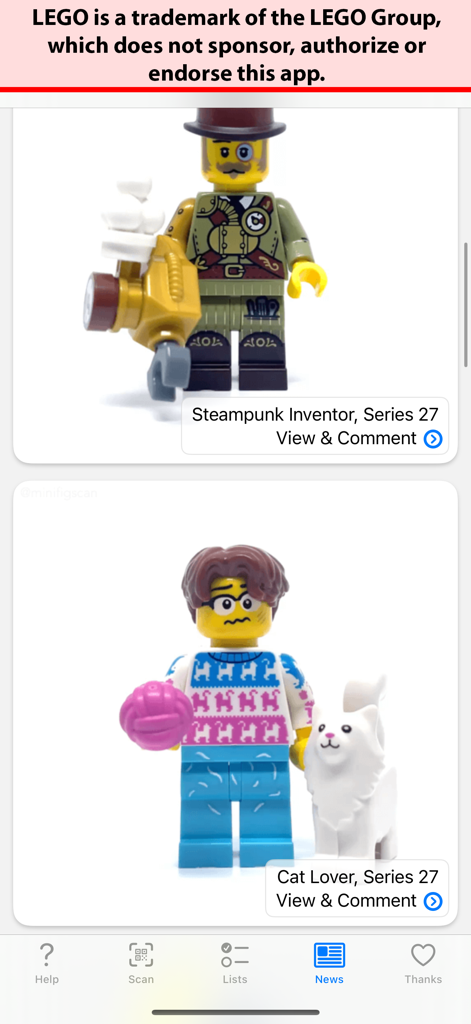
The news feed of the Minifig Scan app showing Series 27 Steampunk Inventor and Cat Lover minifigures
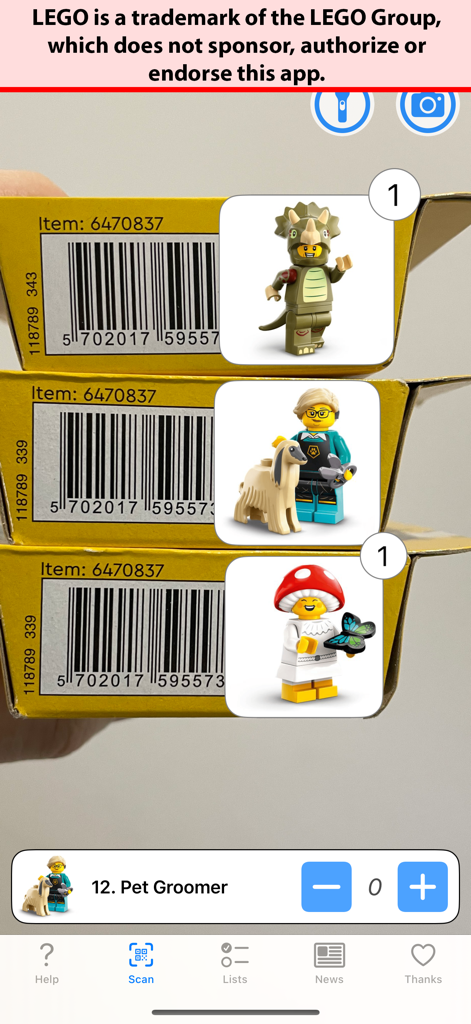
Minifig Scan app interface showing three identified LEGO minifigures after scanning cardboard boxes
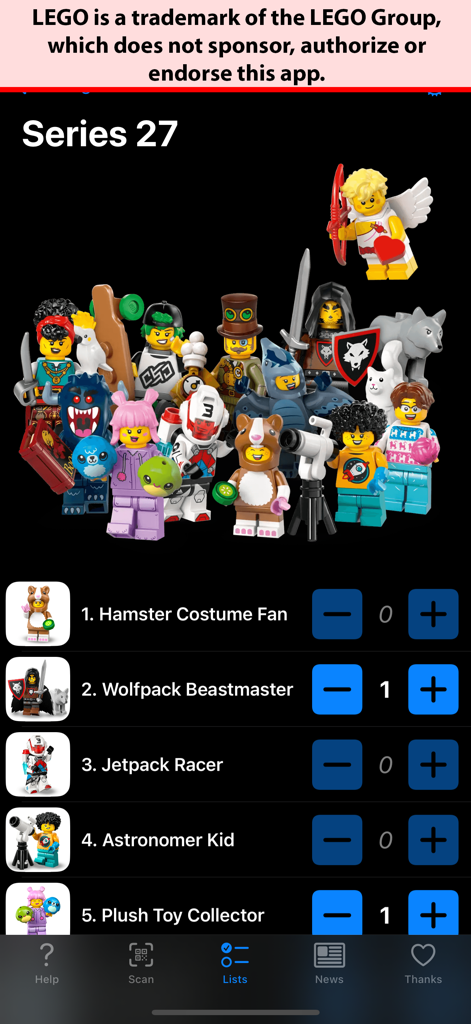
Mobile app screen showing a checklist of LEGO Series 27 minifigures with quantity trackers.
Description
Download
More Like This
Top-ranked apps in the same category

Google LLC

Google Chrome
Google LLC

中国移动(手机营业厅)
China Mobile Online Services Co., Ltd.

Google Authenticator
Google LLC

CNH do Brasil
Servicos e Informacoes do Brasil

Cleanup: Phone Storage Cleaner
DEEP FLOW SOFTWARE SERVICES - FZCO

gov.br
Servicos e Informacoes do Brasil

中国电信-全国统一官方服务平台
CHINA TELECOM Corporation Ltd.

Microsoft Edge: AI Browser
Microsoft Corporation
This page is not an official page of the app or its developer, but an independent editorial publication created for informational and commentary purposes. Unless expressly stated otherwise, neither the app nor its developer is affiliated with, endorsed by, sponsored by, authorized by, or otherwise officially connected with MWM, Apple, Google Play, the app publisher, or the app's developer, and nothing on this page implies that the app was developed using MWM's services. Any trademarks, logos, screenshots, and other content remain the property of their respective owners.